I love shifting fluidly from one form of input to another, depending on what makes sense at that moment.
For example, I often start my thoughts by drawing on a light dotted grid using Noteful on my iPad. That lets me quickly cluster ideas spatially, drawing connections and highlighting words as I figure out what I want to say.
Then I use dictation and typing to sketch the outline, jumping around as thoughts occur to me. If I'm livestreaming at the same time, that helps me demonstrate things along the way and lets me benefit from people's questions. Dictation lets me explain things to people and capture the text at the same time.
I can move around with the keyboard, but it would be really cool to use voice for quick navigation between sections of my outline using either line numbers or words. I've implemented a "line" command that lets me jump to a line using the last two digits of its line number, since I probably won't have more than 100 lines visible on the screen at a time. For example, this line is currently 119, so referring to it as "nineteen" would work. I'd like to add more operations for editing the text. I think it would be great to be able to say "kill line 33" to delete that line or "move lines 16 to 20 after 27" to have it move those lines there.
I now have a sacha-whisper-one-sentence-per-line variable that splits up dictation if non-nil, so we'll see where those take me. Orukeet does a reasonable job of punctuating my sentences if I don't pause too much between phrases. My M-q re-wraps paragraphs between one sentence per line, one paragraph per line, and wrapping to fill-column, and it's probably the sort of thing that more voice commands would make even more convenient.
Maybe I can even use that spatial sense of a layout by touching buttons in an Emacs-served webpage on my tablet to direct my dictation to different places. Org-draw uses a similar Emacs web server approach to let you draw on another device and embed the results into an Org file, and there are also simpler HTTP servers (web-server, simple-httpd), so it's probably quite doable. I'm imagining something that takes the top-level items from my current nested list and makes them nice big buttons, so I could have something like "Introduction", "Keyboard", "Reasons", "Experiment", "Hybrid", and "Conclusion", and clicking on those could trigger a POST request to the server inside Emacs which moves my point accordingly. I might even have buttons for various commands. It sounds pretty straightforward to implement.
When my brain comes up with lots of interesting ideas, my org-capture voice commands let me choose which rabbit holes to postpone and which ones I want to dive into.
If I get interrupted by life, I can write on my phone while waiting for the kiddo. Orgzly Revived and Syncthing let me pick up where I left off.
As I get thoughts down, I can use keyboard shortcuts to rearrange things and then convert the list of sentences into paragraphs. I can easily turn text into links using my favourites.
I can imagine combining the audio clips from the text properties with the videos and screenshots to create a quick narrated clip that I can edit (using Emacs, of course), or publishing the narration so that people can listen to it if they like.
This combination of drawing + audio + text works better for me than any of those components alone. Visuals give me anchors for my thoughts. Audio helps with the braindump. Text permits precise, searchable details we can copy. Like George Jones, I find they all have their uses and their strengths.
When I try to dictate longer sections without that kind of visual support, I often lose my train of thought. I want to see where I've been and where I want to go. I don't trust LLMs to clean up that kind of rough transcript; the output doesn't quite resonate with me. I like keeping speech recognition constrained to sentences I can immediately check or reorganize, and I have the recordings as text properties so I can go back to that segment if I need to (at least during the current editing section). That way, I'm never left scratching my head and wondering what I meant.
I love that local speech recognition is getting better and better. I'm curious about whether small language models can do better turn detection to help compensate for my intra-phrase delays when I'm thinking of a word, and whether decision models can automatically classify a sentence into its place in my outline. I think it would be cool if embeddings or other language models could suggest related words or resources as I go along. Lots of interesting possibilities even with the technology that's already available.
Thanks to George Jones for hosting this month's Emacs Carnival on input alternatives. Check out the page for more posts!

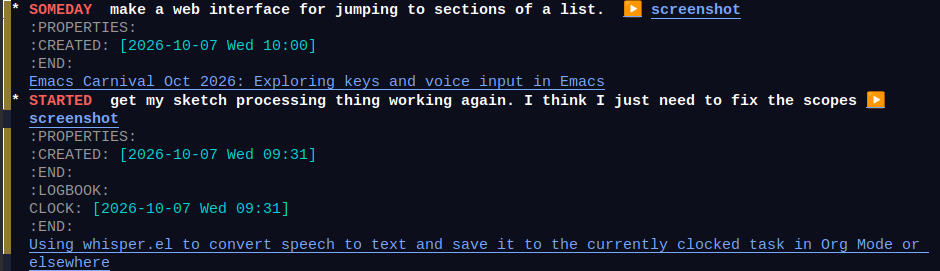
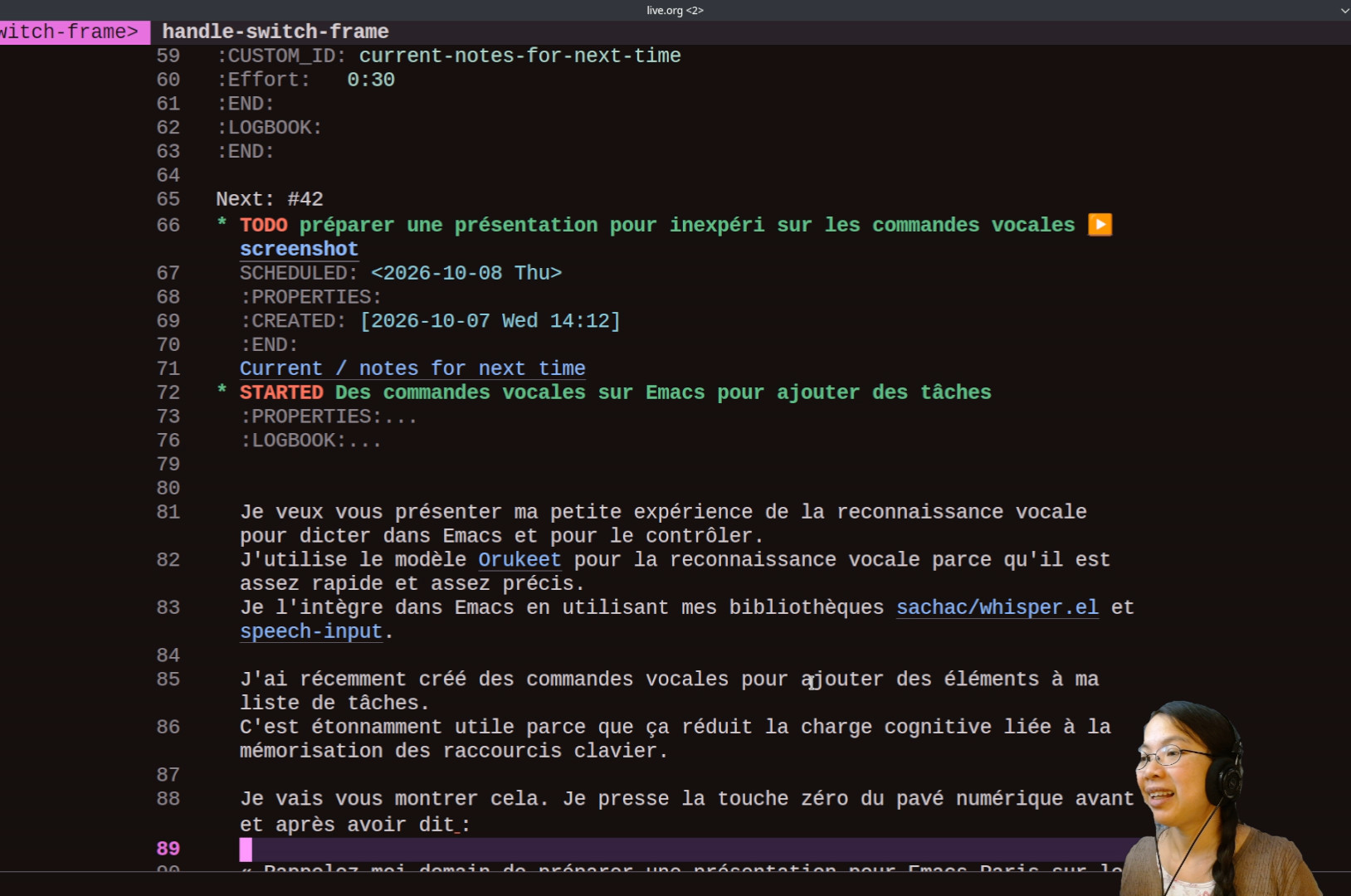 Je presse la touche zéro du pavé numérique avant et après avoir dit « Rappelle-moi demain de préparer une présentation pour Emacs Paris sur les commandes vocales. » La fonction crée une tâche dans ma boîte de réception. La tâche est planifiée pour demain. Il y a un lien vers l'enregistrement
 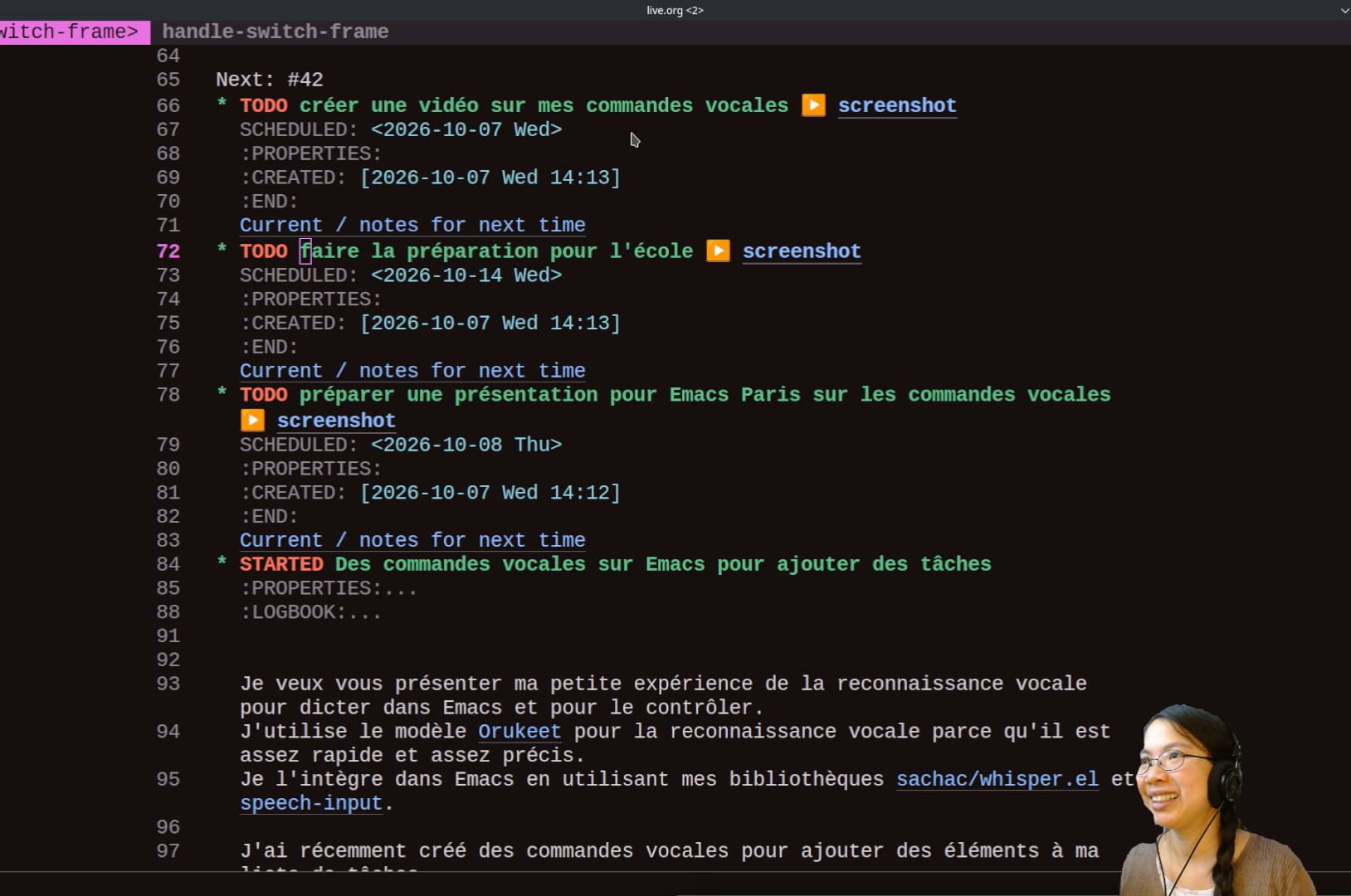 « Rappelez-moi demain de préparer une présentation pour Emacs Paris sur les commandes vocales », la capture d'écran et le contexte de tâche. Ça m'aident si j'ai été mal comprise ou si j'ai besoin de contexte. De la même manière, je peux dire « Rappelle-moi la semaine prochaine de faire la paperasse pour l'école. » « Rappelle-moi aujourd'hui de créer une vidéo sur mes commandes vocales. »
 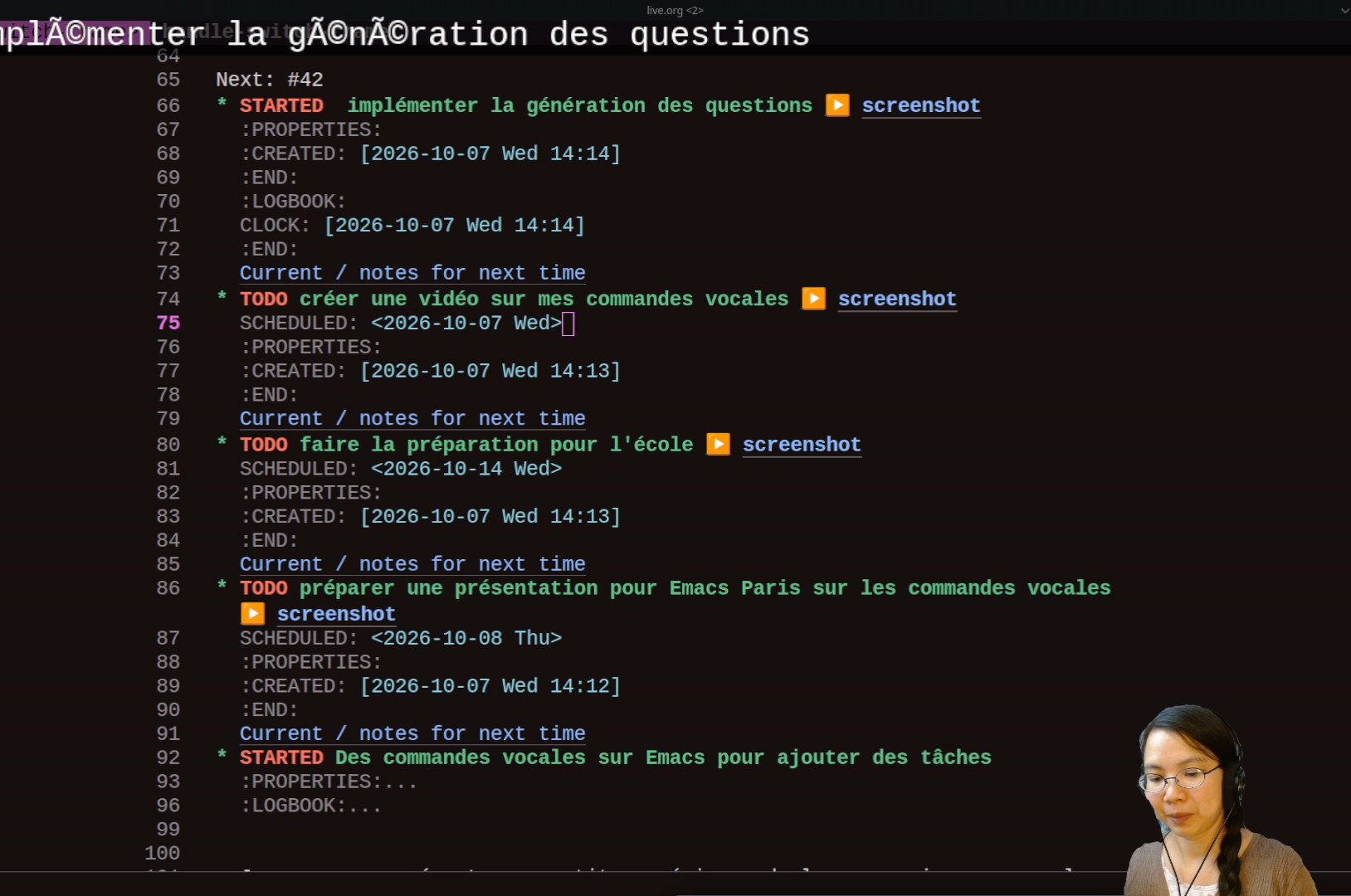 Je peux aussi créer une tâche et déclencher le suivi du temps (ou clock in). Par exemple, je peux dire « Commence à implémenter la génération des questions. »
 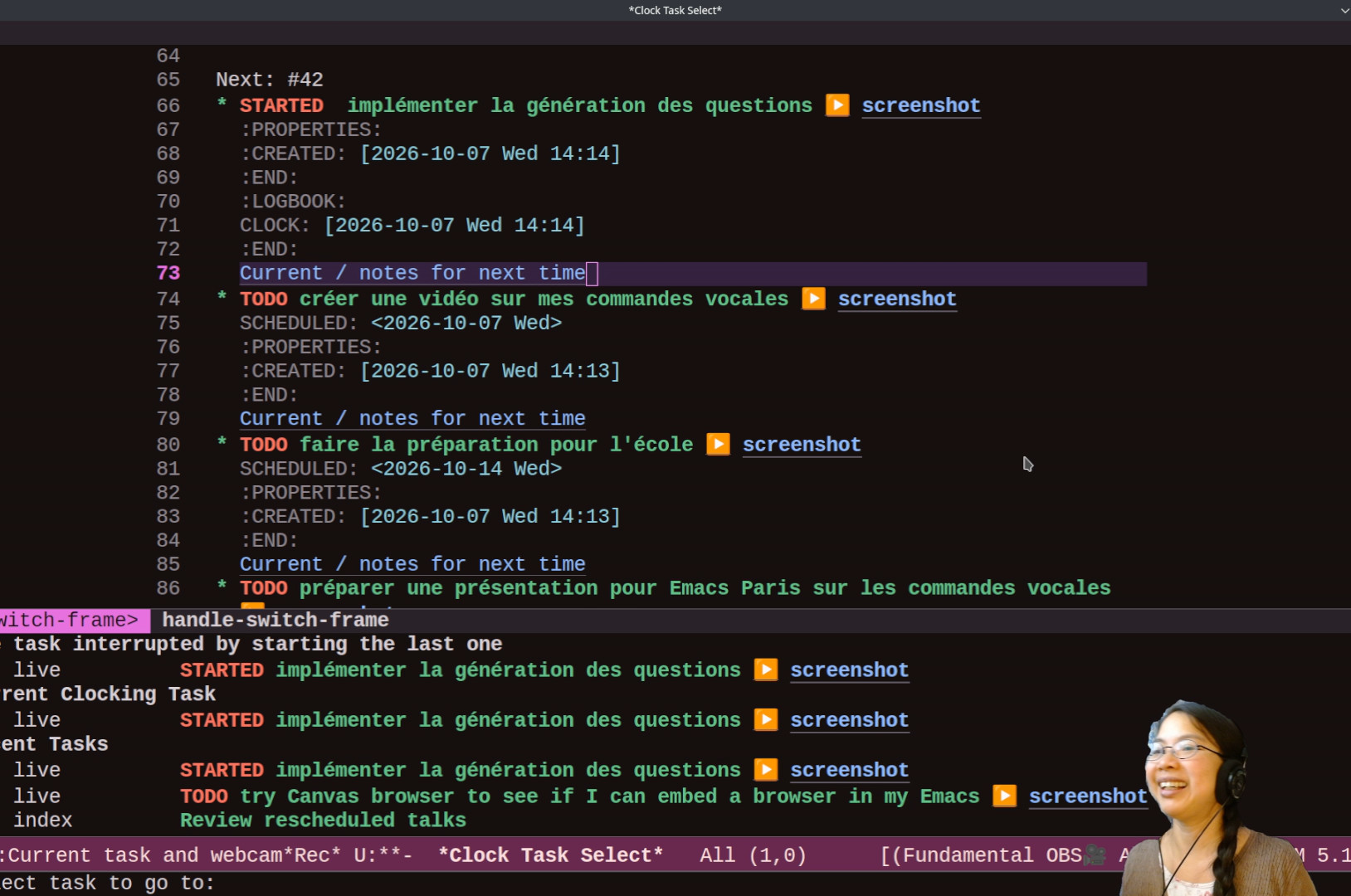 Si je perds le fil de mes pensées : « j'en étais où ? » Ça m'affiche les tâches récentes.
 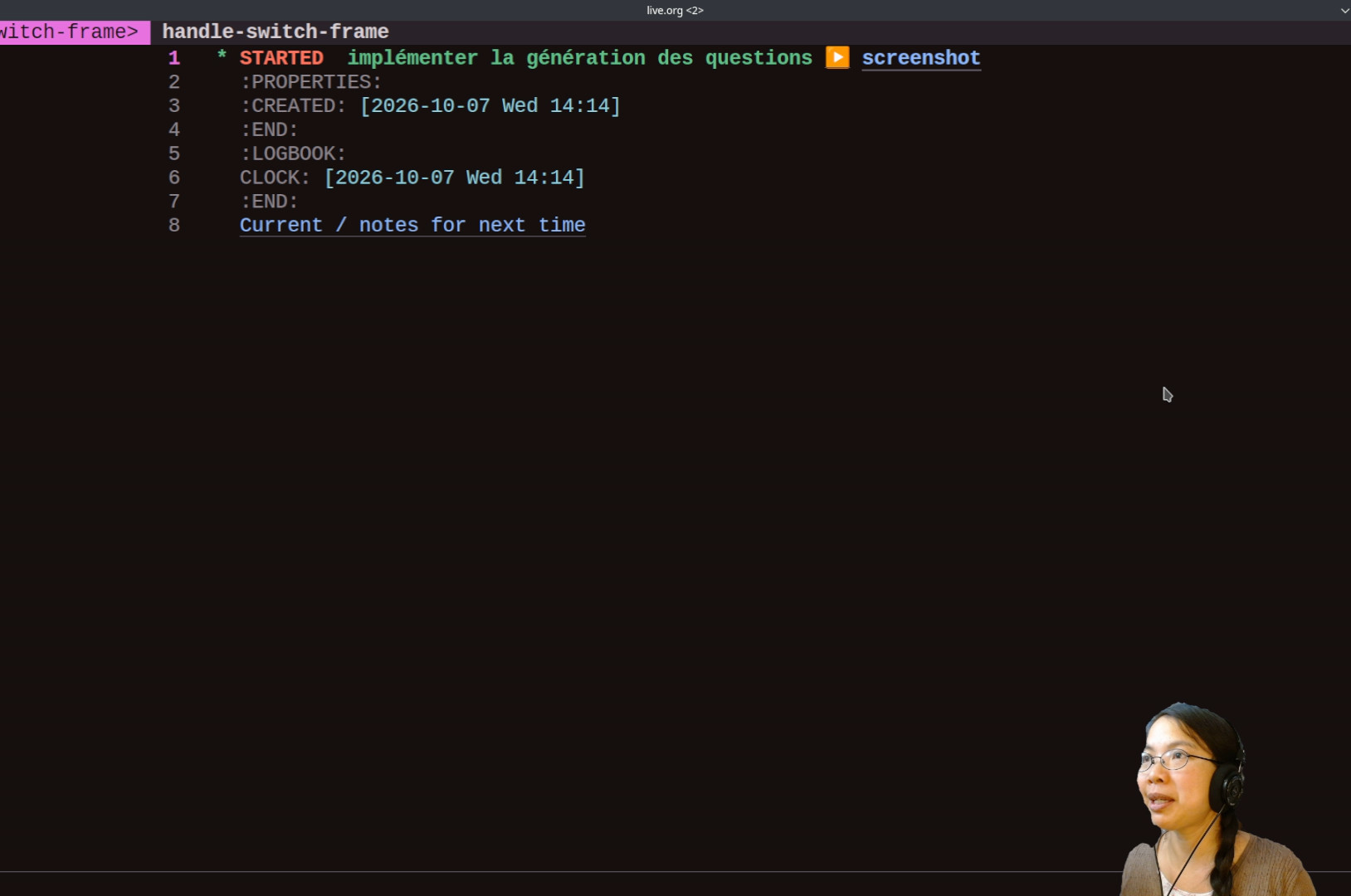 « Je faisais quoi ? » Ça bascule sur la tâche actuelle. Voilà des commandes vocales pour ajouter des tâches.