
Chatted with John Wiegley and Karthik Chikmagalur about personal information management
| emacsKarthik Chikmagalur suggested that we chat with John Wiegley to find out about the interesting things he's been doing with Org Mode. It was a really cool look at a heavy-duty workflow that dealt with thousands of open items. Since John was sharing his actual Org files instead of a simplified toy example, there was a fair bit of redaction to do. I got all the way to redacting these screenshots, but my brain didn't want to get around to figuring out how to redact the information in a live video where John was scrolling around and stuff. Instead of waiting for either me or Karthik to figure that part out someday, we figured we'd just post the audio, the transcript, and the screenshots. Here you go!
Chapters
- 0:00 Getting set up with Zoom, chatting
- 2:34 Increasing font size globally with C-x C-M-=
- 3:47 Redacting information when sharing Org demos
- 4:41 Daily Org Mode workflow for handling 40,000 entries
- 6:24 Outlines for Focus and Home
- 7:34 Column view
- 8:44 Home is a collection of links
- 9:22 C-c C-o opens one or all links in the Org Mode entry
- 9:38 Example: Claude settings.json on multiple machines
- 11:41 org-super-agenda is divided into topical categories
- 12:54 Org-ql filters tasks
- 13:20 Other agenda reports help review tasks
- 13:29 Custom reports identify things that need to be filed
- 13:37 I keep files in a flat directory and use search instead of categorizing files
- 14:14 Make meaningful distinctions
- 16:08 Color indicates agenda category
- 17:00 Simplifying meaningful distinctions
- 18:01 Capturing a task
- 21:02 Task metadata is mostly automatic
- 21:55 Task hash detects modifications
- 22:24 Categorizing tasks
- 22:56 Daily reports should be short; reschedule or unschedule aggressively
- 25:41 Note from Karthik: John is an old-school Org user
- 27:04 Continuing with the lifecycle: capture, file, schedule, review
- 27:48 Habits
- 28:09 org-review and items needing review; randomization
- 29:49 org-review task properties
- 31:48 It's all just plain text
- 33:18 Capturing to the current point with M-0
- 33:59 A different set of Org Roam capture templates
- 34:18 Capturing by name
- 34:38 An after-save hook automatically renames the files
- 34:54 org-ql in the template provides a meeting agenda
- 35:49 The "Review by" argument for the column view block filters the tasks
- 36:36 Copying from Slack to paste into tasks
- 38:13 Using gptel and large language models to generate titles and identify tasks
- 40:03 after-save-hook adds a TODO file tag; the TODO file tag adds it to the list of org-agenda files
- 40:33 Reviewing the task
- 42:04 Karthik: "Things I capture in Org never get done."
- 42:40 Grazing through tasks
- 43:36 This is an advanced Org workflow
- 45:11 Drafts: write down the text and then decide what to do with it
- 46:47 My lab notebook collects notes and ideas throughout the day
- 49:17 org-jw: normalizing structured data
- 51:17 Copying structured Org data into a PostgreSQL database
- 53:12 OpenClaw enables conversations with the data
- 56:49 Avoid drift by using only one TODO system
- 58:59 Capturing with Drafts on the Mac or Apple Watch
- 1:01:01 A foot pedal makes speech-to-text even more convenient; whisperflow, handy
- 1:06:39 Looking to the future
- 1:07:07 John is running local models on a Mac Studio
- 1:08:12 Using AI to facilitate getting data into PostgreSQL; structural limitations?
- 1:11:04 Habits are better than goals
- 1:11:24 Breaking down tasks with a large language model
- 1:12:13 Inferring tasks with a large language model
- 1:15:35 johnw/prompt-deploy has the prompts
- 1:17:02 Summarizing our conversation so far
- 1:19:13 Karthik's completing-read version of C-c C-o
- 1:19:56 Karthik's thoughts on the demo so far
- 1:21:29 Categories are subject areas
- 1:22:58 TODO keywords use a fixed vocabulary
- 1:24:48 Tags are context: person, place, or thing needed for the task
- 1:26:14 Priority: A means must do, C means optional
- 1:27:31 Properties are mostly automatically assigned metadata
- 1:28:09 The hash
- 1:28:51 Assigning the tags when refiling
- 1:30:47 Per-file tags and tag validation
- 1:31:29 Starting tasks with a restricted set of verbs and validating them
- 1:33:08 Searching items: ripgrep, vector embedding, openclaw
- 1:35:36 Linting and normalizing data in a pre-commit hook using Lefthook
- 1:36:40 LLM-generated RFC-style specifications of the format
- 1:37:17 The heading grammar
- 1:37:52 A TODO example with everything
- 1:38:27 Locating objects in the physical world with {text}
- 1:40:37 Managing attachments: DEVONthink for long-lived files, org-attach for temporary ones
- 1:41:45 Tags hint at where you can find more information
- 1:42:31 :LINK: tags indicate that there is a link; LINK state says this note is only a link
- 1:43:30 Some other code turns Firefox bookmarks into an Org Mode file
- 1:44:06 The format specifications are LLM-generated
- 1:45:30 Quick recap
- 1:46:28 A quick look at Github repositories: org2jsonl
- 1:47:16 org-gptel: chat with AI within Org Mode instead of having to leave it
- 1:47:35 obr: fork of Rust port of Beads to use Org Mode for issue lists
- 1:47:45 org-context saves metadata when refiling to allow restoring the task to its original location afterwards
- 1:49:13 org-context use case: moving packing lists to the phone and back
- 1:51:22 org-agenda-overlay
- 1:53:05 john-wiegley-theme defines a palette
- 1:56:16 Some numbers: 83 packages just related to Org Mode
- 1:58:05 Org Mode inspiration
- 1:58:51 Statistics
- 2:00:18 Most-common properties: ID, CREATED
- 2:00:33 Log entries are useful for notes by date
- 2:01:48 Transcripts are great too
Transcript and screenshots
Expand this for the transcript and screenshots
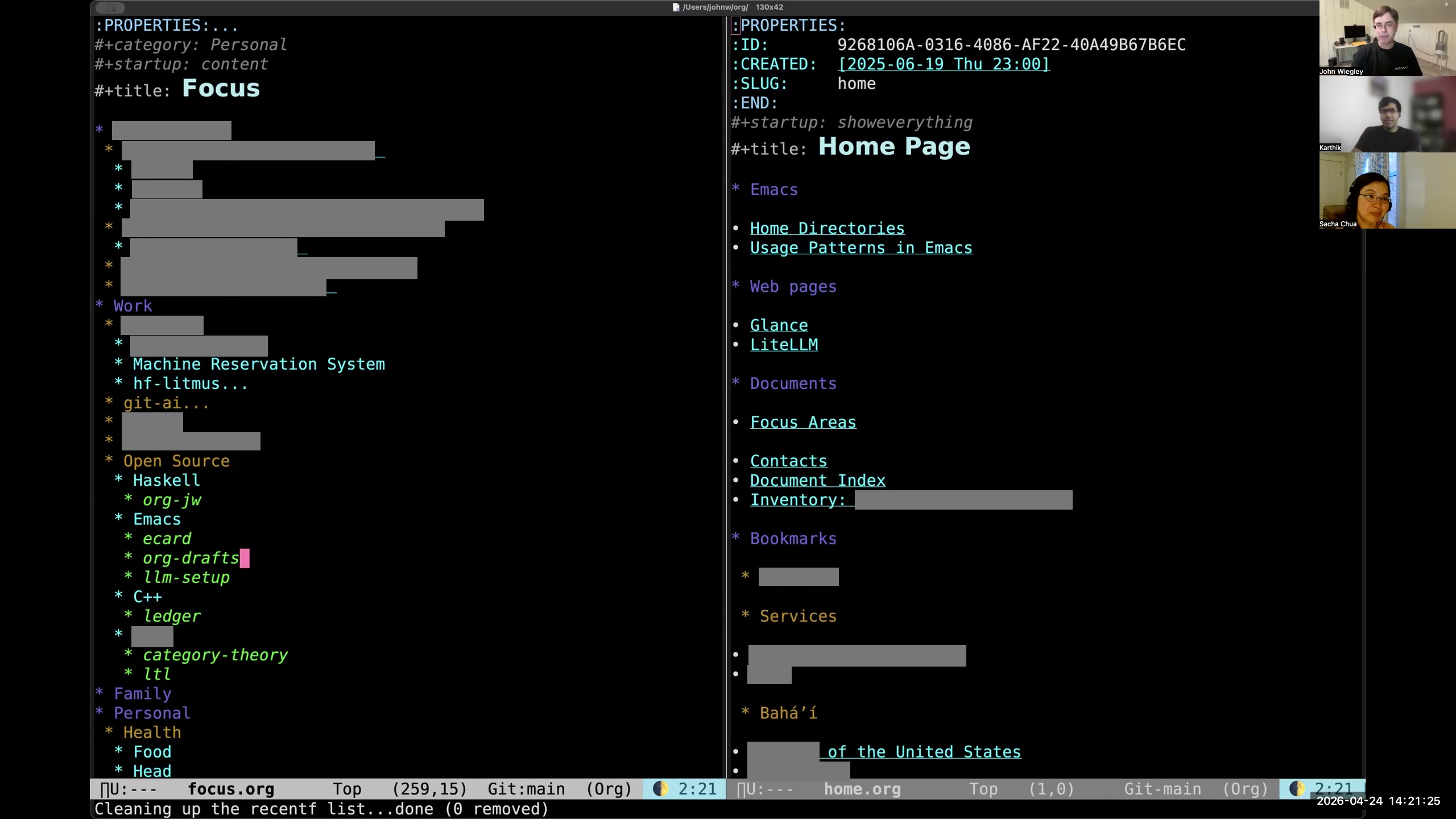 John: When I first go into Emacs, I always see these two pages. I use Org-roam on top of Org-mode in order to move tasks and notes into separate Org-mode files and have those be interlinked and organized well. I interlink everything by ID, which is sort of an Org-roam philosophy, and I've taken that on. I come into the focus page on the left, which is all of the stuff that I want to focus on project-wise right now. Every heading should either be a link to the project that the focus is about, or if I go ahead and look at the body of one of these entries, it will be a column view that pulls in a report— basically an embedded report for that category. I use categories a lot, and I use projects a lot, where projects are hierarchies that contain tasks, and categories are just names that might cut across many, many tasks. I also use tags, but tags are a whole separate thing that doesn't have to do with this.
 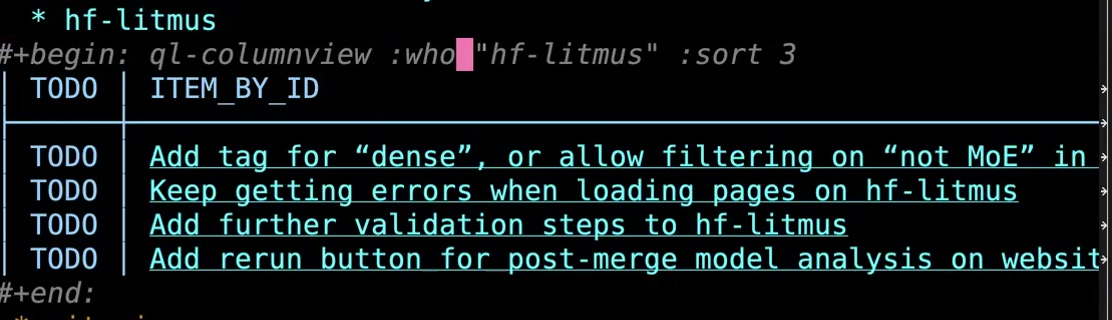 John: So anyway, you can see here a column view— this is a special version of column view. It's based on org-ql in order for it to be fast enough, but this column view doesn't exist out in the wild. This is in my own private dot-emacs repository. I wrote an org-ql column view function. Of course, it's very customized to my data format, but I have a
 :who field, and if you put a word here, that means if this shows up as either a category or a tag, then include that item in the report. Then I want it to sort by column three, and column three here ends up being the tags. That way I can see things sorted by tag. Anyway, each of these is linked to the corresponding issue by identity. So if I just do C-c C-o, then it will take me over to that item in that Org-mode file—that Org-roam file, sorry. So that's the purpose of the focus file: I can have a 10,000-foot overview of what I'm currently working on and what I want to focus on. 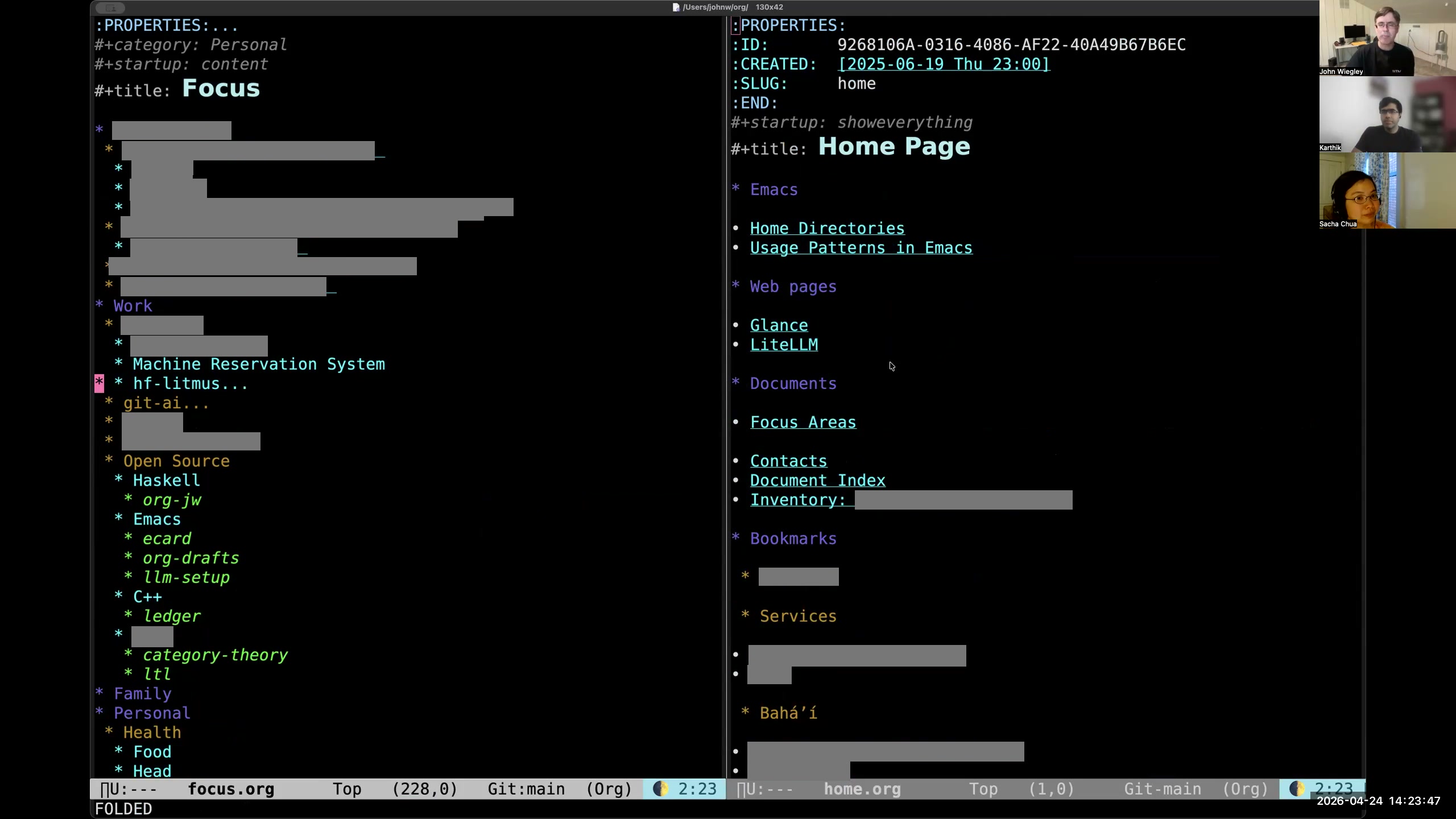 John: Then on the right is the homepage. This homepage basically is a collection of links, kind of like Linux utilities such as Glances or Cockpit— something that allows you to have one page that you jump to all kinds of different things from. This is my jumping-off page to a bunch of other pages that themselves serve as indexes within my Org-mode/Org-roam repository. This way I don't have to remember, "Oh yeah, how did I get to such-and-such a project?" I can just look in—it's a bookmarks list, but it's a meta-bookmarks list.
 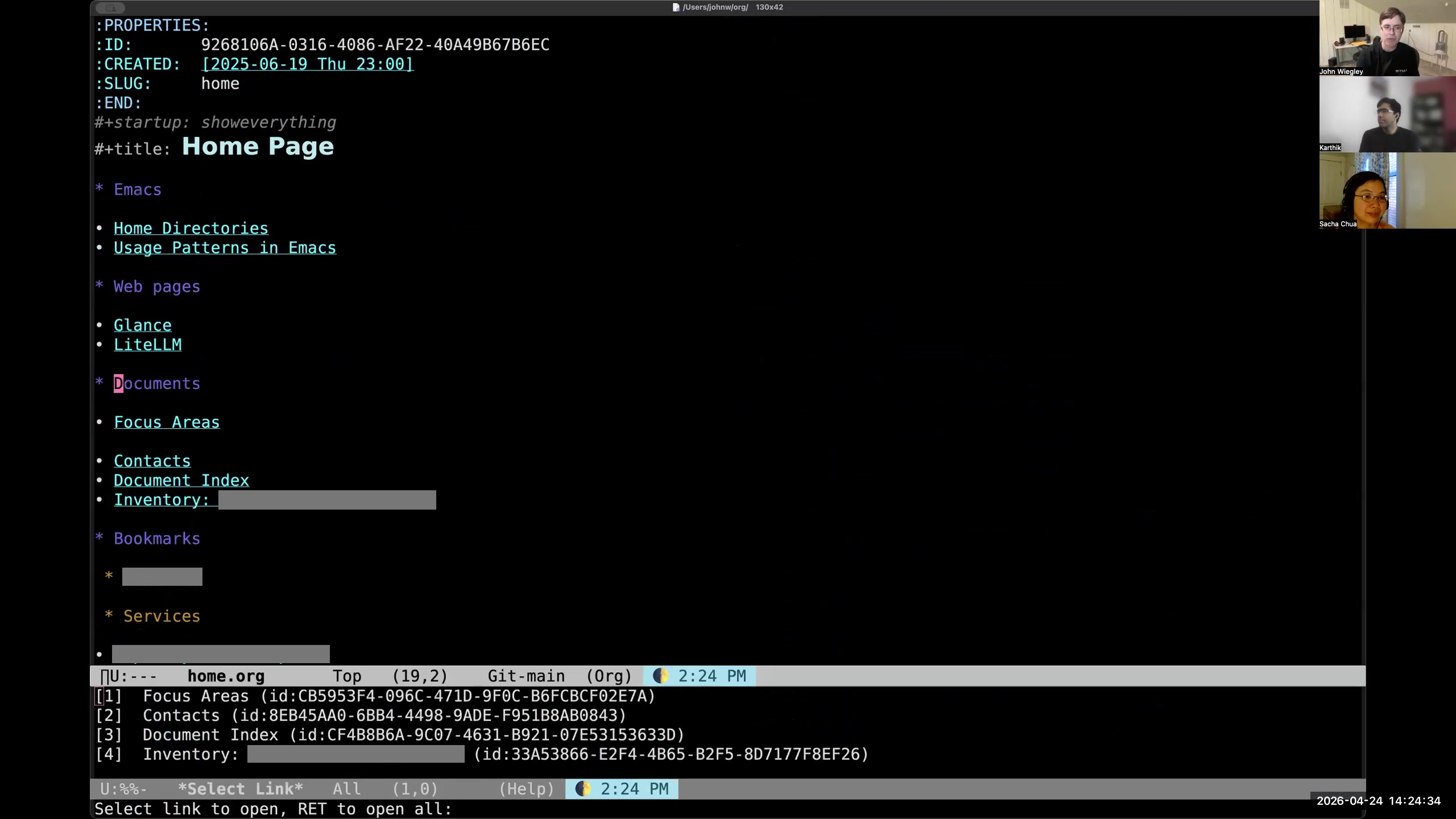 John: The other nice thing about Org-mode is that if you're on an entry that has links inside the entry like this one does, and you do C-c C-o, it'll show you all of the links, and then you can hit return to open them all.
 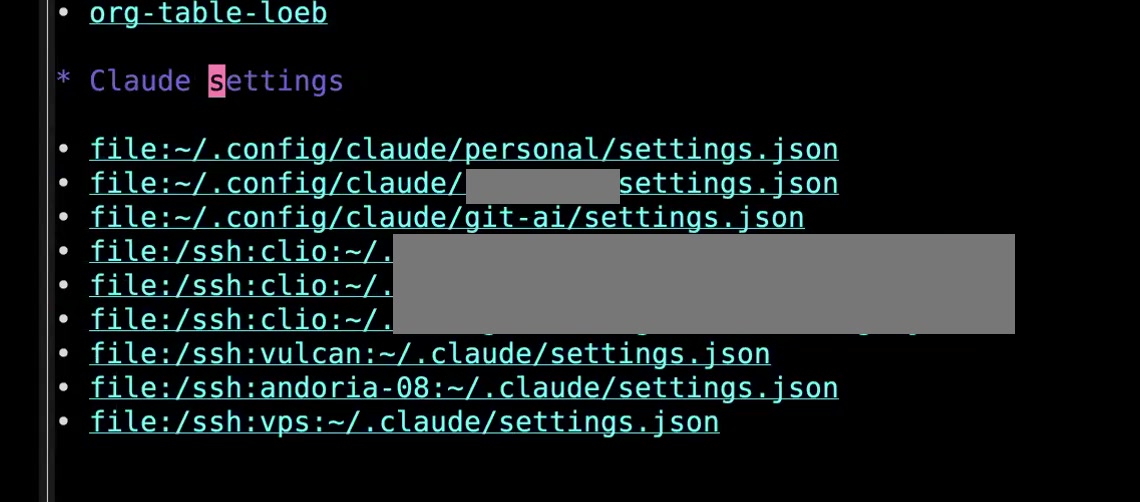 John: This way, what I do in the homepage is, I have a whole bunch of settings files for Claude because I use Claude in a lot of different places. I have different accounts and I have different machines and different accounts on those machines. Sometimes I need to make an edit to every single one of those files but I don't want to have to remember how to open up each one. Even an Emacs bookmark wouldn't be quick enough, but if I have the whole list of links as I do here in my Org-mode file, then I can just C-c C-o RET and it will open all of these in my browser at once. I do this a lot to open sets of pages when I need to do bulk editing in the browser or even in Emacs because, as you know, with the right add-ons, Org-mode links can be empowered to open all kinds of different things. I have Org-mode links that jump to Magit status pages for different projects in Git. I have ones that open dired buffers. I have ones that open Gnus, all kinds of different apps. I navigate to these through Org-mode links. In this way, Org-mode becomes the master dashboard of my information ecology. Yeah, so... go ahead. Sacha: No, no. So to recapitulate: instead of using a gazillion agendas where you have to remember the keystrokes to open each custom agenda, you use Org-mode outlines in your focus and your homepage that have links to or reports for the different things that you're focusing on. John: Yes, but not instead of. I also use tons of Org-mode agenda links as well. But Org-mode agenda links have a very specific focus. Usually when I start the day, when I start Emacs, I come to these two pages. I've set it up so that after startup, it always shows me these two pages. But usually the first thing I do is hit
 C-c a a to go to my agenda for today. 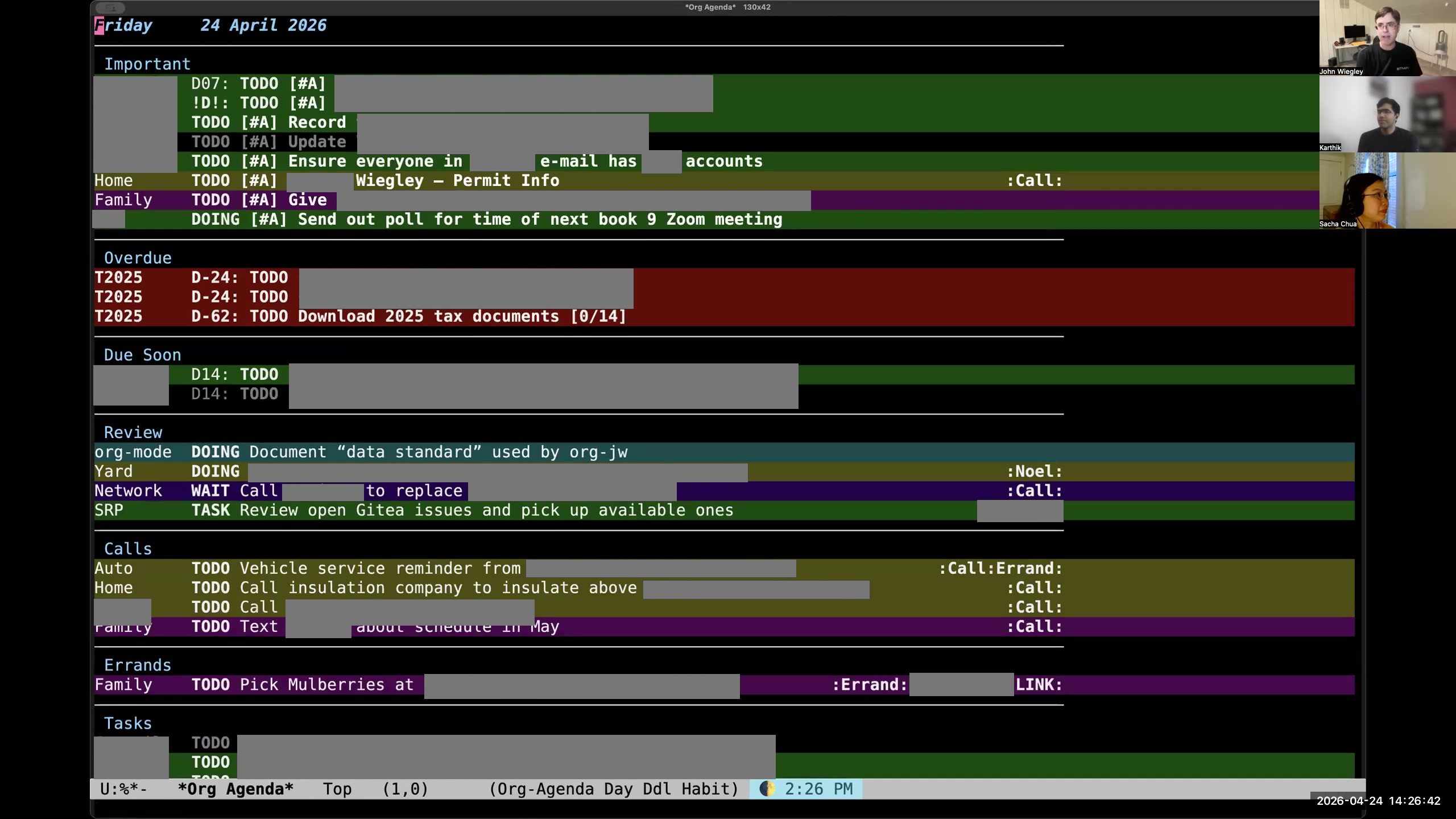 John: I use org-super-agenda to divide this into categories— not category categories, but topical categories— so that I can see things segregated by which are the high-priority items, which are the things that are currently in progress, and then if they have a context where they need to happen (phone calls, errands, blah blah blah), then I see them all. This is just one of the agenda reports I use; this is the daily report. If I look at my agenda here, you can see I have the standard agenda reports, but then I have subcategories. I have a whole set of org-ql-powered agenda queries. If I look at these, I can look at all my open-source tasks, all my work tasks. Sacha: Your screen is shifted sideways for me. I'm not really sure. Karthik: Same here. So it's a little bit on the left. You may need to reshare your screen. John: That's weird. I've never seen that happen before. Sacha: So you've got your agenda. John: I'm sharing a process window. Sacha: Okay, here we are. Yes, I see it now. Okay, so these are the other things you've got.
 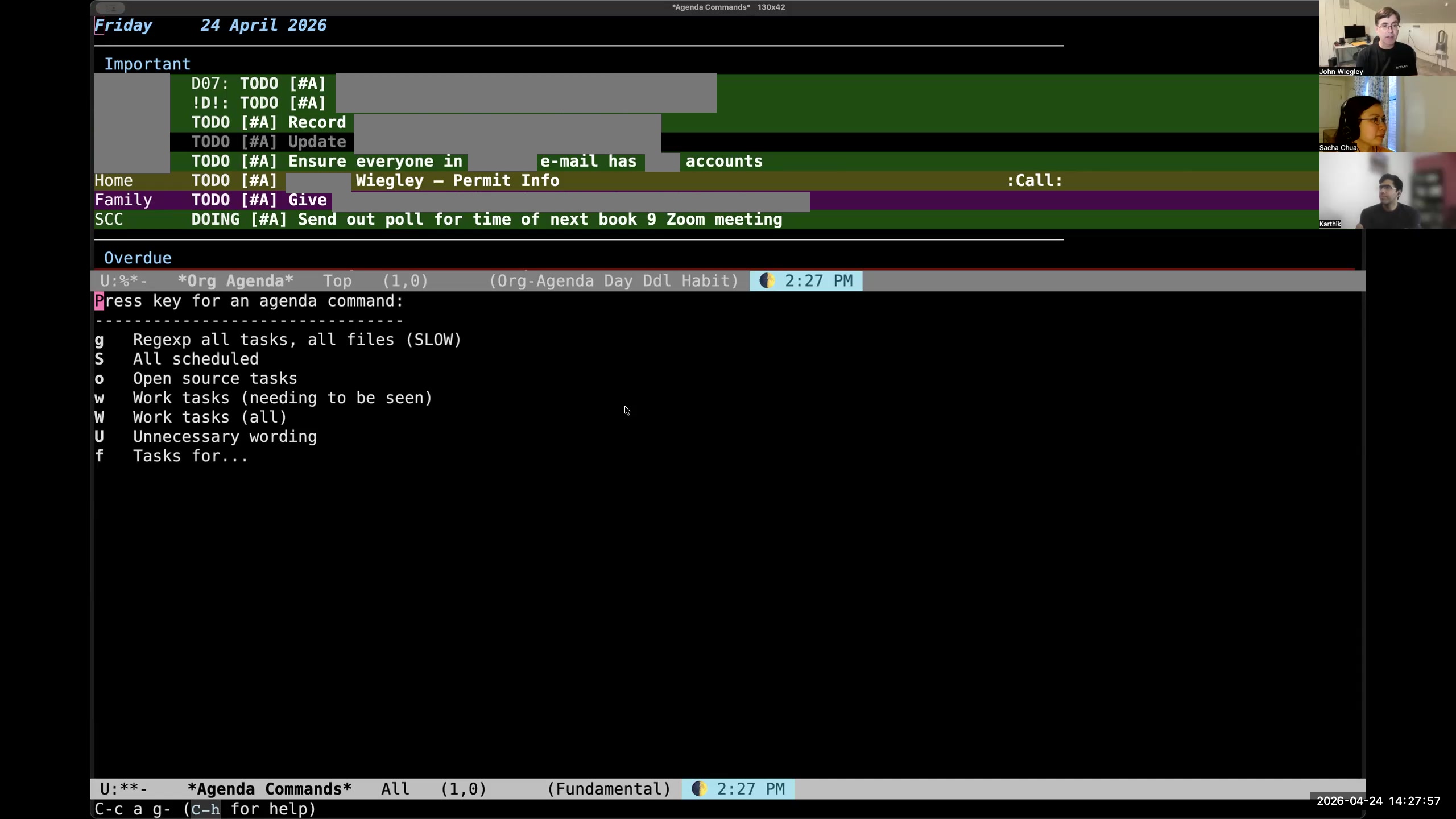 John: These are basically queries that I have created for org-ql, and then the tasks-for that mirrors that org-ql column view "who tag" where I can give something that will match either a category or a tag,
  John: and it will show me here in the org-agenda report the same information it would have shown in that org-ql column view report.
 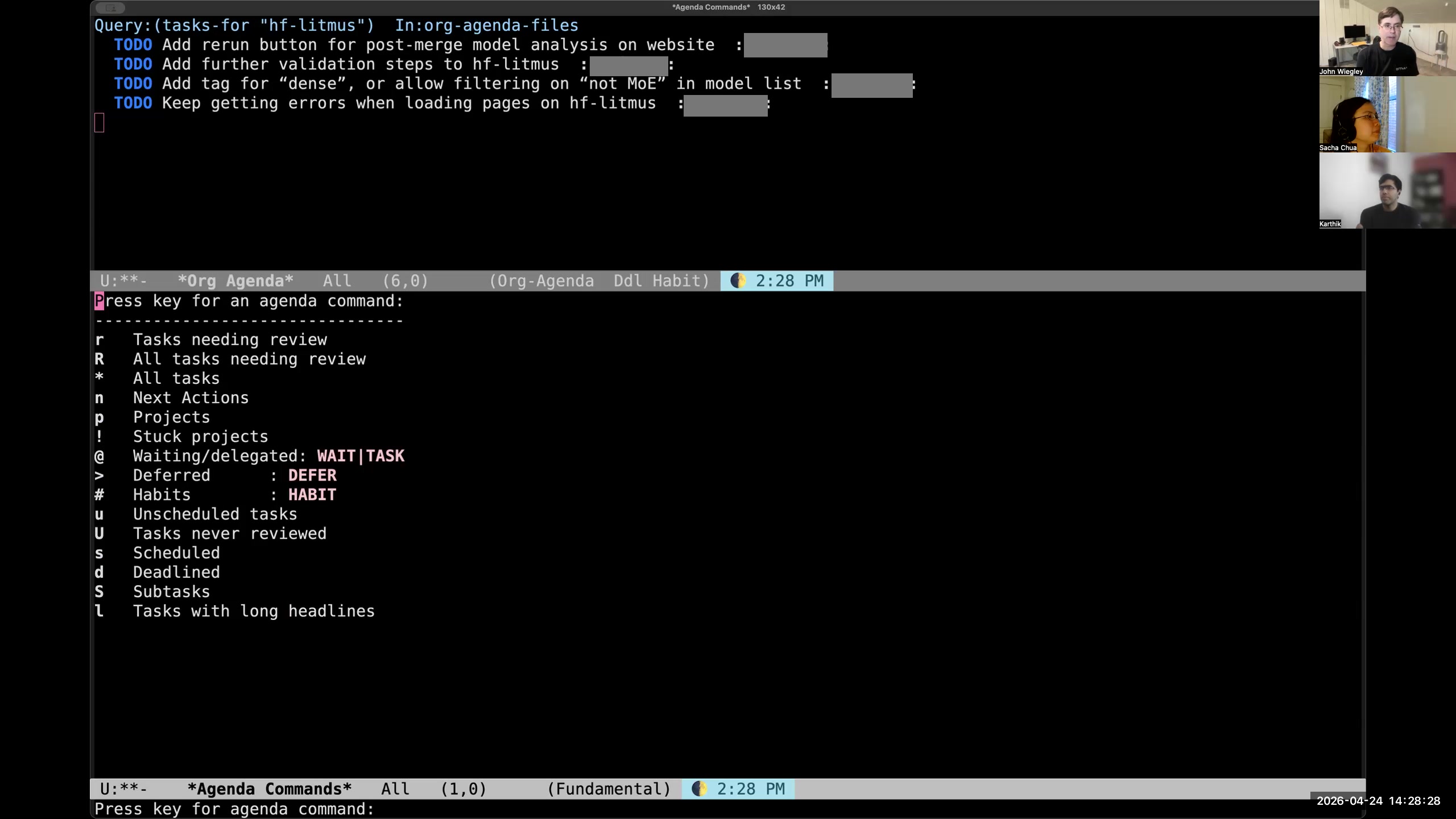 John: I also have different reports in the agenda for reviewing my tasks, and I'll have to come back to that because that's a big part of this whole process as well.
 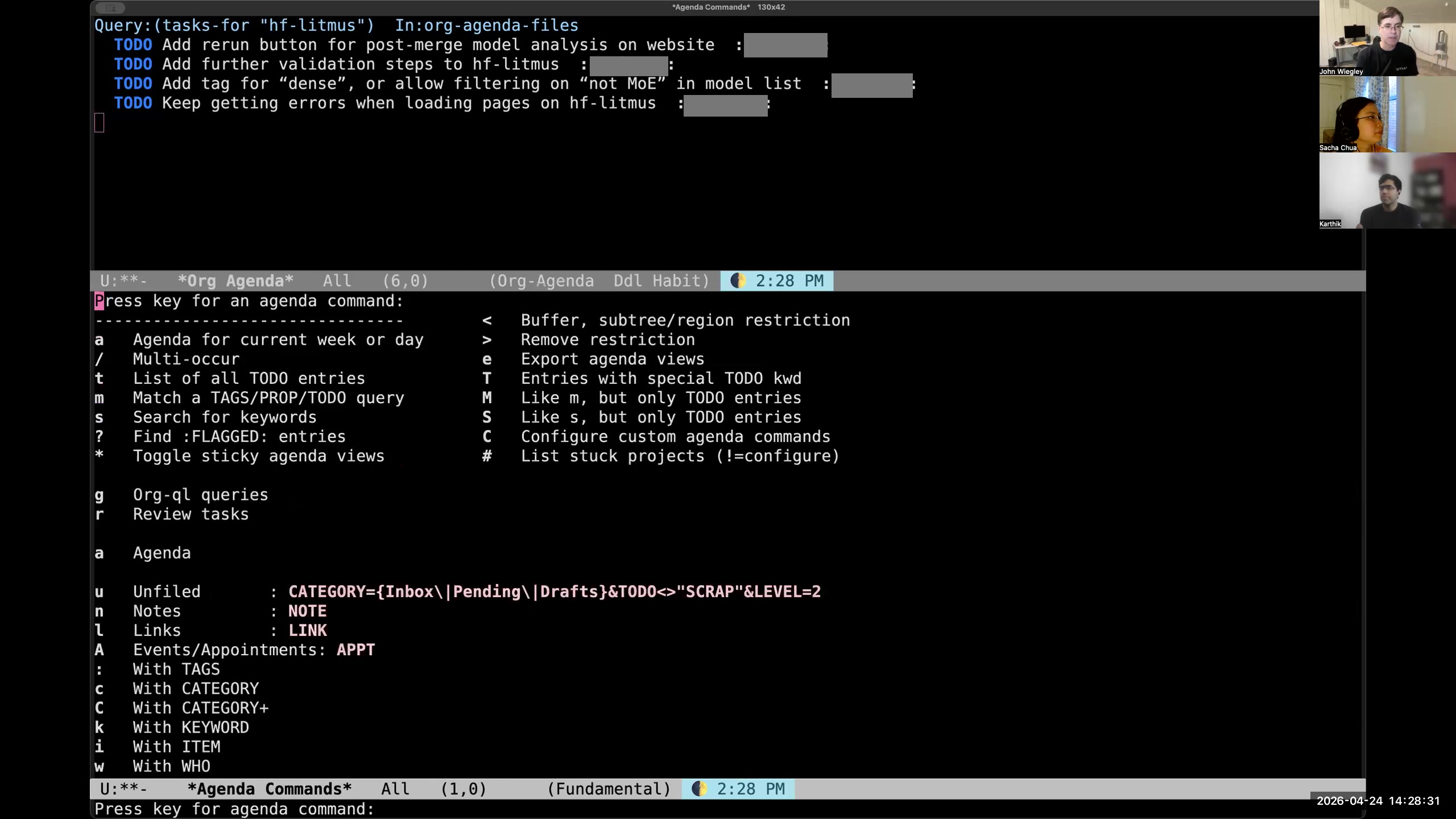 John: Then at the bottom, you can see I have other custom reports for seeing things that haven't been filed— they're in my inbox, they need to be filed away.
 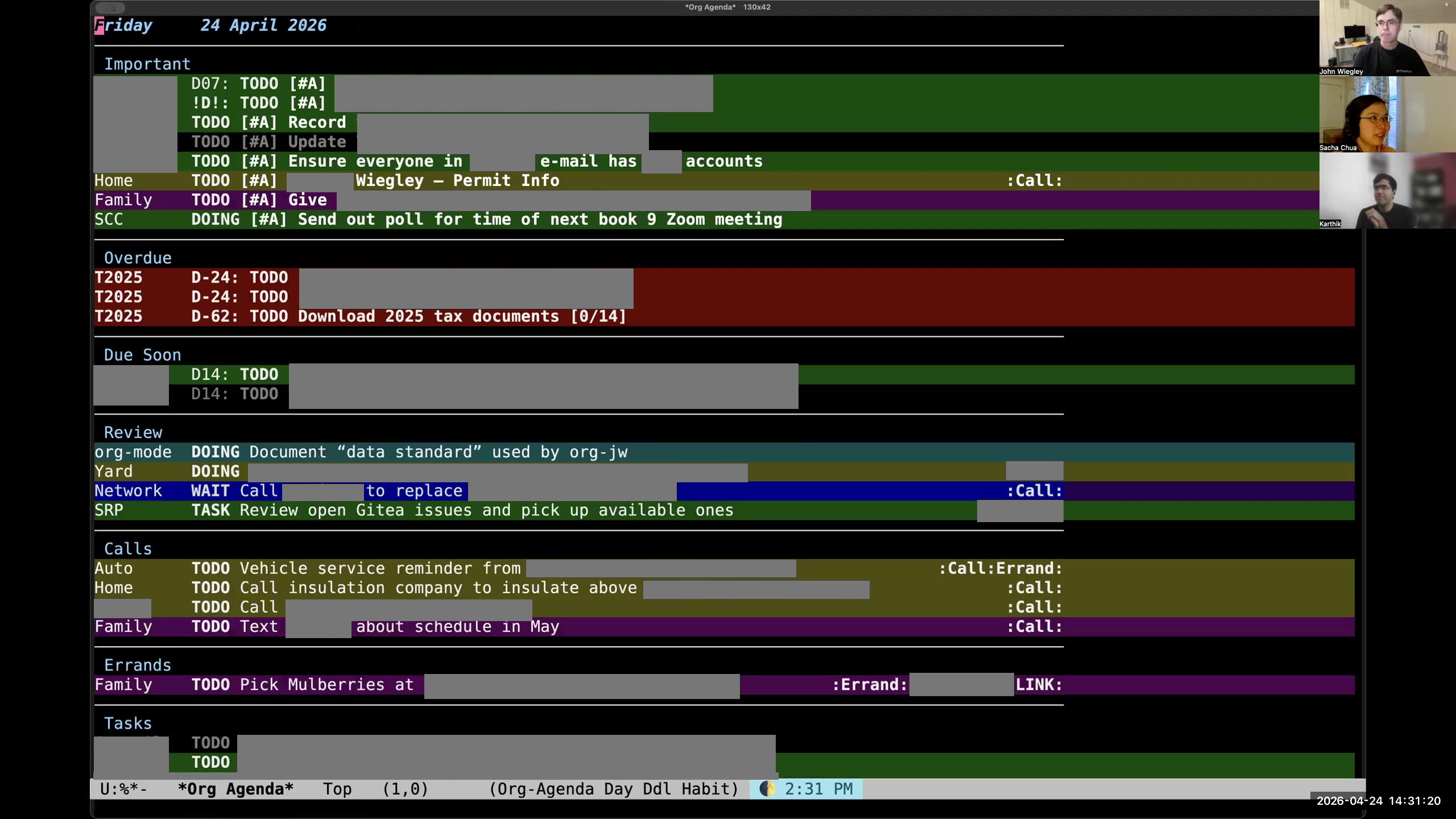 Sacha: I noticed one of the things that's changed since I last saw your agenda is now you're using color to make a lot of things more salient. So how do the colors in your agenda kind of build on the distinctions that you're making? John: The colors here are based on category. I also show the category in words on the left because many categories share colors. Everything that's personal is one color, everything that's work-related is another color, everything that's family, faith, open-source-related— they each have their own color. That way, when I look at the agenda, I see whether a color is dominating, or it draws my attention. If I see colors that I know are work, I will see if those need rescheduling into the next day first.
 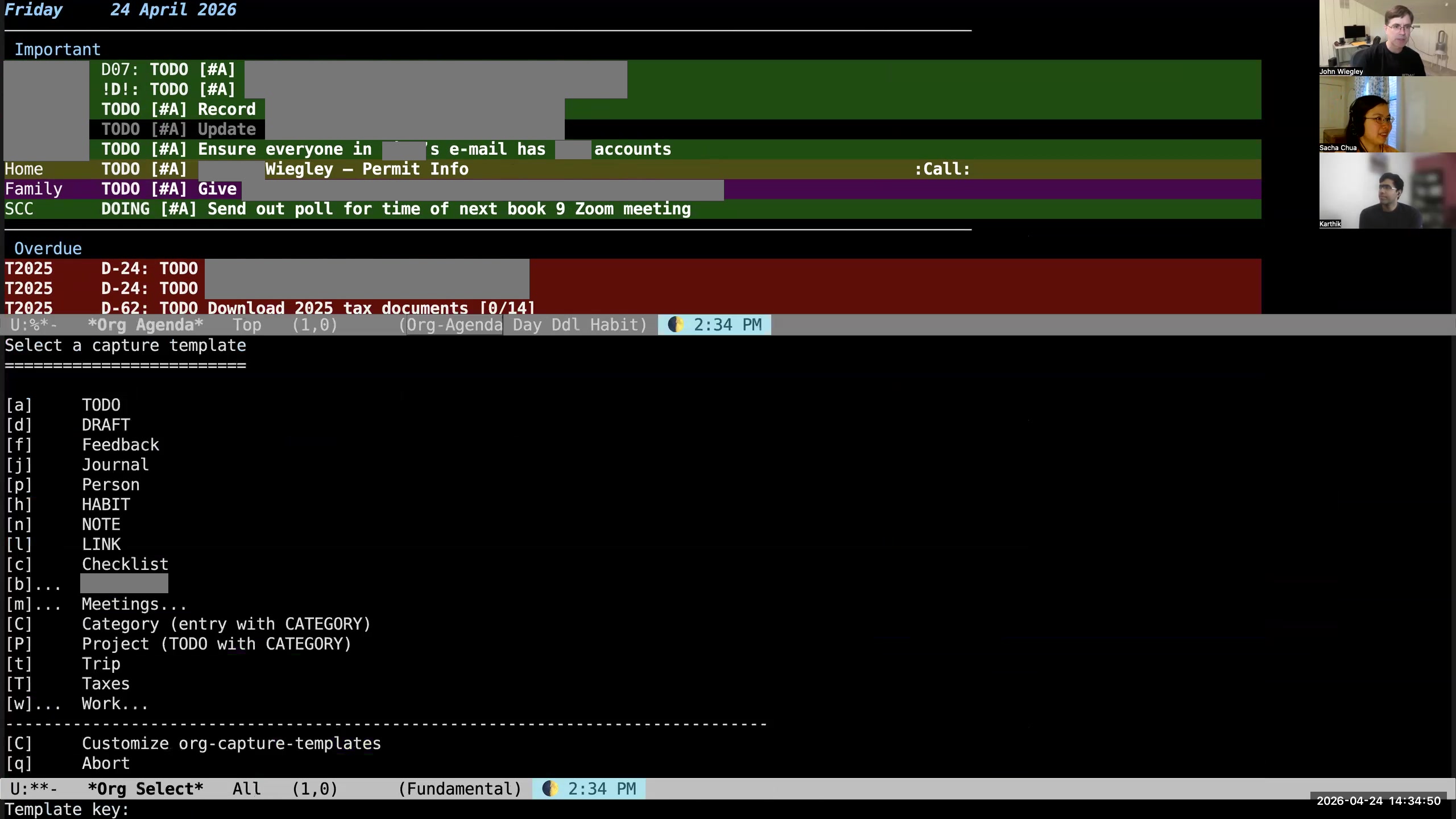 John: What I do is hit M-m, because that wasn't being used for anything else, and that pops up a capture template for what I want to add. So let's add a TODO. I'm going to say "send an email to Sacha."
 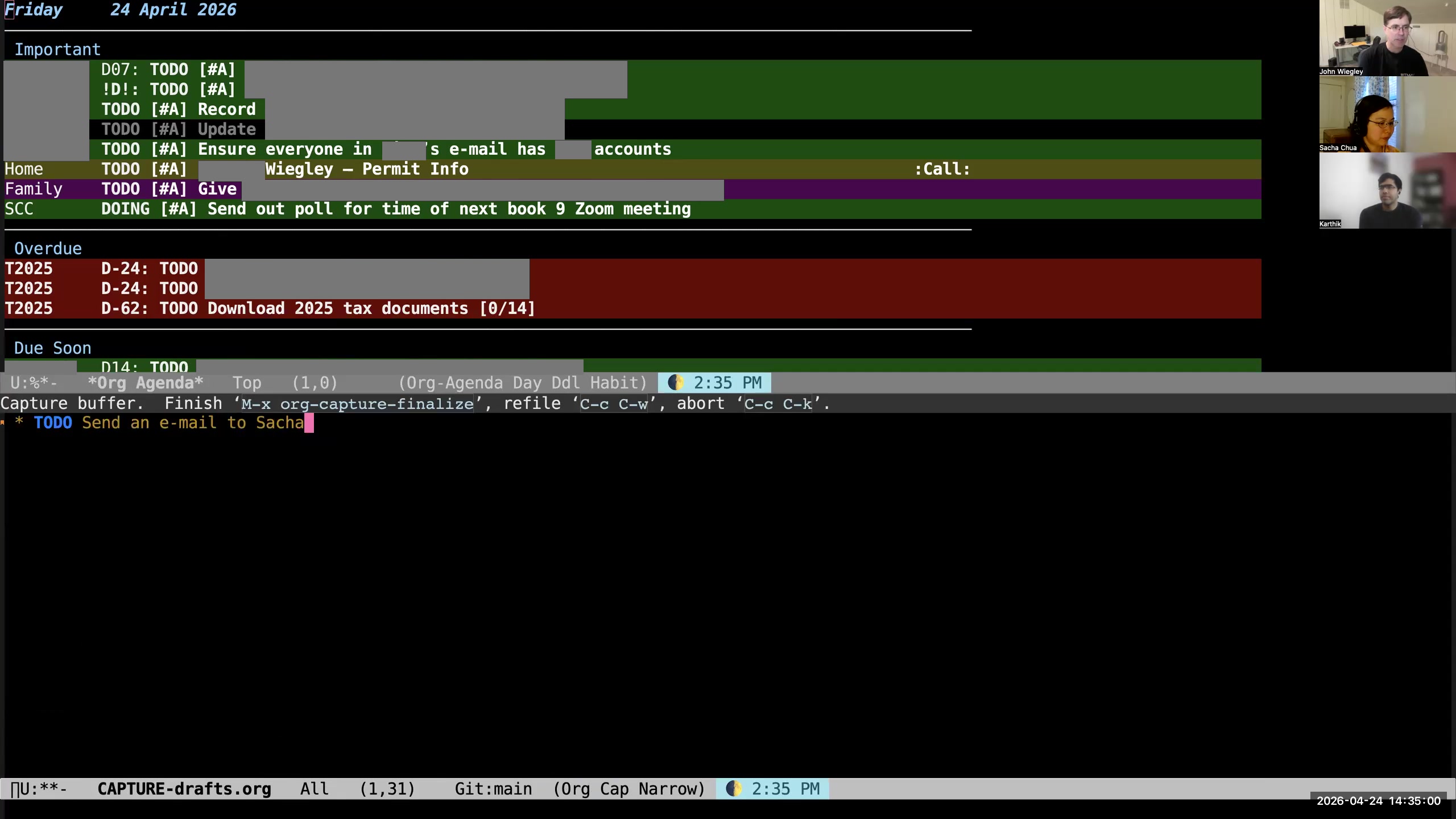 John: I try not to do any of that organization of the task at capture time. The idea with capture is that it gets onto paper as quickly as humanly possible. So I just hit C-c C-c, and it writes it out.
 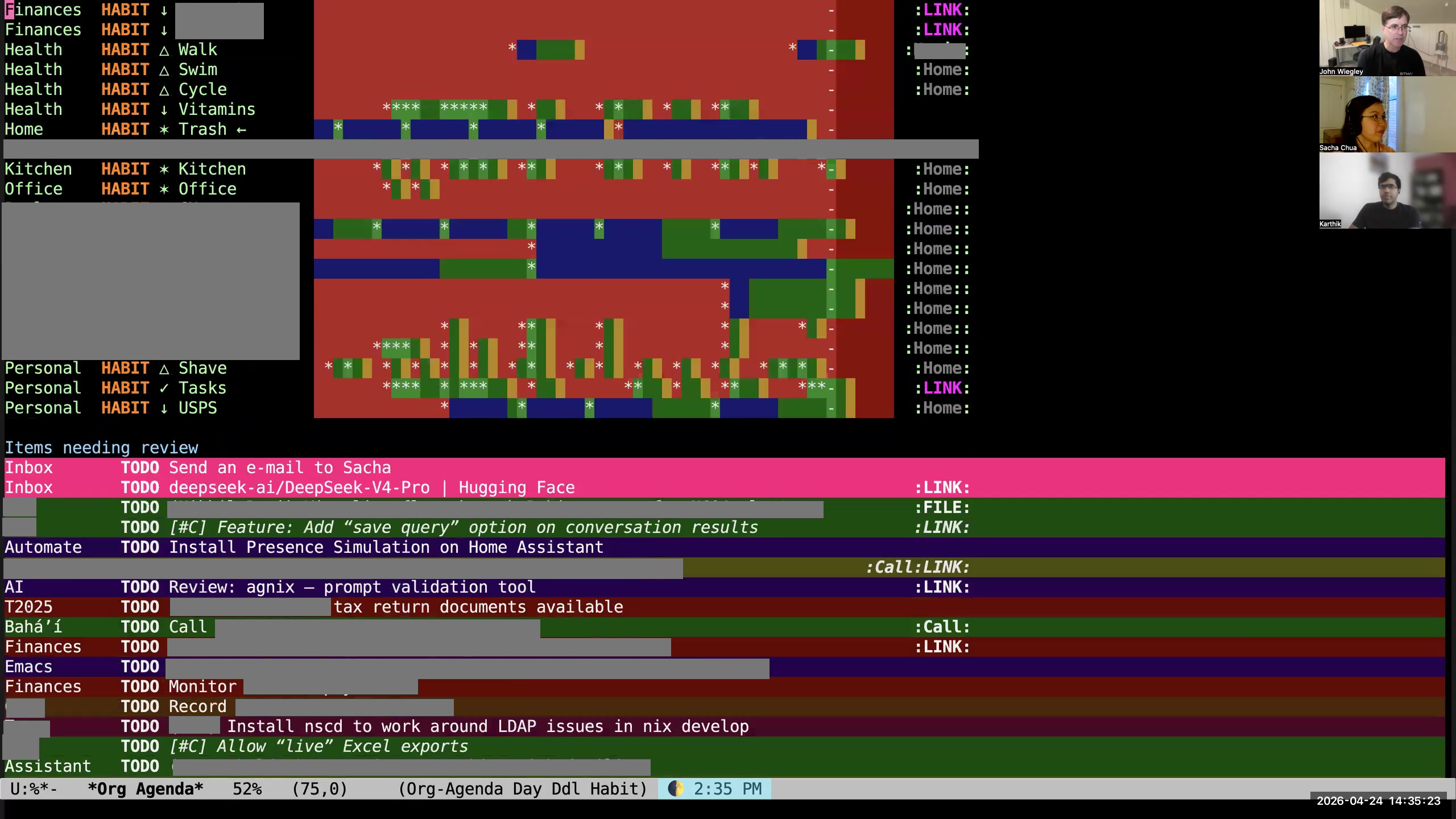 John: What will happen, because this is now in my drafts, is that it will appear at the top of my items needing review, and it will be in this very bright fuchsia-color background, which is extremely loud and always says to me, "You have items in your drafts that need reviewing."
 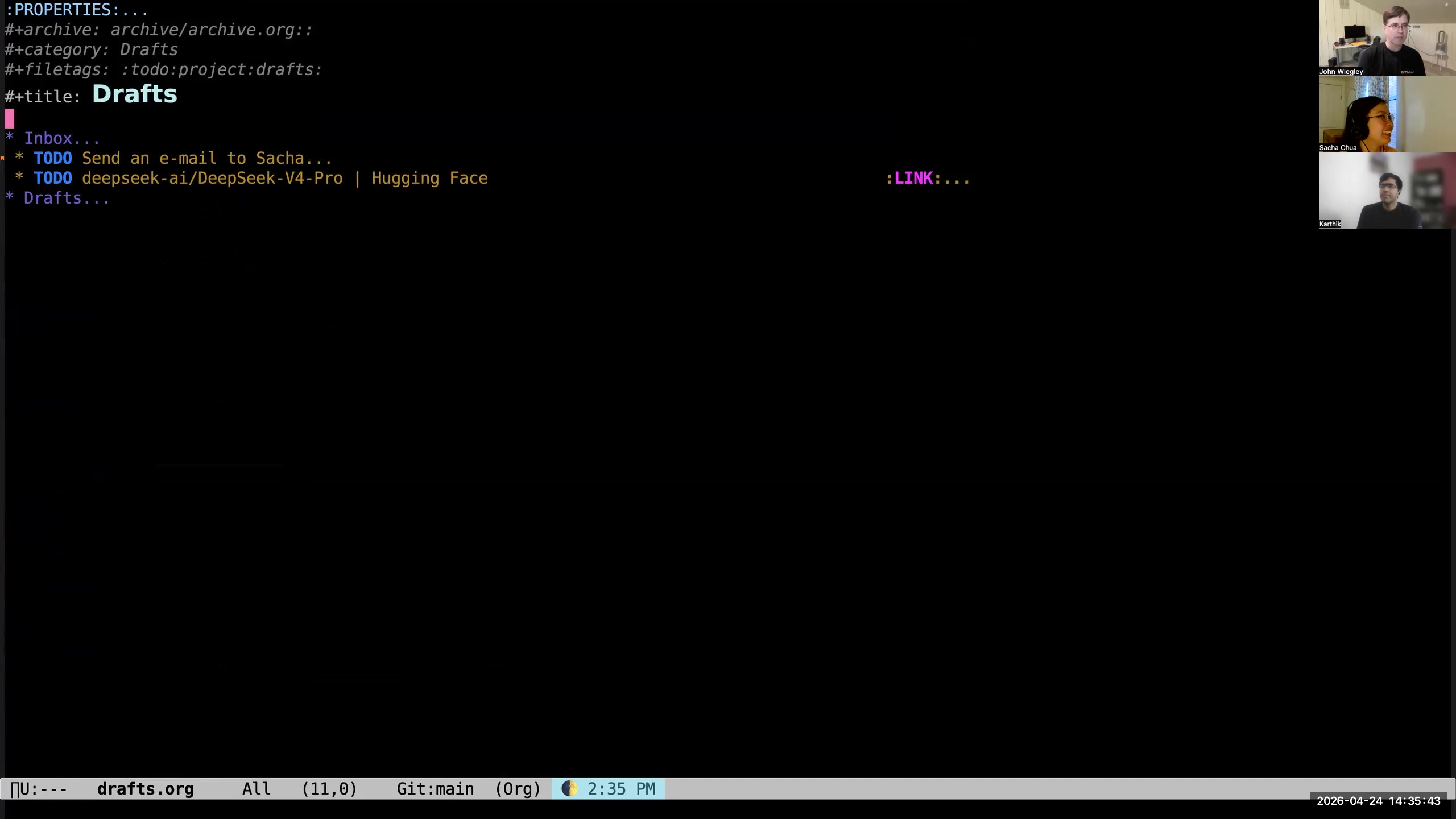 John: So I go to the item—here I'm in my drafts.org file, which has an inbox and a collection of drafts. (That's the other thing I'm going to tell you about.) Now I look at, "Oh, send..." I don't like using filler words. I actually have a report that finds entries that have filler words. So I always get rid of "a" and "the," stuff like that. So: "Send email to Sacha."
 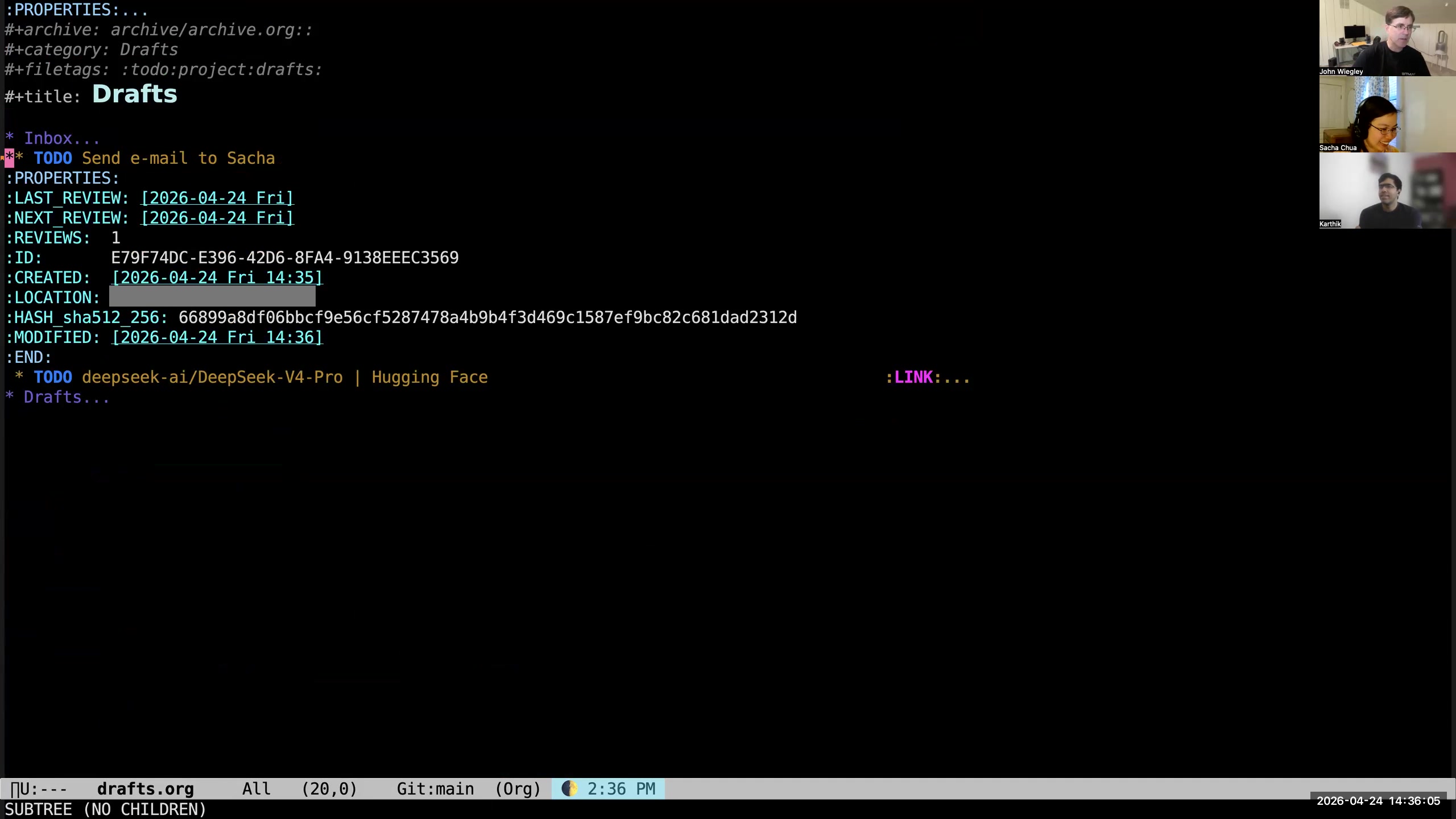 John: It comes with a lot of metadata. All of my tasks get a lot of metadata to start out. They get a notion of when I need to next review them. They always get a unique identifier— everything has a unique identifier, every entry, every file. They get the created timestamp, the GPS location of where I was when I created the task. The task itself is hashed so that I can know in the future when it changes, for a reason I will also explain shortly. The modified date is the last time the hash was updated, and that way I know... Sacha: I'm curious, what do you use GPS for? John: It's just information. Why not collect it? Any information I can collect that requires zero energy from me, I collect. Sacha: Okay, fair, fair. All right. So you're saying hash. Okay, you got a hash.
 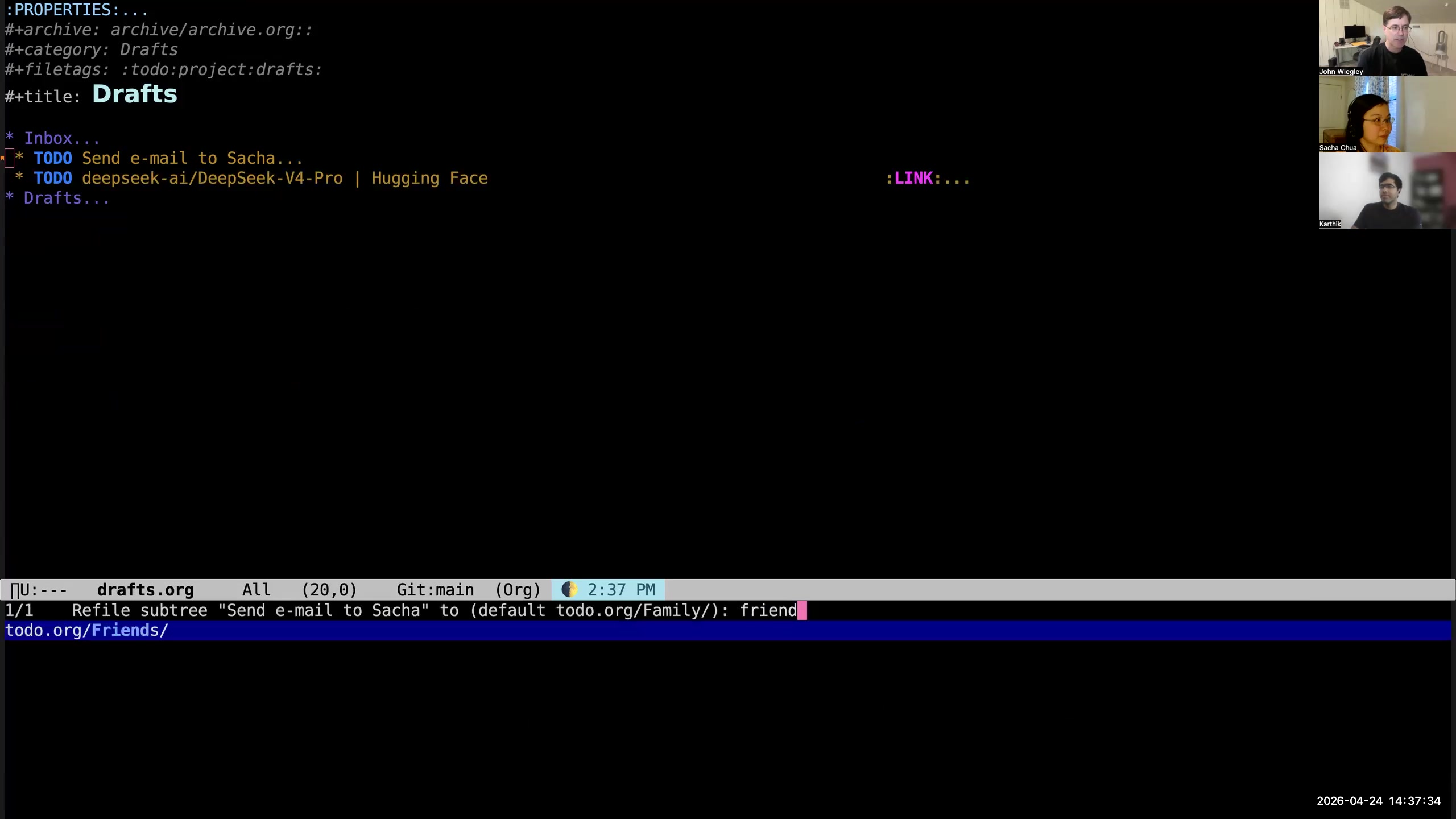 John: So now what I'll do is—this doesn't really need much categorization. I will just put it under "friends," so I just file it under friends. I didn't give it a scheduled date, so that'll appear in my review list rather than any daily agenda. This one is a reminder to me to download an AI model once the quantizations are available for my machine, so I'll just put that into the AI category.
 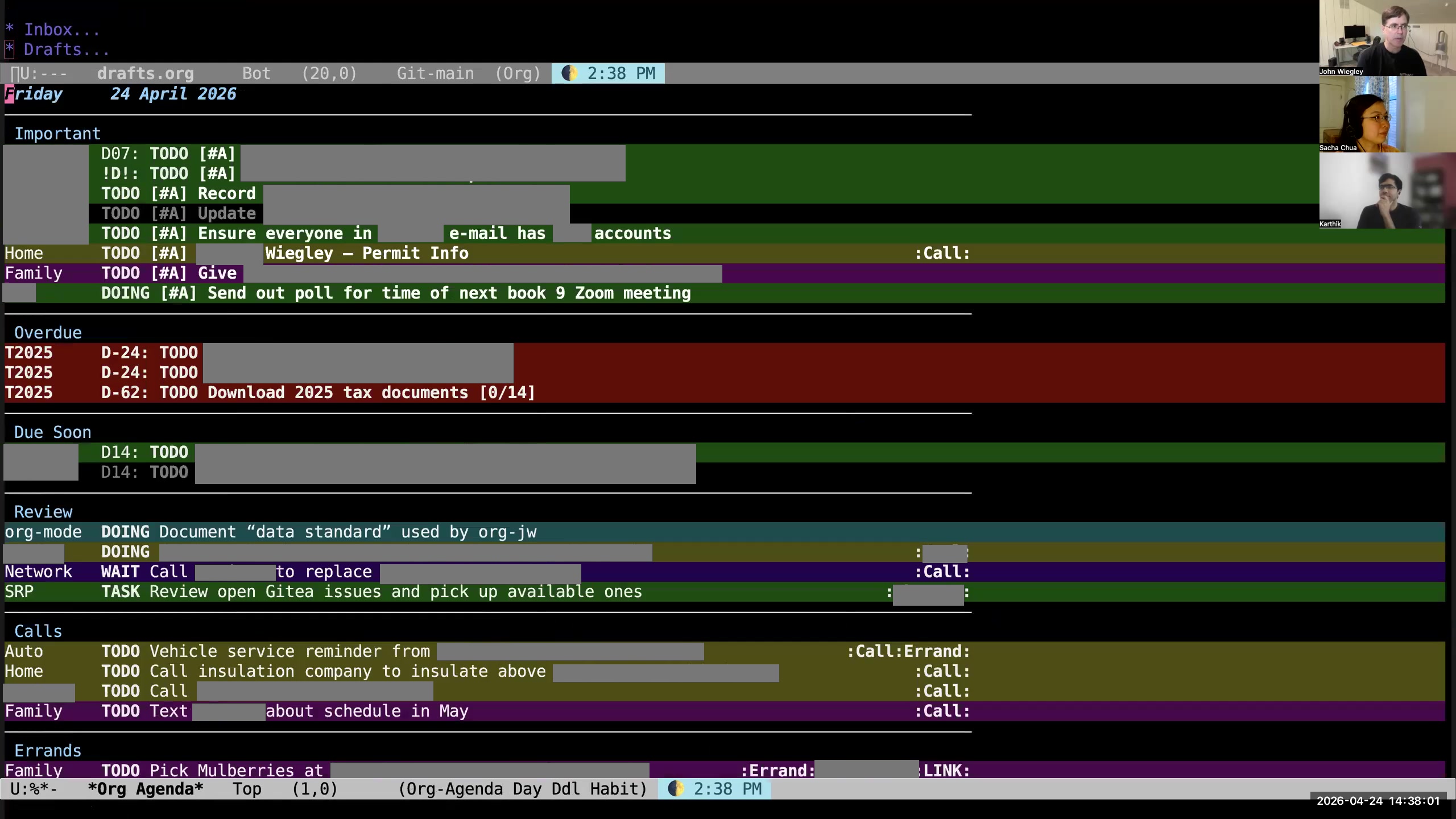 John: Now my inbox is empty and I can go back to my daily report. This daily report, by the way, is too long. In general, daily reports don't work unless they're less than ten items long. I haven't done it yet today, but I try to aggressively reschedule or unschedule things that don't fit within ten items in a day, because I just will never do more than ten items in a day. Like, I talked with my wife about this item, so I'm just going to move that to the next day so I can revisit it. These work items are going to have to go to Monday now. I'll just get them out. I reschedule or unschedule pretty aggressively. Sacha: Okay, so what I'm hearing is: you capture it very quickly, every so often you look over the bright fuchsia items in your review inbox, and say, "Okay, let me refile that to the categories"— the files, basically, or actually the places in your outline where they make sense. Then you have this list shown to you properly categorized now, but then you reschedule things until things look more manageable. John: Yeah, the ideal scenario is that on a given day, Org-mode is showing me ten or fewer items, and those ten items are the things I should be thinking about and doing on that day. That is not the case right now, which means I need to curate this. But that is the objective function for this entire system. If the system can do that, it is succeeding. So I just work as hard as I can to get the system to approximate that behavior. Sacha: Last time we talked, in 2024, you waxed nostalgic about LlamaGraphics Life Balance and some kind of automatic prioritization. You also briefly mentioned that you use AI sometimes to do sorting and reviewing. Is your workflow for prioritization still manual, or have you found something that works to help you? John: I did start writing an org-balance thing— you and I talked about it a while back— I have not continued that. I don't try to do automated balancing. I just look at the daily list and pick and choose. That generally ends up being what happens. As far as the task management in an AI-friendly way, we'll have to come back to that because that's another thing I want to show you. I don't think, Karthik, that 30 minutes is going to be anywhere near enough to even just show you the outline of how it is a system. Sacha: Yeah. That's why we have ongoing conversations. John: Yeah, this will just be the 10,000-foot overview for today.
 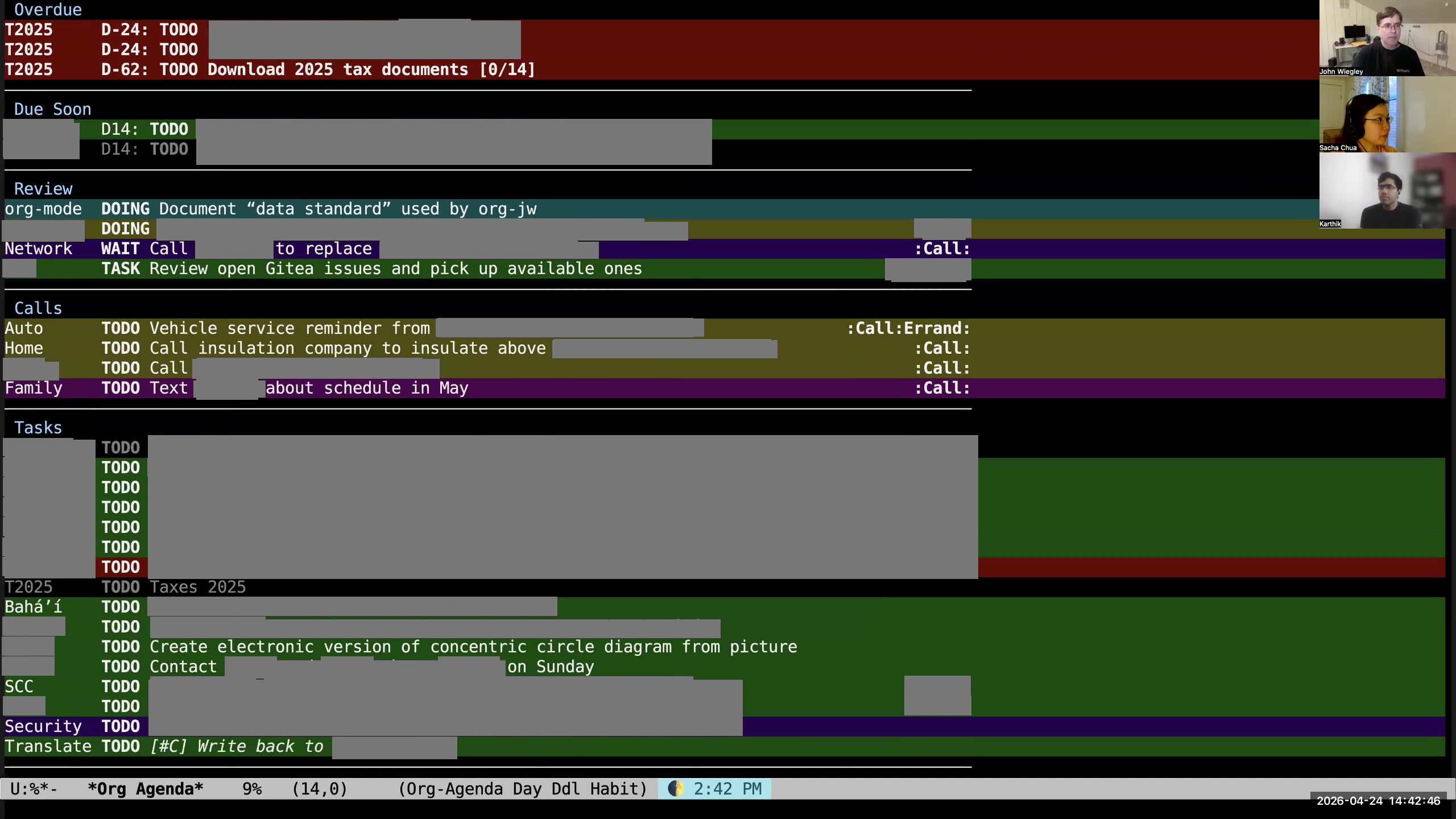 Karthik: Maybe we can continue with the capture example that you were showing—the typical lifecycle of a piece of information, right? It starts as a capture and then shows up in the agenda. Well, it shows up in the agenda very brightly saying "pay attention to me," and then eventually gets filed somewhere. Let's continue from there. What happens next? What happens to the email that you haven't written to Sacha? John: Well, either I schedule the task at that time and then it's going to appear in one of these daily agendas, or— as I'm looking at my agenda here, you'll see I have my items for today all grouped out by org-super-agenda.
 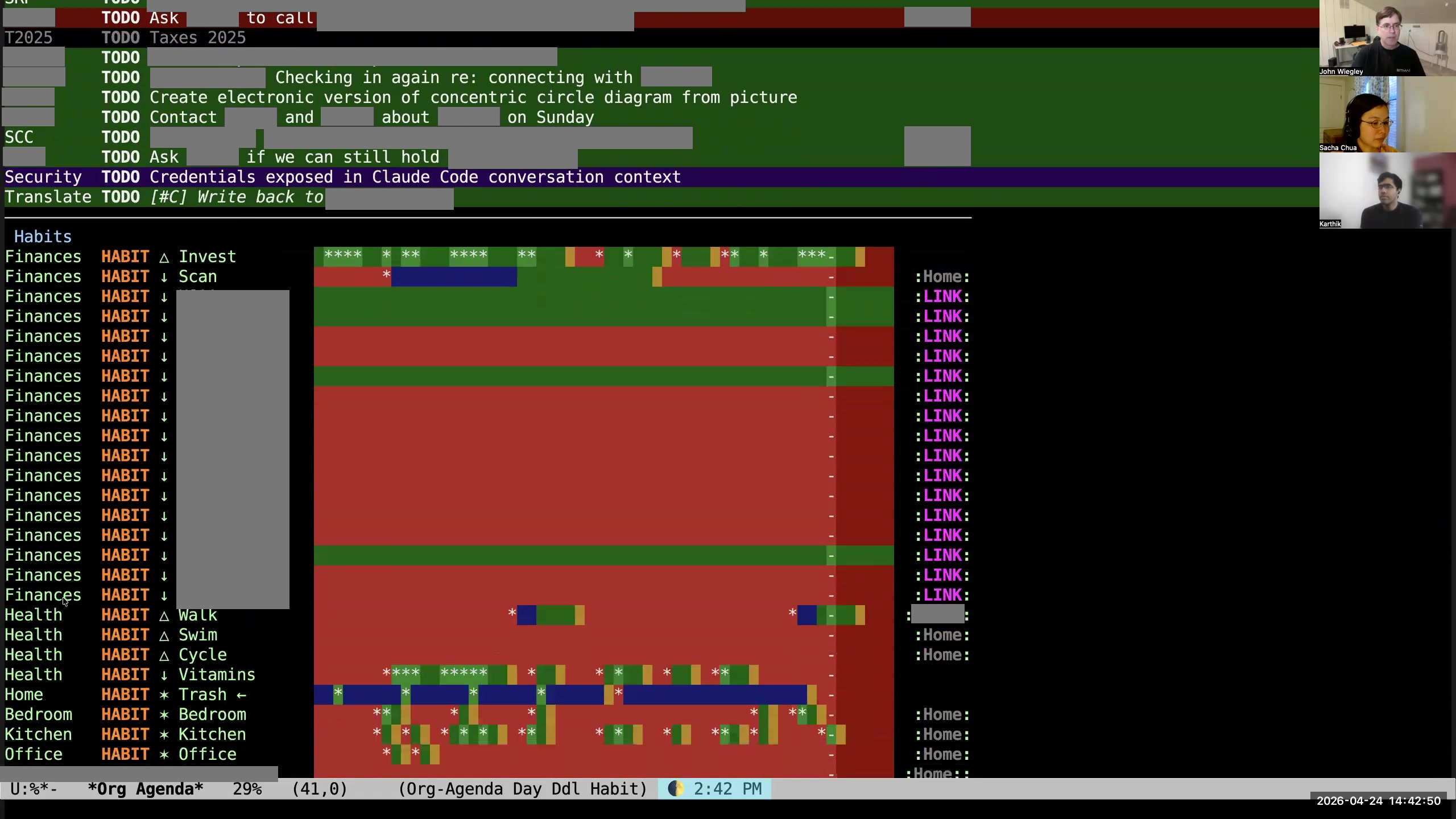 John: Then I have habits, which is a different type of task where I'm trying to track consistency rather than completion. I use habits a lot, especially because I really love the book Atomic Habits. It makes some really good arguments about the importance of behaviors and processes to getting things really done.
 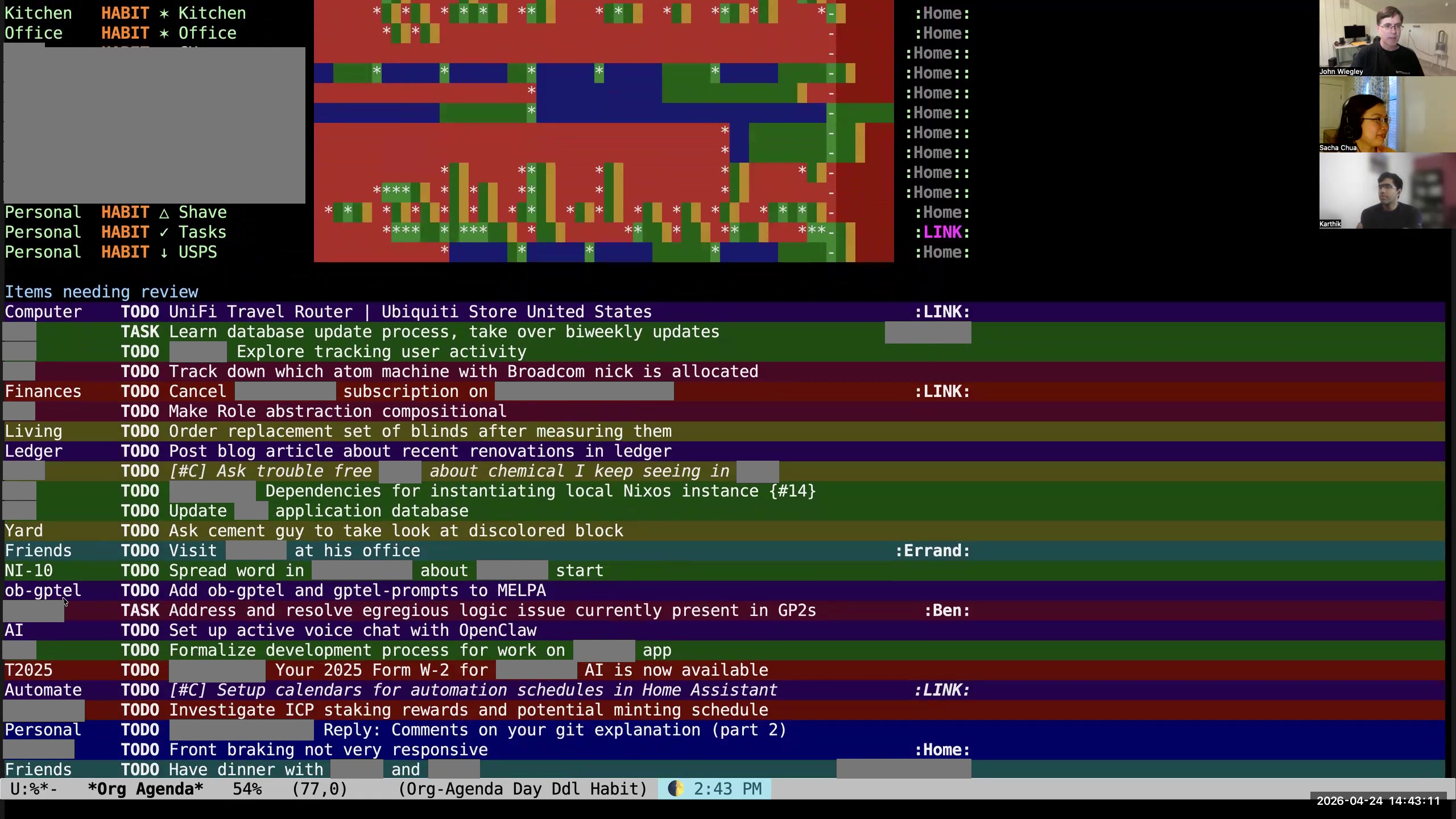 John: Then at the bottom of every agenda view is this section, "items needing review." I have close to a thousand items currently needing review. I can't review them— that's too many to review. Even if I just looked at the work ones, it would still be too many to review. So what I choose to do instead is that every time I refresh my agenda view, it picks 38 unreviewed or unscheduled items at random and puts them here in this list. What I do is I just sort of scan it to say, "Is there anything in this list that really I should be doing? Should I be scheduling something?" I don't even try to read the whole list because that is too much. I just cherry-pick. I say, "Oh, is there anything? Oh, look at this— 'set up active voice chat with OpenClaw.' Well, that's going to be priority C, that's not very important." Or this one, "front braking on my bike is not very responsive." You know what? I don't really care about that right now, so I'm going to tell it to show it to me for review later in the summer. I have a bunch of key bindings behind the key r, which allow me to change when it will be reviewed by. Karthik: Okay, so to clarify, this idea of a review is different from anything that Org provides you out of the box, right? This is not scheduling the task to be completed at a certain time. This is not a timestamp in the sense of an event in a calendar. This is not a deadline. This is like a different concept that means show this to me after this time. Is that correct?
 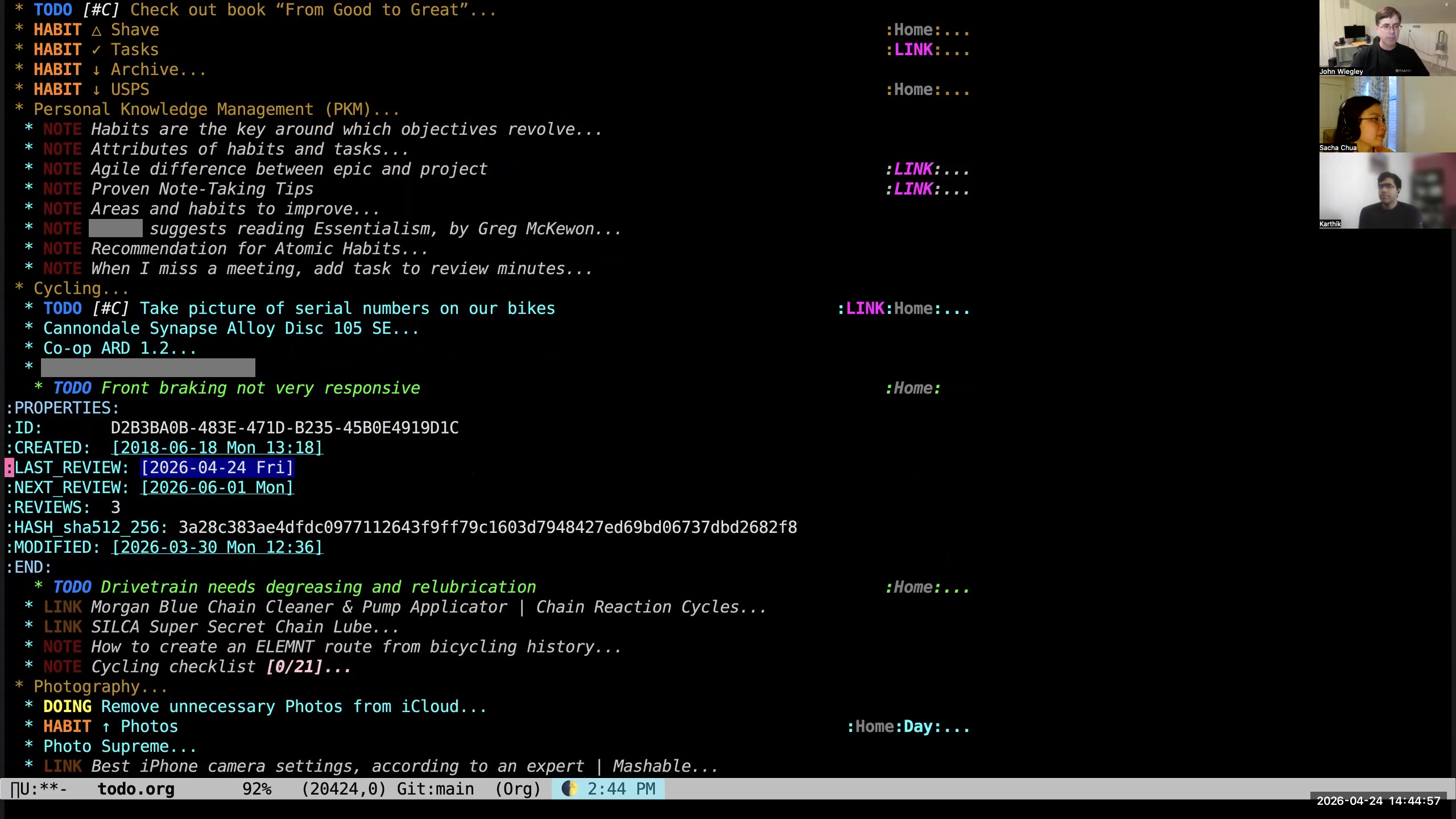 John: Yes. If we look at the task itself, we will see in the properties for that task it has these three properties:
 LAST_REVIEW,
NEXT_REVIEW, and REVIEWS. These are added by the org-review package, which is an add-on to Org-mode that's not part of the stock distribution. LAST_REVIEW is the last time it was reviewed, of
course. NEXT_REVIEW is the next time I want to see it in the reports that gather tasks to be reviewed. That's the only time that date ever comes into play. If that date NEXT_REVIEW is in the future, it won't show up in those 38 items that are randomly selected underneath my tasks. So if I've reviewed every task and they're all in the future, then that list at the bottom of my to-do list would be empty. It has been empty sometimes when I'm on vacation and I have the time to actually review tasks. REVIEWS is something I added to keep track of how many times I have pushed that into the future, because then I can create an agenda report for the redheaded stepchildren in my Org-mode database— who are the people that are just keep getting pushed and pushed and pushed and never getting any attention? Karthik: Okay, so this is like a whole subsystem that you added to Org to handle the kinds of tasks that are maybe important but not urgent? John: Right. Because there has to be a midway between "these are the focus tasks for today" and "these are all the guys that aren't scheduled." There has to be something in between those two, because the gap is too large. Sacha: All right, so instead of just relying on scheduling, you use reviews to give you that extra level of "I want this to come back on my radar every so often." You will actually have a randomized subset of these things to come back on your radar every so often, but you're not necessarily scheduling it for that day, so that your scheduled tasks still focus on your priorities. Right. 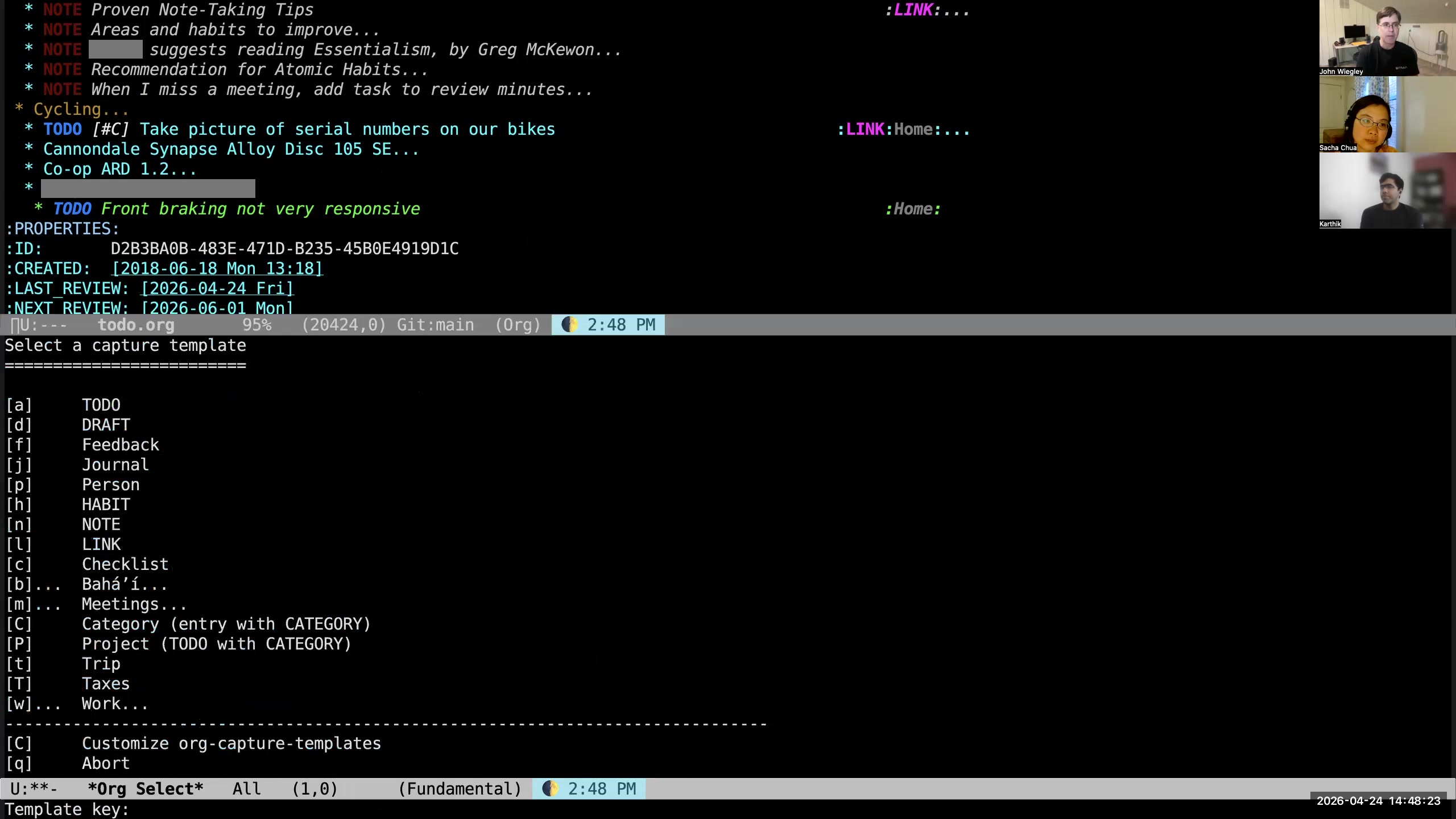 John: One of the nice things about Org-mode is that when I hit M-m to select the capture template, that's going to go into my drafts file. But if I hit M-0 M-m, then it's going to capture it where I currently am. So I could say M-0 M-m a,
 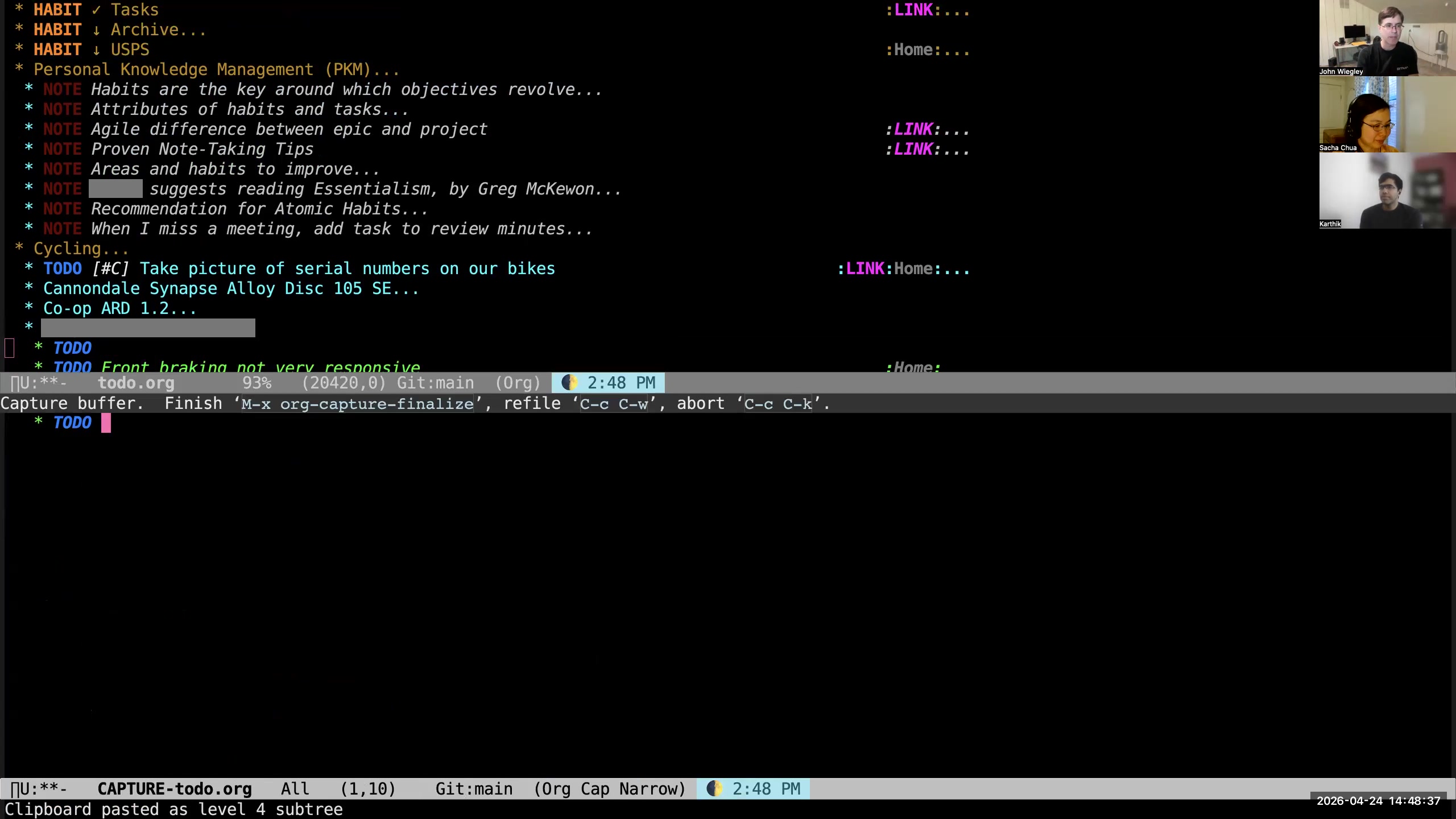 John: and then I could say "send email to Sacha" again— you're going to get lots of emails, Sacha—
 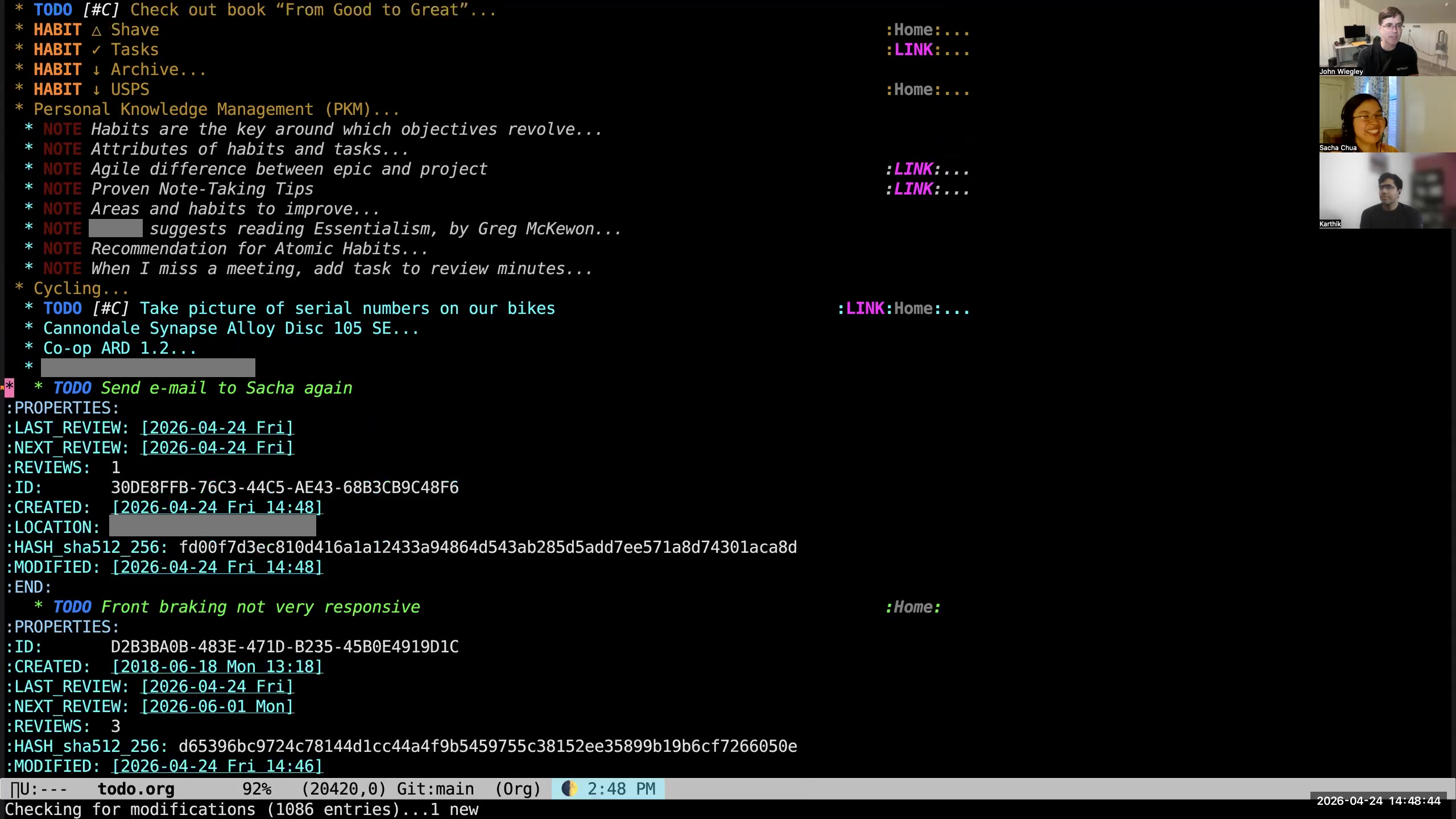 John: and as you can see, it's right here in the file where I was a moment ago. That's what I use to capture stuff into the one-on-one files. So I use M-m if I'm using the Org-mode capture, which is for individual items that either are in my current location or in the drafts.
 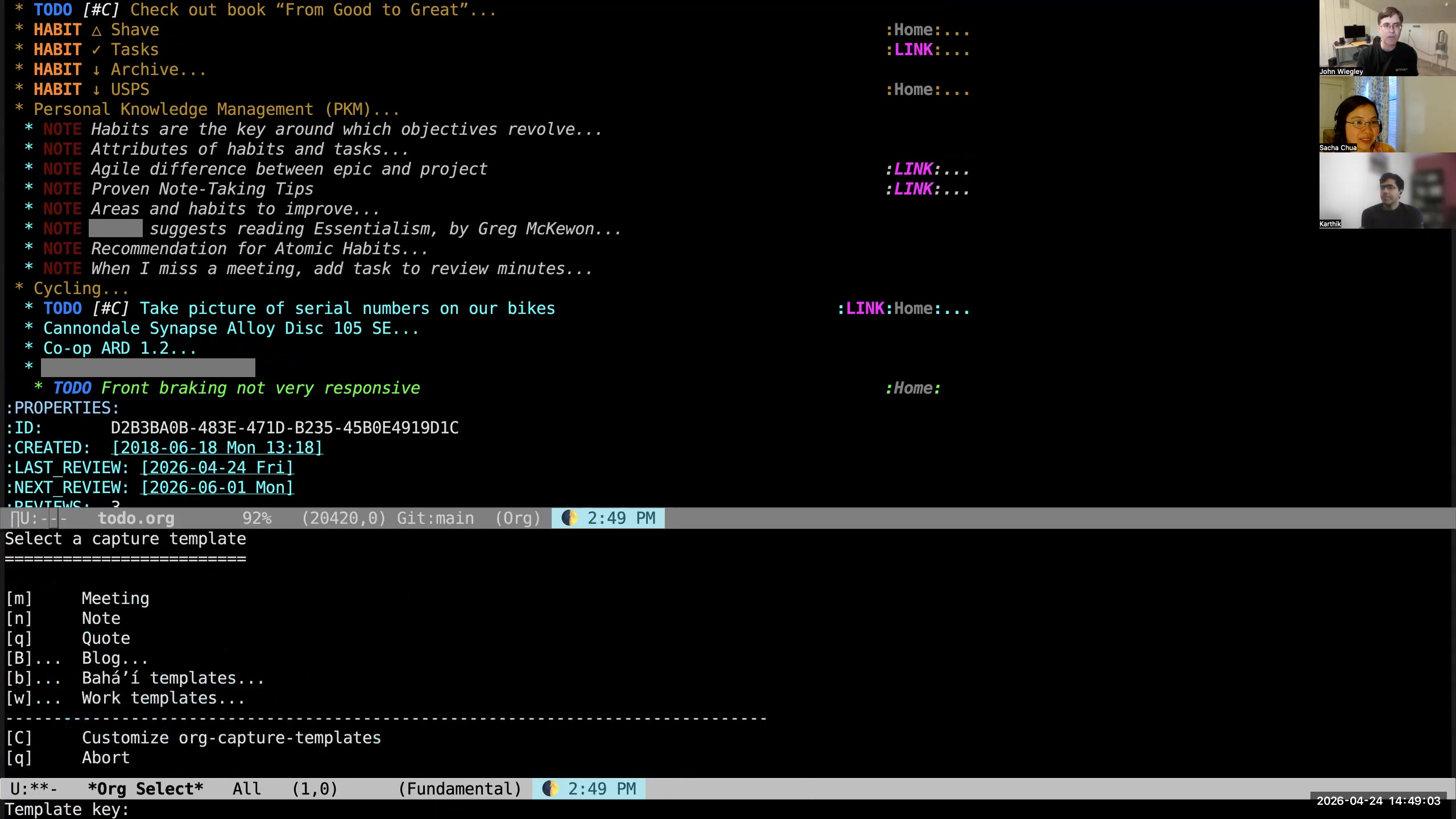 John: Then I use C-c M-m for a different set of capture templates, which are for Org-roam files. If I do C-c M-m, then I can go to my work templates, my Bahá'í templates. I could capture a note, which is an independent empty file. I could capture a blog for one of my two blogs.
 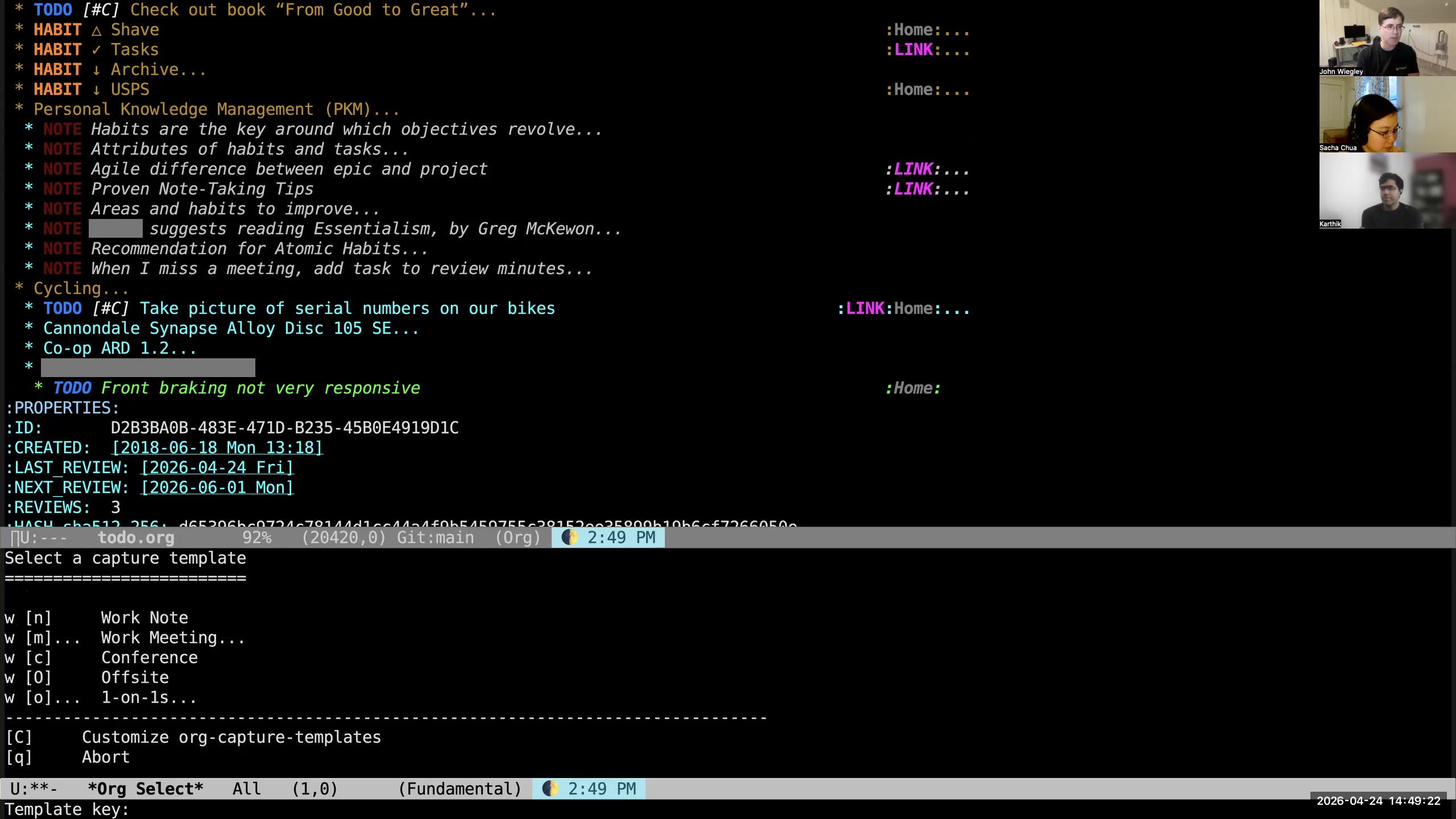 John: So let's do work. I'll say "work," I'll say "O" for one-on-ones,
 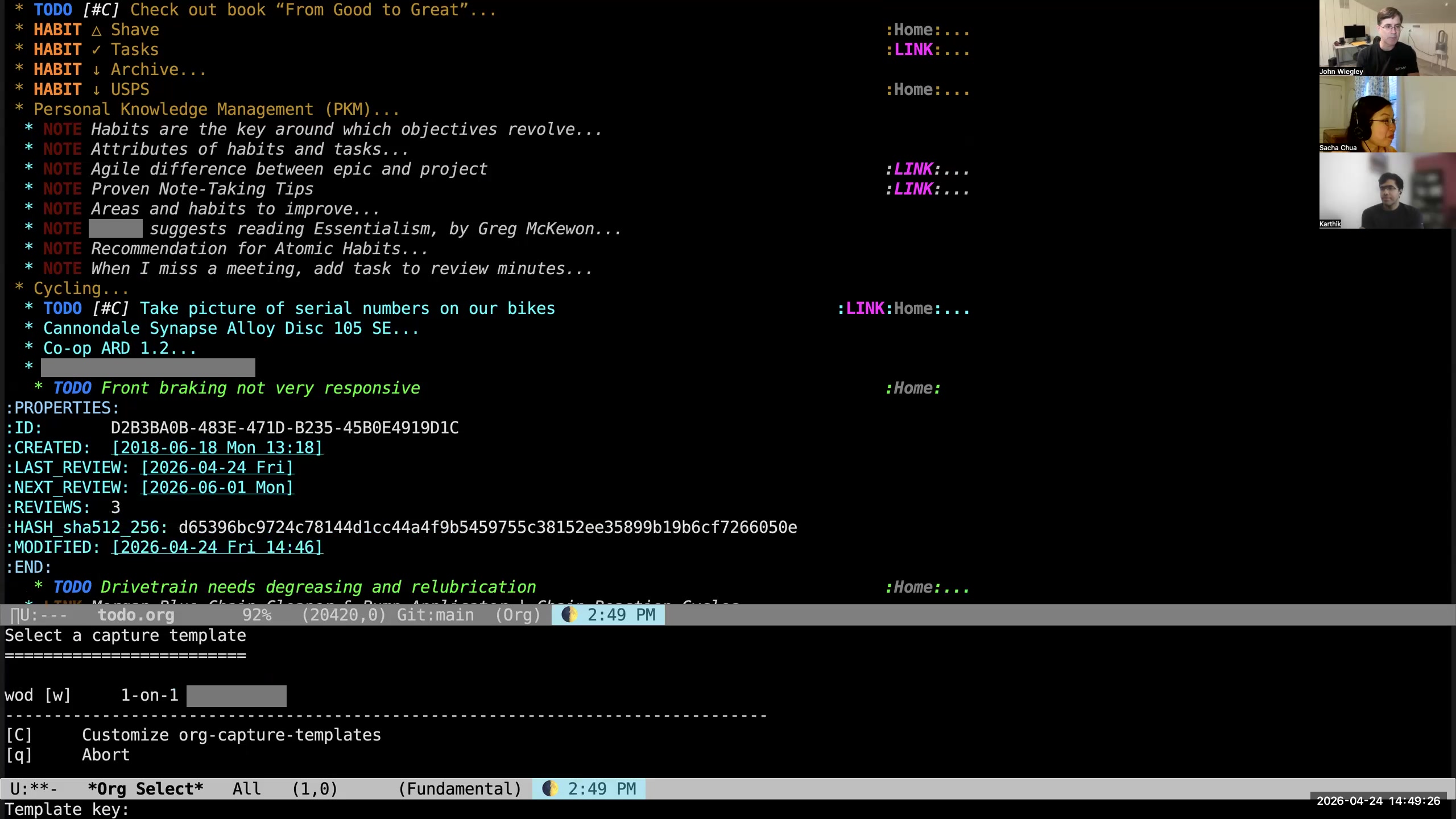 John: I'll say "D" for names that begin with D,
 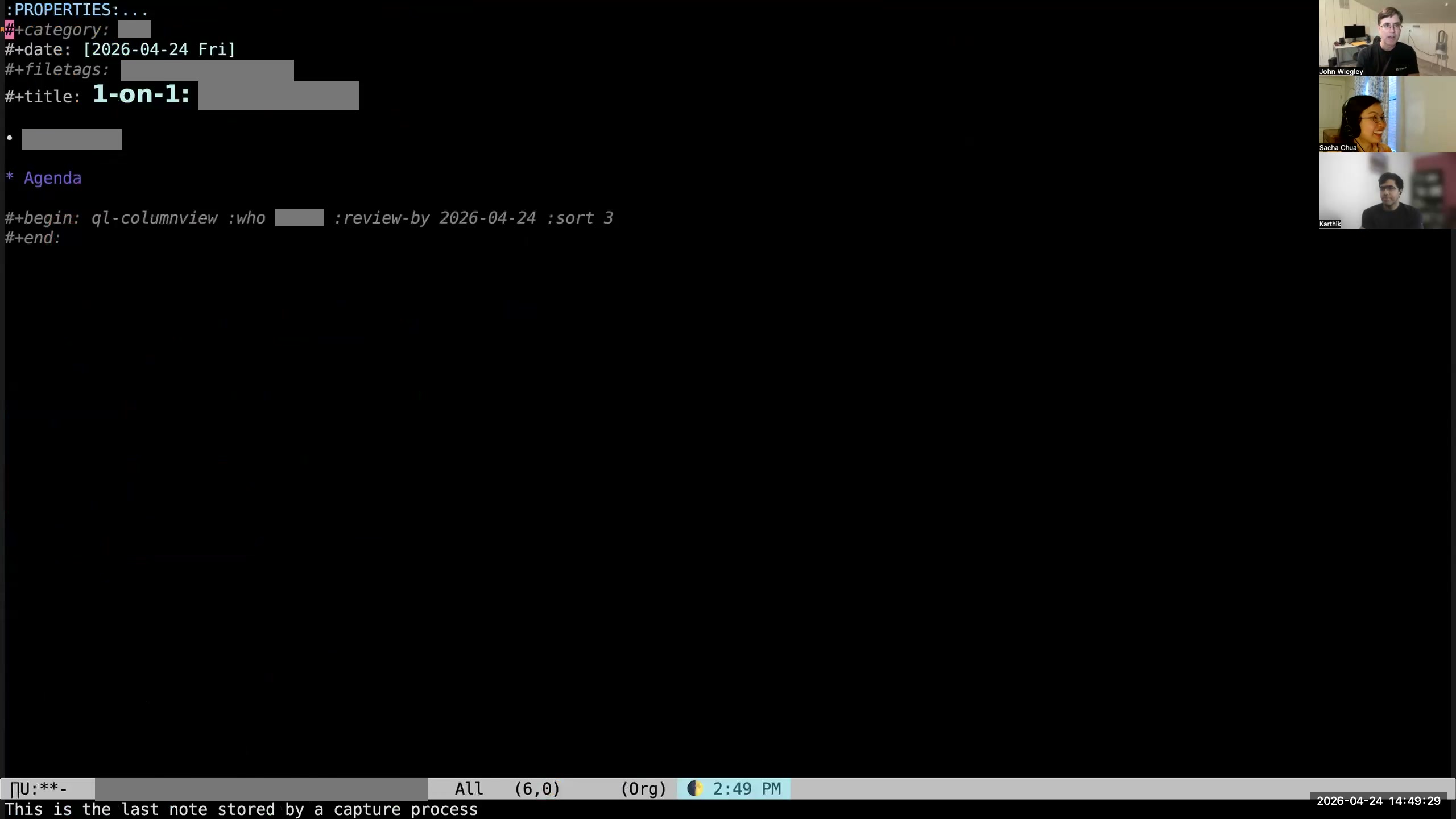 John: and I'll say "W" and it will be my manager. What that will do is now it pops me into an Org-roam file where all the metadata for this file has been set up: the right category, the right file tags, creation date, everything.
 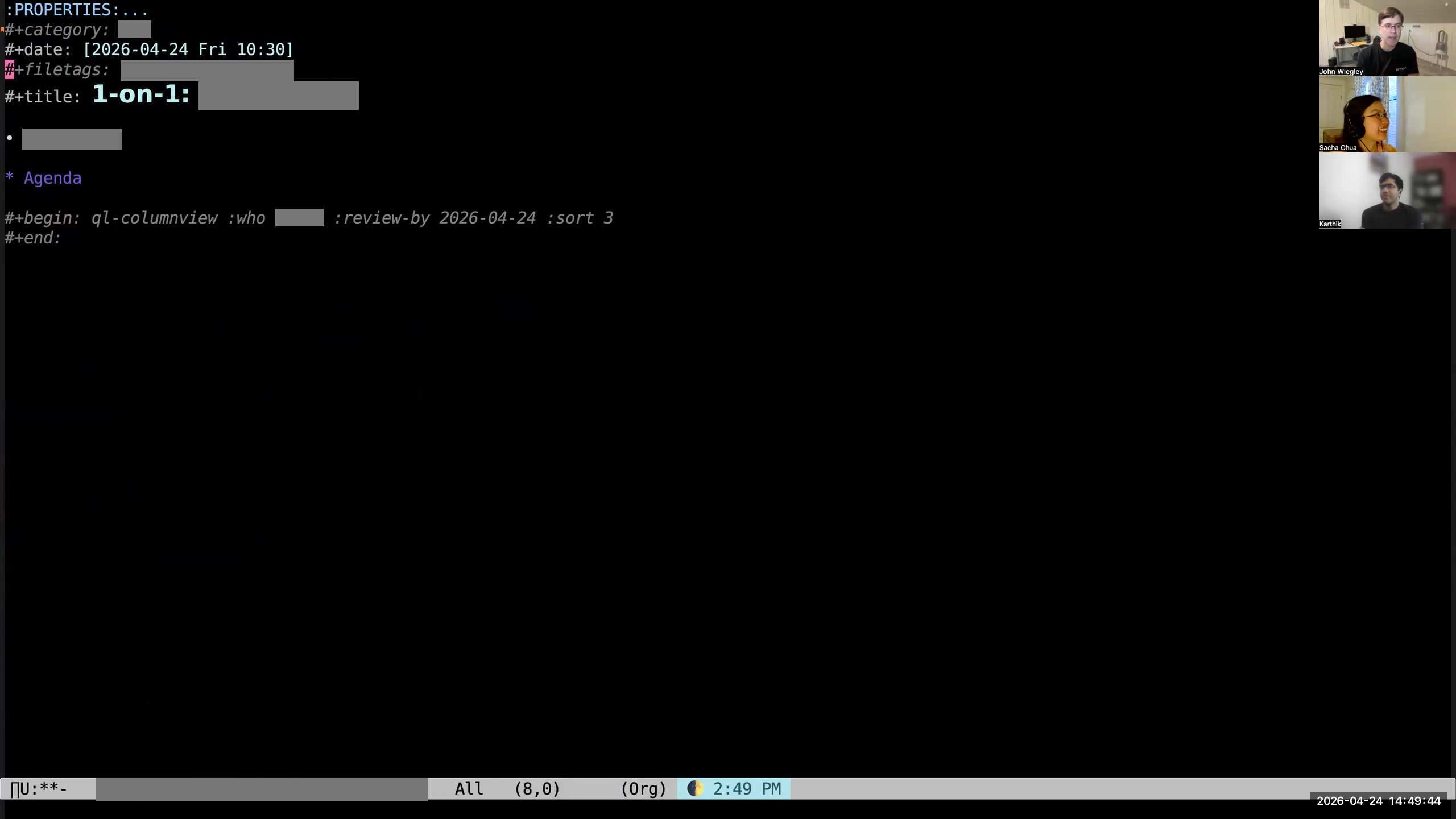 John: I like to add the meeting time to the date. When I save the file, then there is an after-save hook that will automatically rename the file so it has the correct date and time in the filename.
 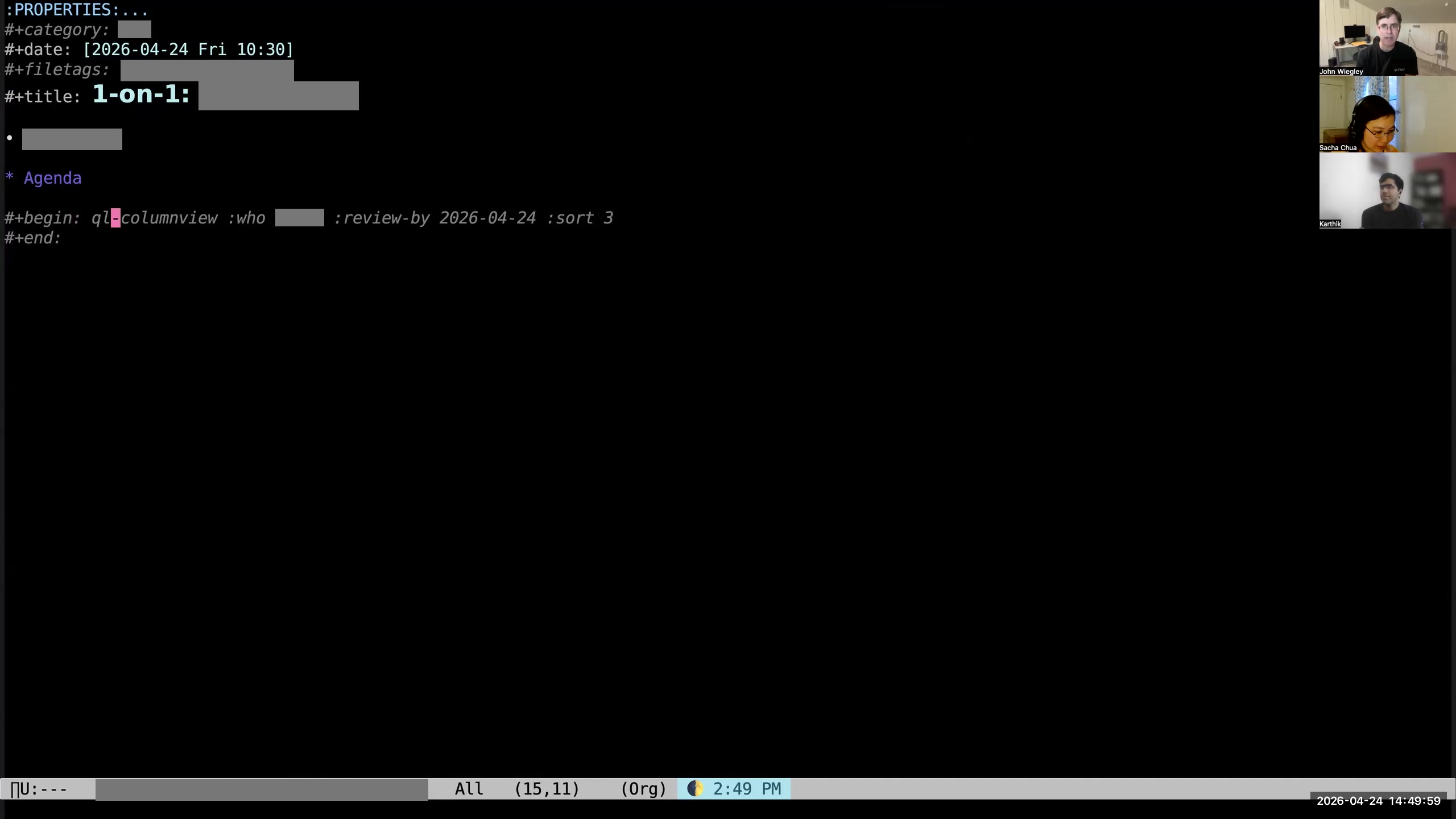 John: Then you can see that it has pre-populated an empty org-ql column view,
 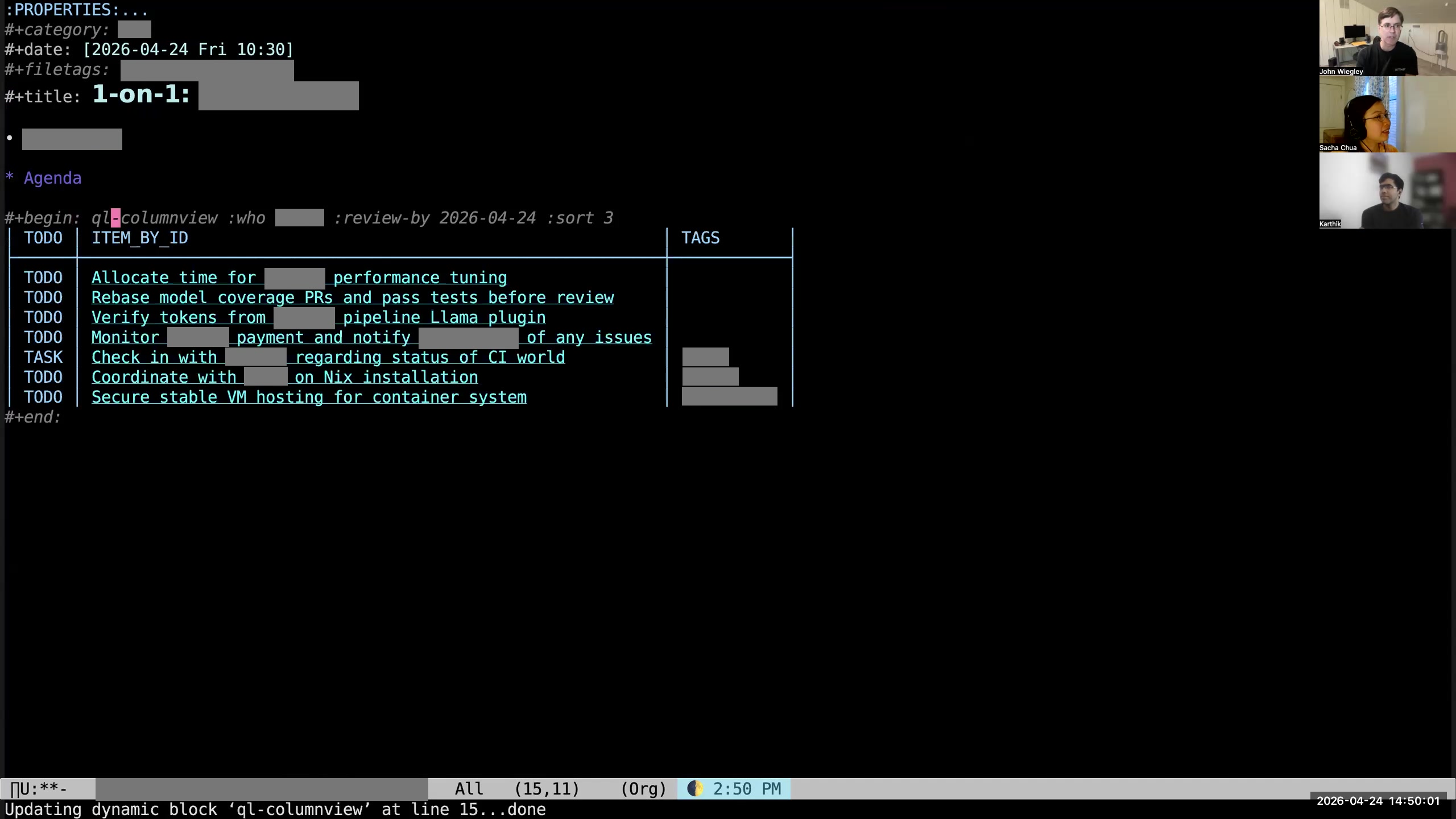 John: which I then hit C-c C-c on. So now, if the person I'm meeting with has not provided me with an agenda, I have an automatically constructed agenda for that person based on what I know I have to do for them in my Org-mode data. When I was a manager for several employees and would use Fireflies to capture all the action items from all of our meetings, this was how I followed up on all those action items with all the people. I had one-on-ones with every direct every week, and I would auto-populate agendas for those meetings from Org-mode. Then I would just go through the agenda with them and say, "What's the status? What's the status?" and just keep that moving forward. That ended up being a really nice system for making sure that all the action items we committed to were being completed.
 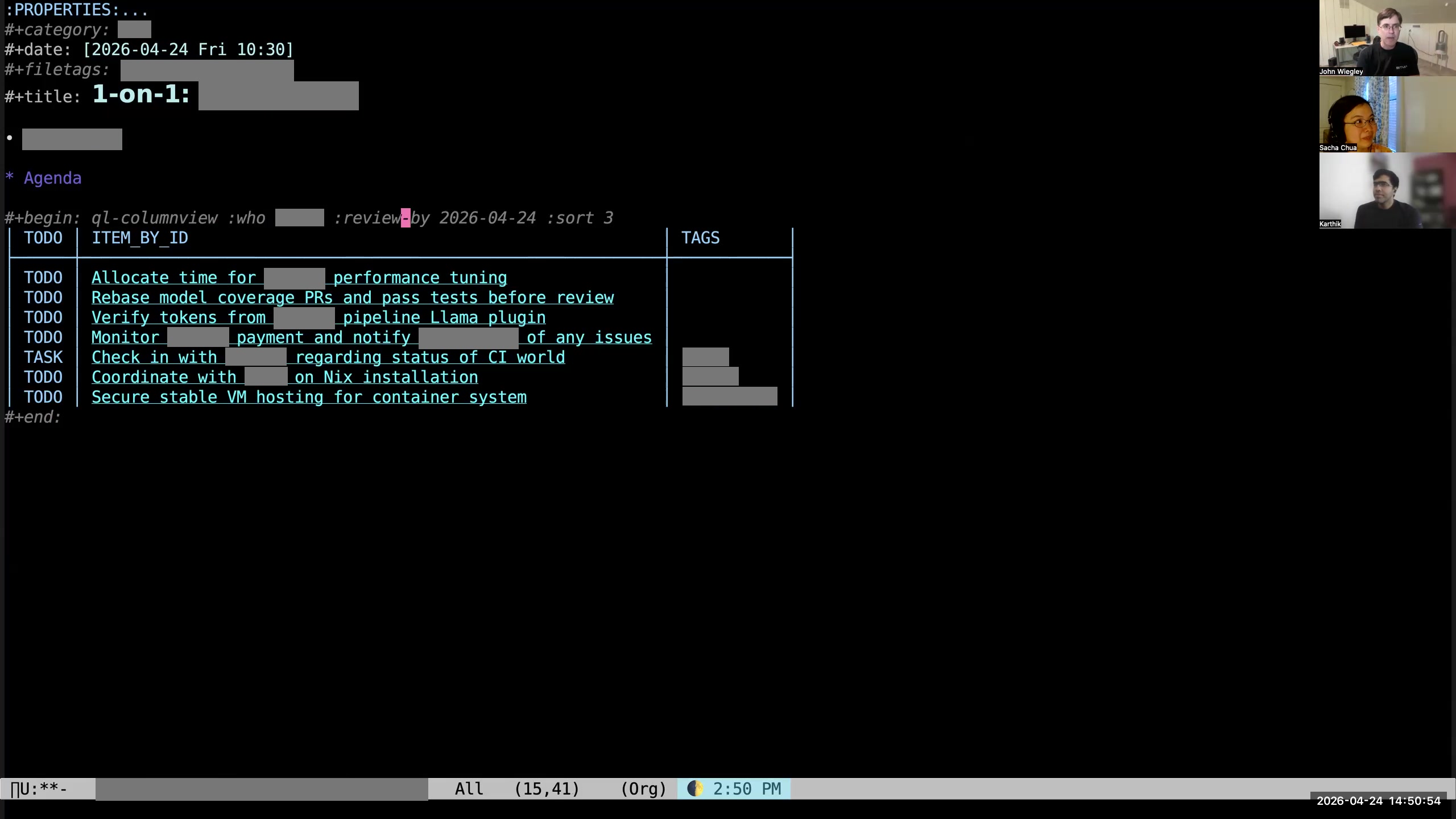 John: You can see here on this org-ql column view I have this
 :REVIEW_BY tag. That says, "If the NEXT_REVIEW date for the item is beyond this date, don't put it here. It doesn't belong in this agenda." That way, if a person says, "Oh, I'm working on this, but it's going to take me two months," I'll say, "Well, I'm going to check back with you in two months." Then I'll just set the NEXT_REVIEW for that item to be two months into the future. Sacha: And then for the ones that are there that you're reviewing, as you're sitting in the meeting with them, you're opening up the other tasks in another window and updating your status? John: Usually, yeah, I'll do this. 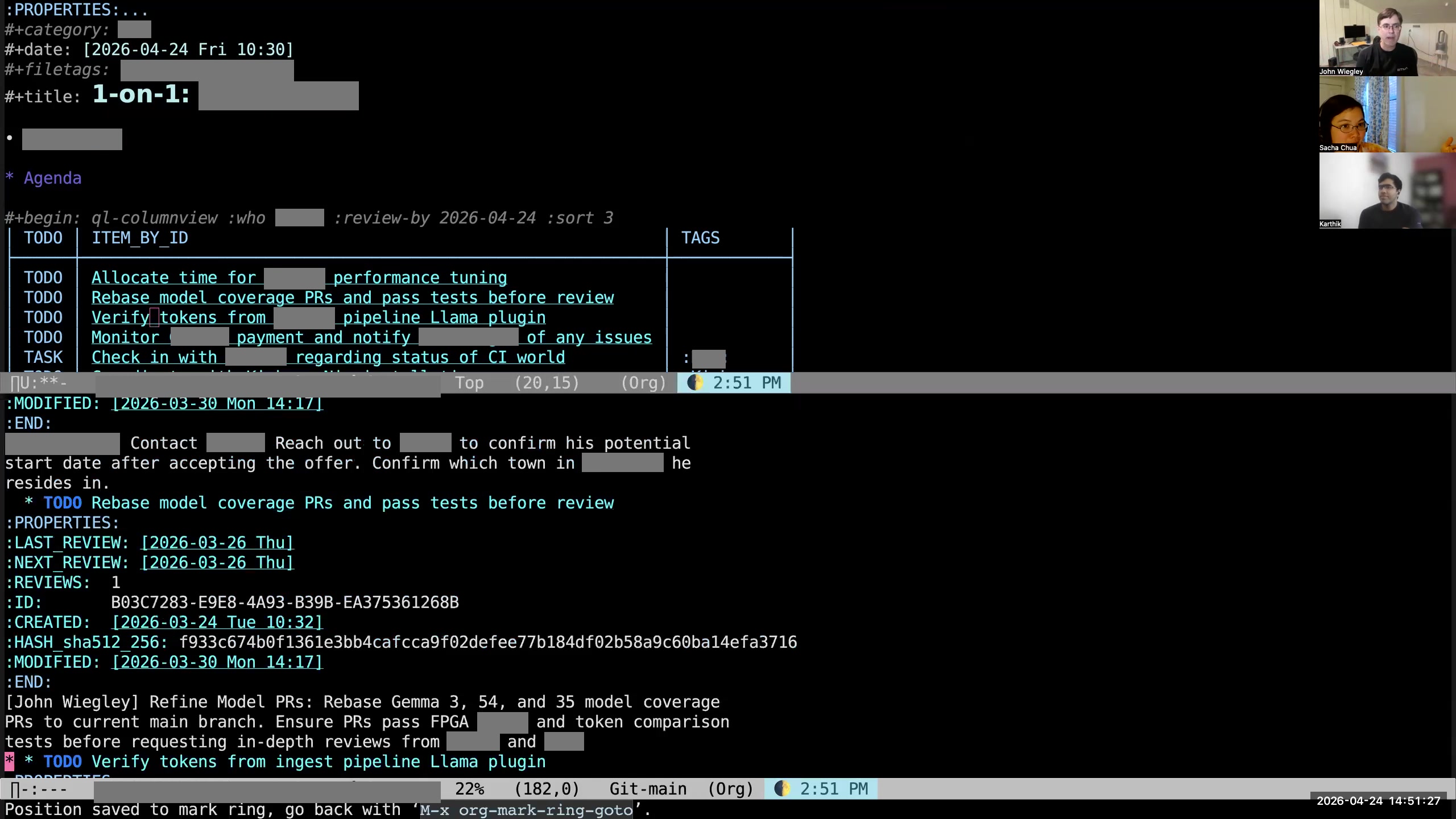 John: I'll open it up and see whether there's any supporting information. There may be links to files, links to URLs, a description.
 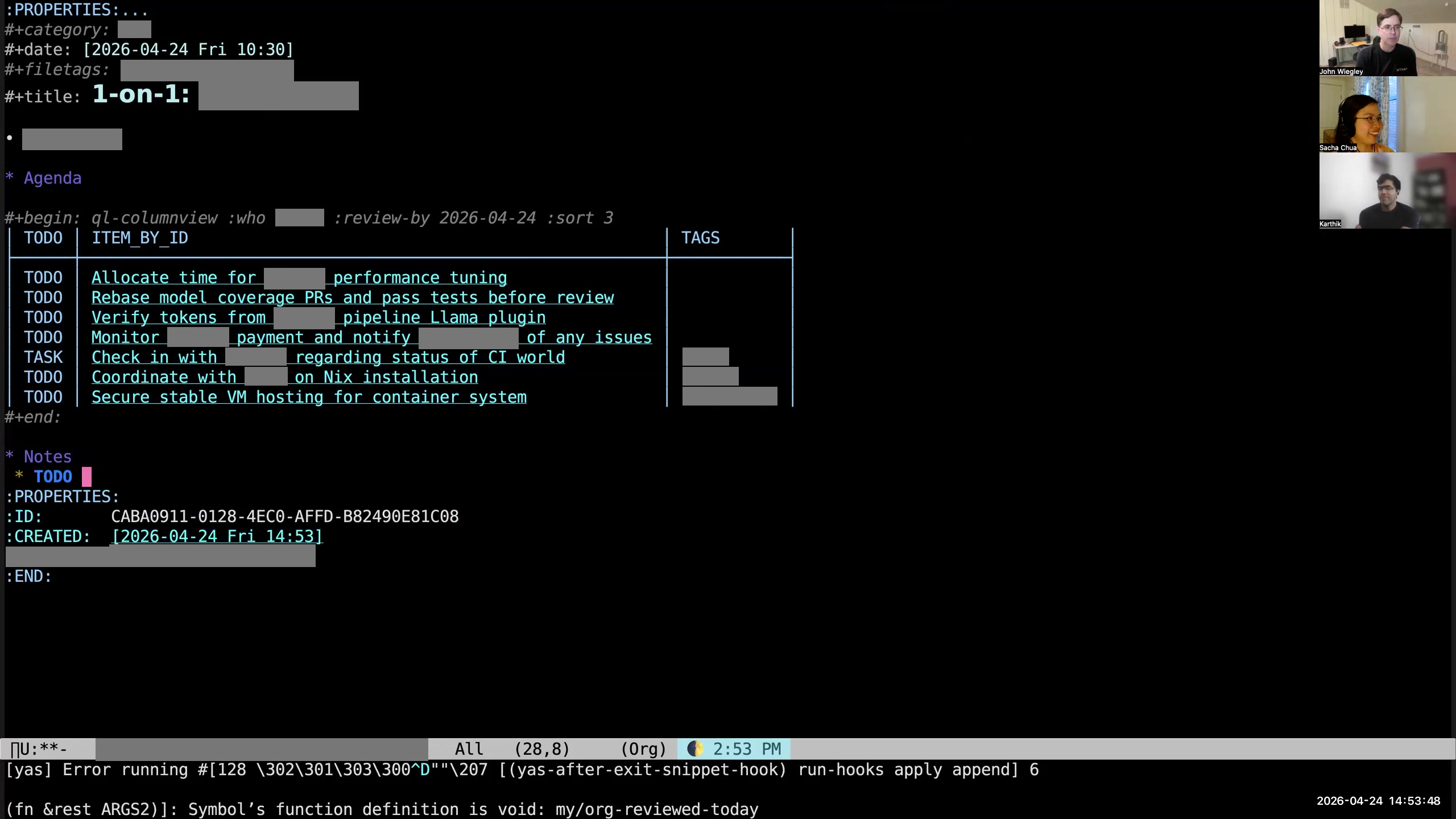 John: I could create a TODO— I'm using yasnippet to create the TODO. I have to fix my org-review today, so one second here while I make a task to fix that. Sacha: Of course. John: And that will be scheduled for today. Sacha: That sounds like a good opportunity to copy the error message, paste it in, and demonstrate how Claude will do the thing for us. John: Yeah, well, it might. I could do it this way.
 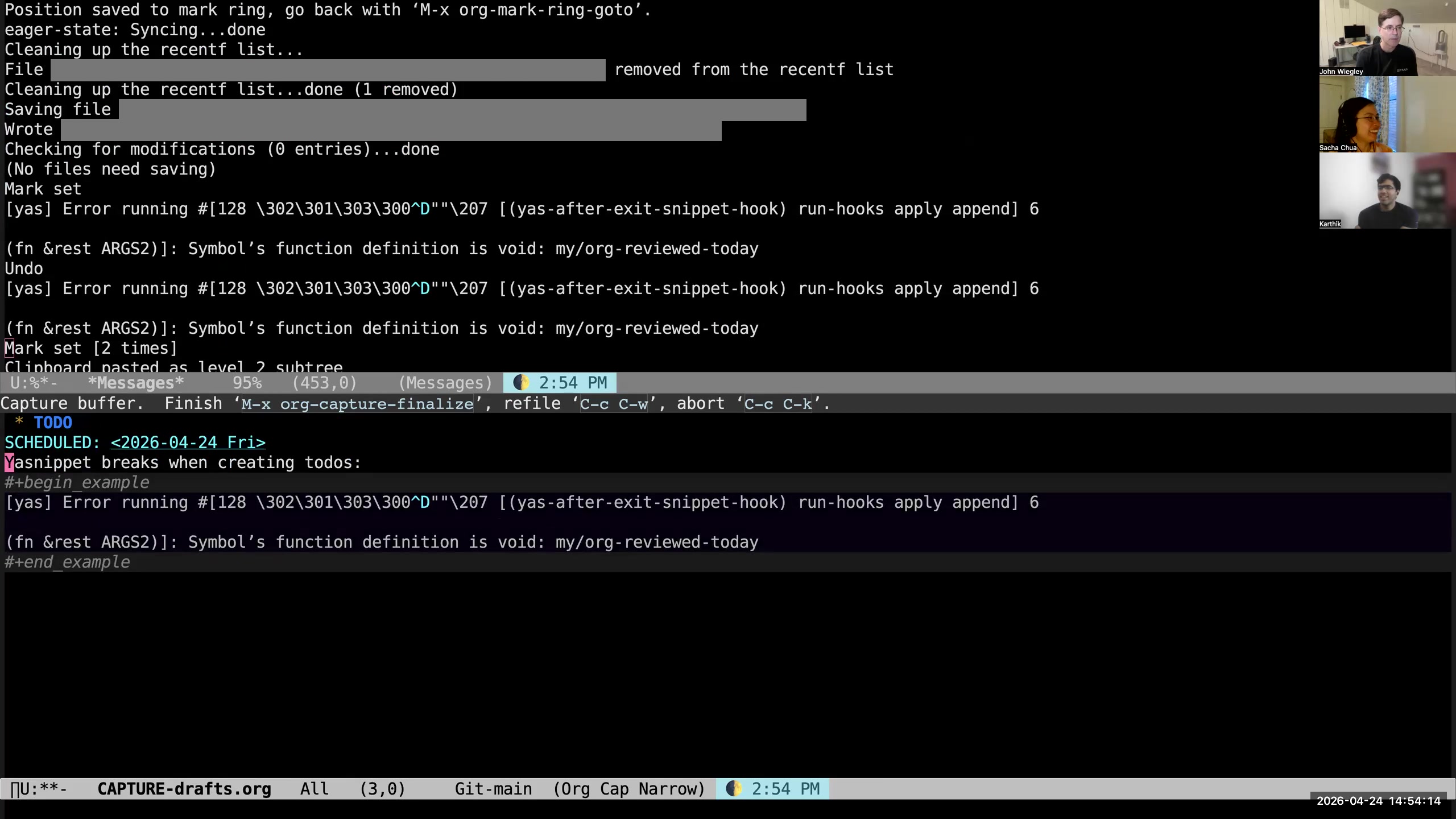 John: I type C-x c t — C-x c is my prefix for all things AI, and T is "make an Org-mode title." Actually, it's not using Claude, it's using my local AI. This is going to take a little bit longer. So while it does that, I'll tell you about other things. It can do it asynchronously, so I can come back here and tell you about this. So I'm here. What was I saying? What was I going to do in this file? I think I was just going to show you the creation of a TODO here. Sacha: Yeah, we were talking about copying the information from somewhere else. You've got this big paste, and then you're getting the AI to give you a title that summarizes the action item.
 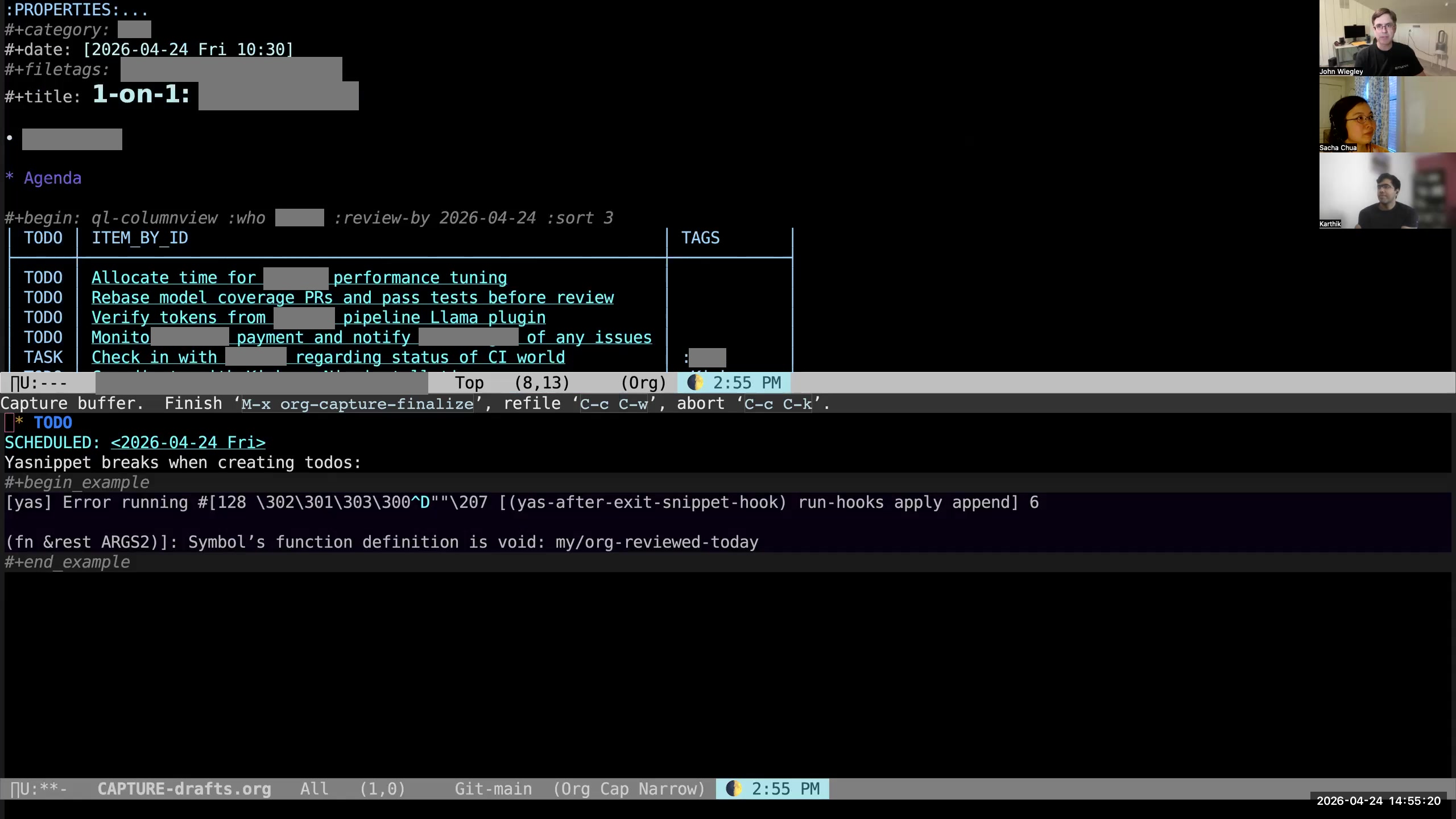 John: Since I've created a TODO, and since I saved the file (which is what caused it to then create the hash), you'll see that it has added "TODO" to the file tags. This is how the system knows to add it to the set of org-agenda files, so that the org-agenda will now get the TODOs from this file as well. Sacha: Okay, adding to the agenda. Gotcha. All right. Now, you mentioned the hash a few times. Go ahead.
 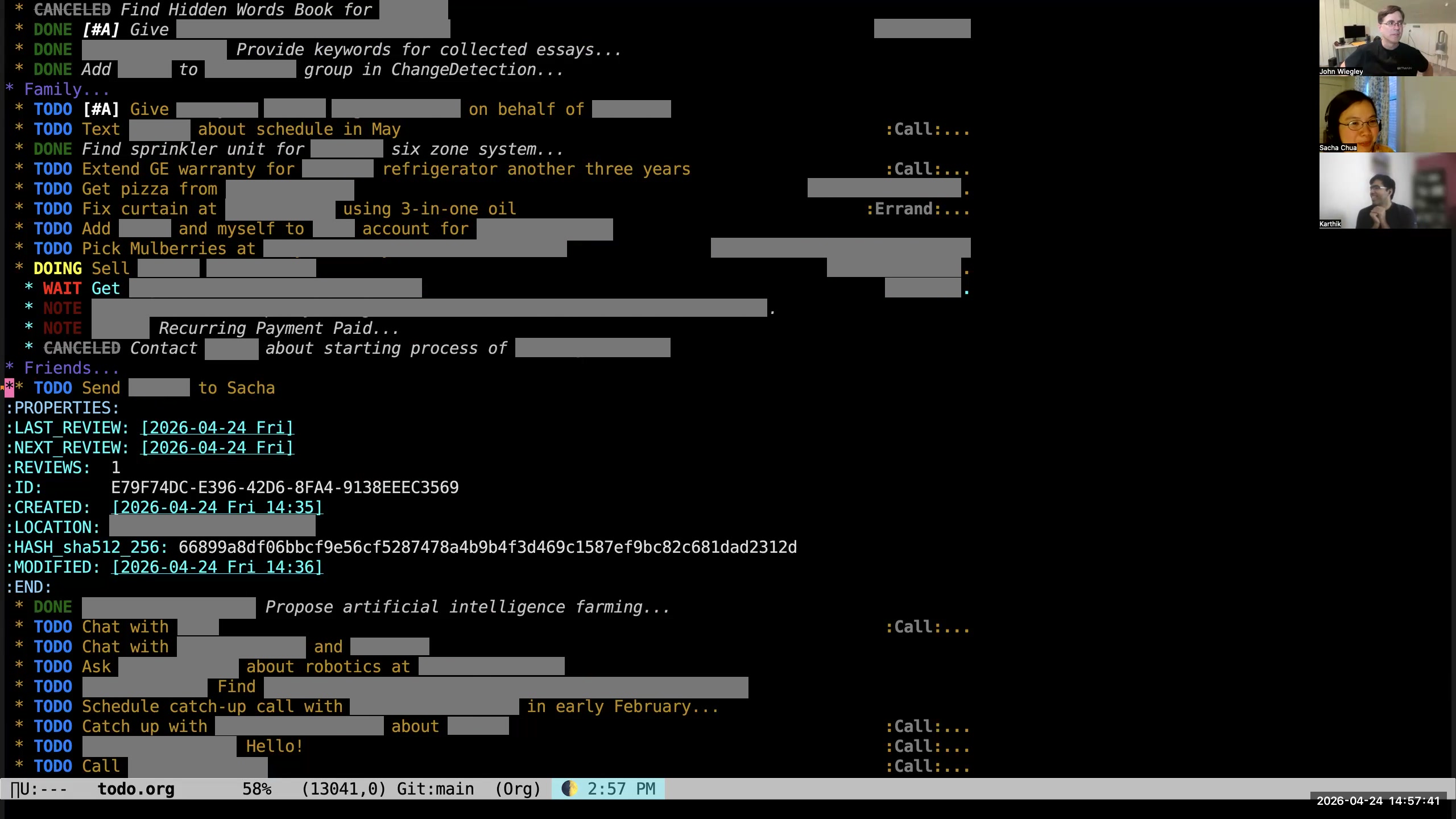 John: Yeah, the truth is it may never happen, Karthik, but it will be here as an open task. As I have time in my life, I do graze through my tasks. I cut it in different ways to try to refresh myself on what hasn't been done, and there will come a day when I will see this task again. Sacha: Okay, yeah. Anything that's got a time on it goes into the priority queue, and anything that would be nice to have goes into— someday it will show up in John's lottery of random tasks and then he'll be like, "You know, I'd rather do that task than all the other tasks. Let's do that one instead." Just a quick question, because we're coming up... John: Oh, we haven't even really scratched the surface. Sacha: I know. John: There are major, major things underneath this that I haven't even mentioned yet. Sacha: I can keep going if you can keep going. So up to you.
 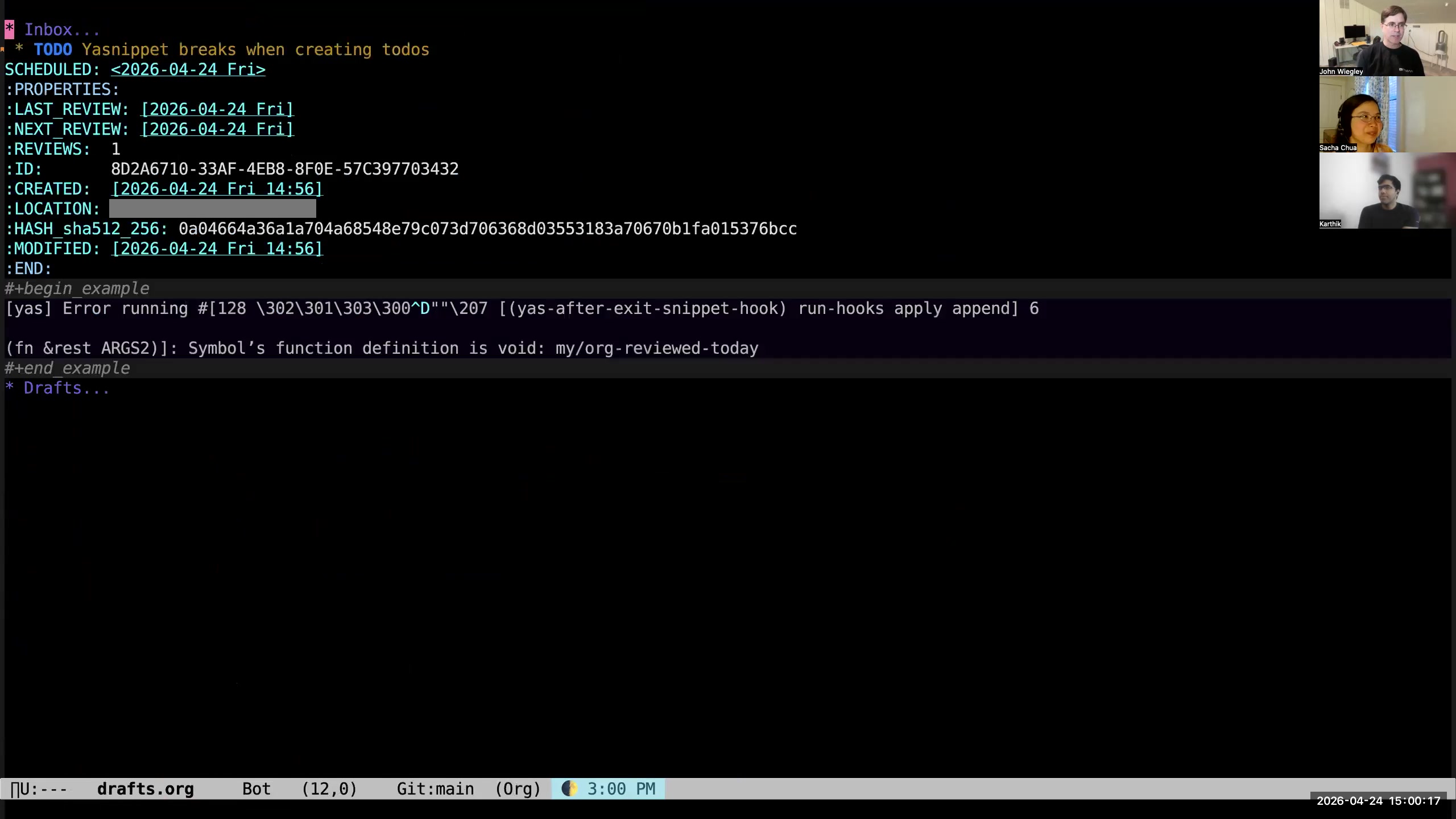 John: I mentioned that I was going to show in the drafts how I have an inbox
 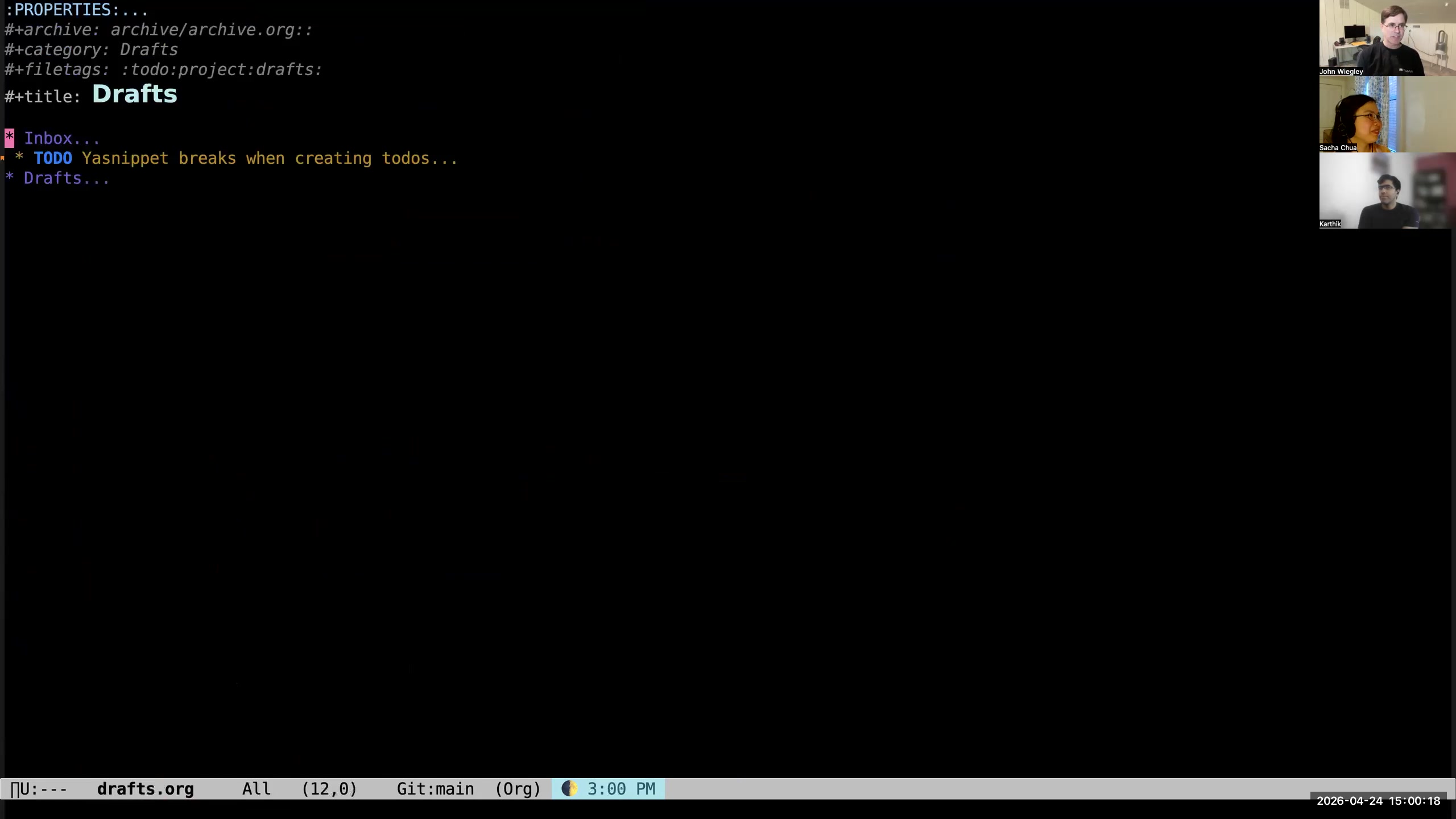 John: and a draft section. I've just recently added a new thing to my workflow, which is, instead of collecting drafts here... So what is a draft? A lot of times when I'm going to capture,
 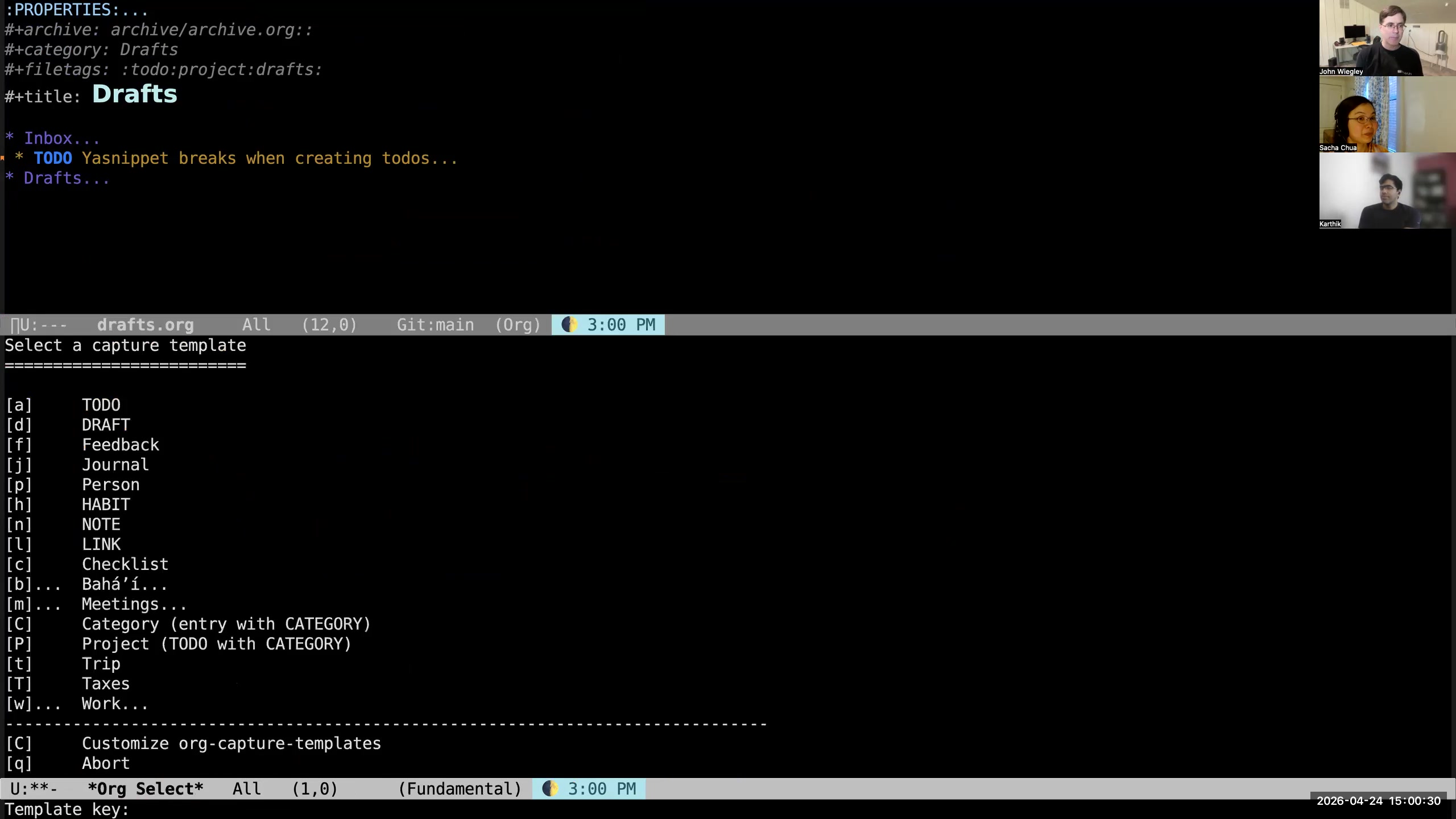 John: I hit M-m and I pick from the options of what I want to capture. That creates a template for that type of item. But sometimes that's too much thinking up front. I don't want to have to distinguish between a TODO or a note or a link or anything else. What I want is to just get the text out of my mind absolutely as fast as possible. For this purpose, I wrote org-drafts. I named it after a Mac application that I've been using for years that does exactly the same thing. Drafts lets you write first, act on the information later. In Drafts, the Mac app, you can write some text and then decide you want to send it as an email, send it as a message, send it as a WhatsApp—you know, but you shouldn't have to be thinking about the mechanism of action when you first just want to think about the creative act. I have changed it so that, instead of just M-m,
 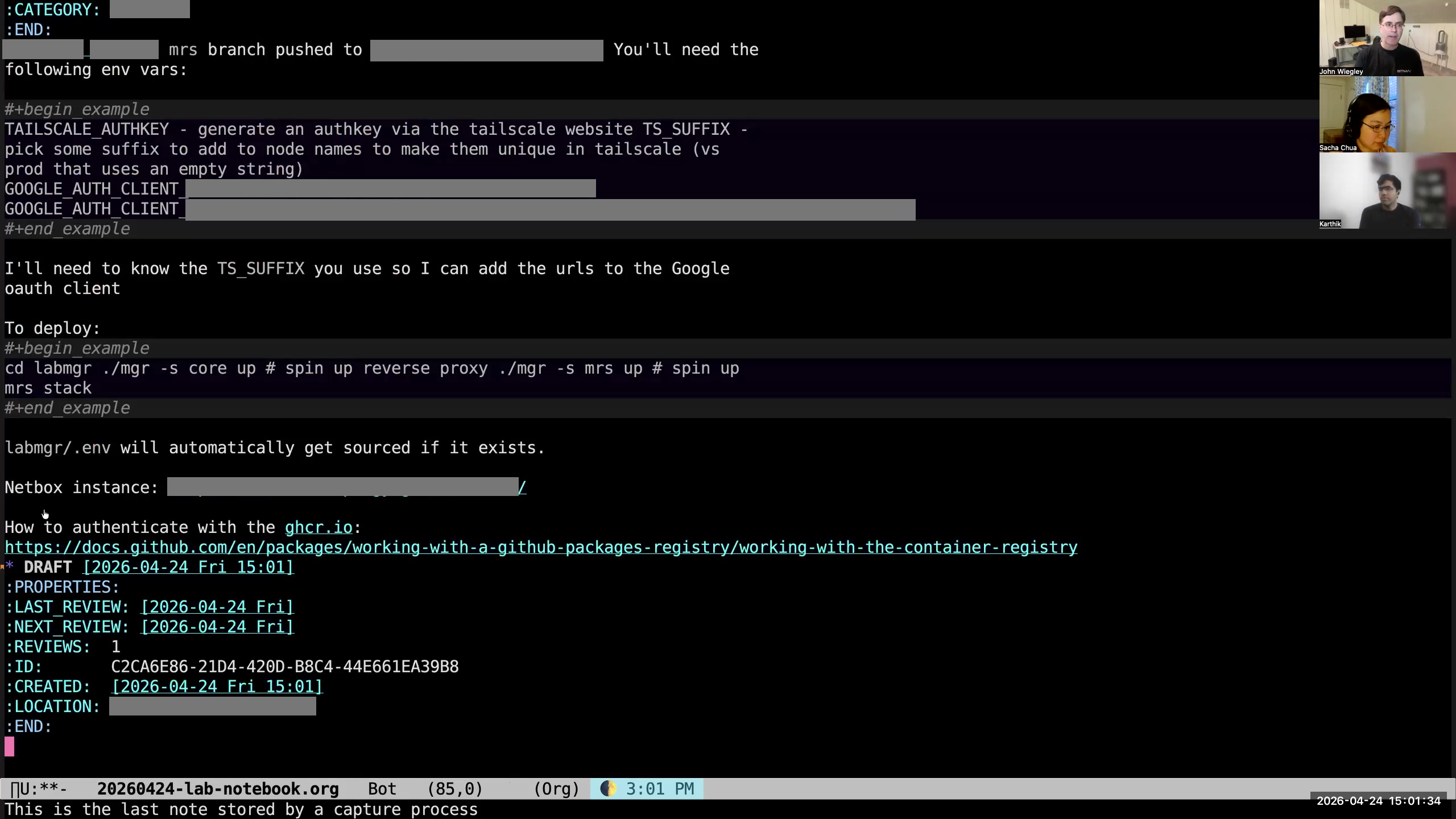 John: if I do M-S-m, it creates a draft. It used to create the draft using the org-capture interface, and then it would go into that drafts subheading in my drafts.org file. But now what it does is it goes into my lab notebook.
 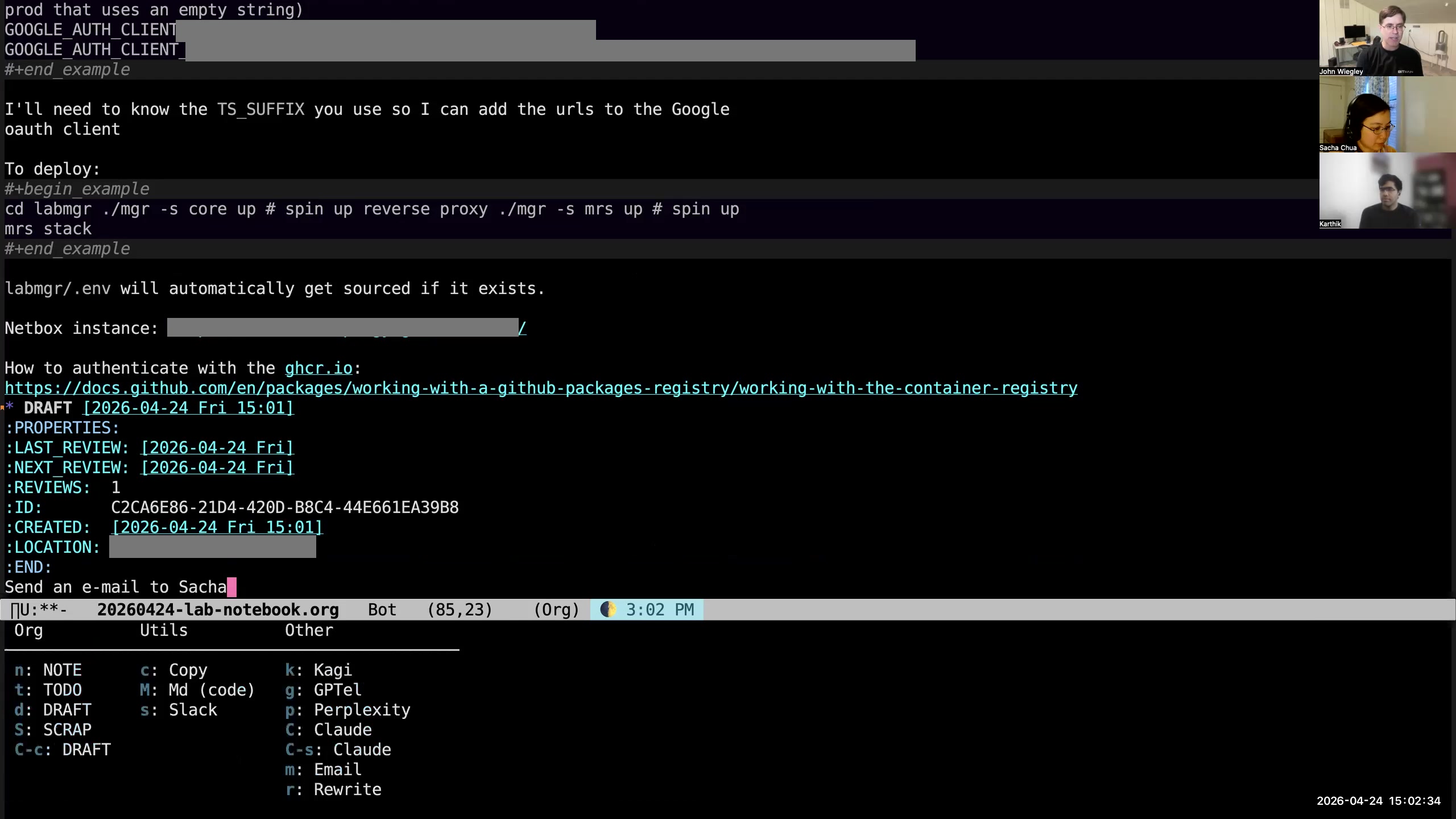 John: So if I hit C-c C-c, it pops up a little submenu of things I can do with this draft.
 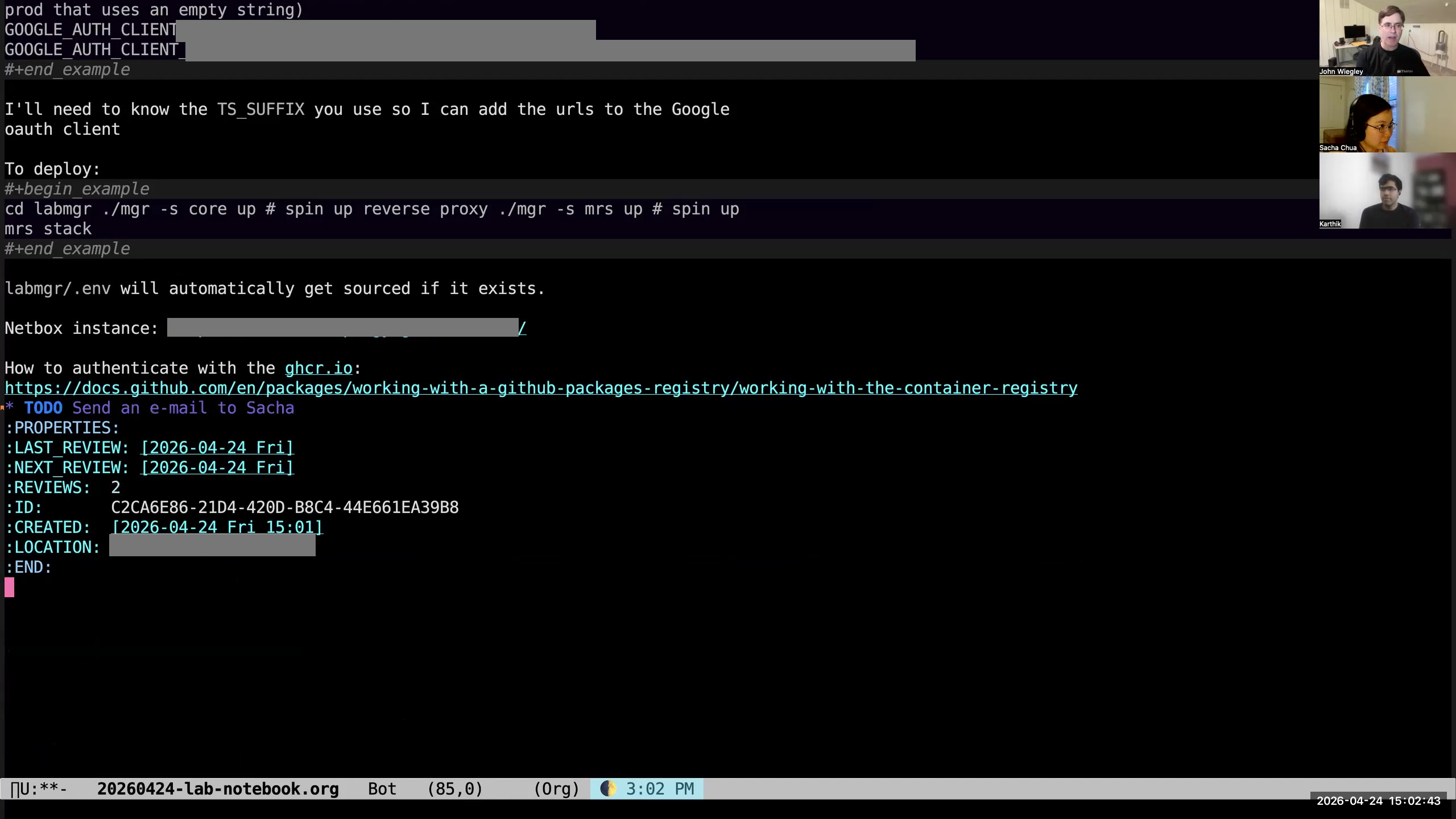 John: If I hit t, it'll take the first line of the body of the draft and turn it into a TODO with that line as the title of the TODO.
 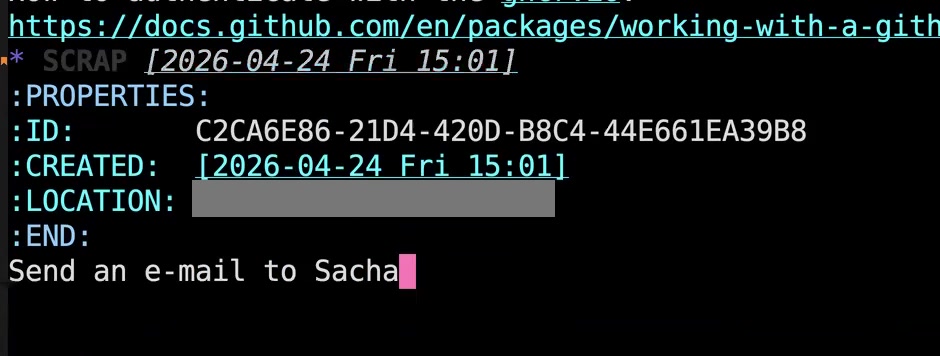 John: If I hit C-c C-c c, it will copy the body of the draft onto my clipboard and then change the keyword of the draft to SCRAP. SCRAP is just a keyword that I use to identify drafts that I don't need to act on anymore but I like to keep the information. Maybe I want the information in the future.
 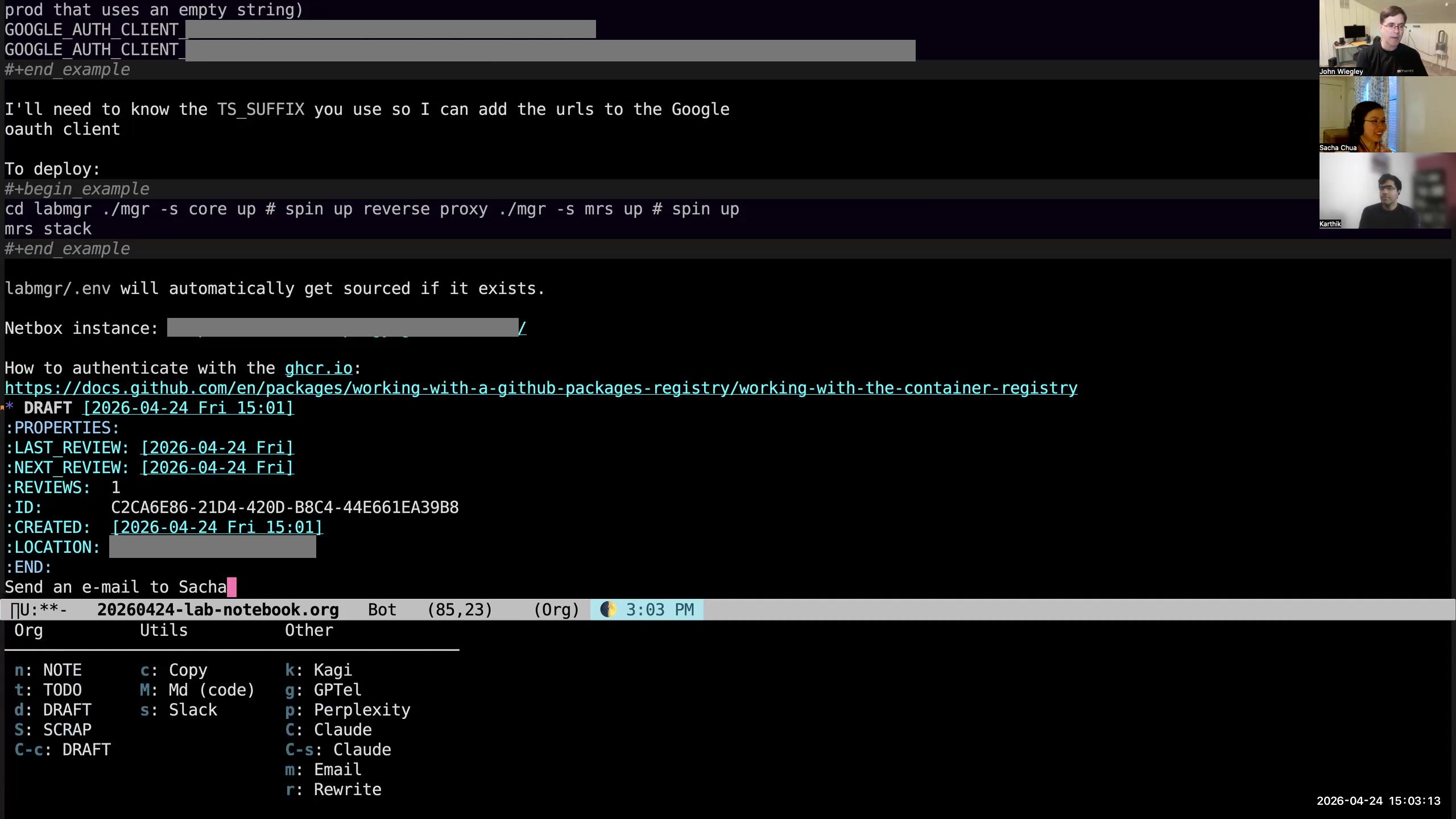 John: Another thing I can do with it: I could do C-S-c, and what that will do—you don't see it because it didn't show up there— but it starts up a webpage into Claude.ai and inserts the body of the draft as the text to submit for the prompt to that webpage. This is extensible. You can add new actions to this. I can draft an email with this. I don't have it set up to send Apple Messages, but I could. I could set up that interaction as well. This is now a preferable way for me to collect ideas and thoughts and notes throughout the day. So when I'm using Claude Code, which is what I'm generally using, and I write a really long prompt and I think, "I may want to use that prompt again in the future," I will copy and paste it and then make it a draft, and not do anything with it. Actually, I just turn it into SCRAP right away with another keybinding, but I want to retain it within my lab notebook so that I can use other forms of search, which I'm going to talk about in a moment, to try and recover that information and find it later.
 org-db-search—that’s the name of the command that I run to do this. 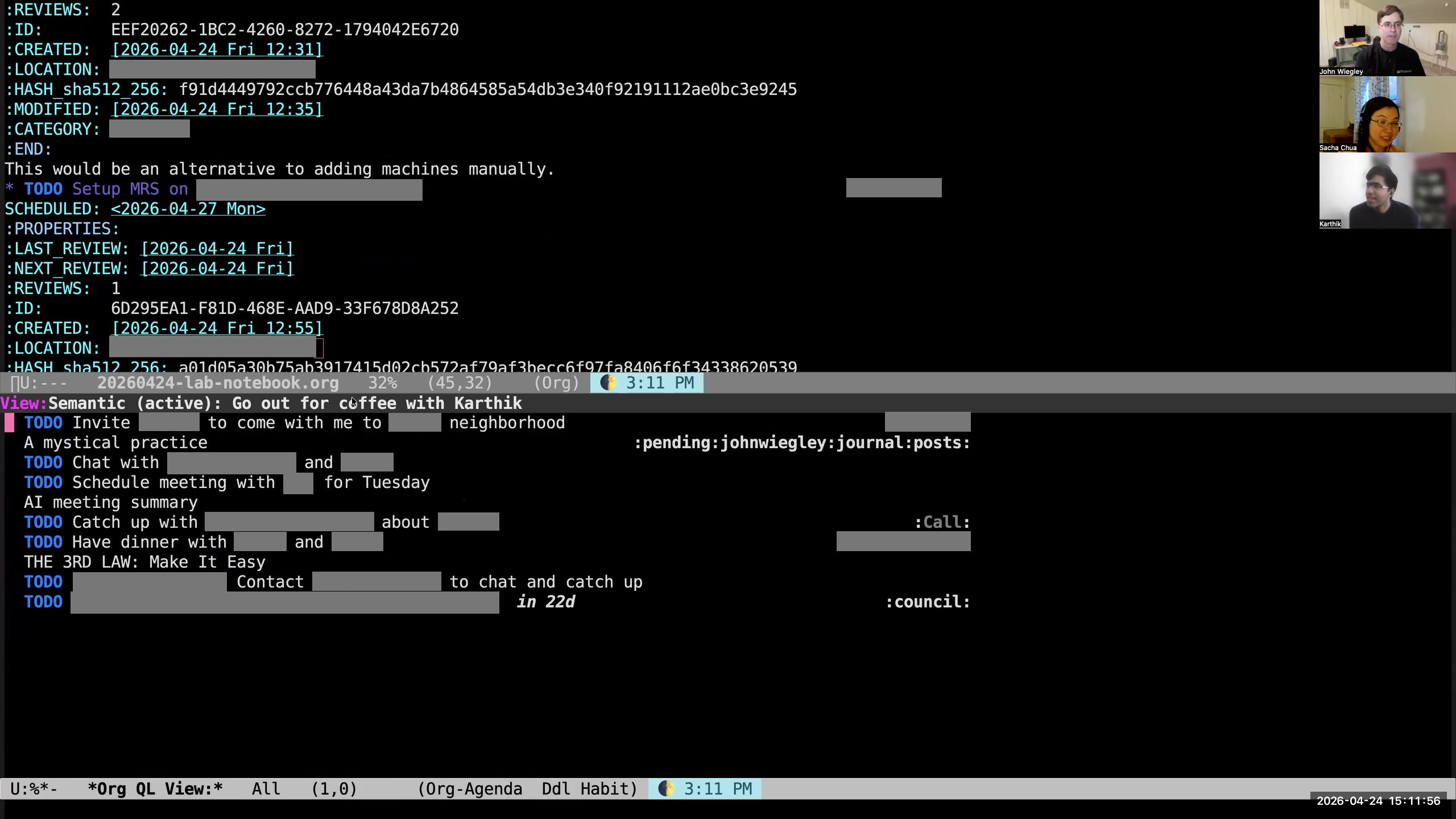 Sacha: Which actually is an interesting thing that touches on the conversation that Karthik and I were having before you joined. How do you keep the ideal of your tasks or whatever synchronized with the reality of your current focus, or the things that have broken or changed? Karthik: Yeah, it's the drift. I call it the drift problem, where the state of your life—well, the portion of your life that you want to capture in this case in Org—has drifted from what's actually happening. Then when you look at your agenda, you go, "No, this is not relevant to me anymore. The things that are bothering me right now are not here." So it's like the Venn diagrams—I mean, the two blobs—the overlap is getting smaller and smaller. So is that a problem you have, and if you do, how do you deal with it? John: I deal with it by not using any other systems but Org-mode. So you have to always be in Org-mode, seeing that data somehow. You have to just be interacting with it to combat that drift constantly. You can't have even two to-do lists. For me, even just one other to-do list makes the drift unmanageable. So if somebody puts something for me on another to-do list, I'll make an Org-mode task and I'll put a link to that to-do list. It has to be in Org-mode. Sacha: Do you sometimes find yourself— go ahead. Karthik: What about the to-do list in your mind? John: I don't keep a to-do list in my mind. Karthik: You don't have a to-do list in your mind. Sacha: I was just saying, as we saw earlier, if you do come across—if there's a thought and it's not in your current review list and it's not in your current agenda, your semantic search and your org-ql will help you find that thing relatively quickly, I think. John: Yeah, if it's in the Org-mode file anywhere, a combination of either ripgrep or Postgres full-text search or semantic search, there will be a way to find it. Then if it's not in there, I just use the capture interface to put it in there.
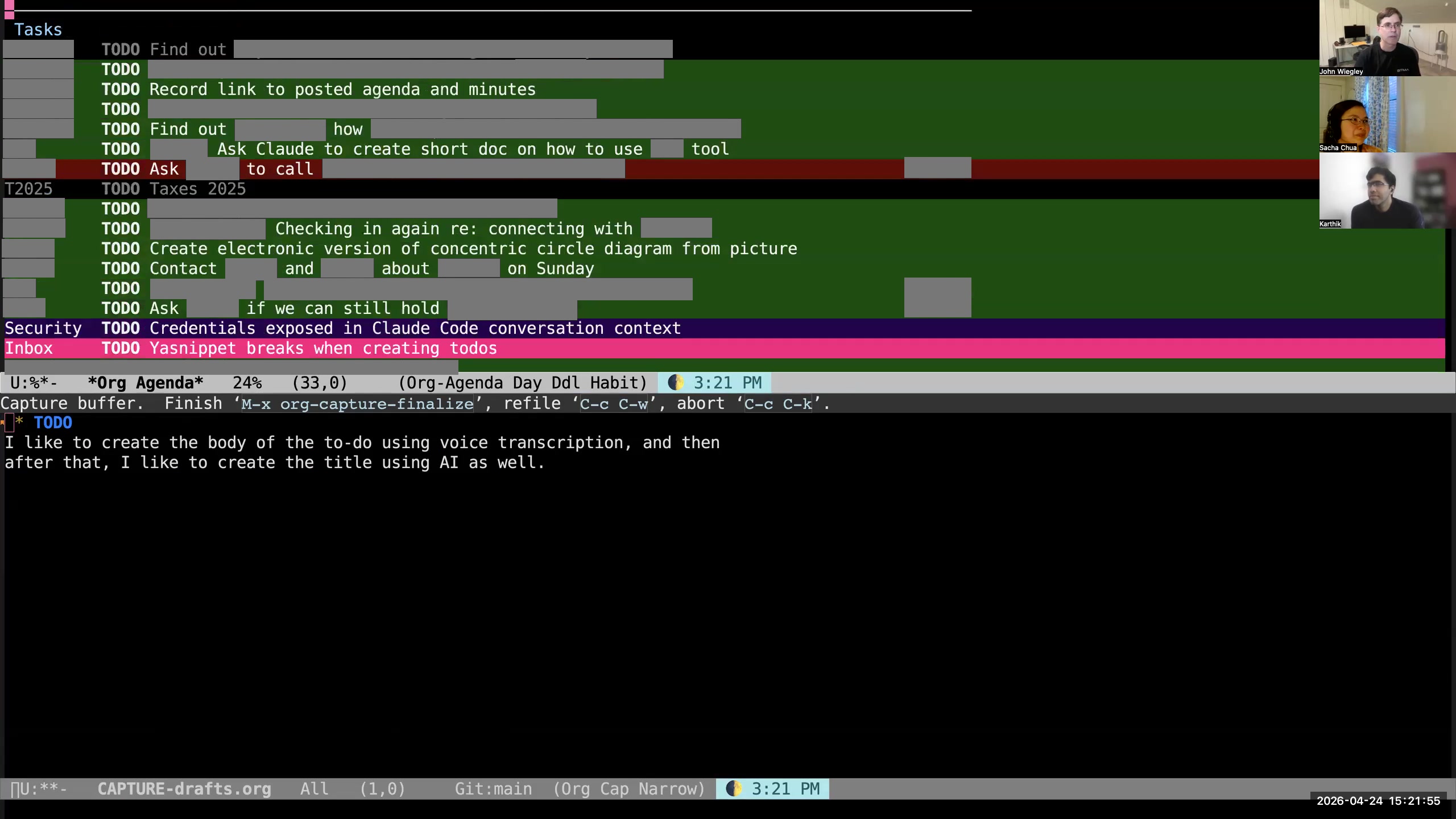
 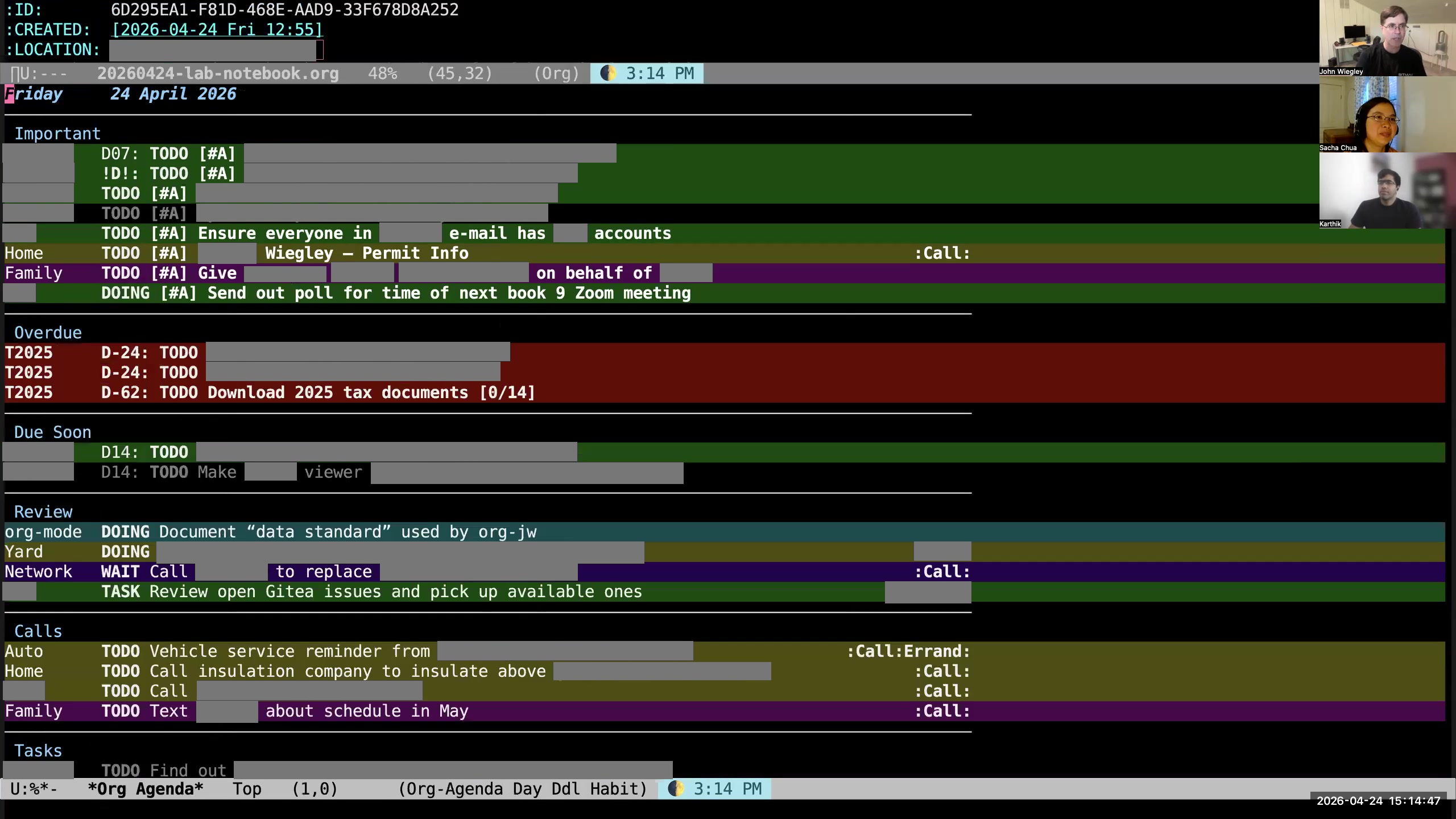 John: Now I'll regenerate my Org-mode agenda. And now here it is—this fuchsia guy just came in from the Mac Drafts app. The Drafts app on the Mac runs on my phone and it runs on my watch. So what I do to create tasks is I tell my watch— I just talk to Siri and I say, "Remind me to do such-and-such." Then the Drafts app knows to automatically suck in anything that's on my Reminders list, and that ends up becoming something that's auto-sucked into Org-mode. This way I use voice to capture things as they happen wherever I am. I don't have to have my computer. I don't even have to have my phone. I just need my watch at the very least, and I'm capturing tasks by voice like this, dozens of them a day. This is probably the most frequent way that I do it. Oh, and also, I taught OpenClaw how to add stuff to Drafts. So I can also ask OpenClaw via Discord, "Hey, remind me to do such-and-such." But why do that? I just did it as an alternate way. I prefer to do it with my watch. Sacha: Yeah, just because you can.
 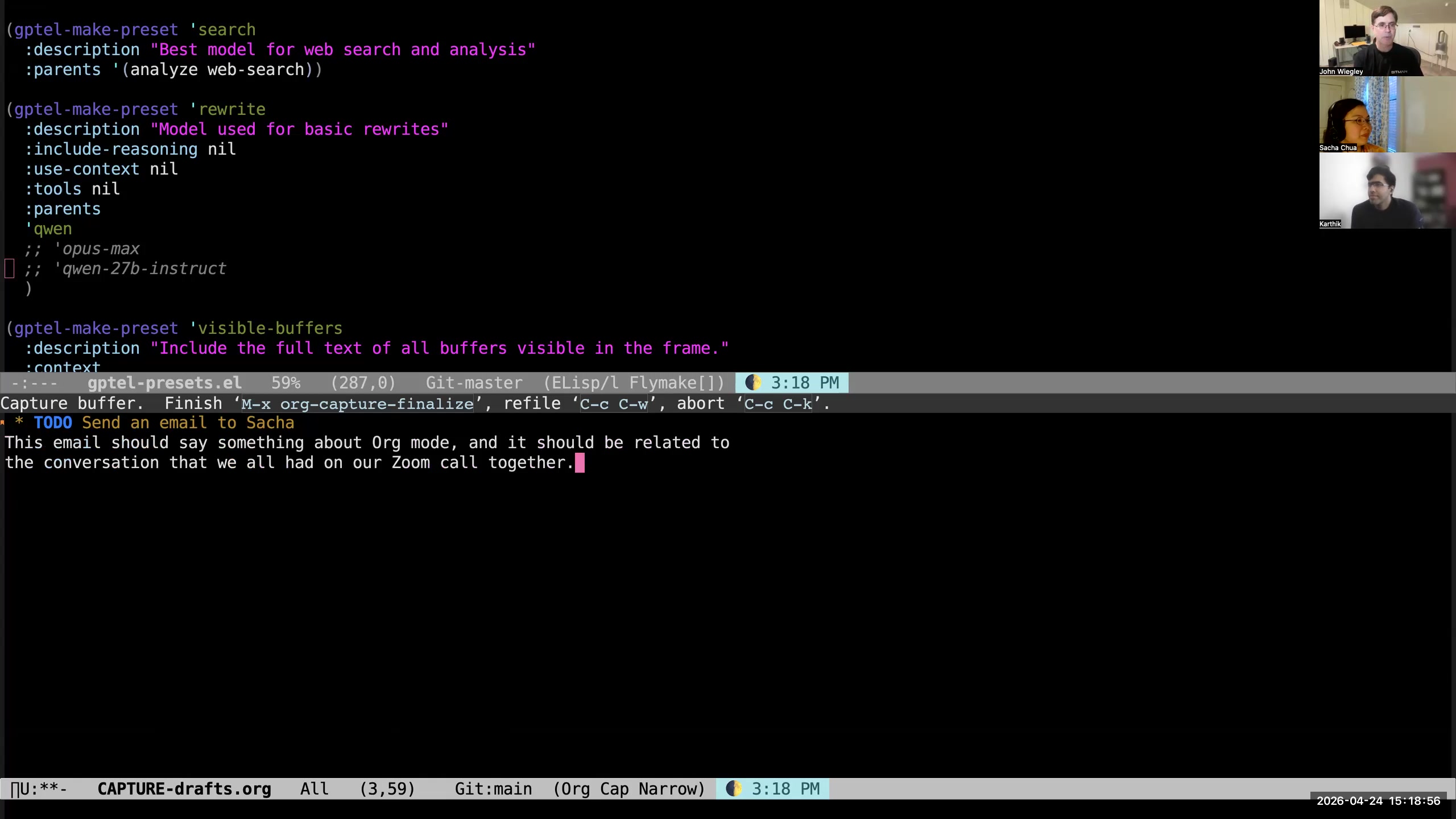 John: But this is what it came out with. The only thing it didn't know how to do was put a hyphen between "Org" and "mode." I have complete control with Handy over the post-processing prompt. In the post-processing prompt, I can give it an Emacs section and tell it about vocabulary that's special to Emacs that I want it to be aware of. I've done that for all of my work topics, but I haven't done it for the Emacs topics. Sacha: I have something similar where I do the post-processing of the speech-recognition output in Emacs, so I can just run a list of functions on it, including fixing common errors and processing speech commands. So I'm gradually playing around with that too. John: It's invaluable. The other nice thing about voice transcription is that you end up saying more than you type, because I think we just naturally economize— typing takes more energy. When I talk, I'm just a blabbermouth and I end up giving all this information that ends up being better for AI. In fact, they've shown that if you just add 40 more periods at the end of your sentence, that improves the quality of your response, because all of those additional tokens cause attention to be recomputed for the existing tokens many, many more times, and that computation helps it find its way through the feed-forward networks more accurately. So more text is actually better, especially when you're only talking about maybe 20% longer due to voice transcription. So I prefer to talk to AIs through voice. What I do is I like to create—let's see here— I like to create the body of the TODO using voice transcription, and then after that I like to create the title using AI as well. Now that it's warmed up, it should not take quite so long.
 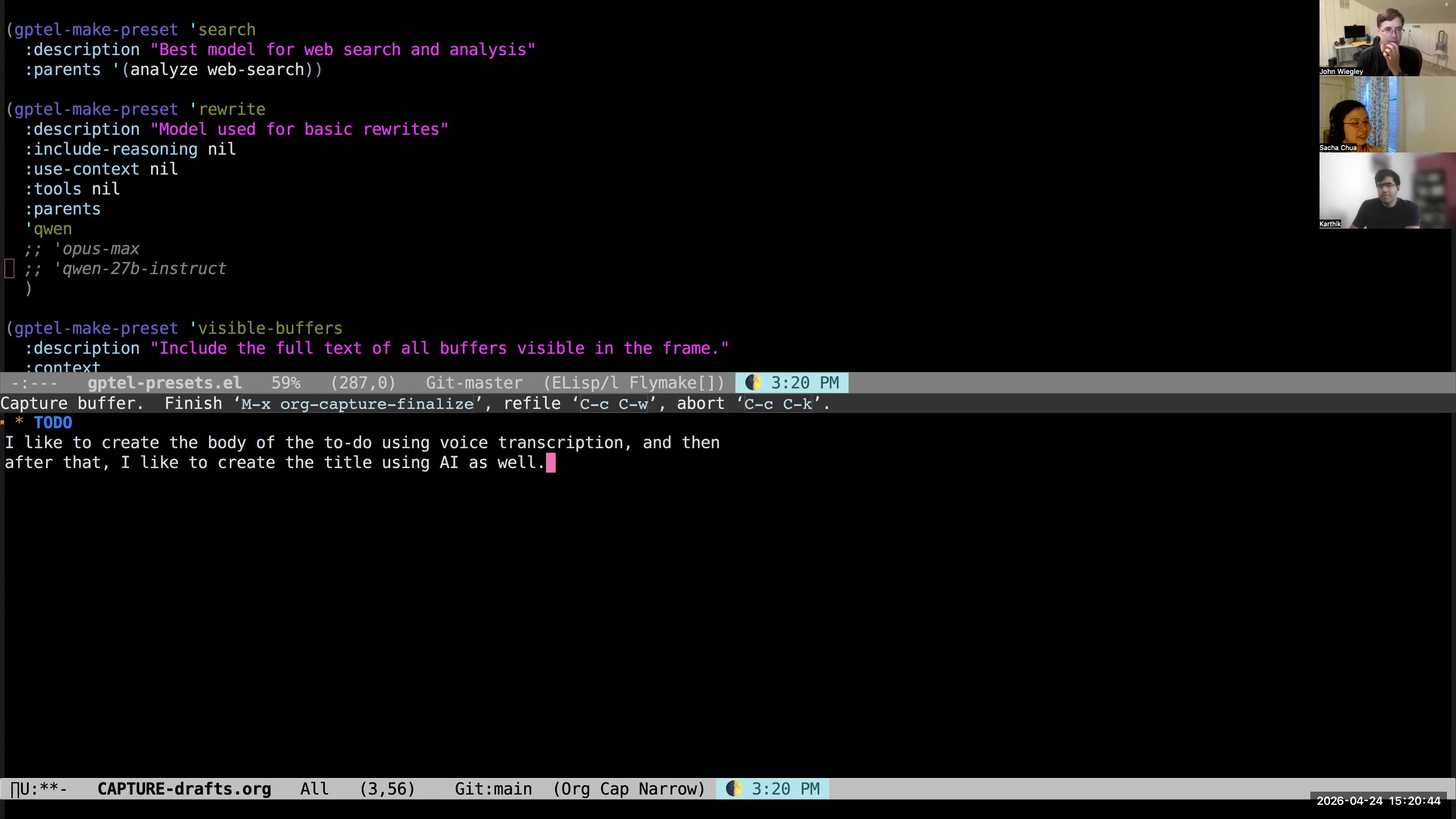 John: There we go. We will just say to Qwen— that was Qwen 9B giving me the transcription— now we're going to use Qwen 27B to give me the title. It may not be warmed up as well. I try to keep four different models always loaded so that they'll be quick to respond, but as I said, I had to reboot the machine recently. Sacha: All right. So you've got your outline for focus and your home, they have the blocks in it, you can use that to drill down into whatever subset of your tasks. You also have your agenda with the reviews. You can go into any of those tasks, use AI to fill out the text based on your speech recognition, or you can send it to Claude or other AI for executing the task, for all that stuff.
  Sacha: If you're looking three to six months out, your workflow is pretty polished, but where do you want to take it? What are your future needs that you'd like to work towards? John: I just need to be able to get these big old long lists shorter. That's all I want to say. Sacha: Yeah, that is a getting-things-done thing, not a tooling thing, right? John:
 Yeah. Atomic Habits, I think, helped me more
than anything else in the way that I break up tasks.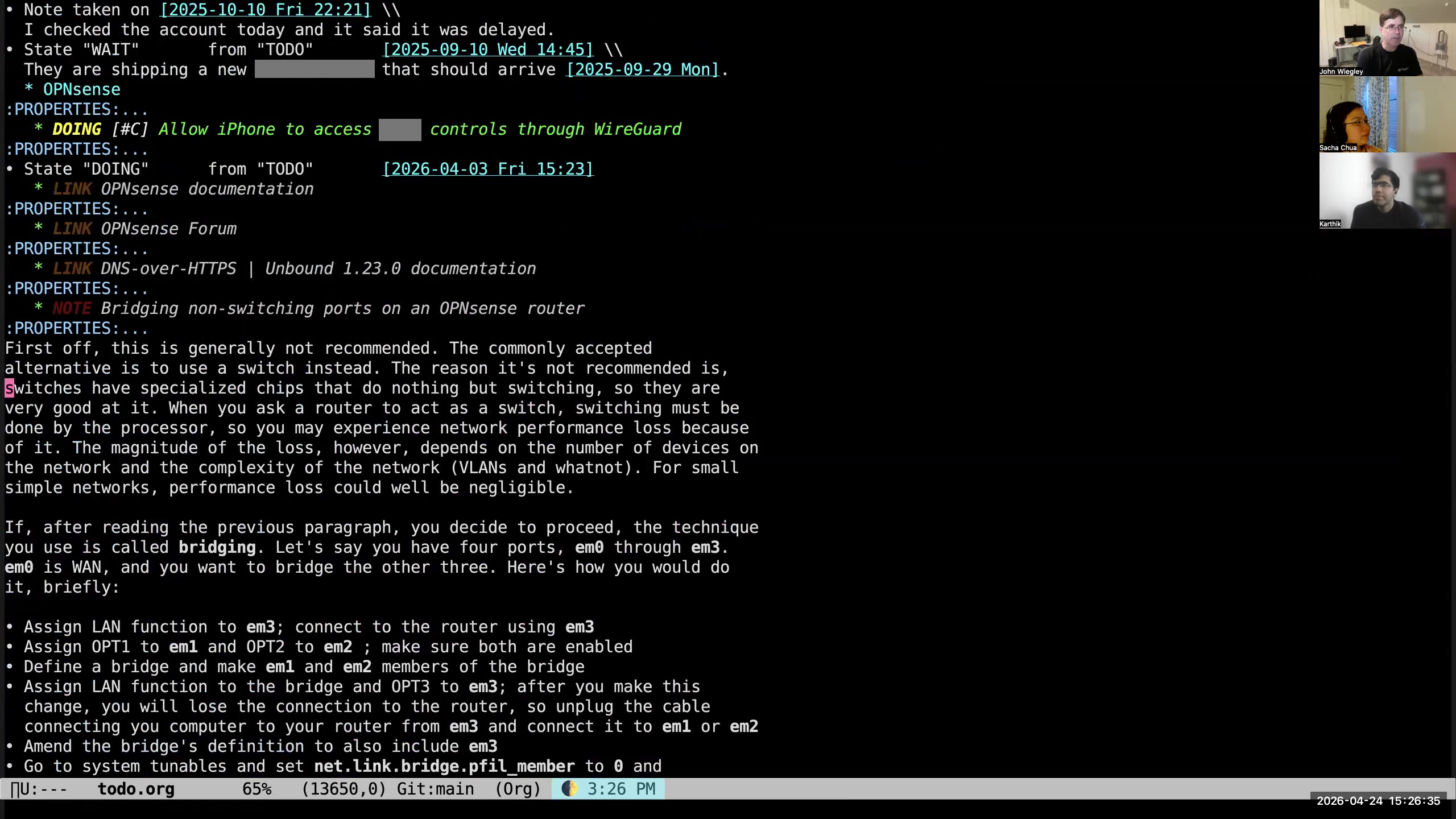 John: So another thing that I built up in Org-mode using gptel is— let me find an entry that's long enough for this to work. Okay, so here we have a relatively long entry. It's a note here, and it's about bridging non-switching ports on an OPNsense router. Let's say that this was something I actually had to do now.
 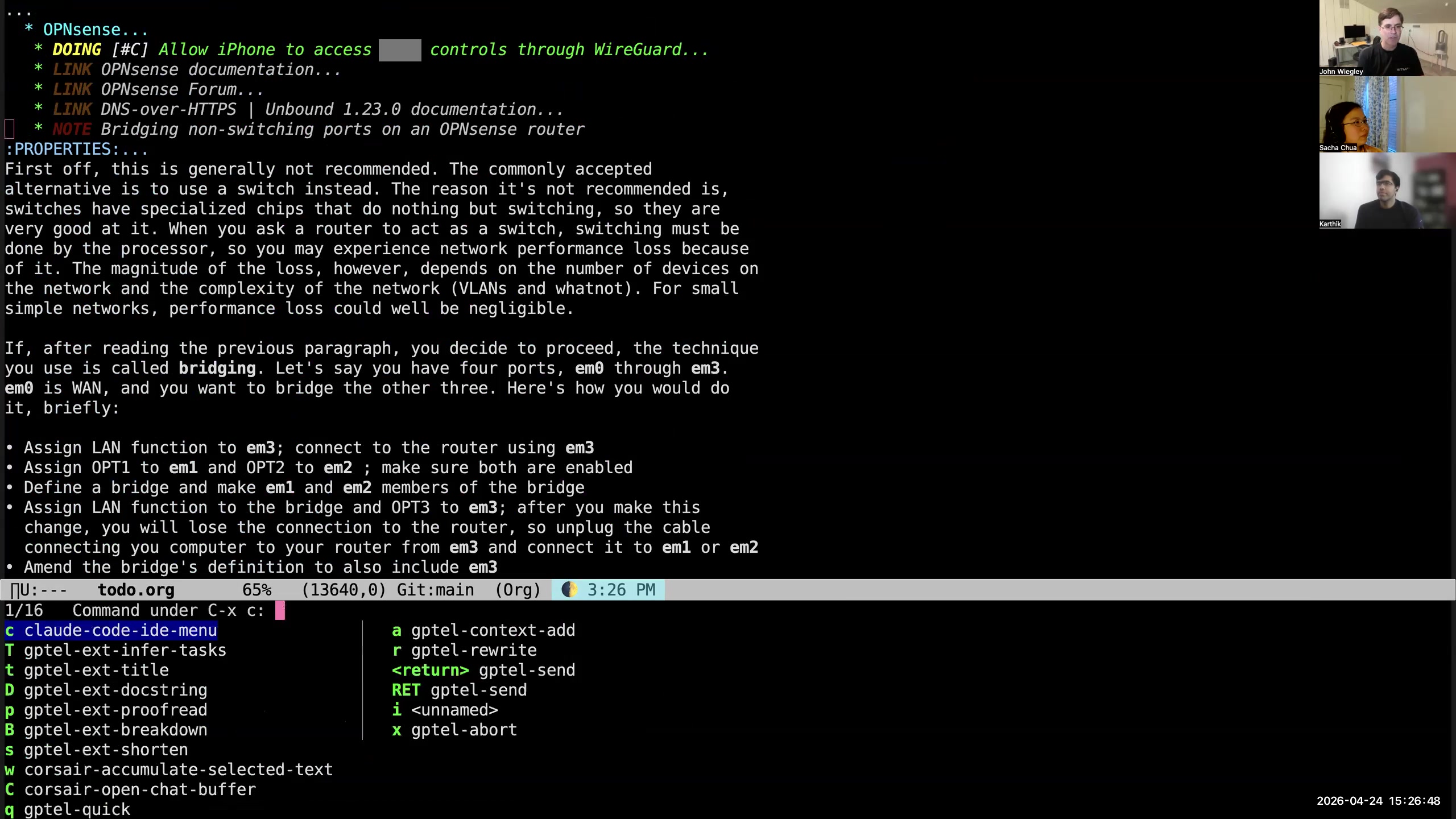 John: I have this C-x c prefix that I use for talking to AI. One of the things that it can do is called a "task breakdown." So I do C-x c, and there are two of them: capital B and capital T. Capital B is designed to take something that is already a task and identify what the component tasks would be, probably, that need to be done and in what order to get this thing done.
 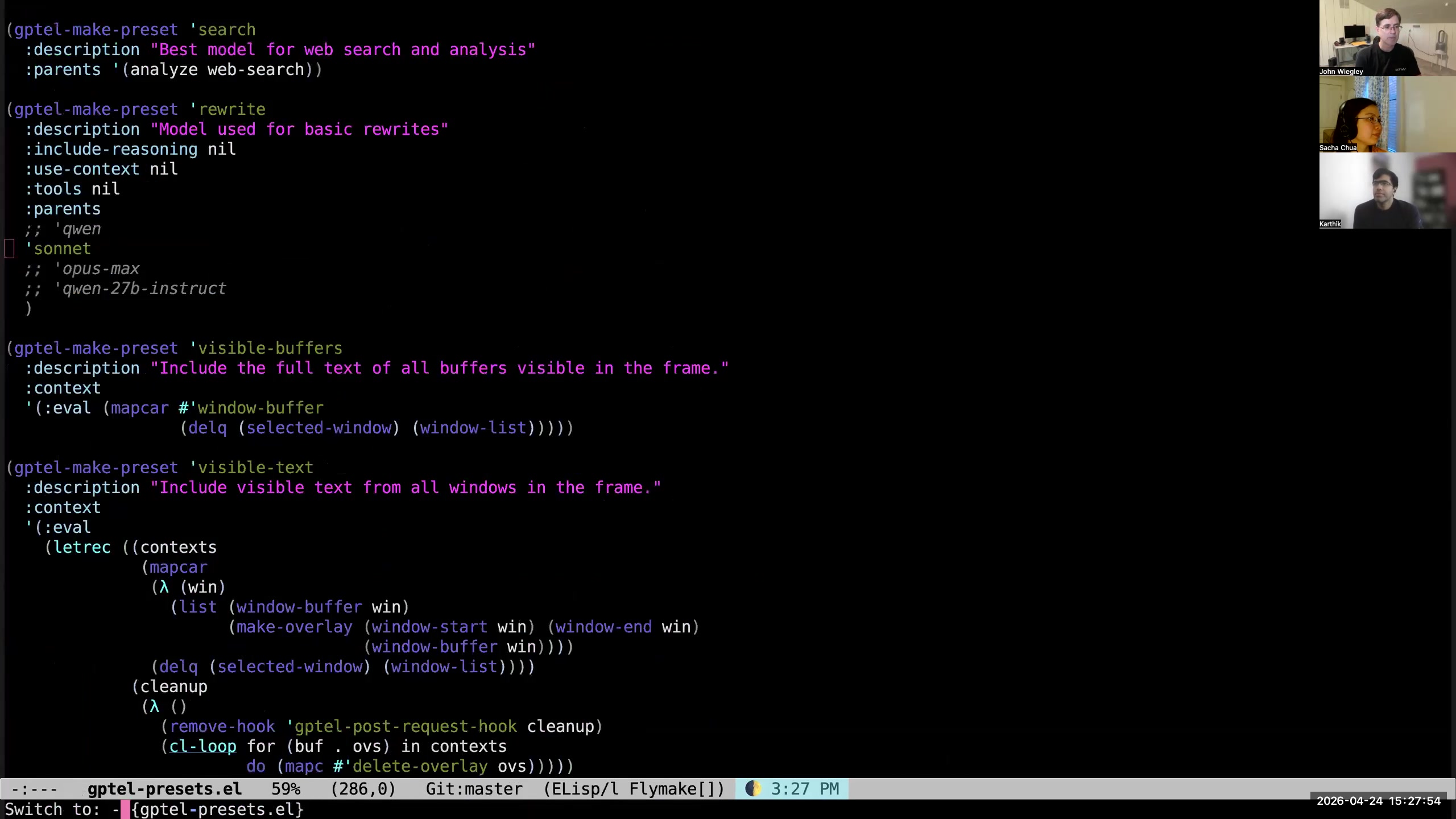 John: So that uses the "infer tasks" preset. The infer tasks—oh yeah, it uses the Sonnet model. I do not know—oh, maybe I have to block out the text. I mean, select the region. There we go. So what that did—you know, for some reason Claude was changed recently and it does not work for these types of tasks anymore.
 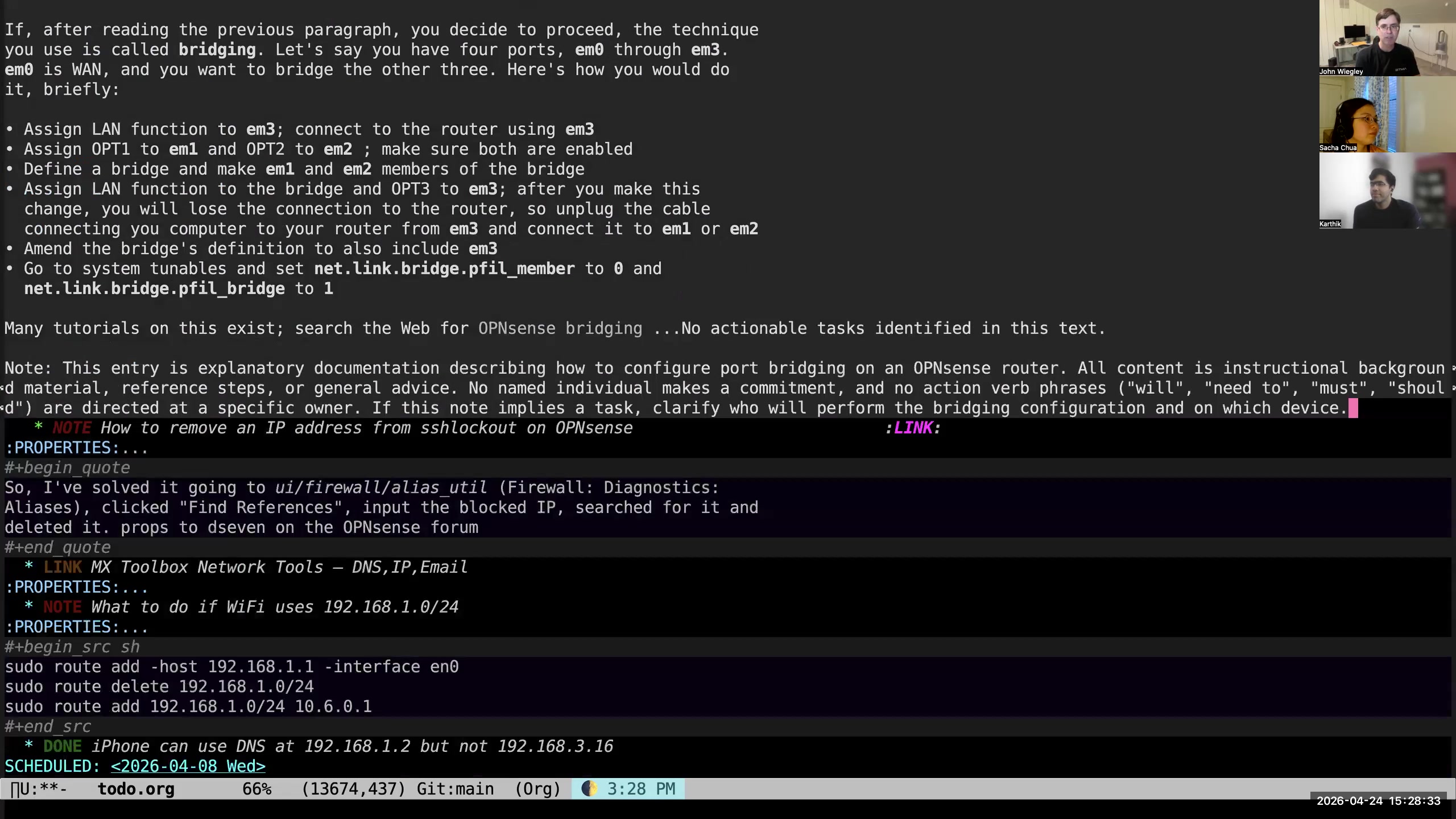 John: "No actionable tasks identified in this text." Let's go somewhere else. Let's go to a work meeting. This is my directory that has all the meetings in it. Let's find one that has a transcript.
 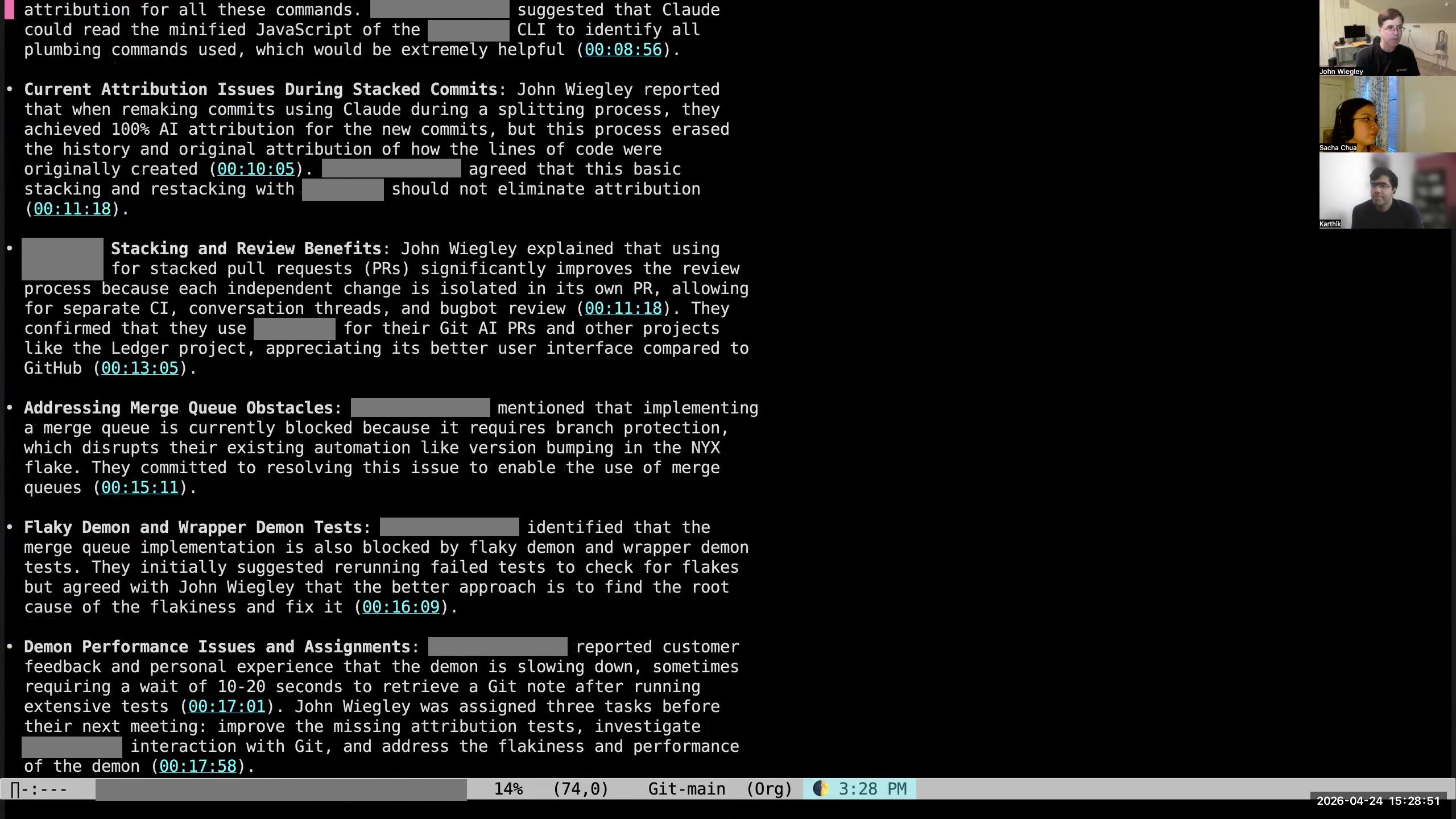 John: This one has a transcript. So we're just going to select the whole transcript, and the transcript got sent to Claude. We'll see what it comes up with. Sacha: All right. So AI help for identifying the tasks and also asking you questions, I guess, to break down tasks. John: It doesn't ask me questions.
 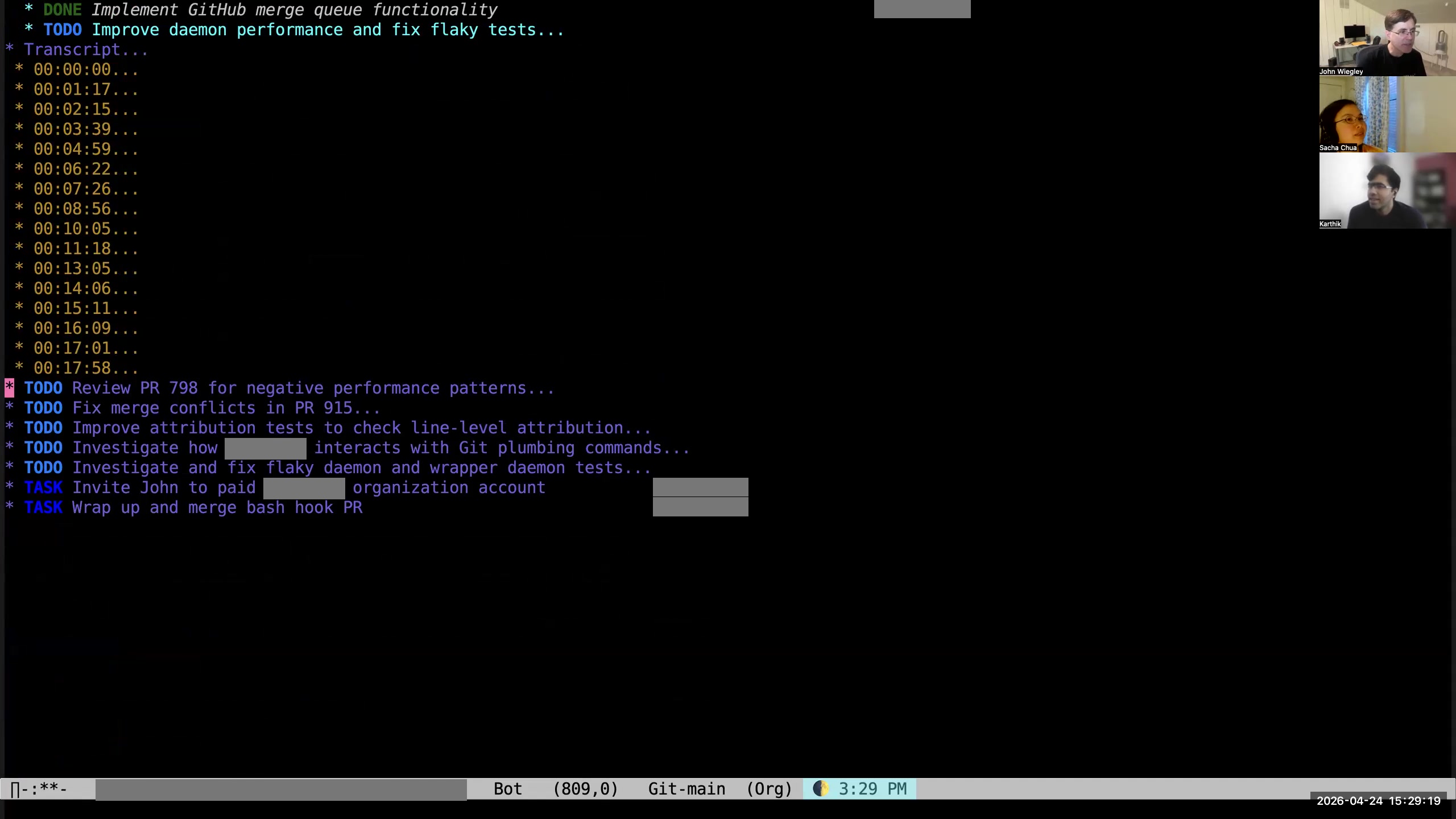 John: So these are the seven tasks that it inferred from the body of the transcript. It even identified that two of them were tasks to be done by the person that I met with, and the other five are the ones to be done by me. They have descriptive text, possibly, showing the context that it used to determine that that text should be there.
 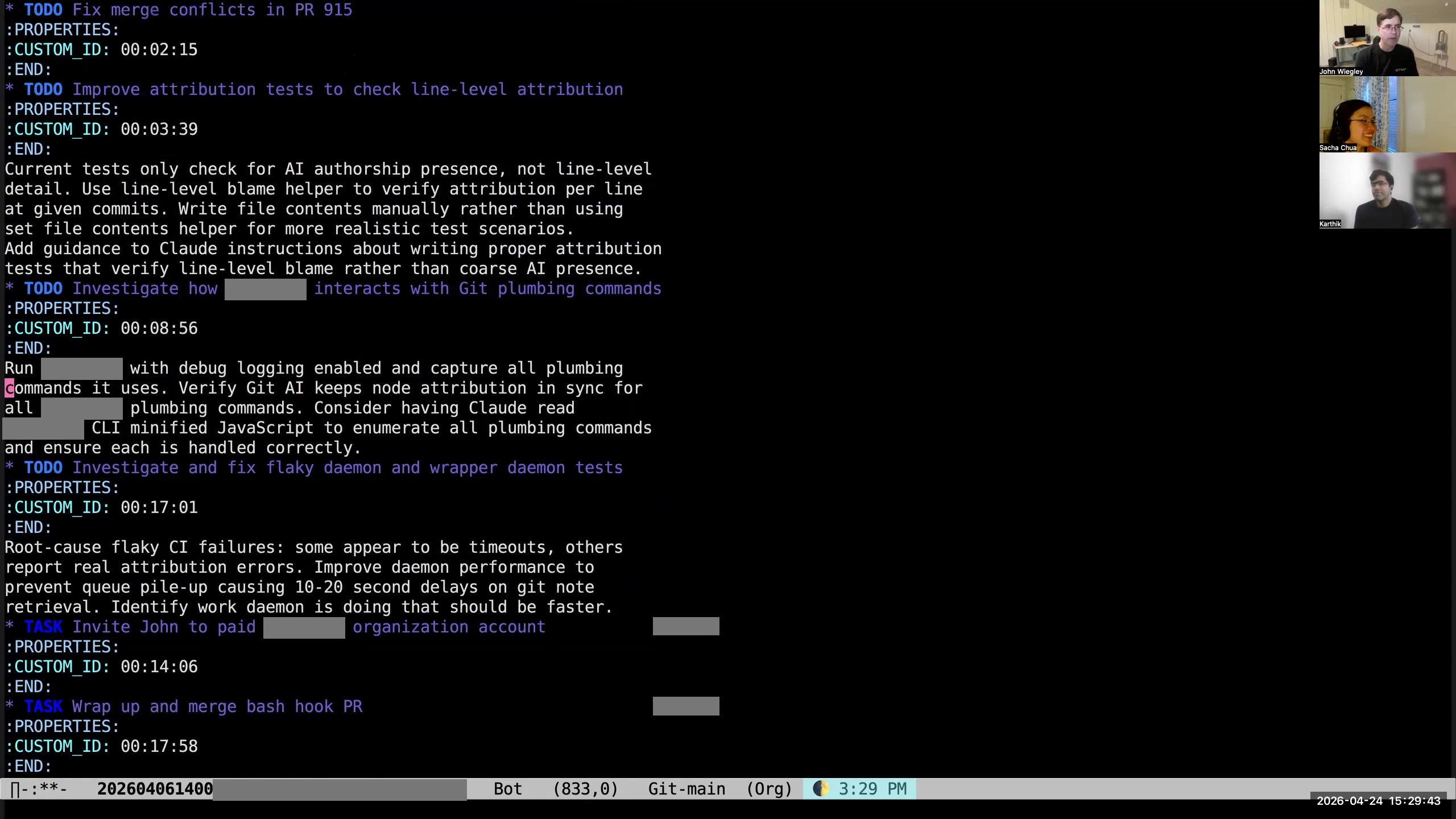 John: It even has the time codes as a property, so I can go back to where in the transcript it got that task from. That ends up being extremely valuable, especially when I'm dealing with— like I said—a sea of information, and I want to pick from that sea which fish I intend to catch. I've been using AI with gptel and Org-mode more and more connectedly to try and help me manage—not just manage that sea of information, not just search it and categorize it, but also refine it, break things down into more manageable pieces, help me find which things I should work on today. All of that is coming together rather nicely to help combat the drift problem that Karthik was talking about. Sacha: And it's so easy to work with because it's all text, and you can just give it that along with your prompts. Do you share your prompts anywhere?
 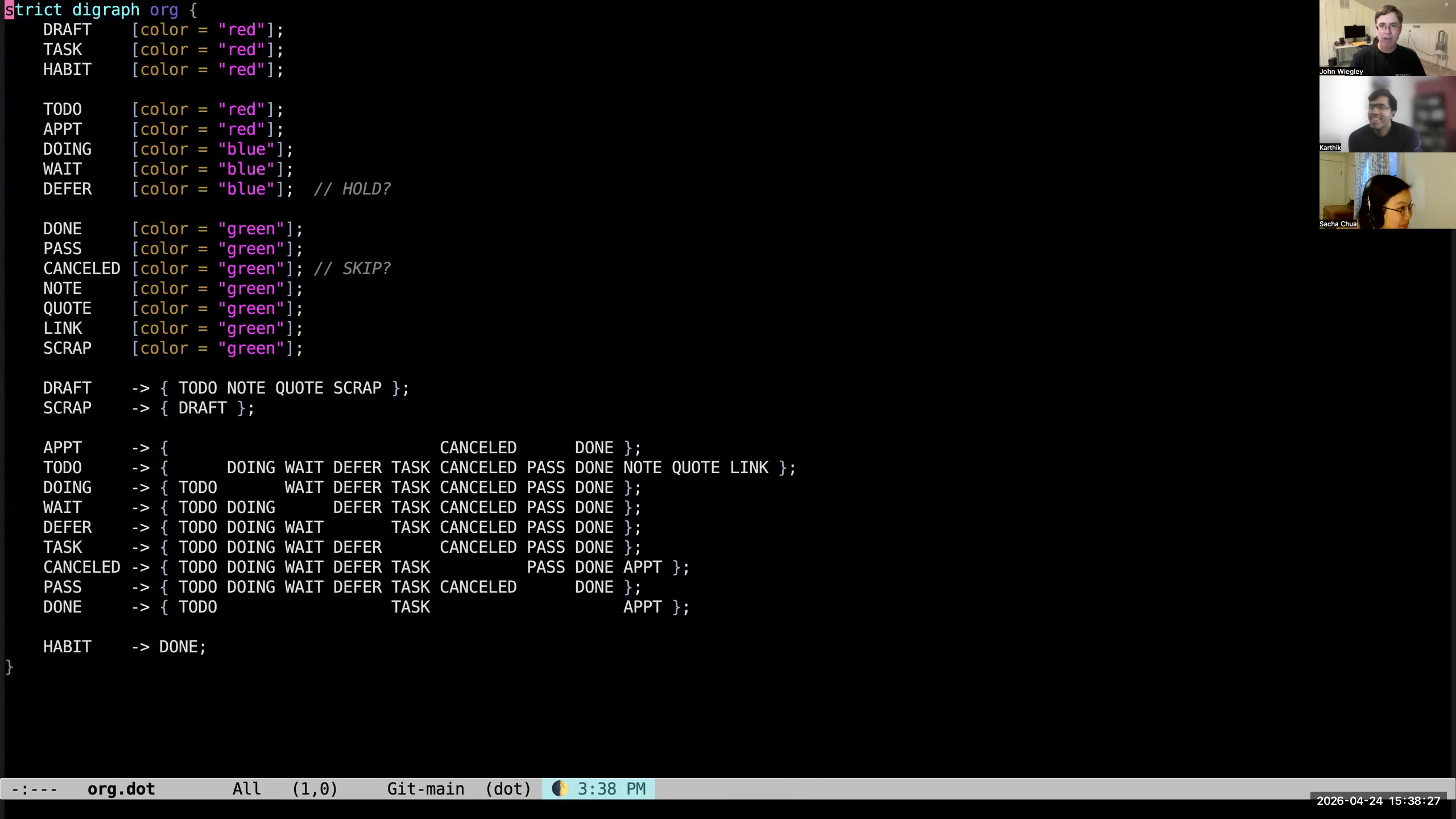 Karthik: Okay. The next is TODO keywords. I saw even HABIT was a TODO keyword for you, so I was wondering... John: Oh yeah, I have a very fixed vocabulary of TODO keywords. If I share my screen again, the way that I manage my TODO keywords is that I have a dot-file. This dot-file defines my keyword hierarchy and how they're all related. The Org Haskell utility that I wrote that does the data normalization—this is how I tell it what my keywords are. I don't yet have Elisp code that also populates Emacs's Org-mode definitions based on this file, but I do it by hand— I guess because that data was older and it was already mostly there. Karthik: And these are global across your whole corpus? John: Yes, they're global. I don't ever use keywords outside of this set. Karthik: Per-file keywords? John: No, I don't use per-file keywords. Sacha: Because you have your validation smacking it if it gets mistyped, for example. John: Right. Karthik: So to be clear, your TODO keywords represent the state of a task, right? Like, what state is it in? Hence the state machine right here, right? John: Exactly. Karthik: Okay. And the states include things like SCRAP or LINK. Why is LINK a state? John: LINK is because it's a different kind of a note. A LINK is a note that only has a URL. Sacha: So it doesn't require—yeah, your action is just look at the thing or do something with it. John: Yeah, it has no body.
 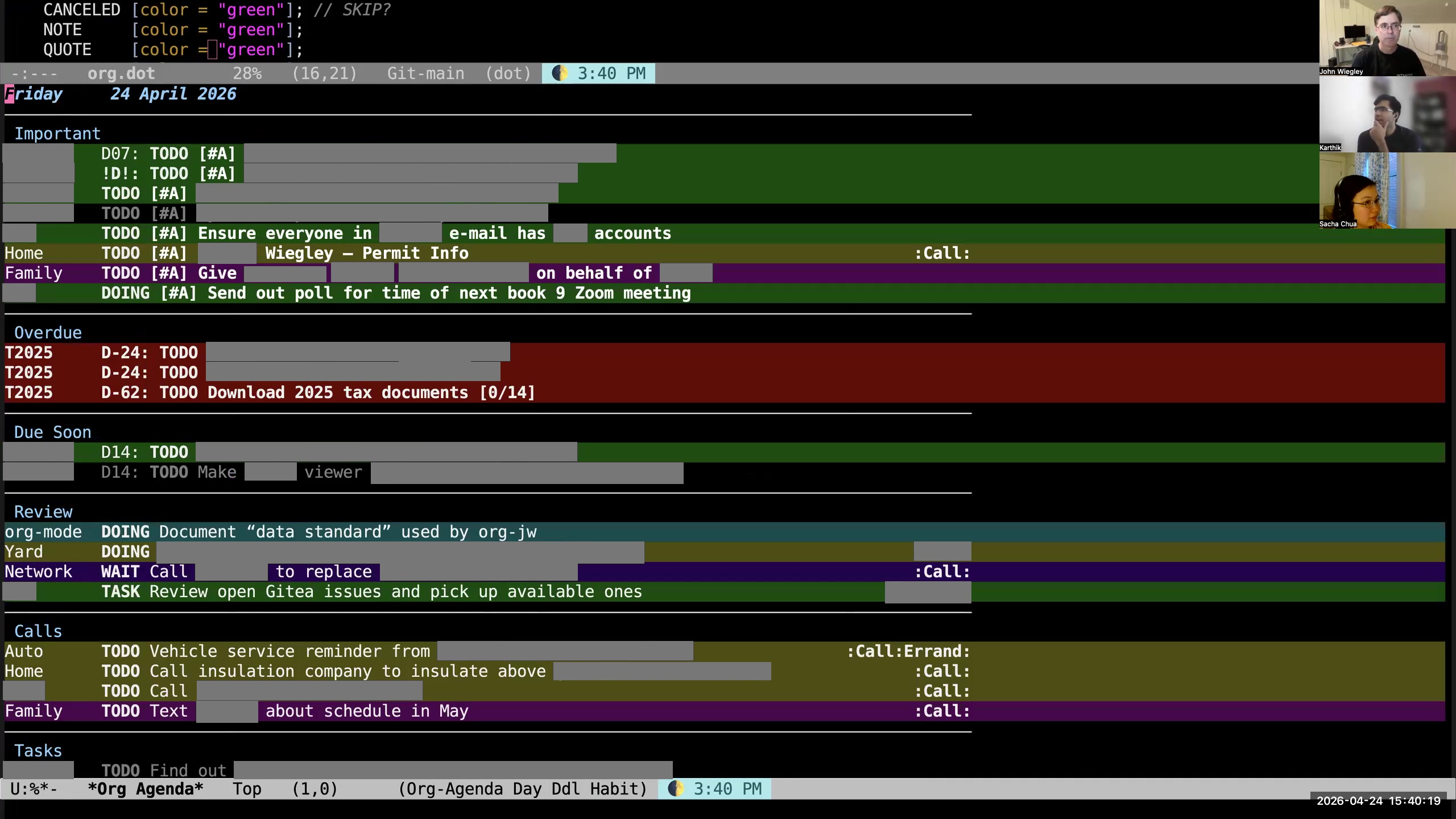 Karthik: The next question is tags. How do you think of tags in Org? John: Tags for me are context. They indicate the person, place, or thing that has to be present in order for me to be able to make progress on that task. Karthik: And how is that different from— oh, okay, I can see how it's different from the category, I guess. So what are some examples of tags you use? I understand people's names are tags, but what else do you have there? John: I have "call" as a tag, so it has to be during the times of the day when I could make a phone call. I have "errand" as a tag—it has to be during a time of the day that things would be open and I could drive out of the house. I have tags for individual people, so that I have to be able to be in contact with them. Org-mode has a nice feature: if I hit \ RET, it will examine my environment based on the
 name-mask-list-at Emacs Lisp function that I wrote, and it will auto-filter out the tags that don't currently apply. So if I have a tag based on "call" and it's outside of the time of when it could happen—like at 7 AM— then it will filter all the call items out of my daily agenda. They're still in the daily agenda; they just won't appear until later when it is time to make calls. Karthik: Ooh. Okay. 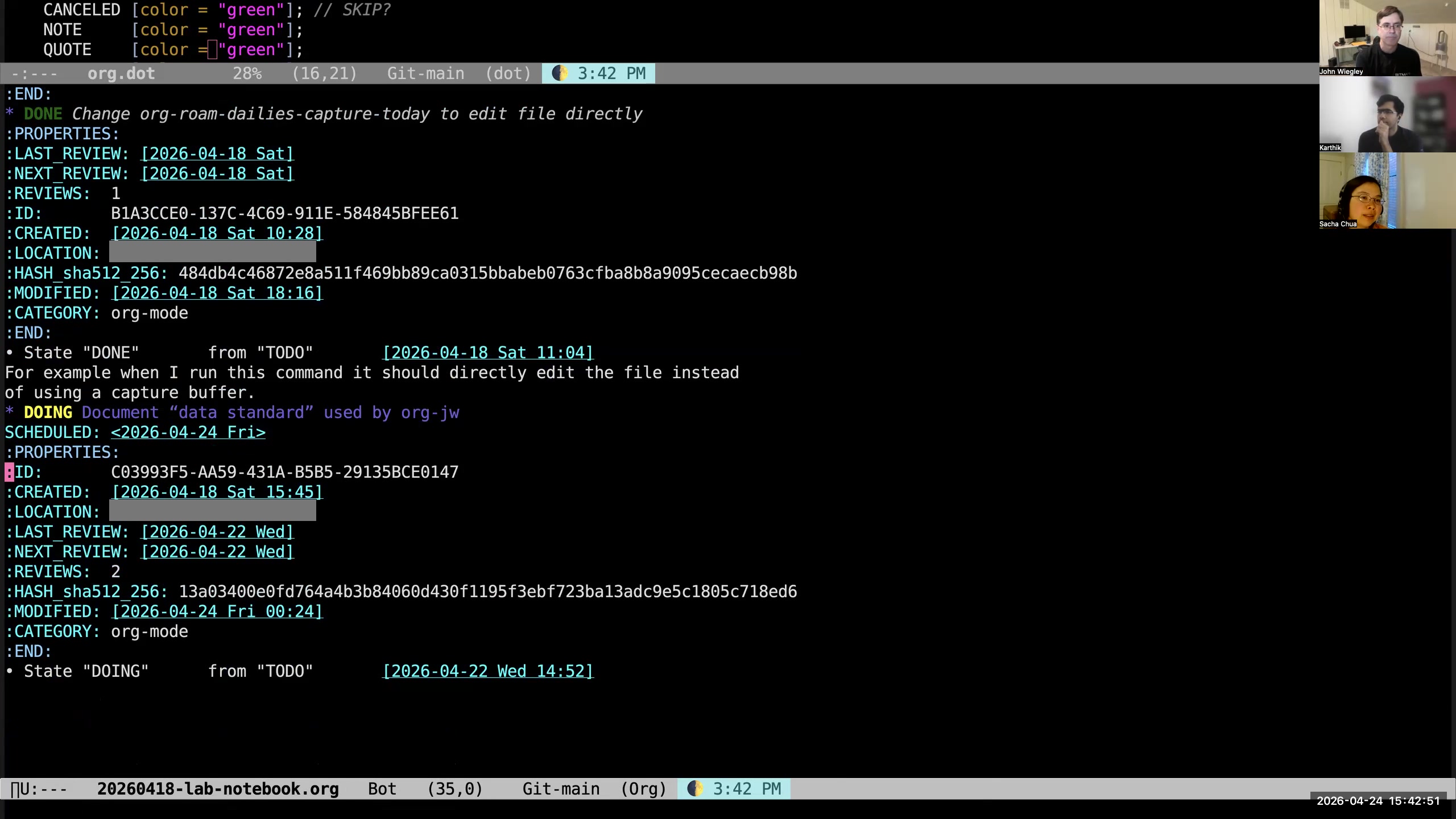 Sacha: Do you use properties for anything? Aside from the review property, of course, do you have any other custom properties you like? John: Just the ones I showed after we did the capture, like the ID, the location, when it was created, when it was modified. Sacha: Yeah, so those seem to be more automatically assigned. John: I very rarely use manually assigned properties. Sacha: Okay. John: To me, properties are metadata, so I'd rather just never look at them and have the system automatically manage them. Sacha: I don't think we actually touched on what you do with a hash. Did we talk about that one yet?
  John: The hash is how the database knows that an entry needs to be fully updated. If the hash has changed—the database has the hashes in it as well, and it has the last modification dates as well— first I do a search for all items whose modification date is different from the modification date in the Org-mode file, and then I check the hash values, because maybe I changed an item but I changed it back, and now the database doesn't need to be updated for that. Sacha: Very cool. All right, so that's all the different Org features and how they support your workflow. John: Yeah.
 org-tag-persistent-alist there. Karthik: That's C, yeah. John: Yeah, but that's only a couple of tags. 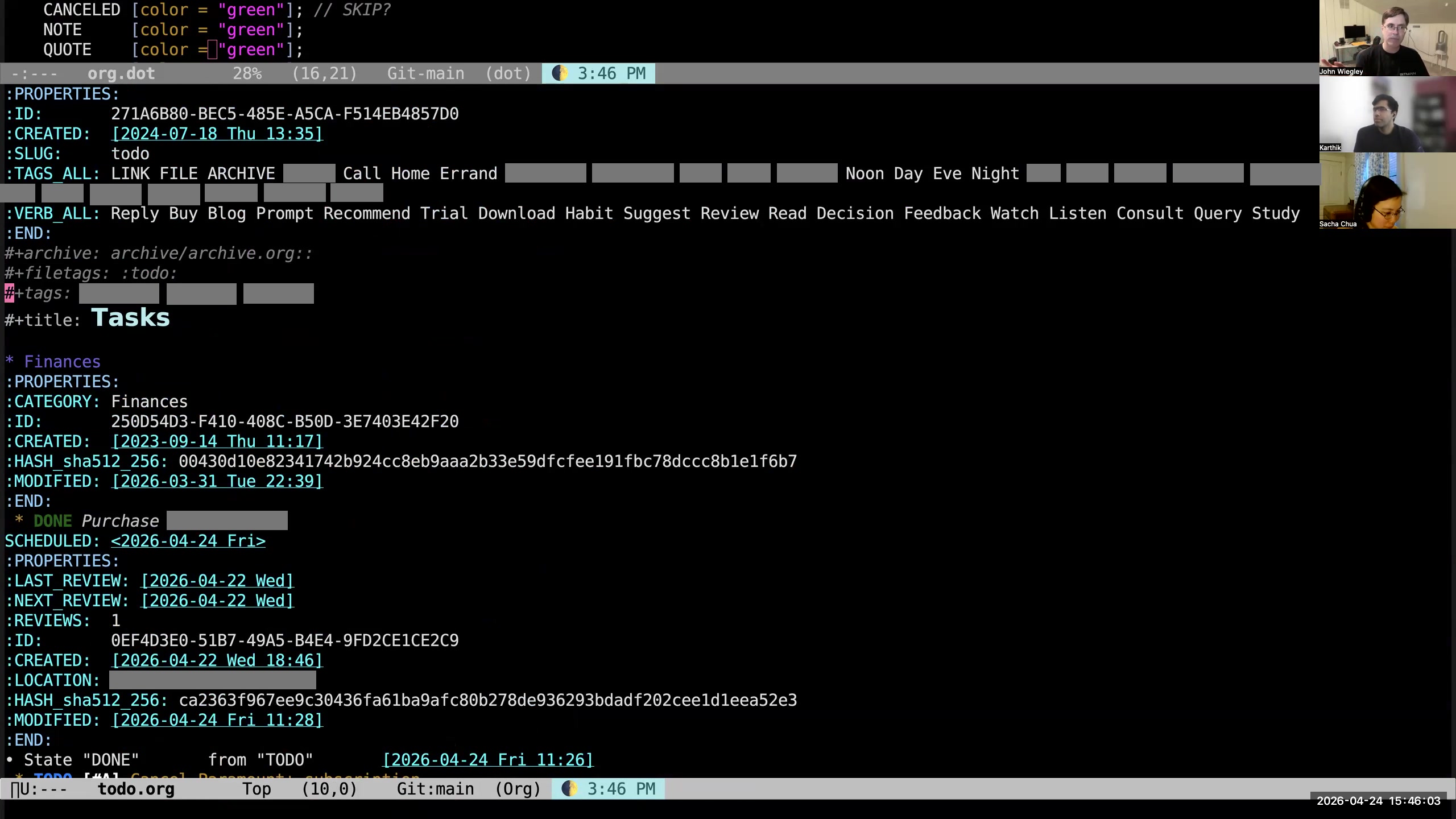 John: Tags are one thing where I do tend to use in-file. If I want to have shortcuts for tags, I tend to use—so I have some tags that are truly global, and then I have per-file tags because I want the tags to be related to the categories that I'm tagging. My org-jw Haskell utility recognizes a file property called
 tags-all. If that file property is set, it will mandate that the tag has to be within that vocabulary.  John: The same with
 verb-all. Verbs are words that can be at the beginning of an entry title that are followed by a colon.  John: So I might have, instead of "send an email to Sacha," I might say "Reply: Sacha's email." Instead of saying "reply to," I just make it a command verb. That verb has to be within that constrained vocabulary. Sacha: That's interesting. Do you use those verbs for further filtering? John: Yeah, because then you can search. They stand out a little bit better because they represent actions that need to be taken, and it's very clear what the action is. You could also query for all of the items that have a certain verb type. Like if I'm sitting down to write a bunch of emails, I don't have a tag for writing email and I don't have a category for writing email, but if I were to search for all items that have a "Reply" verb, I would find all of the emails that I need to write today. Karthik: Is that just a text search, or do you search for...? John: It's just a text search. Yeah, because colons don't get used in any other way. That's also a constraint of the system: where other people would use colons, I just use em dashes. Karthik: Okay. And if I understand your system right, you wouldn't tag this entry with "Sacha," right? Because you don't need Sacha for this task. John: That's correct. Unless Sacha would be the one writing the email, I don't need Sacha to write the email. Sacha: Okay. Very interesting.
 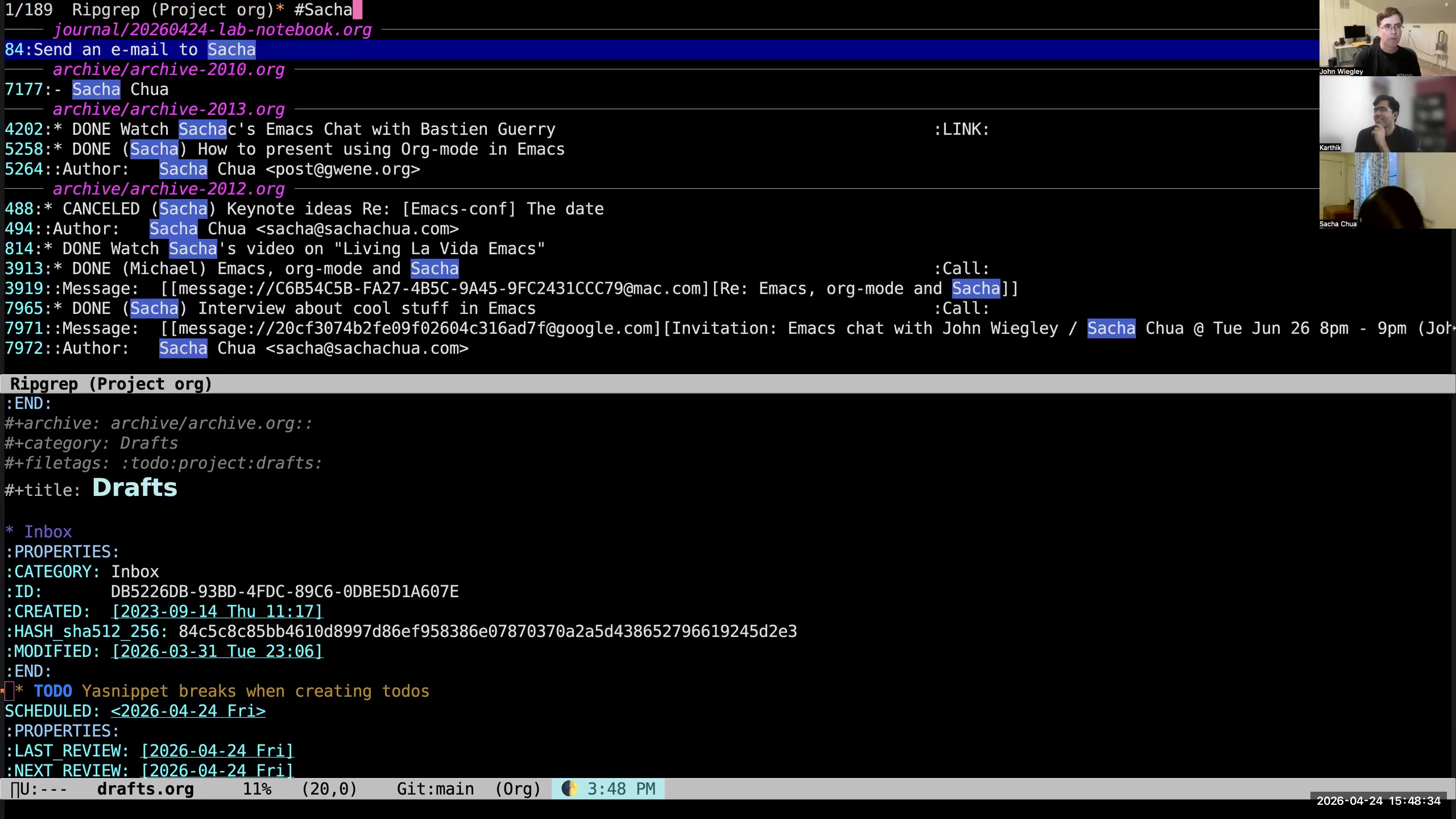 John: Well, I would first use ripgrep, because that's the fastest.
 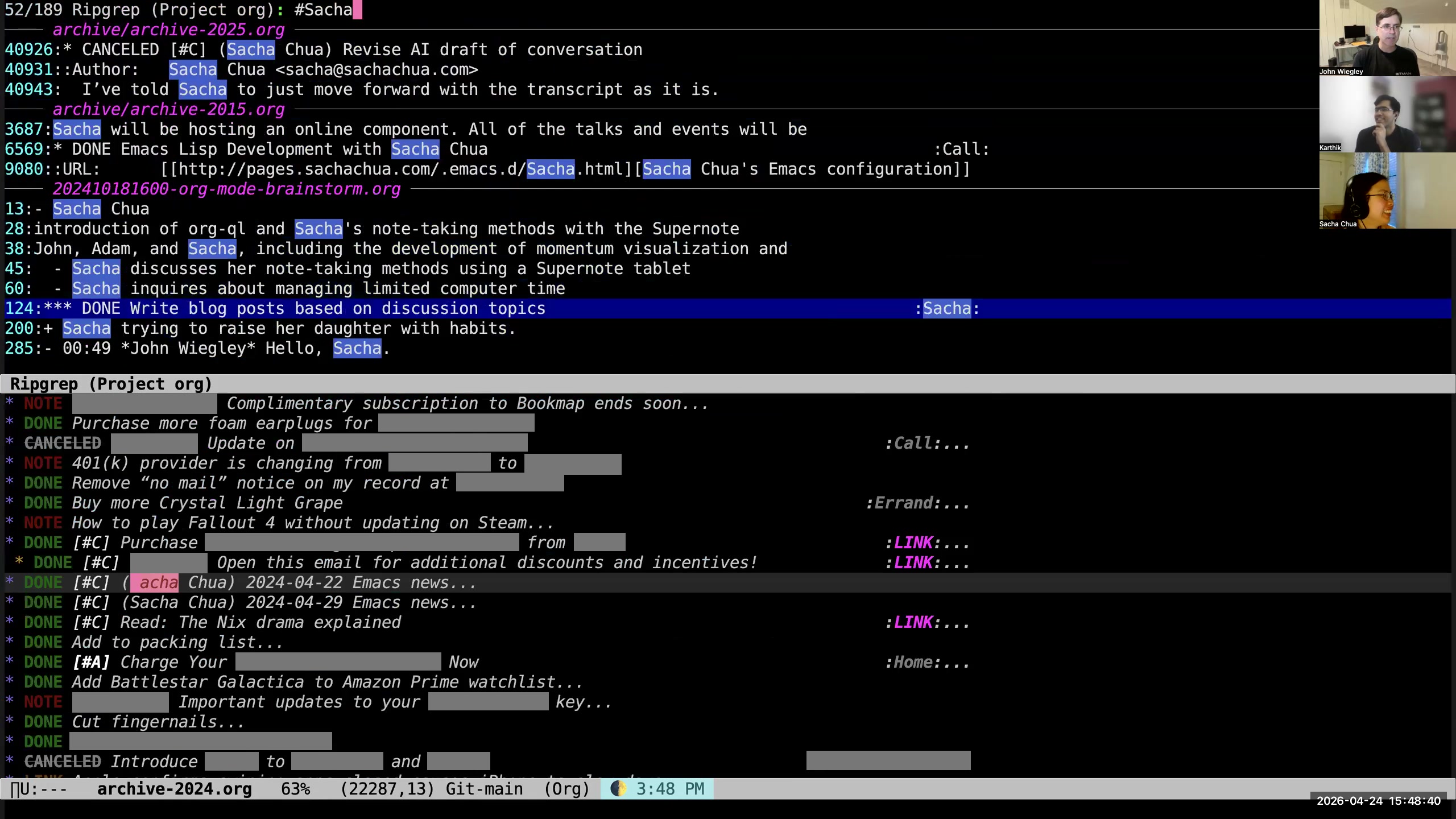 John: But it all really depends on what it is that I'm looking for, because I have lots of—Sacha occurs a lot of times in my database. I don't have any way of saying, "What are all of my tasks related to Sacha?" unless she were a category. If she were a category, I could do it. But I don't have categories for every single person that I know. Karthik: Okay. Sacha: Okay, cool. Karthik: So even with this extensive system, there are views that are not readily available? John: I mean, I would probably at this point ask OpenClaw, "What are all my tasks related to Sacha?" Karthik: Yeah. That's the semantic search doing its job. John: Semantic plus full-text. Karthik: Yeah. John: Actually, let's see what it says. You know what? Actually, I shouldn't just have semantic search doing vector embedding here. I should actually have this able to engage a local LLM from Emacs, instead of just from OpenClaw. Sacha: We see a TODO appearing real-time as John thinks, "Okay, I've got to add this to the system." John: Yeah, I'll wait until the need increases. Sacha: Yeah, yeah. But yeah, once you have the data, especially if you've got it indexed in something like Postgres that can do things a little bit faster, then yeah.
 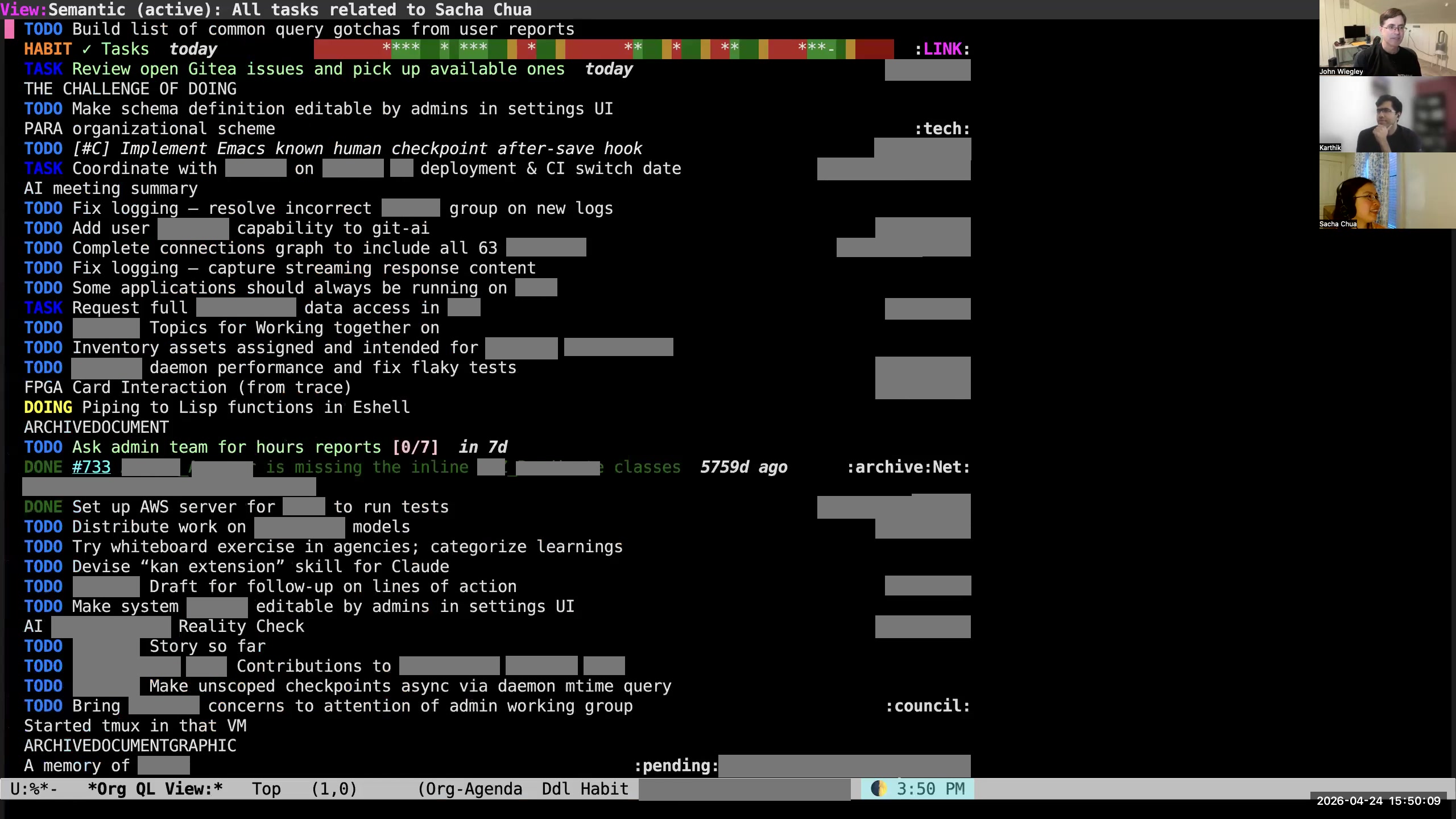 John: So this was its list of all tasks related to Sacha Chua. It didn't do a very good job. Sacha: Because semantic—you know, vector search and names doesn't make sense. But if you're doing something more concept-related, that might work. John: Yeah. Sacha: Full text would be great. I think org-ql is something that people often use for that sort of thing anyway.
 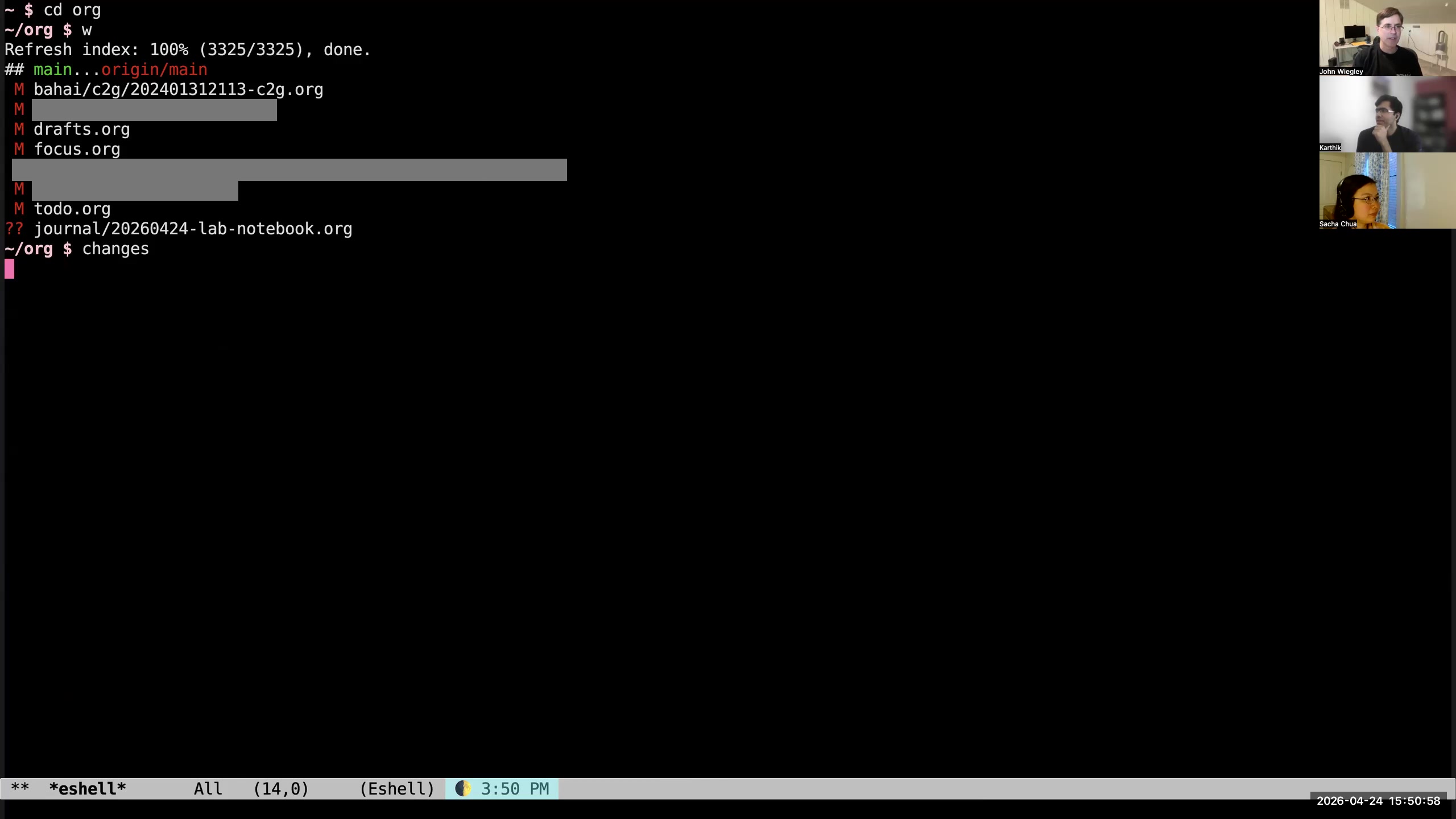 John: Then finally, I use Lefthook, which is a Git hooks manager, so that when I type "changes"— which is going to make a commit whose subject line is just "changes" (I don't try to give descriptive commits for my thing)— it will use Lefthook to run the pre-commit hook, which is going to use the linter and use the org-jw Haskell. So it's now doing full round-trip lint on just the files that changed, by the way, not on all of them.
 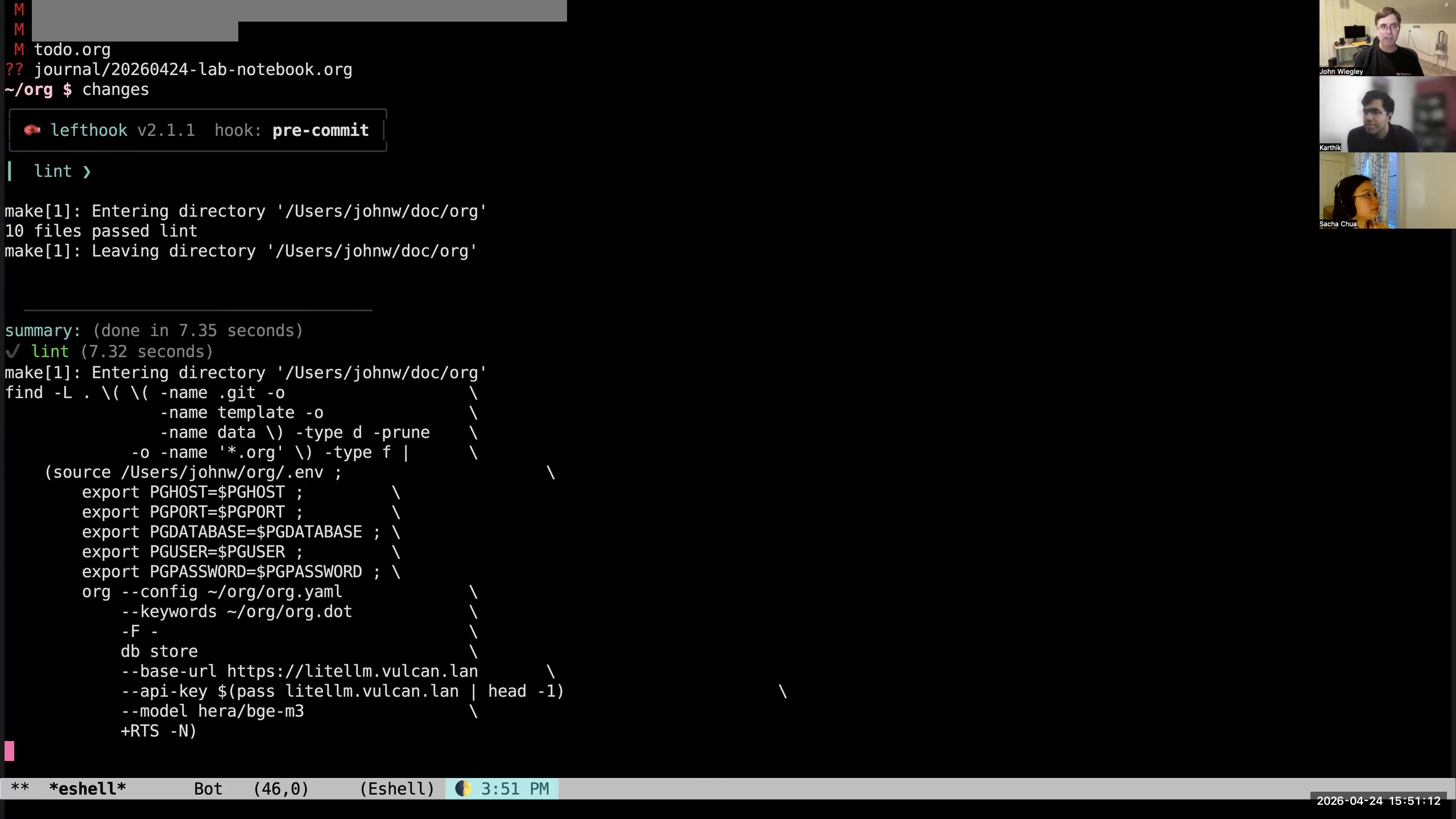 John: That succeeded, so it made the commit. Now that it's made the commit, it's going to store all of the changed entries in the database. Then it's going to do vector embeddings on all of the text regions that need up-to-date embeddings. Sacha: I think this whole normalization piece is something that I would love to see if we can get into a form that somebody other than you can run, because it's one of the things I've envied about your system for a while.
 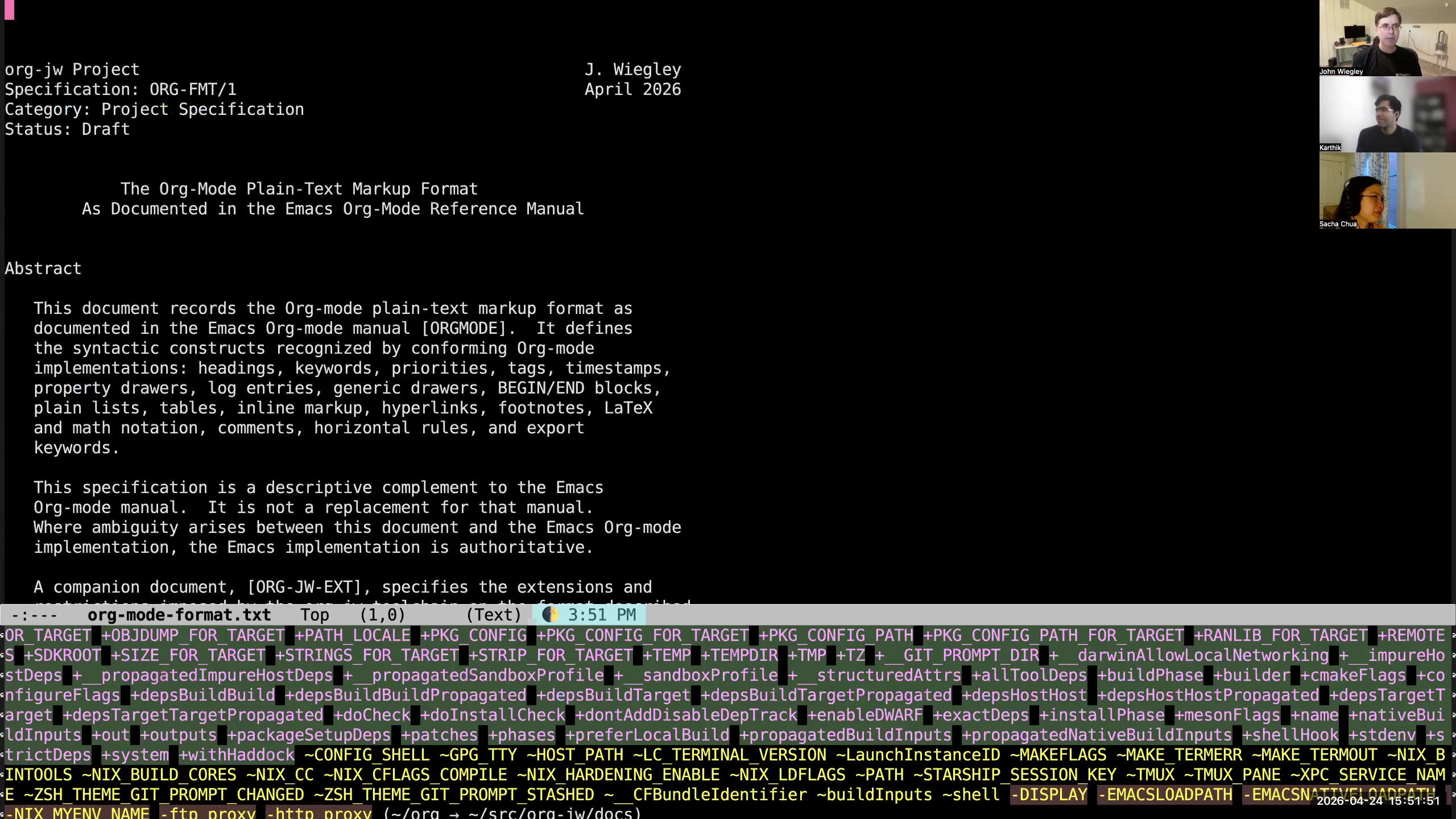 John: I did finally write it all. I had AI help me create an RFC-format document for the entire Org-mode format. So this documents as a standard the Org-mode text format. Then this document is an RFC-format document which is the delta—everything that I do that is different or adds on to the Org-mode format is in this document. We could see, like, keywords. Not keywords, what do I call them... Verbs.
 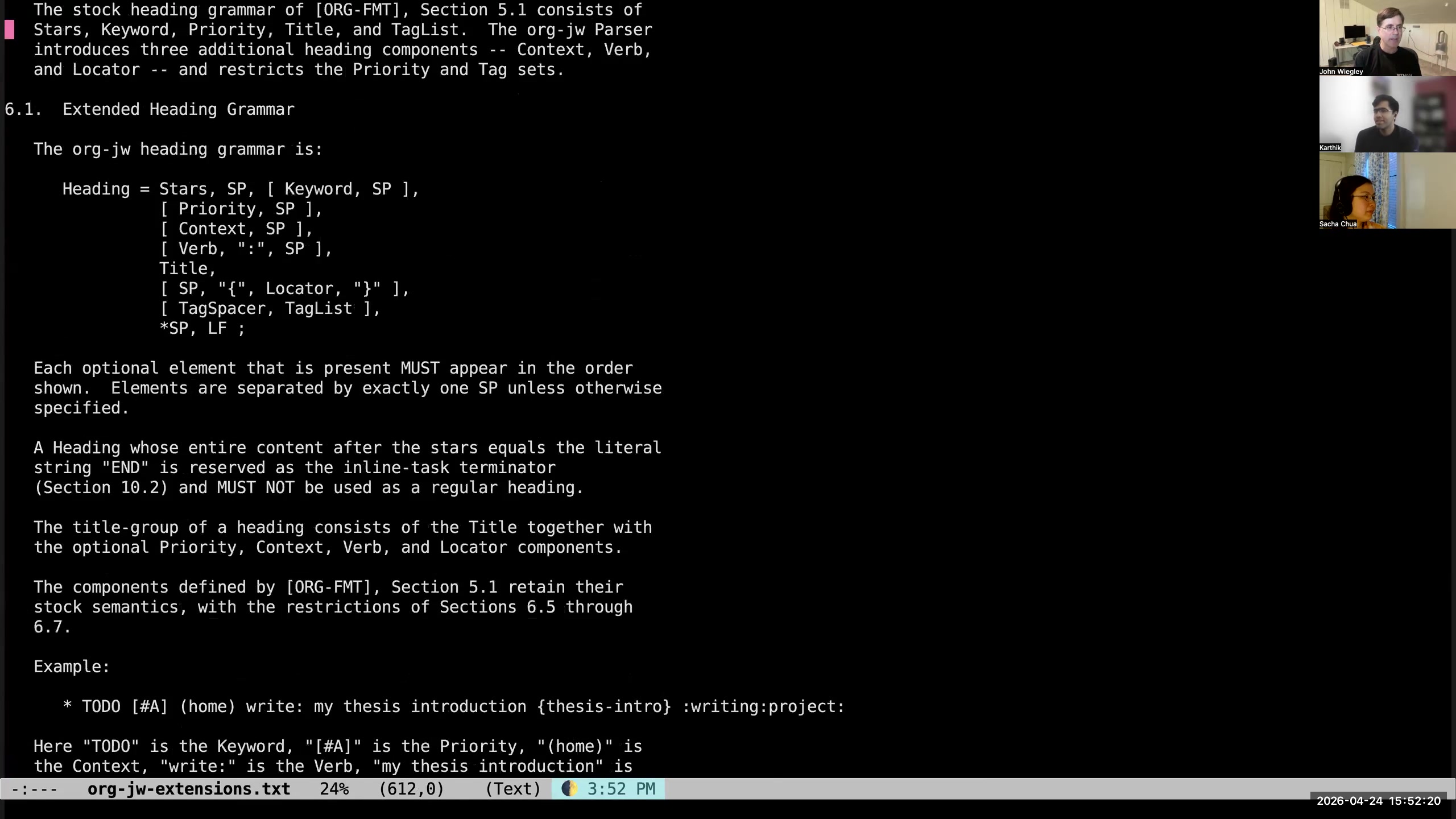 John: So like here, this is the extended heading grammar. This shows exactly what can be in the heading of an Org-mode entry in what order. There is no syntax for headings in the Org-mode standard, but there is one in the JW extensions. So my org-jw Haskell project really is just an implementation of this RFC document. Sacha: I see, because you've constrained your vocabulary so that, for example, your headings are verb-colon-whatever, and that can be verified by your Haskell program.
 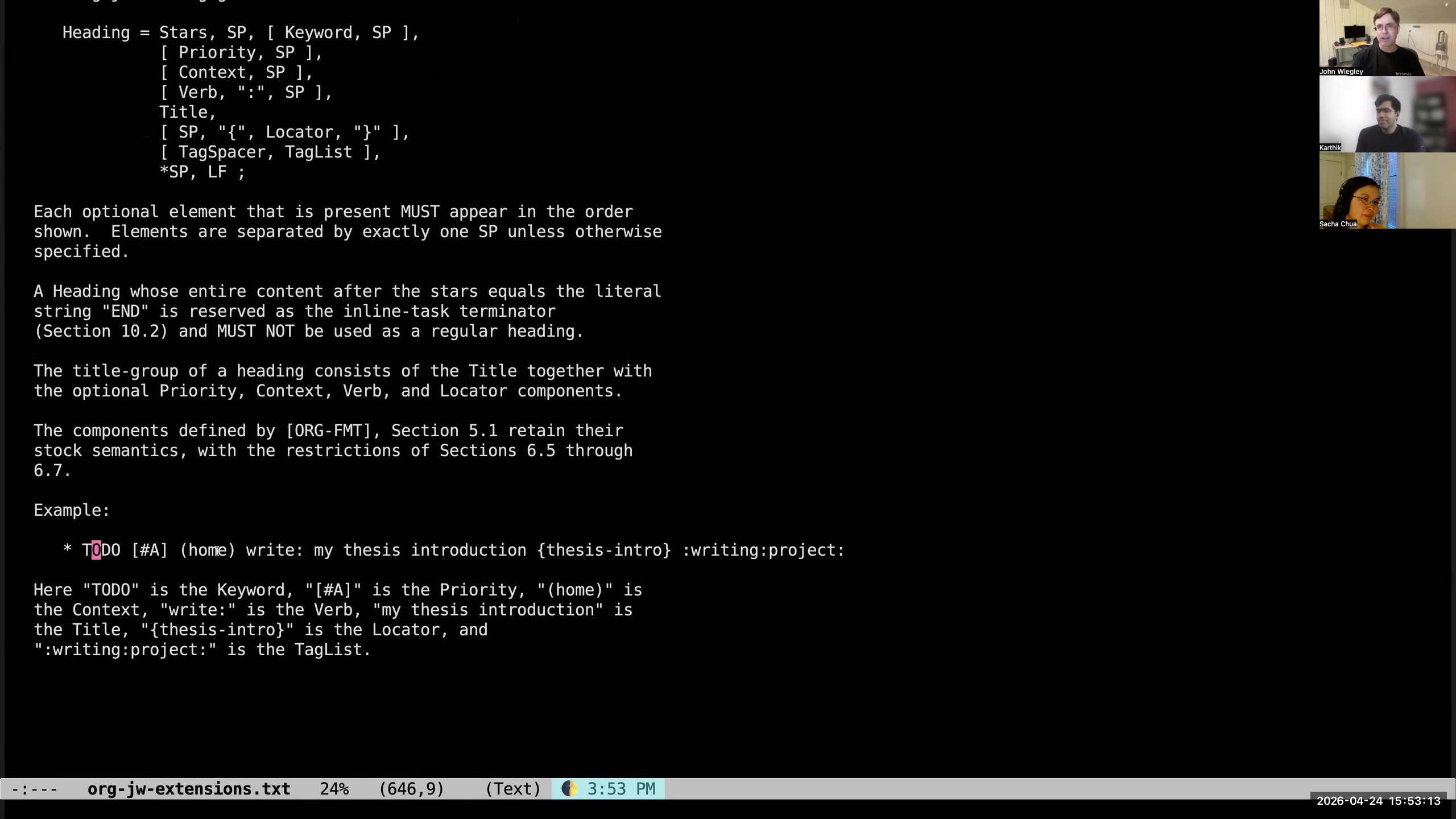 John: Exactly. You can see down here an example that uses every feature. It's got the keyword, the priority. It's got the context, which is a special type of context—usually relating to accounts or things like that. If it's related to a bank, or actually if Sacha were the one who asked me to write the email, I might make Sacha be the context of the task. Then there's the verb, then there's the title, then there's the locator.
 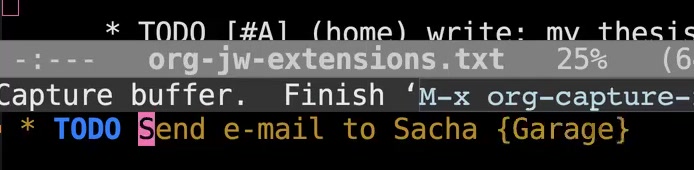 John: Yeah, I might say "garage" to locate something in my house, that there's an item in the garage. Karthik: The typical approach to this would be to use an Org property that says "location" or "physical location," but I guess because you require properties to be managed... John: Yeah, I don't see properties. To me, they can't hold actionable information. Sacha: So what I'm taking away from this is "stuff more useful metadata into titles." John: Or put a tag in the title that tells me that there is useful metadata, like the link tag. Sacha: Yeah, yeah. John: I could have a "phys" tag, which says that there's a locator to a physical something in the property. Or what's another one I use? It just occurred to me a second ago, but now I've forgotten it. Whatever. But yes, I could use that more too.
 FILE instead of capital
LINK, which tells me if I open the attachments directory for this task, I will see something related to the task. Sacha: Interesting.  John: So if I have a note that has a body and it has a URL, then it has to have a link tag. Karthik: Oh, okay. This is just putting it into practice.
  John: If there is no body, then it's this. It's just a contraction. Sacha: It says, "Don't bother looking in here for a body." John: Yeah, right. There's no supporting information here. This is a bookmark link. But if it's a note, then it's a note with a link attached. It's a question of: is the link the principal piece of information, or is the link the ancillary information? Sacha: So the link tag says you can use C-c C-o on this and have something useful happen. The LINK type, or the LINK TODO state, says, "I'm just the link, I don't have any other notes."
 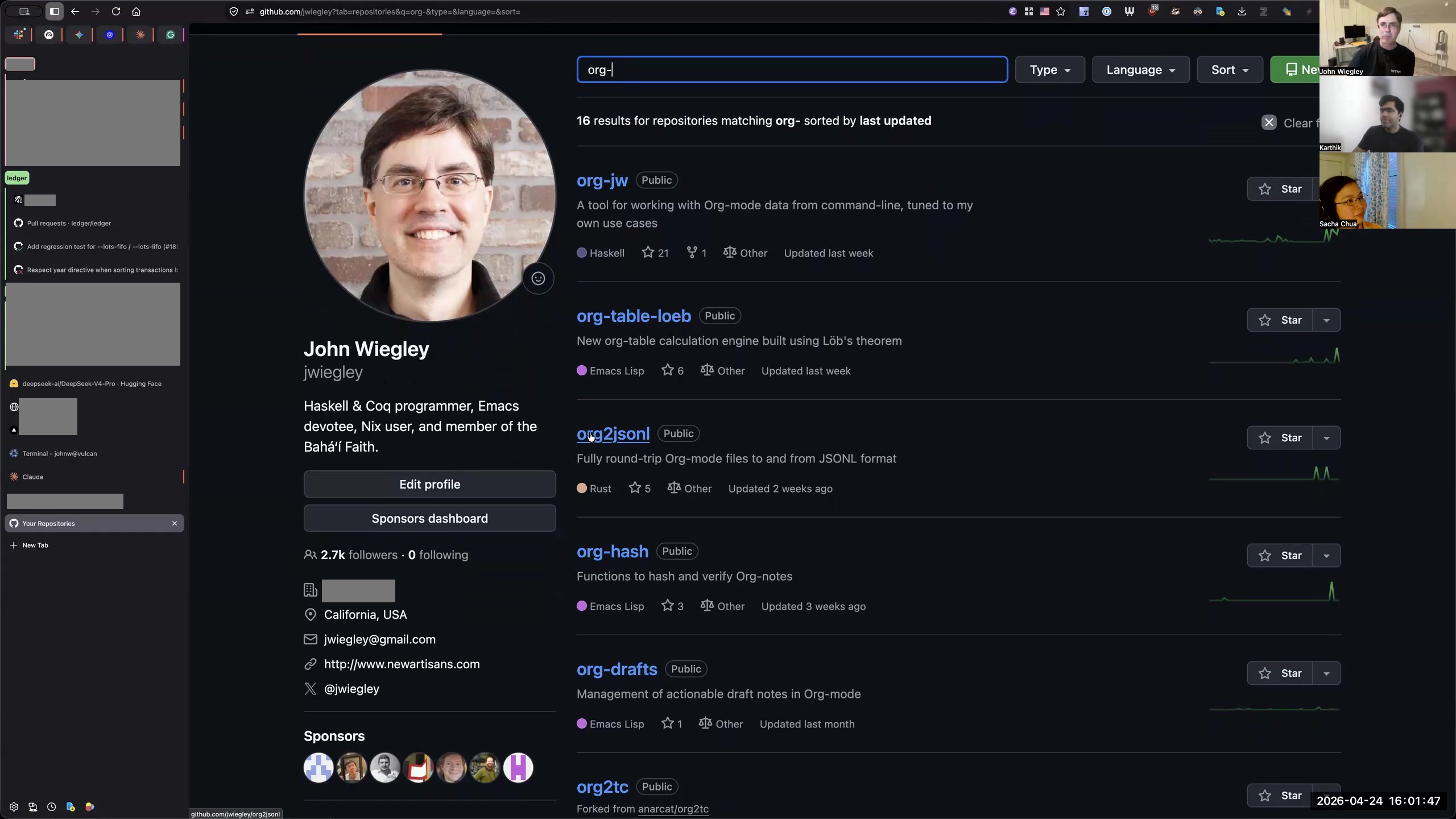 John: So in my GitHub, you will find—if you look for "org-this" and other utilities that I use for managing Org-mode— there's another one I wrote called org2jsonl, which will take any Org-mode file and turn it into a list of JSON objects. That's because there are certain utilities like Beads for managing tasks for AIs, and this allows you to use Org-mode as the data format for that. I have a Rust implementation of Beads that I cloned from somebody else that I modified to use org2jsonl, so it manages the tasks database there. We talked about org-hash, org-drafts.
 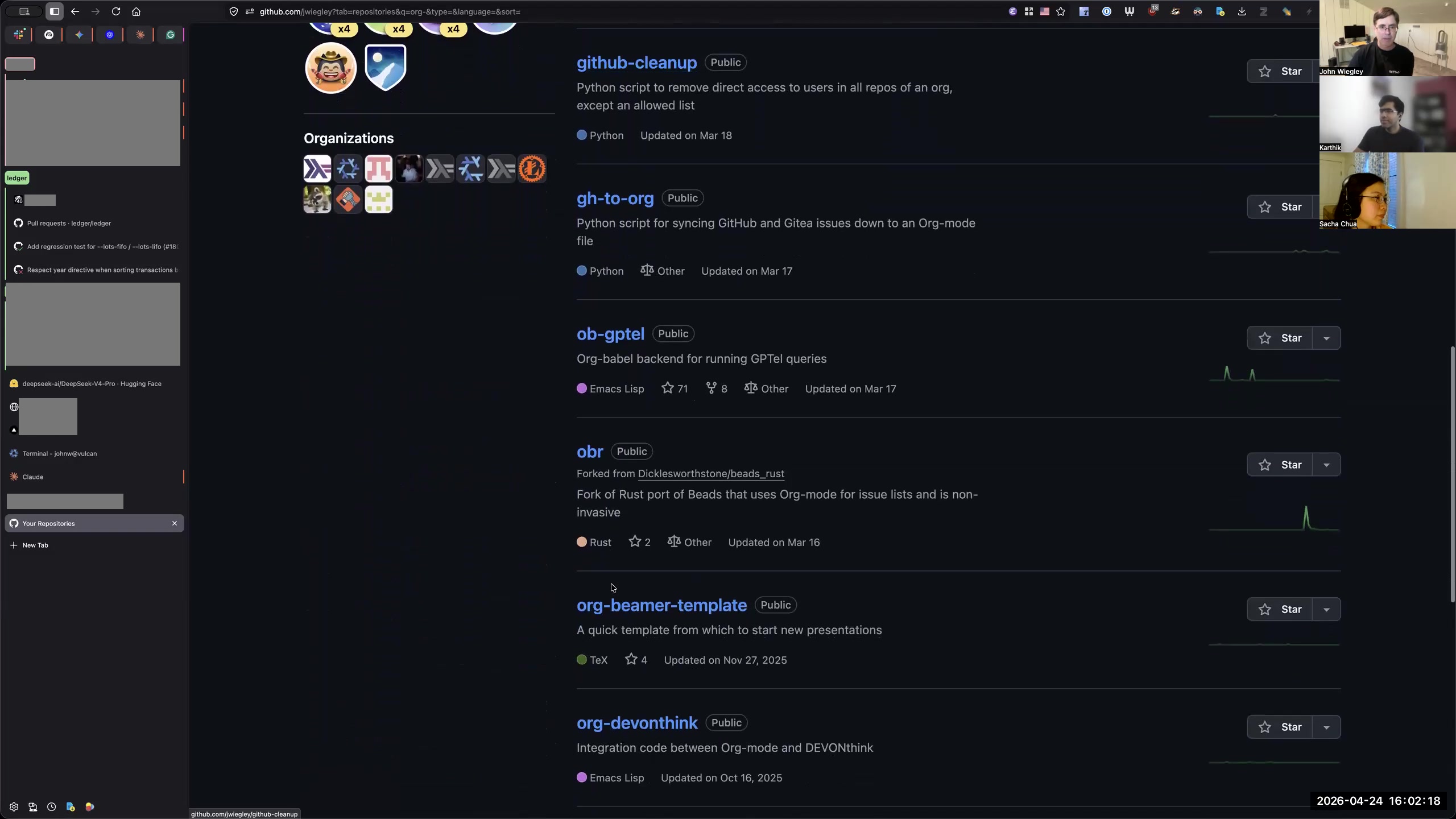 John: I use ob-gptel so that in my lab notebook especially, I can dialogue with AI within Org-mode, not having to leave Org-mode and go to some other client. I have a now a running dialogue with the AI in my Org-mode file.
 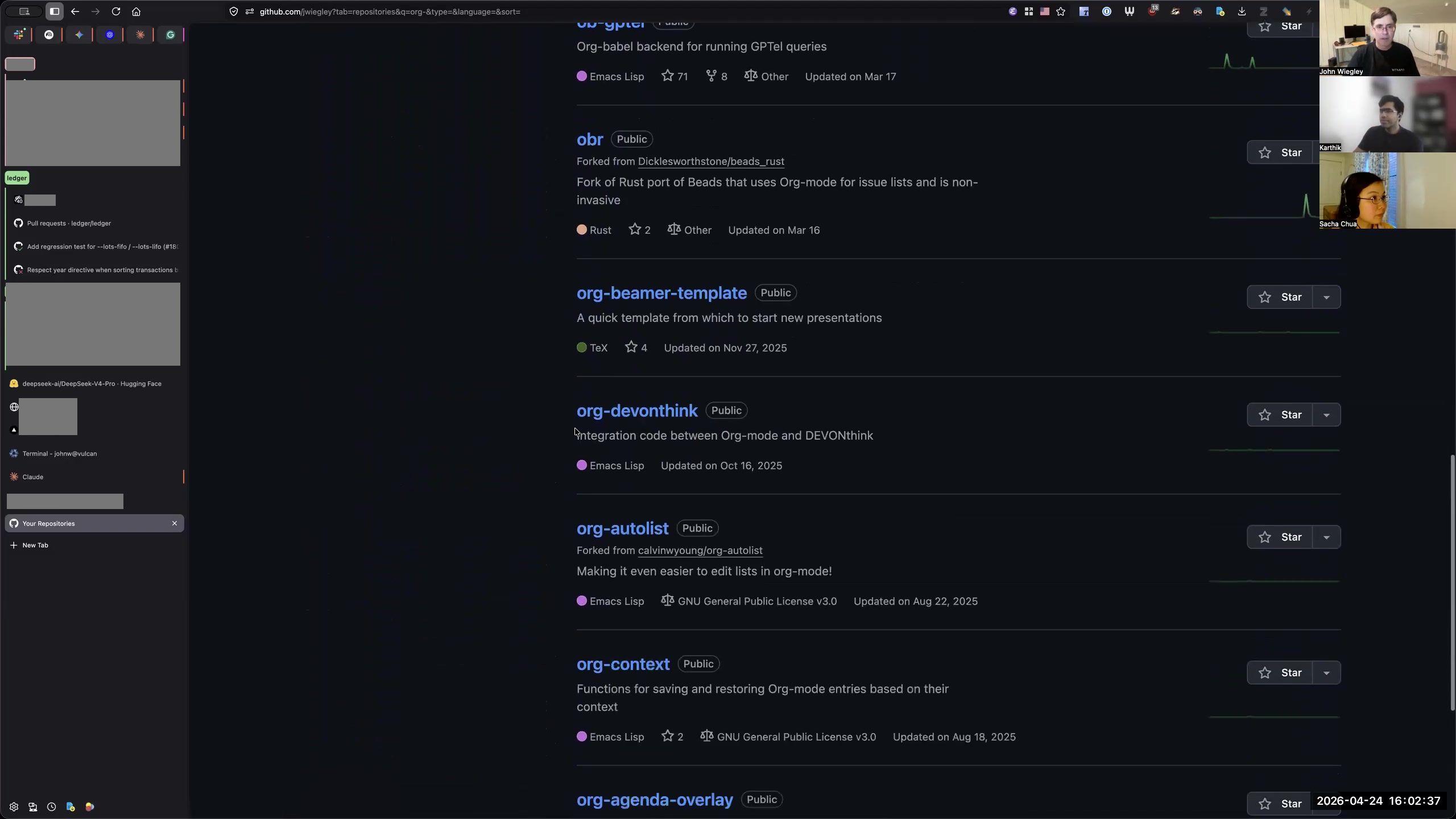 John: obr is the task management tool that uses Org-mode as the storage format. We talked about org-devonthink.
 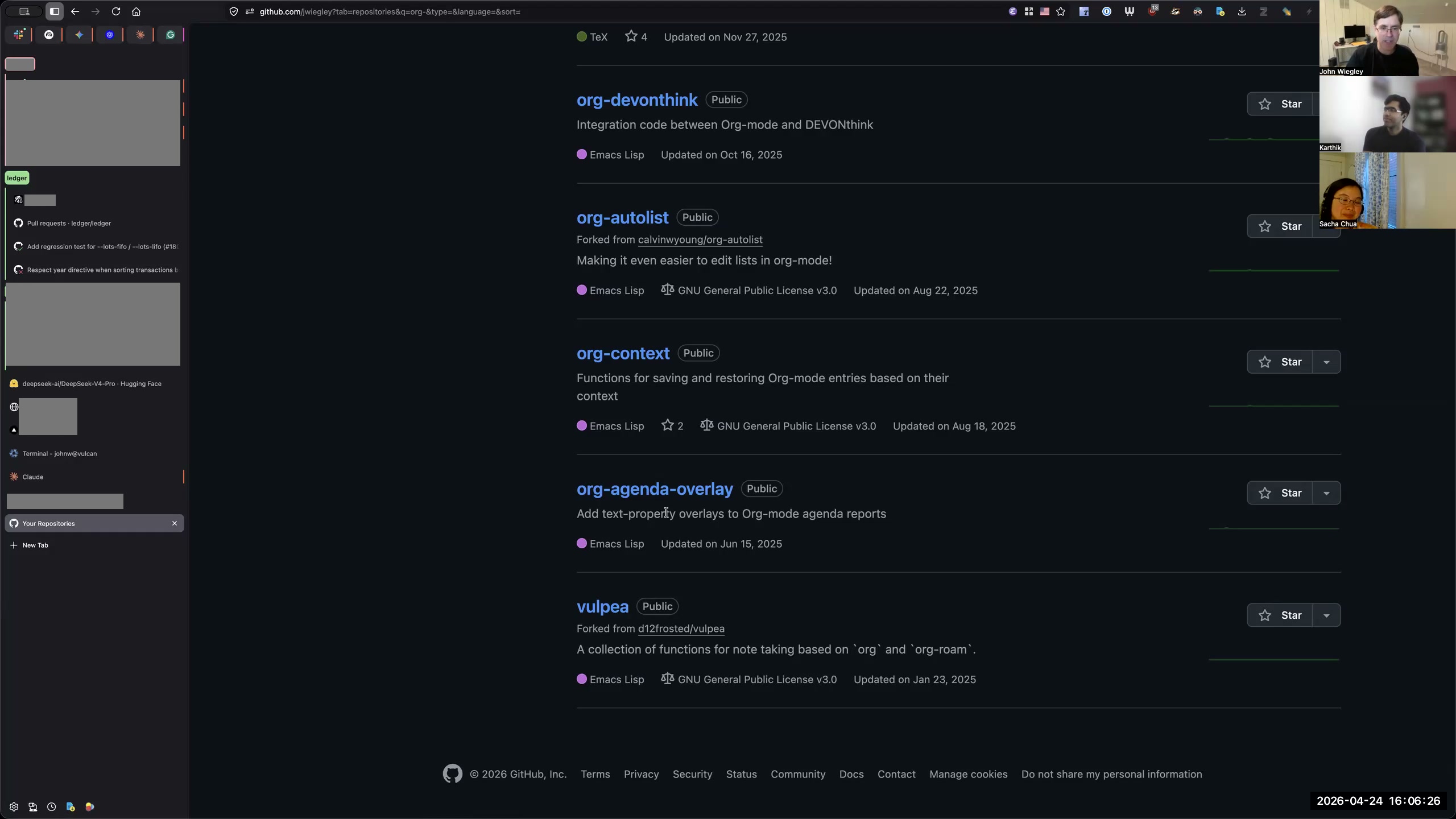 John: Then lastly, org-agenda-overlay. This is what causes the background colors to differ among my org-agenda items. org-agenda-overlay allows you—as a property, or as a file property, or as a defined Org-mode variable— to associate categories. I don't... maybe I even can associate tags. It might be arbitrary items, but you can associate it with a face property. Then you can specify in the face property any modifications to the Emacs face that you want to make. I have it set so that—I think I do this by... yeah, I do it by... Are you seeing my Emacs at the moment? Karthik: Not yet. John: Let me show you the Emacs. So I do it with org-todo-keyword-faces. Then I also do it with—oh, I think that's the only one I do it for. But you can see here—no, that's the colors of the keywords. Sorry, let me go here. It's under, of course, my org-agenda-overlay use-package declaration.
 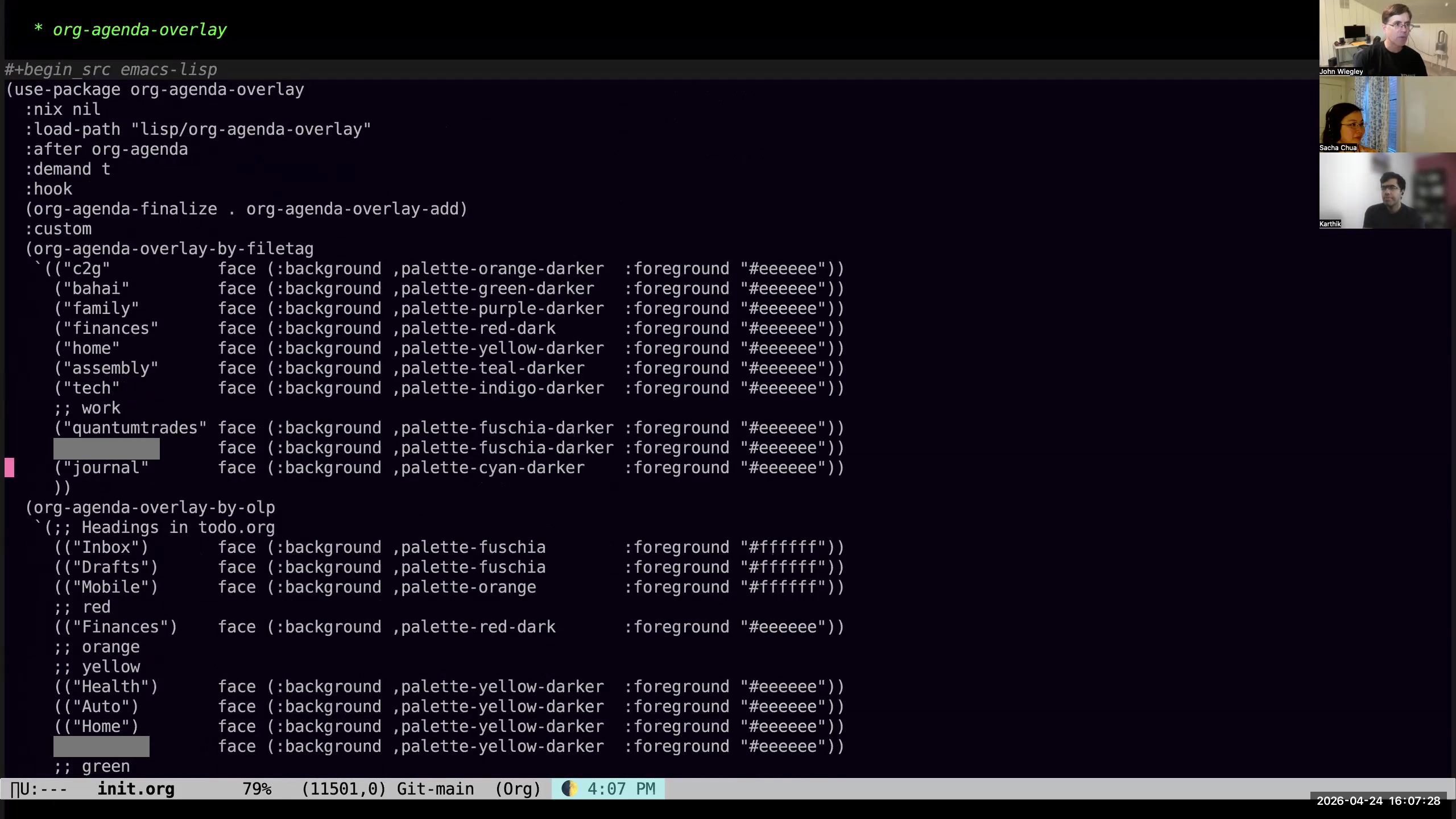 John: So I have org-agenda-overlay-by-file-tag. If the file has this file tag, then it will apply this background and foreground to any task from that file.
 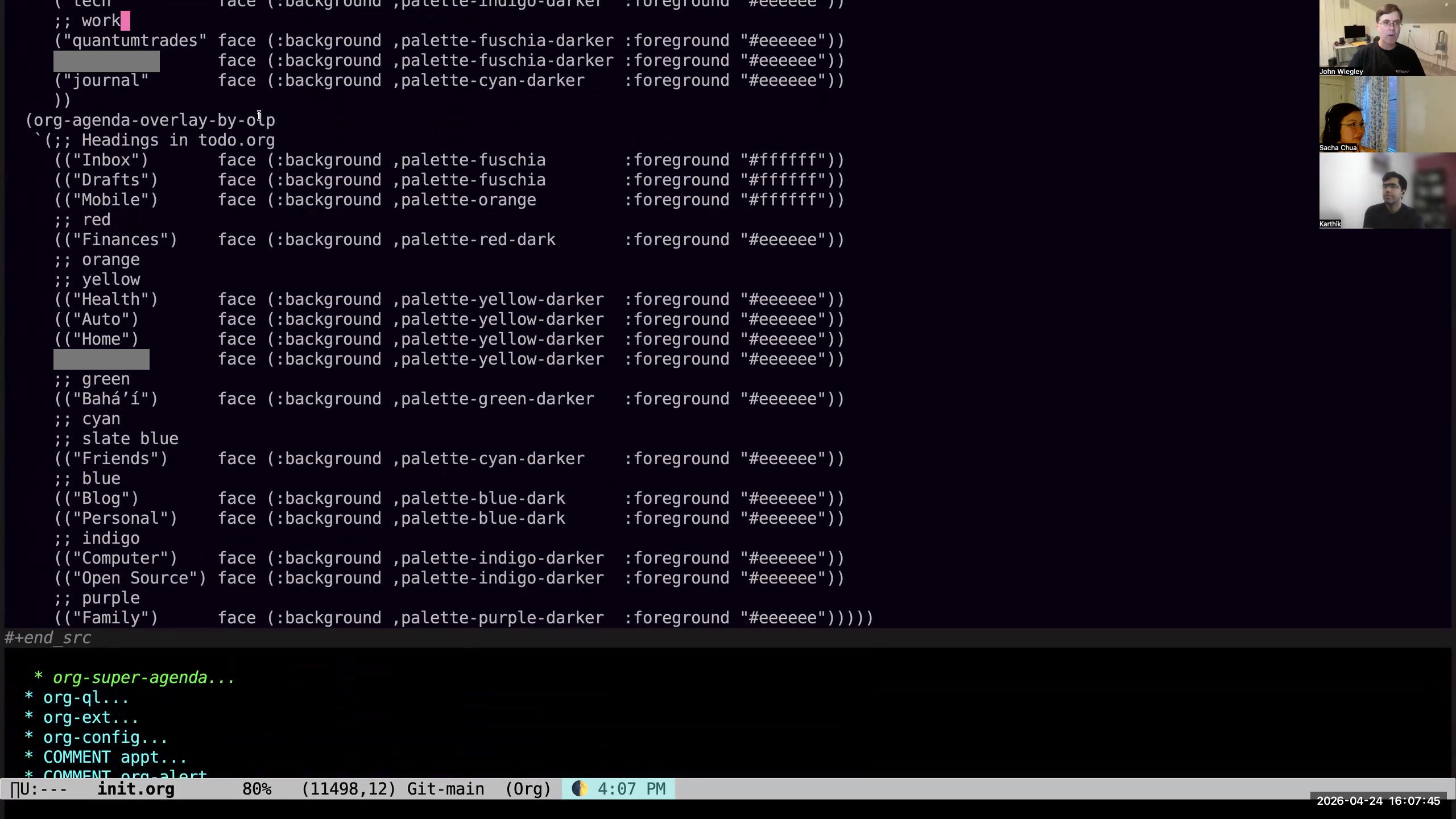 John: Then this is overlay-by-olp, which is the outline-level path. If it's in a heading called "inbox" (and of course this supports slashes so that you can be more specific), then alter the face. But you could do this with properties on the individual entries as well, if you wanted to.
 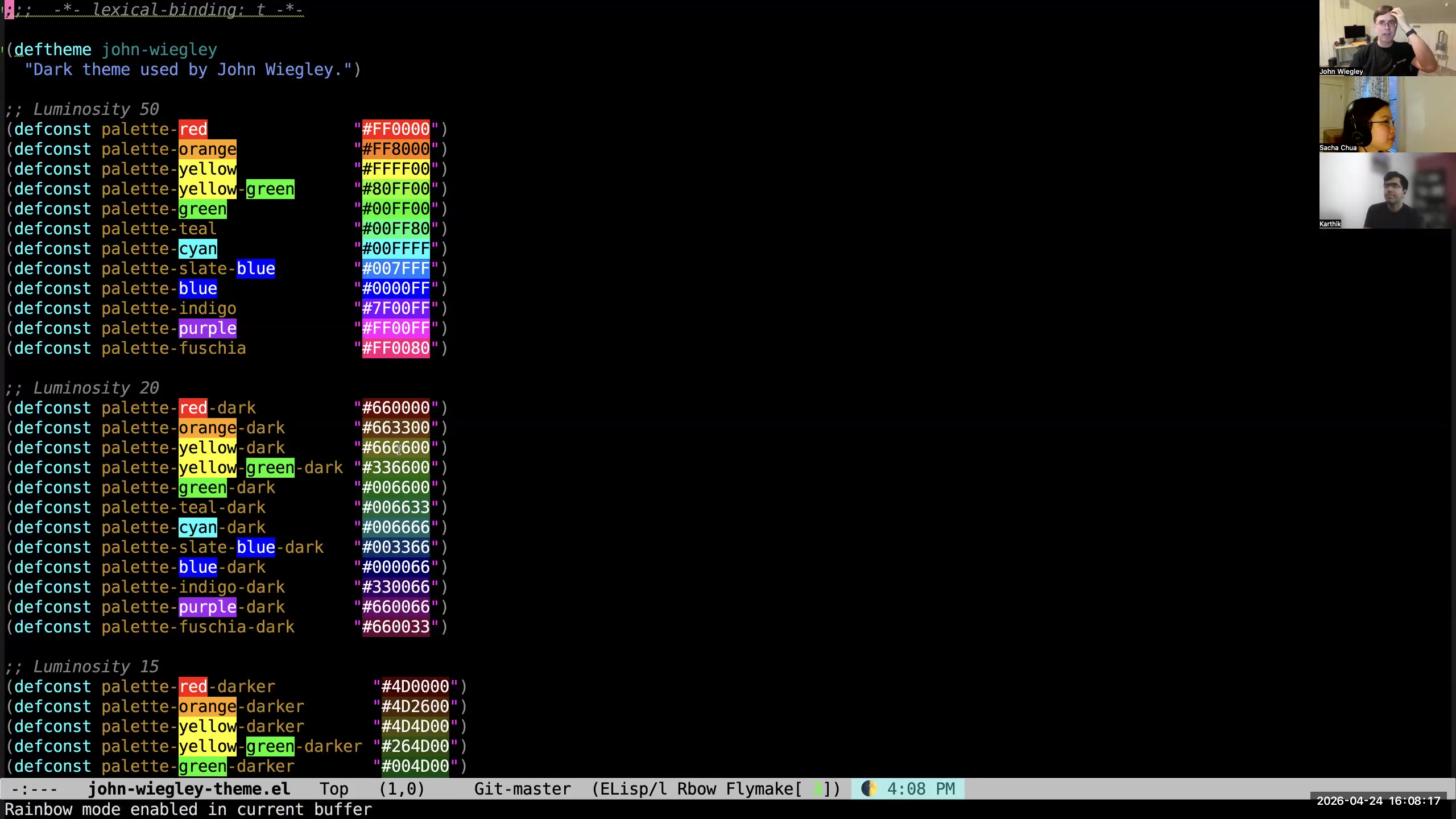 John: I created—let me see, what did I call it?—oh, john-wiegley-theme. I love to use rainbow-mode to help me edit this file. I wanted to create a consistent color vocabulary for everything that is in Org-mode. So all Org-mode tags, keywords, background colors, everything is harmonized to use these sets of colors. I have dark, darker, and darkest variants because of my black background. Sacha: Interesting. John: Yeah, I used a Mac app called Paletton to help me create the harmonious color wheel that these are chosen from. Sacha: Okay, just a quick check. In terms of getting stuff out of this conversation in two forms that other people can learn from— if we're thinking of the audio recording and the transcript—we didn't talk about anything really weird. So is that reasonably good to go, or do you want to review it first? John: No, I would ask the AI to let me know whether there was anything in the transcript that I wouldn't want to become public. Sacha: All right. So basically, we do the transcript, we break it up into chapters so that there are timestamps, you have your AI say whether we should need to take stuff out. I was thinking maybe we do the transcript, possibly the audio recording, because it's fun to hear people be excited about stuff—and then you can imagine your cadence as you're talking about things. Then we can progressively enhance it with screenshots or clips or whatever Karthik has patience for. I don't know if we're going to do the full whole length video, but definitely bits of it. Karthik: I'm going to start, and then I'm going to see how it's going. If it looks like I just have to draw rectangles over things—let me do like ten minutes of the video by hand and see if it took a reasonable amount of time. If it did, then I can extend that to the whole video. Otherwise, we will probably have to downgrade to screenshots or something where it's safe and easy to redact stuff. Sacha: And then we can send— Karthik will coordinate with John about whatever else needs to be removed. Karthik: Yeah. So John, I'm going to ping you and ask you, "Is this okay to include? Is this okay to include?" I'll try to batch these queries so you can give me—I'll try to be conservative, but yeah, let's see. In any case, I will share the video with you. No one is publishing anything until you give me the okay. So I think the transcript and audio stuff, Sacha, that's on you. Sacha: And the text. Yes. Karthik: And the video thing—drawing rectangles and adding blur filters— I will get started on that.
 make stats. 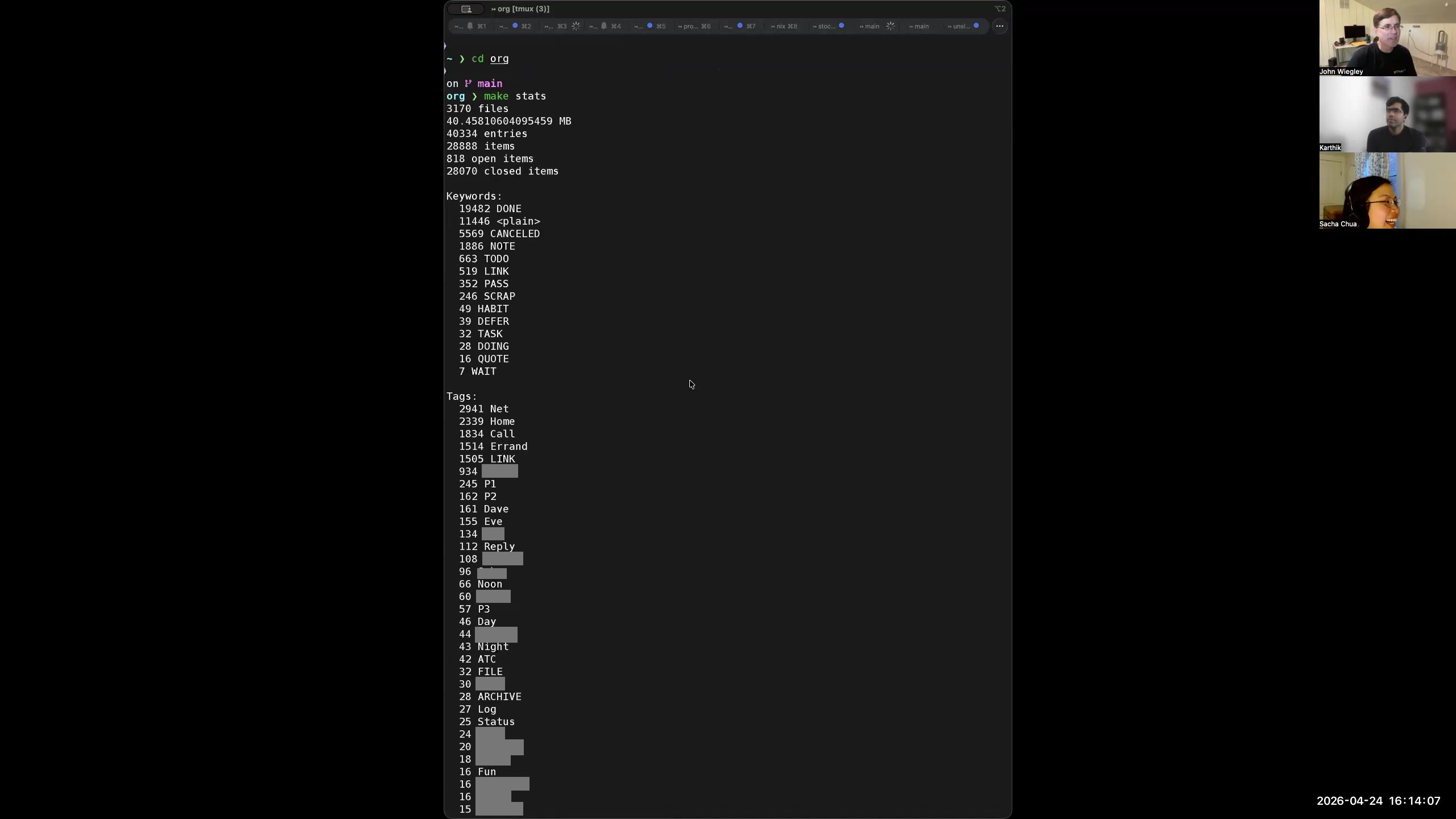 John: So this is 3,170 files, 40 megabytes of data. Oh, it is over 40,000 entries now. Sacha: Yeah, yeah, yeah. John: 28,000 are TODO items. Sacha: Okay, okay. Well, let's update that. John: 818 are open. So more than half of my Org-mode entries are TODO items. Sacha: Very cool. And somehow the combination of org-ql and the Postgres database makes it easy to just fly through all of those files looking for the ones that you need. John: I mean, "easy" is a very charitable word.
 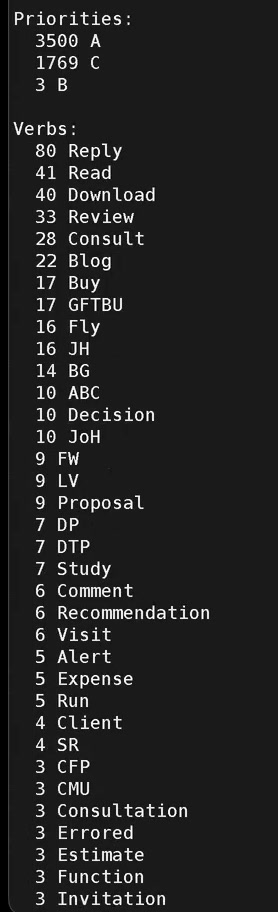 Sacha: "Fast," at least. John: Oh wow, I have three items that actually have B priorities. I wonder what those mean. Sacha: I'm surprised that your validation and normalization functions let those slip past you. John: I don't think I disallow B. I think I had B have a specific meaning at one point, because B stands out so much. I had ascribed it to some special meaning. Sacha: I like your stats. They're fun.
 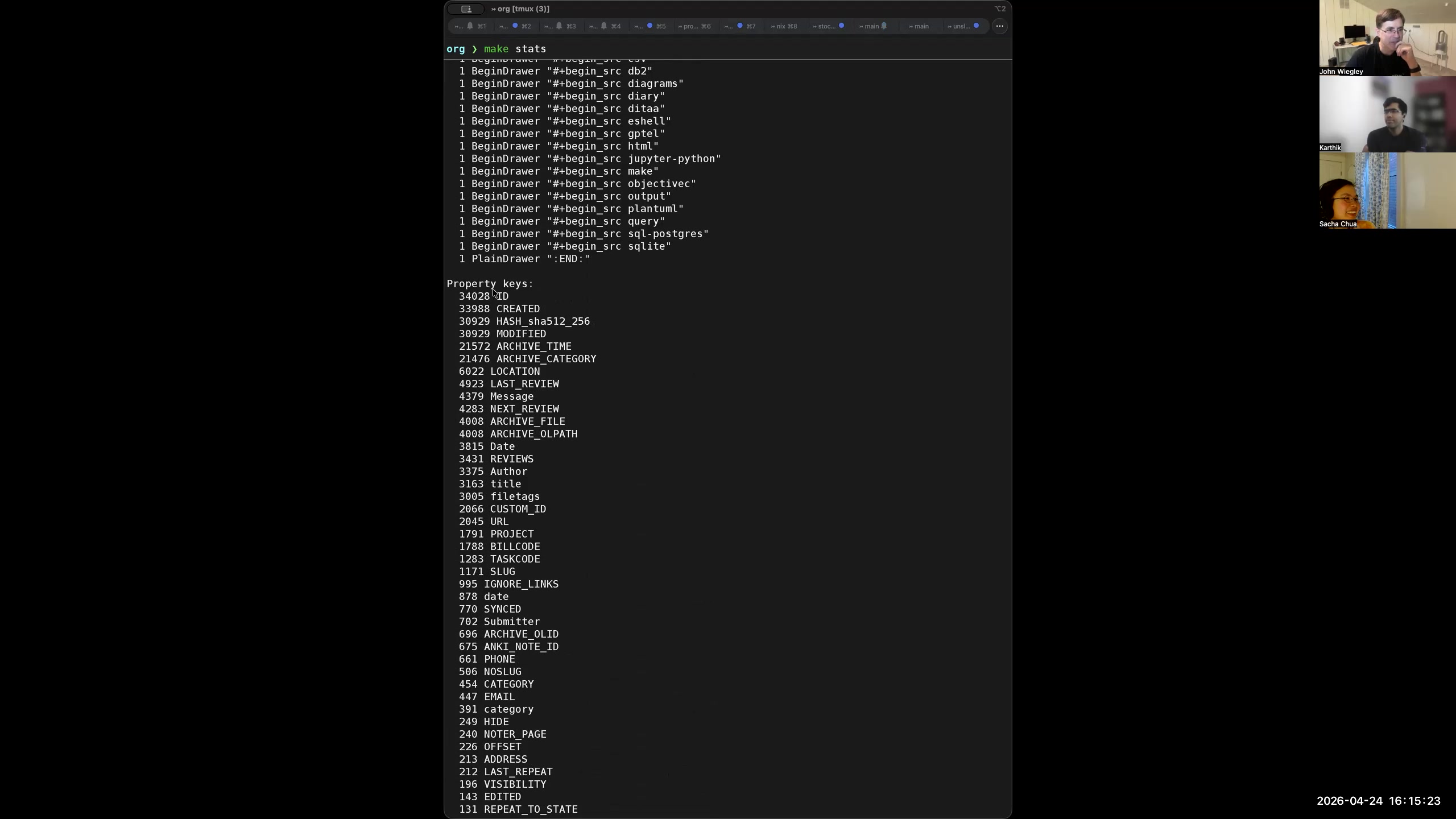 John: Yeah. Look at that. My most commonly occurring properties are ID and CREATED. That's right, that's what it should be. Oh, but not every entry has a hash, clearly. I wonder how that happened.