Ruby code to quickly convert titles to ISBNs

I love the Toronto Public Library system. I can't say that enough. I particularly love how I can go on a reading spree, place holds on a gazillion books, and have them delivered to the library branch that's about three blocks away from the house.

Ideally, of course, these books would arrive suitably spaced apart so that a new batch arrives just as I've finished another. This happens when I request popular books. Most of the time, though, the books that I want to read fall in the Long Tail–obscure titles, books that have fallen off the New York Times bestseller lists, and the occasional random find.

All of these books tend to descend on the unsuspecting library branch at the same time.

There were 27 books waiting for me earlier. The librarian thanked me for clearing the shelf. J- greatly enjoyed piling them into the shopping cart we had the foresight to bring. Yes, I've got presentations to prepare and things to do–but reading is fun, and I'm somehow going to find time to read all those books before my three-week loan period is up. I'll probably be able to renew them, but hey, might as well try.

So I decided I might as well try tracking them on LibraryThing. Instead of typing in all the details manually, I grabbed the list of titles from my account on LibraryElf (good reminder system for books), used ISBNdb to convert the titles into ISBNs (best guess), and imported the list of ISBNs into LibraryThing. Now my profile lists 163 books–a small fraction of the books that have passed through my hands, but it's better than nothing. Someday I might even get myself a barcode scanner so that I can just pick up the ISBNs from the book jackets.

Anyway, I promised the Ruby code I'd quickly written to convert the titles to ISBNs:

require 'net/http'
require 'CGI'
require 'open-uri'
require 'rexml/document' 

access_key = 'YOURACCESSKEYHERE'
while (s = gets)
  s.chomp!
  url = "http://isbndb.com/api/books.xml?access_key=" + access_key + "&index1=title&value1=" + CGI::escape(s)
  xml = REXML::Document.new(open(url).read)
  if (xml.elements["ISBNdb/BookList/BookData"])
    puts xml.elements["ISBNdb/BookList/BookData"].attributes["isbn"]
  end
end

Takes titles as standard input, prints out ISBNs. Enjoy!

Taking book notes

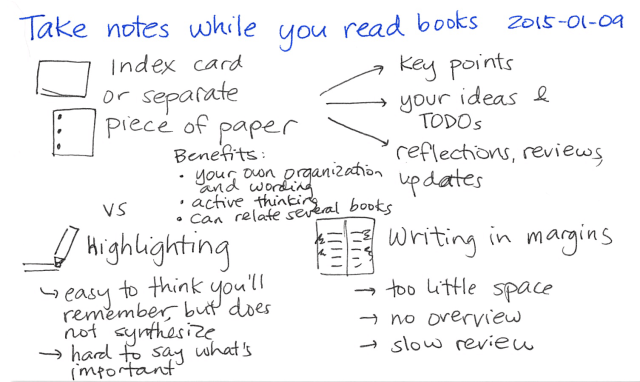
It turned out that our newest team member, Tom Plaskon, is also a bookworm. Over lunch last Wednesday, we chatted about how we keep track of what we're learning from books. My system hasn't changed that much sinceI described it in February, but I thought I'd post an updated blog post about it, just in case writing about it prompts ideas.

How I get books:

I still read lots of books. I usually order books from the Toronto Public Library system or pull them off the library shelves when I go on a library run, but sometimes I'll pick up books from the bookstore or order them online. I occasionally get book recommendations from other people, too.

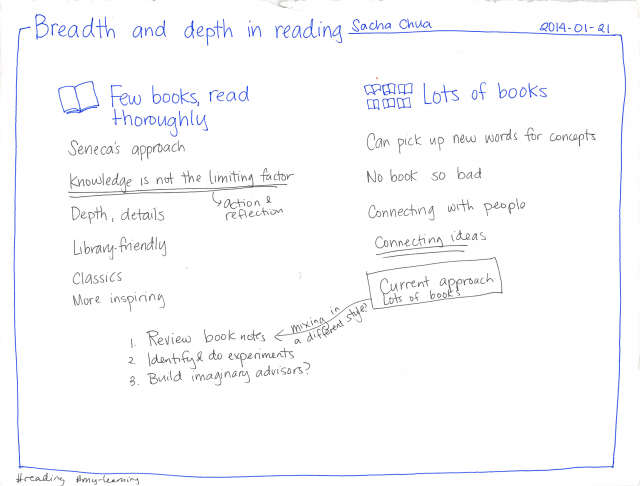
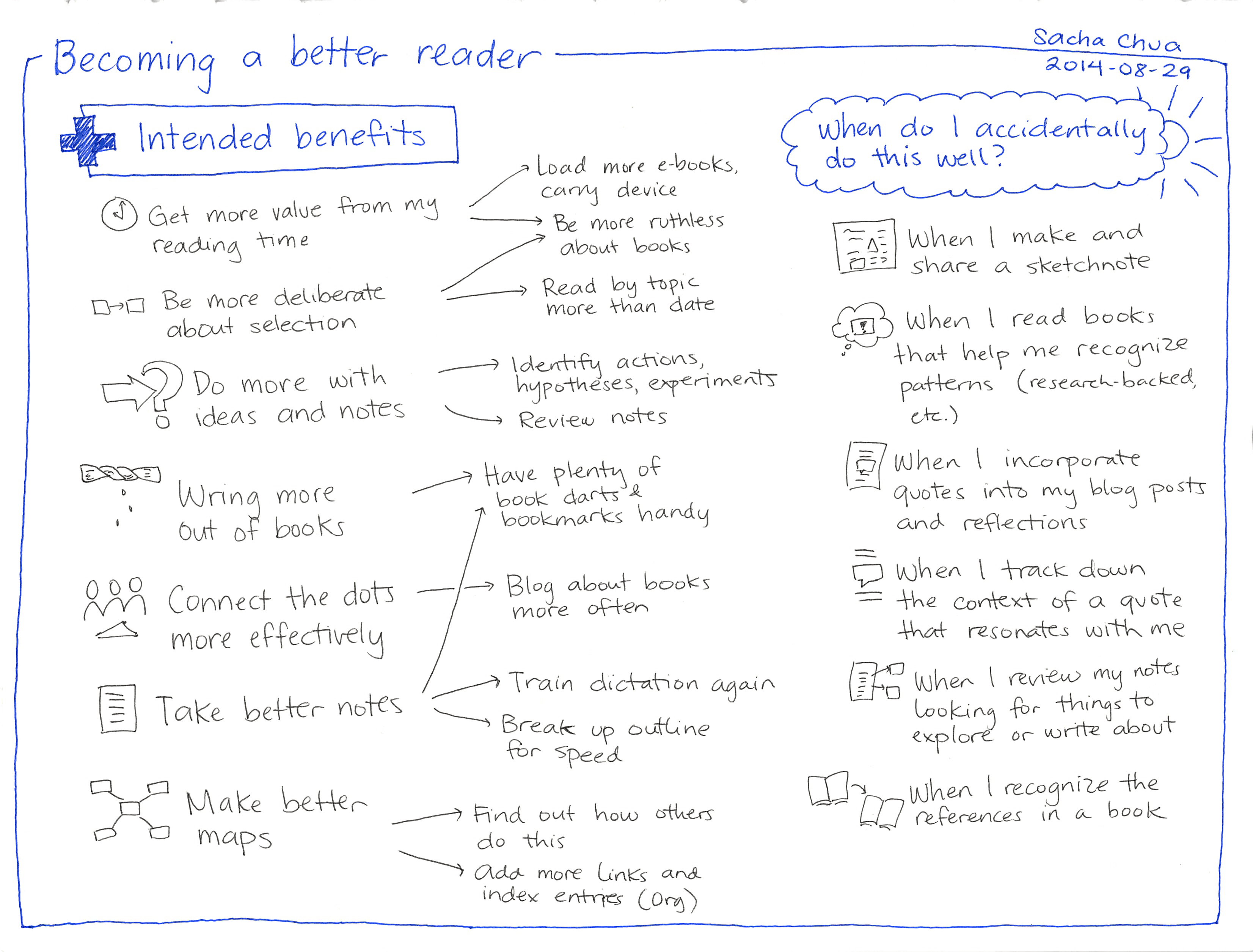
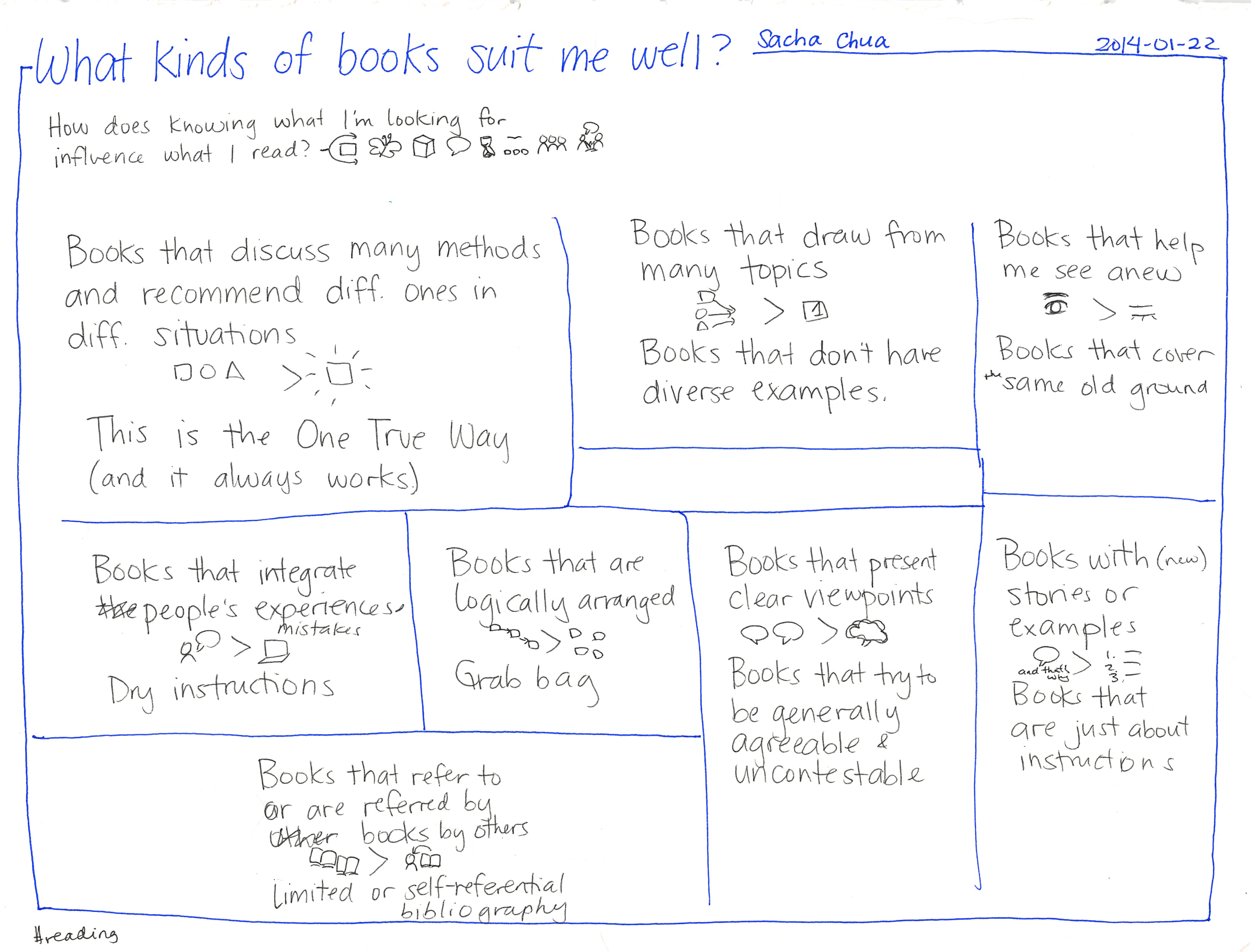
I tend to read in sprints, focusing on a single subject. I'm currently revisiting personal finance, and I've read about comics and graphic novels, sketching, storytelling, writing, leadership, time management, Javascript, CSS, relationships, communication, management, consulting, entrepreneurship, photography, cooking, presentation skills, education, reading, economics, parenting (yes, I read my mom's parenting books when she was raising me - made for an interesting childhood!), social networking, quarter-life crises, career planning, learning, creativity, self-defense, exercise, romances (particularly classic Regency ones) gardening, and other topics that slip my mind at the moment. Reading in sprints allows me to get through books quickly (few non-fiction books are packed with new ideas) and see the interconnections between ideas in books. Sometimes I'll go for variety when I'm raiding the library shelves.

This is a pattern of reading that practically requires a well-stocked public library, as there's no way I'm going to spend all that money doing a reading sprint by buying books from Chapters or Amazon. I'd be limited by my book budget and I'd end up with too many books full of too much filler. Using the public library allows me to get value from books I might not ordinarily buy and books that are mostly fluff except for one or two good insights. (Or books that have one good idea and just keep hammering it in.)

How I read books

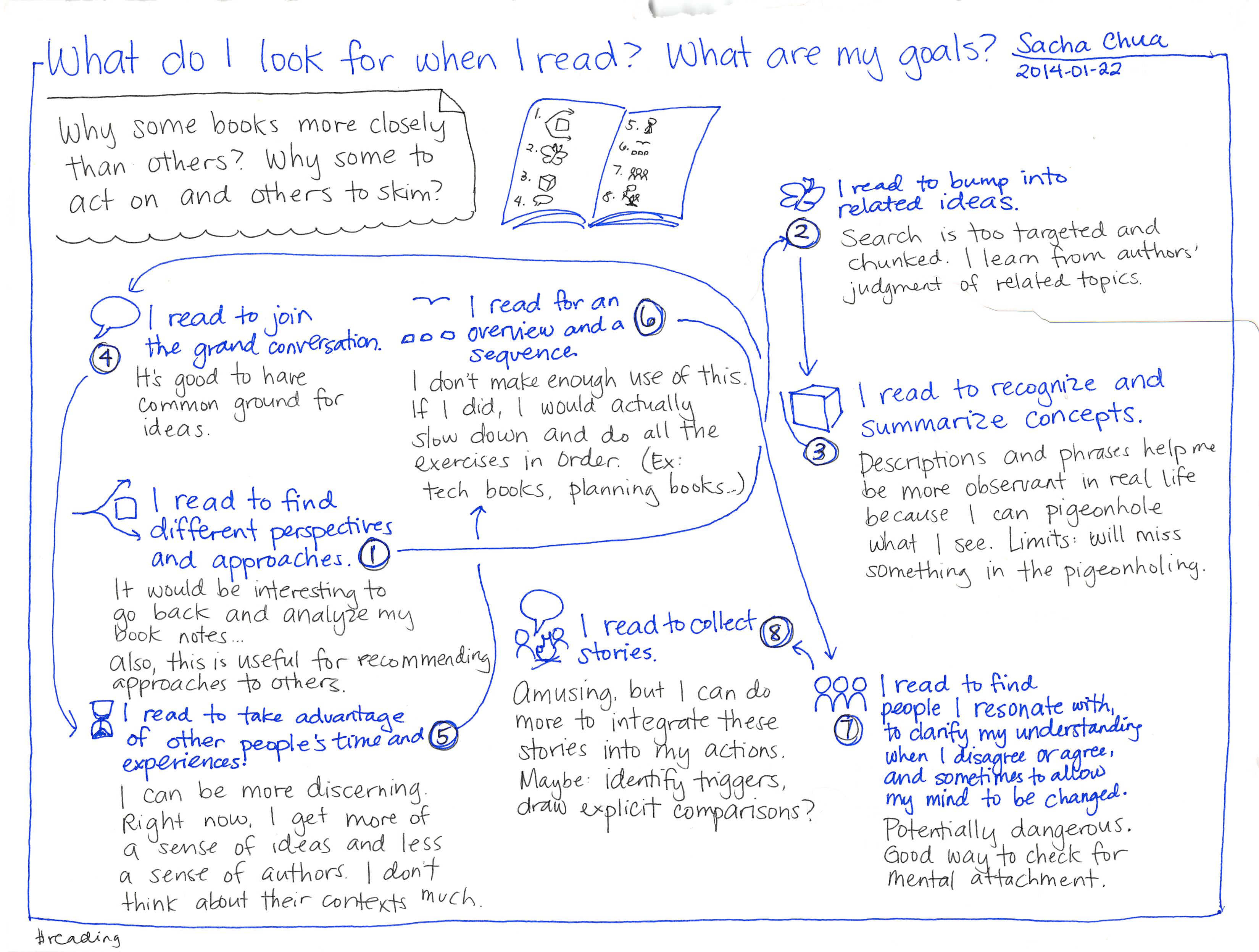
While I'll slow down and enjoy a dense, well-written book, most books are worth cursory scans. Sometimes I'll look at the table of contents to get the lay of the land. Other times, I'll just plunge right into it, skimming the book for good quotes, interesting insights, or good explanations.

I read books on the subway, over breakfast or dinner, while walking (except across intersections), on evenings and weekends, and whenever I can steal a moment. I try to always have a book or two in my bag.

How I take notes

The first step is to mark the passages I want to keep. I don't like writing in books (and absolutely abhor the idea of writing in a library book!), so I have to keep track of the passages I want to put into my book notes system. I must confess that I've resorted to dogearing pages. Post-It flags feel wasteful and torn slips of paper are inconvenient. I'd be happy to switch to a better method for remembering pages if it was something I could do while walking around (rules out scanning text with a digitizing pen) and it allowed me to keep track of any number of pages (rules out bookmarks, unless I carry a whole stack of them).

After I've gone through a book once, it's time to put the passages into my book notes system. If I have time, I use Dragon NaturallySpeaking to dictate the book details, page numbers, and relevant passages to my computer. It's fun, it reinforces my memory, and it helps me train the speech recognition engine. If I'm pressed for time, I scan the relevant pages, then and use Tesseract Optical Character Recognition to convert the scans into text.

I currently keep my book notes in a large text file with a little markup to make it easier for Emacs to display it as an outline. (Hooray org-mode!) Each book is an outline item, and each quotation starts with the page number. I also add my own notes.

How I review my books

The human brain is good at associative memory. When a conversation topic reminds me of something I'd read, I can usually come up with a few titles or keywords from the quotations. My book notes allow me to send not only the book details but also the relevant quote, which helps other non-bookwormish people zero in on the part they might want to check out. So far, my text file has been working well.

I occasionally review my book notes by flipping through my book notes on the computer or on my Nintendo DS, jumping to a random note, or searching for certain keywords. I also reread particularly good books to see if I'll get even more insight this time around. This helps me keep the content fresh, and it also prompts me to think about who I know would benefit from the book I'm reviewing.

How I can make this system better

I think I'll start using LibraryThing to keep track of the books I've read. This allows me to take advantage of social recommendations. I used to use Amazon for that, but it's also nice to run into fellow bookworms with similar interests and to see what else they're reading.

It might be good to capture diagrams neatly. I've got the scanner, so I just need to work out a good image storage thing.

I want to be able to link related quotations and books with each other. Blog posts would be a good way to do that. I just need to make sure I save my post locally, too.

I need to think about which new books are worth acquiring. =) There are a few presentation-related books I'm going to order (Back of the Napkin, Presentation Zen, Slideology).

Some thoughts on reading

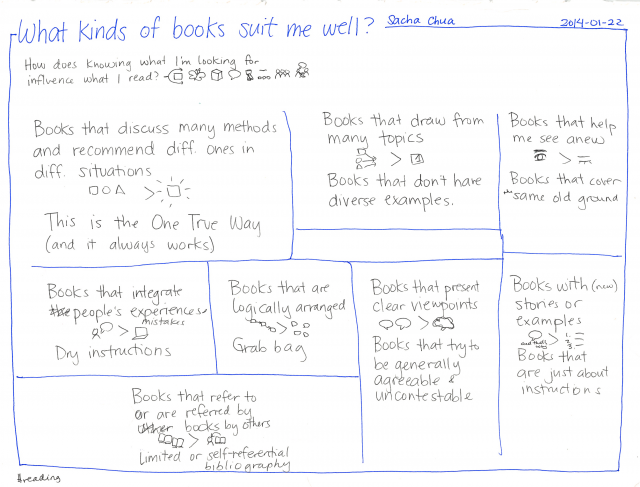
Ben Casnocha's blog post about how to find new books to read (sparked by a blog post by Tyler Cowen on the same topic) made me think about how I pick books to read. I tend to go through six or seven books a week, squeezing pages out of subway moments, quiet evenings and weekend afternoons, and even the occasional lunchtime read. A branch of the Toronto Public Library is just a few blocks away from the house, making it a pleasant walk now that days are long and nights are warm.

I enjoy pulling random books off library shelves, stepping out of the genres I typically read. For example, here are the results of today's library raid:

Life: The Odds: And How to Improve Them
by Gregory Baer

I picked this up because a quick browse showed that the book managed to make numbers and statistics interesting, which is a skill I'm sure to find useful.

Read more about this book…

Drawing Comics is Easy! (Except When It's Hard)
by Alexa Kitchen

I was curious about drawing. When I opened the book, I was won over by this:

Publisher's note and author's disclaimer:
The contents of this book were created in a short burst when Alexa was 7 years old. As this book goes to press she is all of 8 years old and, as a writer and artist, is now a quantum leap ahead of these early efforts. The publisher believes this book is worthly of publication or he would not have mortgaged his home and Shmoo collection to finance the 6-figure initial print run and national publicity campaign. However, the author wishes it to be known, for the record, that Drawing Comics is Easy! is "not very good" and "full of mistakes," and wishes to emphasize that her "next book will be much better."

Published by DKP, P.O.Box 2250, Amherst MA 01004-225. DKP is an acronym which the designer likes because it fits the spine dimensions much better, though at the same time, of course it also conveniently disguises the actual name of the company: Denis Kitchen Publishing Co., LLC. Thus, if you've been persistent enough to read this far on the indicia page fine print (which nobody does) you realize that–yes–this book has been published by Alexa's own father's publishing company. However suspicious, unseemly or opportunistic that disclosure may seem to some, the publisher wants it known that Alexa's literary agent made this choice of companies objectively and at arm's length after no doubt weighing attractive offers from Pantheon, Norton, Knopf and other competing publishers. Thus any familial connection is strictly coincidental.

Drawing Comics is Easy!

I had to bring it home and blog about it. =)

Read more about this book…

Howl's Moving Castle
by Diana Wynne Jones

I watched this in Japan… in Japanese… which didn't help my comprehension much… so I figured I'd read it again to see if I could reinterpret my befuddled memories. Also, I like raiding the children's lit section. =)

Read more about this book…


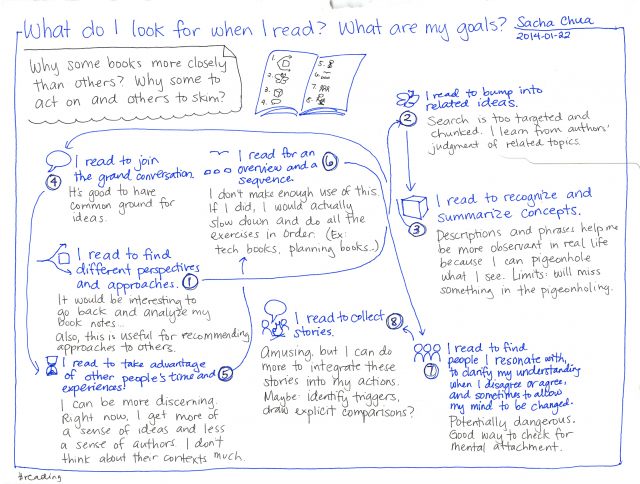
I always appreciate recommendations from other people. I love finding other bookworms, and I love the way our shared books give us conversational shorthand. I love finding out what other people are interested in, and books are a great way to do that. Of course, I'm thrilled whenever I can return the favor by prescribing some of my favorite books for whatever situation I come across. =)

When I was a kid, my parents used to let me pass the time in bookstores while they took care of other things. As a result, I've gotten pretty good at skimming through books while standing or walking around, and I've gotten pretty shameless about pulling ten to fifteen books off the shelf and scanning through them quickly to see if any of them are good. I usually find two or three to buy, so I guess it works out for the bookstore.

I tend to go on reading spurts, reading everything I can find in the library about a particular subject. The Toronto Public Library allows me to place holds on up to fifty items, and I often run into that limit. I use my Amazon wishlist to store other books I'm interested in–books that didn't fit in the 50-book limit, books that haven't been acquired by the library, and so on. One of these days, I'm going to get Amazon/Toronto Public Library integration working again. =)

When I read a book, I mark interesting segments by tucking scraps of paper between the pages. I used to dogear pages and I still occasionally do so, but I feel guilty about doing that to library books. I'm horrified by the way that other people actually scribble in library books. Augh. Anyway, after I finish the book, I encode my notes in an outlined text file, along with the page numbers. I've gotten my Dragon Naturally Speaking to the point where I actually enjoy dictating things to it, which is much better than typing because (a) I don't have to lift my hands from the book, (b) I can trace lines with my finger so that I don't get lost, and (c) I get to experience the words in another medium. Good stuff.

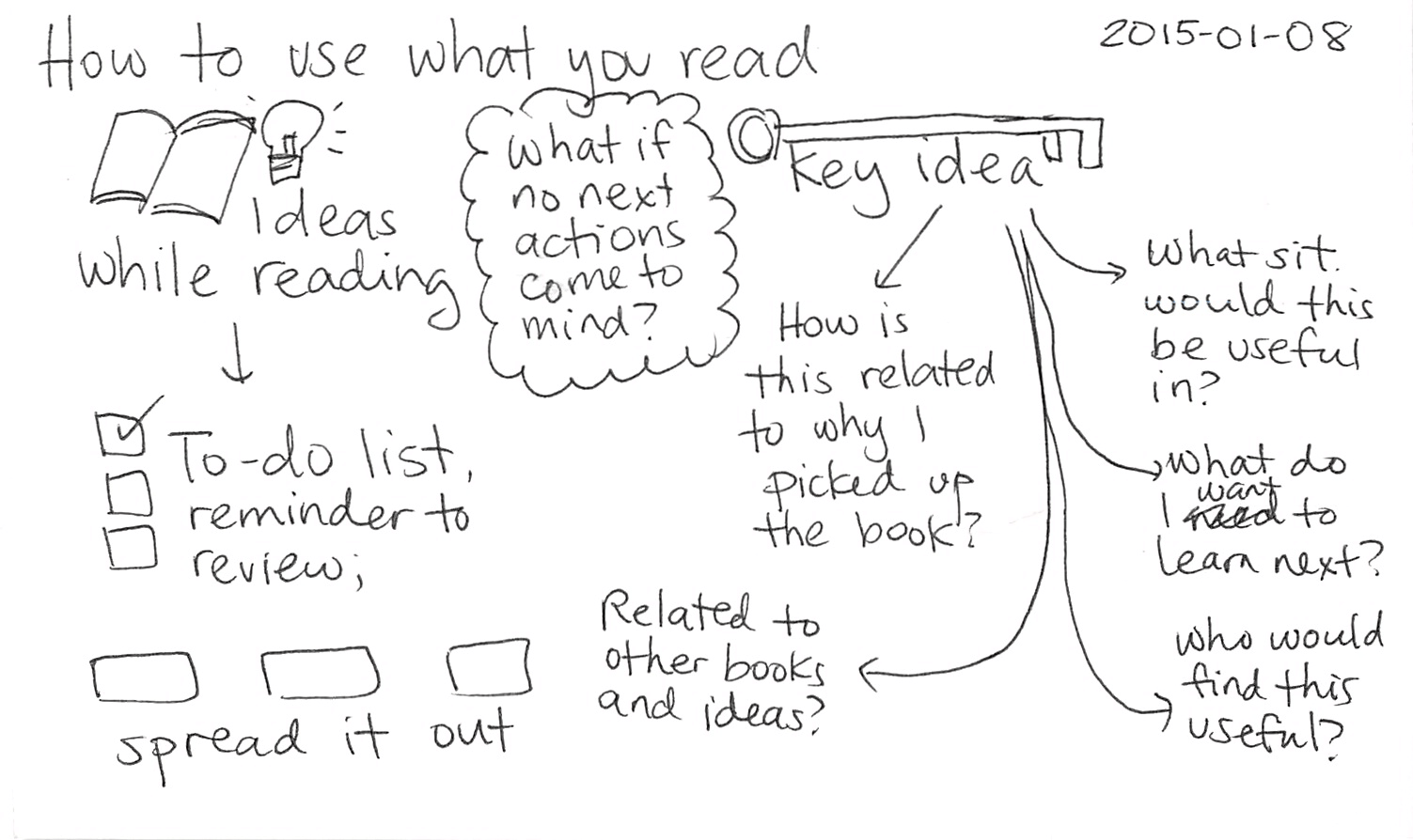
Every so often, I review my book notes and think about how I've applied the ideas, how I might apply the ideas, how the ideas relate to other things I know, and who might be able to use those ideas as well. That's where the outline comes in handy. I can skim the outline to see which book I'd like to think about, or I can search it for keywords to find a useful quote, or I can even jump to a random spot. I've copied the text file to my Nintendo DS (yes, you can read text files on it), so I can even read on the go. (Next step: make an application specifically for reviewing my book notes? =) )

I've gotten so many benefits from my insatiable appetite for books. Richer conversations, interesting connections, improved communication skills, and an abundance of material to share… I love reading, and I hope lots of people discover the joys of reading too!

Writing and "Better: A Surgeon's Notes on Performance"

I don't remember where I got the book recommendation to read this book, but it's a fascinating read, and I aspire to this kind of life. (Although not in medicine - I couldn't bear the responsibility!).

Better: A Surgeon's Notes on Performance
by Atul Gawande

Read more about this book…


Here's a quote for all you writers, bloggers, and other aspiring communicators, from the afterword on how to become a positive deviant [p.249]

My fourth suggestion was: write something. I don't mean this to be an intimidating suggestion. It makes no difference whether you write five paragraphs or a blog, a paper for a professional journal, or a poem for reading group. Just write. What you write need not achieve perfection. It need only add some small observation about your world.

You should also not underestimate the power of the act of writing itself. I did not write until I became a doctor. But once I became a doctor, I found I needed to write. For all its complexity, medicine is more physically than intellectually taxing. Because medicine is a retail enterprise, because doctors provide their services to one person after another, it can be a grind. You can lose your larger sense of purpose. But writing lets you step back and think through a problem. Even the angriest rant forces the writer to achieve a degree of thoughtfulness.

… Most of all, by offering your reflections to an audience, even a small one, you make yourself part of a larger world. Put a few thoughts on a topic in just a newsletter, and you find yourself wondering nervously: Will people notice it? What will they think? Did I say something dumb? An audience is a community. The published word is a declaration of membership in that community and also the willingness to contribute something meaningful to it.

So choose your audience. Write something.

Atul Gawande, Better

My blog anchors my participation in the larger world, resulting in not only online interaction but real-world as was well. It makes me part of the conversation.

When I talk to people who don't blog. I feel a strange disconnect as if the conversation we have stops there: stops at the e-mail exchange with each other, stops at the meeting, is confined within the boundaries of our encounters. When I talk to people who blog, the conversation is wide open and embraces the world.

It's hard to explain that to the people who are afraid that they might have nothing to say. The truth is that you won't discover what you have to say until you say it. Sometimes it's hard to remember that not everyone has discovered the use of writing in reflecting and connecting with others. People have other priorities. They have no time. And perhaps at the core of it, they are shy as I was shy, as I still am shy. But I can overcome my shyness because I want to be part of that larger conversation with them. With you.

Write, and join the conversation.

Library Elf is awesome

image

When I blogged about my totally small-school library reminder script, Claudine recommended Library Elf, which helps people manage their library loans. I hopped over and set weekly reminders to go out on Sunday, just before my Monday book runs. I just got my first reminder e-mail from them, and I am impressed. C'mon. Look at that screenshot. It tells me when books are due and when my holds expire. If I hover over the links, I can see which books they are. The lists of holds ready for pickup and books that are checked out are sorted by date, which makes perfect sense. I can add W-'s library card and track his books as well. =)

Awesome awesome awesome.