
Live
- Livestream
- STARTED Current / notes for next time
- Yay Emacs 54: Working on Emacs News
- Yay Emacs 53: Drafting my responses for the community panel
- Yay Emacs 52: Drafting my responses for the community panel
- Yay Emacs 51: Dusting off my EmacsConf code
- Yay Emacs 50: Trimming audio from my French tonguetwister practice
- Yay Emacs 49: Back to editing the VTT for my conversation with Linkarzu
- Yay Emacs 48.2: Working on Emacs News
- Yay Emacs 47: Editing the VTT for my chat with Linkarzu
- Yay Emacs 46: Tinkering with my speech+typing workflows
- TODO make something that easily gets the VTT for an MKV or a video link. Just in case it hasn't been inscribed yet. Maybe I can run it through auto keep.
- search - How can I find a message by Message-ID in Gmail? - Web Applications Stack Exchange
- Yay Emacs 45: Working on Emacs News
- DONE fix my indentation. I wonder if it's Org indent getting in the way ▶️ screenshot
- Yay Emacs 44: More conversational voice interfaces
- Yay Emacs 43: Defining voice commands with phony.el
- TODO Try out the STT model that yantar92 uses
- STARTED trying out the burnish package
- SOMEDAY reply to this about scrolling the other window backward
- SOMEDAY have a voice command for jumping to the recently created task
- SOMEDAY set up a stopwatch and a timer that I can trigger by voice
- Yay Emacs 42: Working on Emacs News, happy Canadian Thanksgiving!
- TODO try Canvas browser to see if I can embed a browser in my Emacs ▶️ screenshot
- DONE implement a remind me next month command ▶️ screenshot
- STARTED
- Yay Emacs 41: Working on Emacs News, tinkering with more speech commands
- DONE move my speech based commands from my personal configuration to speech input, maybe
- TODO try out Jinx and Jinx Occur, because that seems to be editable in occur edit mode
- SOMEDAY watch Eric Nantel's video about Spacemacs in French.
- SOMEDAY check out the type safe compatible providers such as Ollaya
- TODO IRC for chat - thanks Guest24
- TODO Figure out what happened to my pasting into Emacs
- Yay Emacs 31 livestream: Working on Emacs News
- SOMEDAY https://recurse.social/@shapr/116534824687970707
- TODO Make it easy to add a comment by e-mail link to my blog posts
- TODO add this to my config https://emacs.dyerdwelling.family/emacs/20260430074958-emacs–a-tiny-header-line-tweak:-image-dimensions-in-image-mode/
- TODO keymap-popup
- TODO Ask at the next Org Meetup
- Timestamps
- Updates
- Ideas
- Some things we can talk about if people are curious
- TODO Improve my audio setup
- STARTED Modify my sacha-mastodon-save-toot-for-emacs-news
- TODO Suggest fido-vertical-mode maybe for newcomers-presets?
- TODO Add a nginx redirect for emacsnews (no dash)
- TODO Figure out how to get https://sachachua.com/blog/category/emacs-chat-podcast/feed/ to be a podcast feed again
- Inbox
- STARTED monkey patch the Mastodon timeline thing so that I can fake a link for my aggregated toots, but let's let's just fix it for temporarily.
- TODO add snippet support to typing in other applications. I mean, with voice, dictating to other applications.
- TODO someday to make a consult option command that lets me select one of the visible links from Spook Fox.
- TODO someday to automatically strip out tracking information from YouTube URLs for Emacs news.
- TODO play around with a Vertical canvas in YouTube.
- STARTED figure out any other automations that I can do for BigBlueButton.
- TODO set up the camera dock position to the left side.
- STARTED verify the EmacsConf infrastructure.
- TODO grab the clip of defining some extra voice commands from today's stream.
- TODO document how Whisper maybe type works in other applications.
- TODO explore using a macro to set up a phony dictionary so that I can uh easily parse different alternatives for a voice command.
- Scheduled livestreams
- Previous episodes
- Meta
Livestream
: Oct 2 - Emacs Chat 31: Pedro A. Aranda Gutierrez
https://sachachua.com/blog/2026/10/oct-2-emacs-chat-31-pedro-a-aranda-gutierrez/
On Oct 2, we'll chat with Pedro about Org Mode, LaTeX exports and font management including alternatives and things you can and can't do depending on your choices. He'll share some tips on fallbacks and emojis, which can help a lot with presentations and documentation. We might also discuss recent patches and realistic objectives.
2026-10-02 Fri 06:00-07:00 America/Toronto = Fri Oct 2 0600H EDT / 0500H CDT / 0400H MDT / 0300H PDT / 1000H UTC / 1200H CEST / 1300H EEST / 1530H IST / 1800H +08 / 1900H JST
See other scheduled livestreams or add the iCalendar feed to see upcoming events in your calendar (Shortcut: Google Calendar) You can also subscribe to the RSS feed.
STARTED Current / notes for next time stream emacs
Yay Emacs 54: Working on Emacs News
Time to work on Emacs News!
Raw material: https://sachachua.com/blog/2026/11/2026-11-09-emacs-news/
Yay Emacs 53: Drafting my responses for the community panel
We have a recording session for https://emacsconf.org/2026/talks/community/ tomorrow, so I need to get my thoughts together. Also, if there's time, I want to to document and demonstrate my video workflow so that I can do it again next year, and maybe look into organizing my windows and workspaces in preparation for trying to manage everything everywhere all at once. Aaah! Totally not panicking.
Yay Emacs 52: Drafting my responses for the community panel
We have a recording session for https://emacsconf.org/2026/talks/community/ tomorrow, so I need to get my thoughts together. Also, if there's time, I want to to document and demonstrate my video workflow so that I can do it again next year, and maybe look into organizing my windows and workspaces in preparation for trying to manage everything everywhere all at once. Aaah! Totally not panicking.
Yay Emacs 51: Dusting off my EmacsConf code
EmacsConf has two days of two tracks, and my brain is not very good at paying attention to things that have to be done at a certain time. So I use cron to schedule the playback of talks at the scheduled times during the conference, including:
- announcing the talk on IRC
- playing the recorded intro, if it exists
- playing the video file or joining the talk's BigBlueButton room
- going to the Q&A session, which could be in BigBlueButton, Etherpad, or IRC
- publishing the talk video files on the wiki and on media.emacsconf.org
This came in really handy last year because I had to manage EmacsConf by myself for part of the conference. This year, I think I might need to do the same.
One of the challenges of automating something that I do only once a year is that I tend to forget about things, especially if I quickly put together the automation in a rush because I was trying to get things done. If I didn't take the time to document them while it was still fresh in my brain (because I needed to move on to doing something else), now I need to dust off the code, figure out how it works, and fill in those missing notes.
Today I want to get that automatic schedule working again. If I have time, maybe I will record the introductions.
orga - user that the /usr/local/bin/handle-session script connects to
Yay Emacs 50: Trimming audio from my French tonguetwister practice
I can demonstrate my workflow for extracting the clips from my recording of a pronunciation practice session with my teacher.
workflows#extract-my-french-pronunciation-lessons-tongue-twisters-virelangues
Yay Emacs 49: Back to editing the VTT for my conversation with Linkarzu
I'm about halfway through editing the transcript. I would like to get it nicely edited so that it'll be easy to pull out snippets of it as text.
Draft: https://sachachua.com/blog/2026/11/my-chat-with-linkarzu/
Yay Emacs 48.2: Working on Emacs News
Time to work on Emacs News!
Raw material: https://sachachua.com/blog/2026/11/2026-11-02-emacs-news/
Yay Emacs 47: Editing the VTT for my chat with Linkarzu
I finally get to work on this, at least until the kiddo wakes up! I want to turn this into the usual nicely searchable transcript. Draft: https://sachachua.com/blog/2026/11/my-chat-with-linkarzu/
Yay Emacs 46: Tinkering with my speech+typing workflows
Possible things to show
process of drafting a blog post
- Why:
- I like writing blog posts because it's a lot easier for people to skim than a twenty-minute video.
- People can copy code from it, I can search it, um, I can update it as I learn more or as I fiddle with the code.
- Text is so much easier to work with.
- Challenges:
- Some people think very logically.
- They can start with a top-down outline and then systematically fill it in.
- Some people work bottom up.
- They collect a lot of notes which they organize them into larger and larger chunks, and they they make something useful that way.
- My mind tends to wander all over the place.
- Sometimes I work from the top down.
- Sometimes I want to jump to a different part of my outline to fill something in.
- Sometimes I just have some sentences and then I need to figure out how to get from one place to another.
- Some people think very logically.
- How
- I wrote about my writing workflow in 2025 (Finding the shape of my thoughts).
- My workflow has changed a little bit since then.
- I spend much less time waiting around during playdates these days; it's getting colder because the kiddo now mostly prefers to spend time with me or playing Minecraft. Instead of using my phone for outlines, snippets, placeholders, Uh, she's, you know, maybe she and her friends are growing a little bit apart. Middle school is hard, etc., etcetera.
- Um
- So most of my writing now is done on my laptop and the audio br brain dump then doesn't come as a monolithic audio file or this big wall of text that I then have to edit and sort through.
- It by using this.
- This workflow.
- I can.
- Um, use the outline as a visual anchor for my thoughts while using dictation to quickly jot things down.
- And all of that is very useful and I should have remembered to
- Publishing.
- Next steps.
- If I'm untangling my thoughts about a complex topic, sometimes I start with a sketch to figure out what I want to say and the order in which I want to say them.
- Normally, when I'm writing, I do like to play around with sometimes putting one sentence per line.
- This allows me to move the sentences around very quickly using Org shortcuts, and it also helps me see the variety in the lengths of sentences.
- I do tend to have very long sentences.
- It reminds me to break them up into shorter ones.
- getting the captions for the current recording
Since I can use Emacs and a bit of Python to visualize the gaps and the conversation balance in real-ish time, and I can use speech recognition to see if I've said any of my target words or phrases, why not use that speech recognition result to make a proper VTT of the current recording on the fly so that I can jump to things or extract stuff?
I generated a modified asr.py that gives me Unix timestamp * 1000 + milliseconds. I can check the timestamps against the timestamp in the filename of the latest recording, which OBS is still adding to. This lets me approximately synchronize things so that I can jump to parts of the current recording while I'm recording it, and I can adjust the timestamps further by referring to the waveforms.

search - How can I find a message by Message-ID in Gmail? - Web Applications Stack Exchange website
rfc822msgid:20050329231145.62086.mail@mail.emailprovider.com
Yay Emacs 45: Working on Emacs News
Time to work on Emacs News!
Draft with the raw links: 2026-10-26 Emacs news
Yay Emacs 44: More conversational voice interfaces
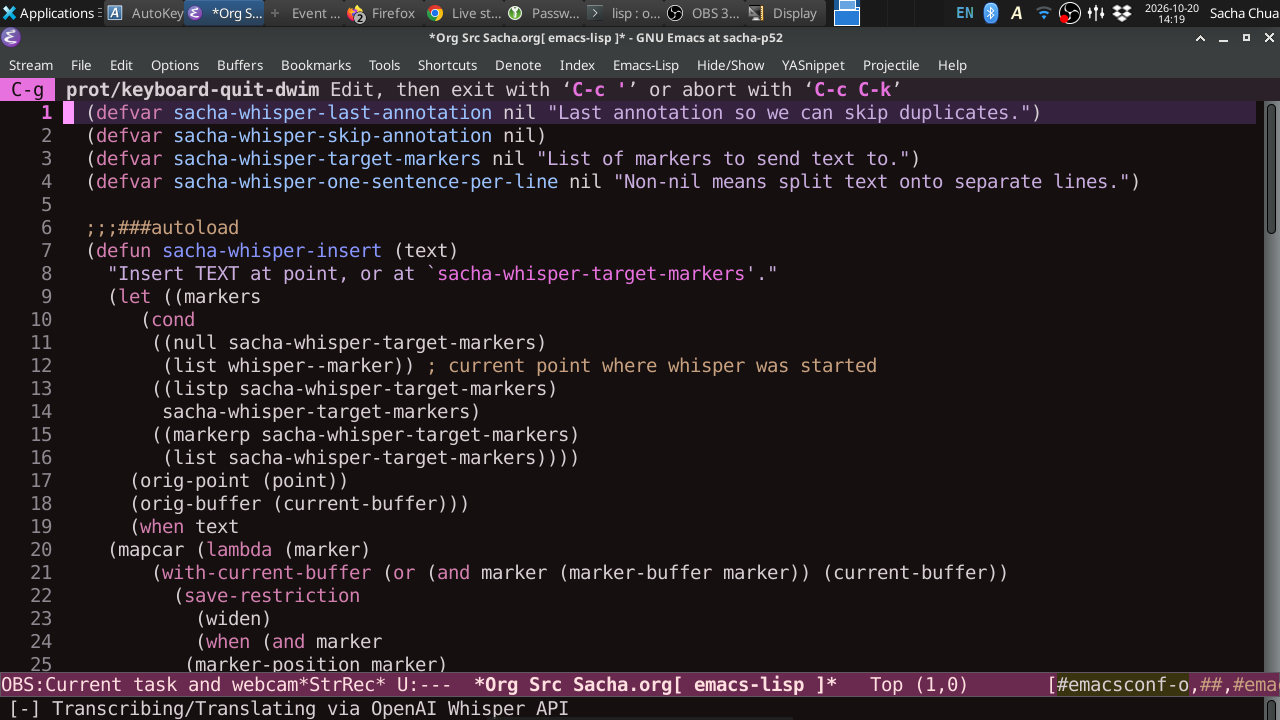
Yesterday, I added voice in and voice out to M-x doctor. I think I've figured out how to get gptel to do the same so that I can practice talking in French with Emacs. There are a number of mobile applications that offer similar kinds of AI voice conversations for a subscription, but I'd prefer to do things in Emacs, of course, so that I can use the data and tweak things more. I'll demonstrate what I've got working so far and then tinker with it to see what else I can come up with.
Outline:
- M-x doctor and sacha-whisper-conversation-mode
- sacha-gptel-practice-french
- https://github.com/jwiegley/pending would be nice
- speech recognition
gptel chat
(use-package pending
  :vc (:url "https://github.com/jwiegley/pending"))

(defvar sacha-whisper-pending-overlay nil "Overlay that will have the pending indicator.")
(defvar sacha-gptel-pending-overlay nil "Overlay that will have the pending indicator.")

;;;###autoload
(defun sacha-whisper-run-with-pending-indicator ()
  "Display a pending indicator while waiting."
  (interactive)
  (if (process-live-p whisper--recording-process)
      (pending-update sacha-whisper-pending-overlay
                      :label "💭")
    (setq sacha-whisper-pending-overlay
          (pending-insert (point) "👂")))
  (whisper-run))

(defun sacha-whisper-pending-remove-overlay (text)
  "Add to `whisper-insert-text-at-point'."
  (when (overlayp (pending-ov sacha-whisper-pending-overlay))
    (delete-overlay (pending-ov sacha-whisper-pending-overlay)))
  text)

(defun sacha-gptel-pending-remove-overlay (&rest _)
  "Add to `gptel-pre-response-hook'."
  (when (overlayp (pending-ov sacha-whisper-pending-overlay))
    (delete-overlay (pending-ov sacha-whisper-pending-overlay))))

(defun sacha-gptel-pending-show-indicator (fn &rest args)
  "Show the indicator in the buffer while waiting."
  (apply fn args)
  (pending-insert (point) "💭"))

;; (with-eval-after-load 'gptel
;;  (advice-add 'gptel-send :around 'sacha-gptel-pending-show-indicator)
;;  (add-hook 'gptel-pre-response-hook #'sacha-gptel-pending-remove-overlay)
;;  )
;; This is a test.
sacha-gptel-pending-show-indicator
Yay Emacs 43: Defining voice commands with phony.el
I used to define voice commands with regular expressions, but I think I've mostly figured out how to use phony.el to define commands using grammar so that I can reuse different components. Let me go play around with this some more.
- on my computer
- on my phone with termux?
TODO Try out the STT model that yantar92 uses
OpenVINO/whisper-large-v3-turbo-int4-ov
SOMEDAY set up a stopwatch and a timer that I can trigger by voice
https://fosstodon.org/@eludom/117422669292878212
(defvar my-talk-start-time nil
  "When non-nil, the time the talk started (via `current-time').")
(defvar my-talk-timer nil
  "Timer object for updating the mode line.")

(defun my-talk-elapsed ()
  "Return elapsed time string, or nil if no talk is active."
  (when my-talk-start-time
    (let* ((elapsed (float-time (time-subtract (current-time)
                                               my-talk-start-time)))
           (minutes (floor elapsed 60))
           (seconds (floor (- elapsed (* minutes 60)))))
      (format " [talk: %d:%02d]" minutes seconds))))

(defun my-talk-start ()
  "Start the talk timer and enable mode-line display."
  (interactive)
  (setq my-talk-start-time (current-time))
  (unless my-talk-timer
    (setq my-talk-timer
          (run-with-timer 0 1 #'force-mode-line-update)))
  (message "Talk timer started."))

(defun my-talk-stop ()
  "Stop the talk timer and remove the mode-line display."
  (interactive)
  (setq my-talk-start-time nil)
  (when my-talk-timer
    (cancel-timer my-talk-timer)
    (setq my-talk-timer nil))
  (force-mode-line-update)
  (message "Talk timer stopped."))
Yay Emacs 42: Working on Emacs News, happy Canadian Thanksgiving!
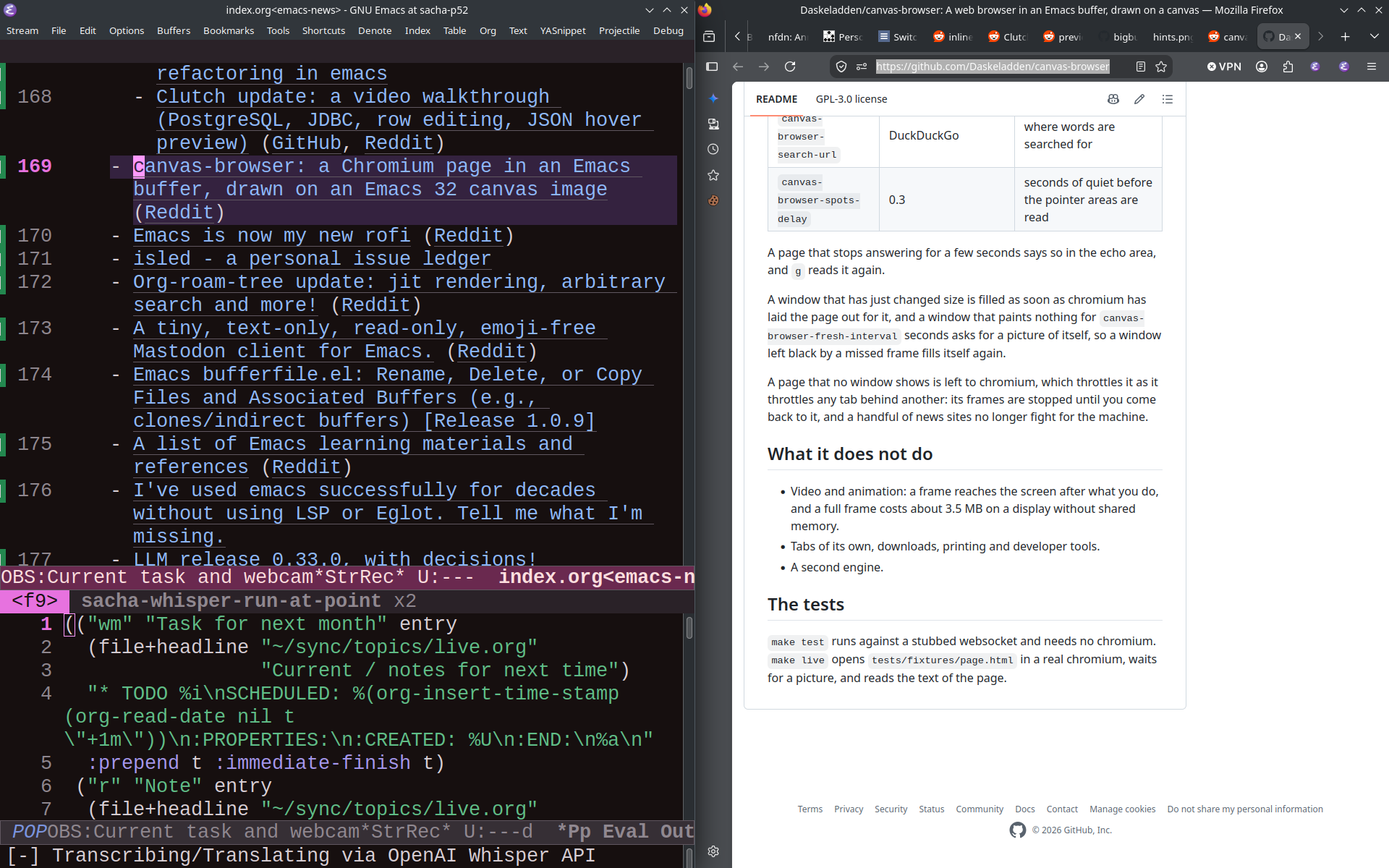
Probably just a quick session working on Emacs News today.
Yay Emacs 41: Working on Emacs News, tinkering with more speech commands
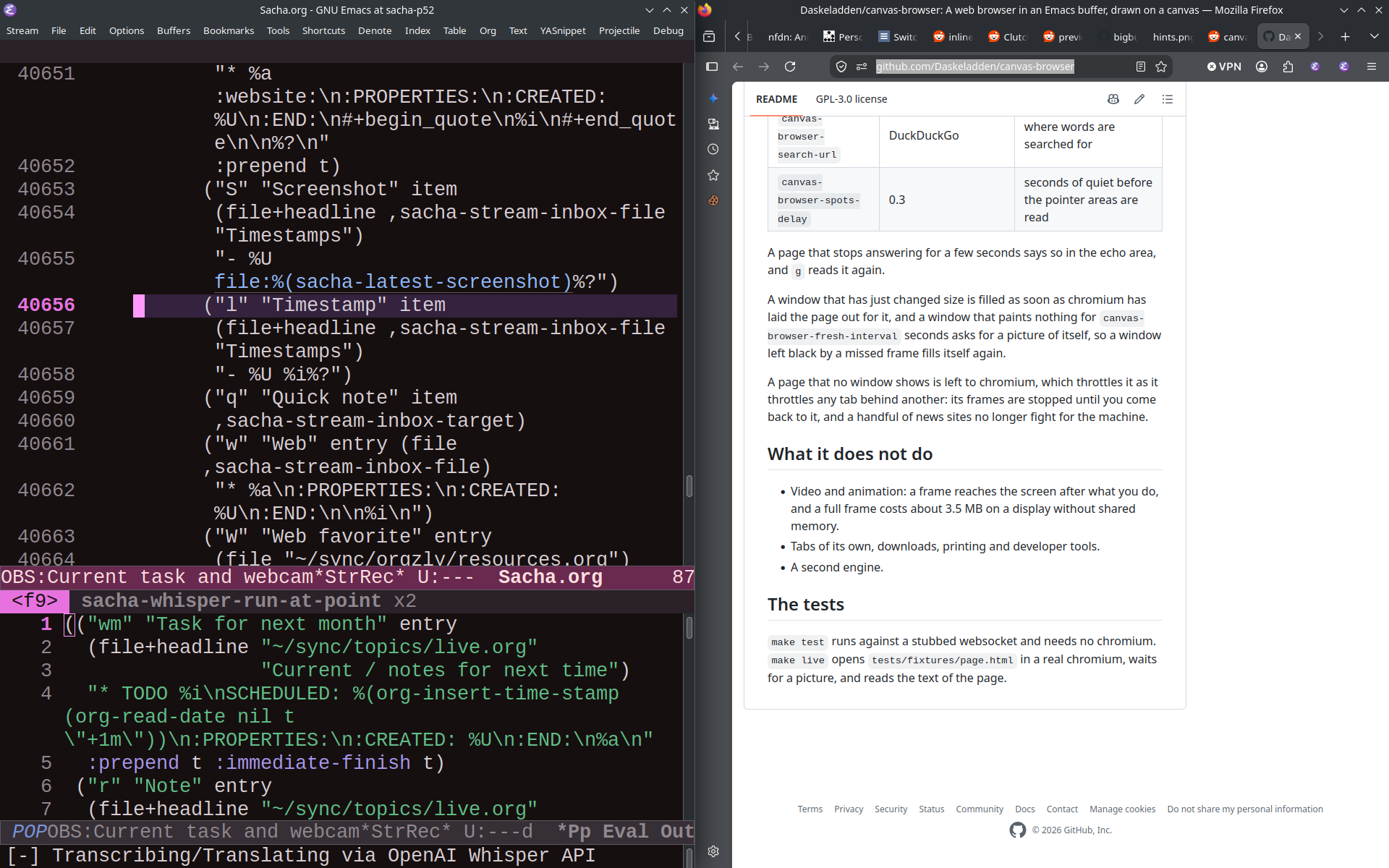
I'll work on Emacs News. If there's time, I can show some of the other speech commands I've been playing around with.
- "remind me to…" now saves a screenshot
- "open …" works elsewhere
- "comment …" works in code and subtitle files
TODO IRC for chat - thanks Guest24
##yayemacs on libera.
TODO add this to my config https://emacs.dyerdwelling.family/emacs/20260430074958-emacs--a-tiny-header-line-tweak:-image-dimensions-in-image-mode/
TODO Ask at the next Org Meetup
- Is there a way to make headings (ex: Org Babel result block, custom link output)? I'd love it if the headings could get picked up by TOC. Org Babel block reevaluation ends up with duplicates if the result has headings.
Timestamps
- Sacha and Prot Talk Emacs: May I recommend… sach.ac/yay-emacs
- Sacha and Prot Talk Emacs: May I recommend… YayEmacs.com
- Sacha and Prot Talk Emacs YayEmacs.com
- Sacha and Prot Talk Emacs YayEmacs.com
- Sacha and Prot Talk Emacs YayEmacs.com
- Sacha and Prot Talk Emacs: YayEmacs.com
- Sacha and Prot Talk Emacs: Under-appreciated Built-ins YayEmacs.com
- Emacs Chat en français
- Emacs Chat en français
- Panicked
- Panicked
- Panicked
- Panicked
- Panicked
- Panicked
- Panicked
Ideas
Future: Org Mode LaTeX export - Tinkering with my PDF export
After reading tecosaur's emacs config PDF (source), I have a case of literate config envy. I want to tweak my custom link types so that they export something sensible to LaTeX.
- https://sachachua.com/dotemacs
- https://codeberg.org/sachac/.emacs.d
- https://sachachua.com/dotemacs/index.pdf (big file, doesn't display on mobile yet)
- https://sachachua.com/dotemacs/Sacha.pdf (smaller sections, still broken)
- Video thumbnails
- Replacement for
my_details - Emojis
Update How to Learn Emacs
https://sachachua.com/blog/2013/05/how-to-learn-emacs-a-hand-drawn-one-pager-for-beginners/
- Minor updates:
- change planet.emacsen.org to planet.emacslife.com
- change irc.freenode.net to libera.chat, include link to EmacsChannel
- Include link to EmacsNewbie and the visual guide
- Include Emacs News for staying connected
- Learn how to learn
- Built-in tutorial
- Start small
- Part-time is okay
- Sticky notes
- How to use a starter kit
- Getting help
- Other resources
- Explore
It might be interesting to have some kind of a skill tracker or progression tree type of quick reference also… =)
Some things we can talk about if people are curious
- Now I can have shortcuts like delete-other-windows-vertically
- Emacs News
- my Emacs configuration
- bug-hunter: Ooh, pierre-rouleau/elisp-bug-hunter has my header/footer code and some new fixes, let me try that
- probably should put together the which-key-display-prefix patch
- sachac/learn-lang: Some tools for learning languages with Emacs - Codeberg.org
- sachac/speech-input: Experimenting with a speech-based interface for Emacs - Codeberg.org
TODO Improve my audio setup
- Boom?
- Tonor T20 CAD 39.99
- InnoGear 2026 Low Profile Arm
- Shock mount?
- Auphonix Shock Mount For Blue Yeti Microphone?
STARTED Modify my sacha-mastodon-save-toot-for-emacs-news
so that it lets me select the link and prompt for the summary right away
Move the functionality of emacs-news-summarize-mastodon-items into it
TODO Add a nginx redirect for emacsnews (no dash)
Also yayemacs.com/news and emacslife.com/news
TODO Figure out how to get https://sachachua.com/blog/category/emacs-chat-podcast/feed/ to be a podcast feed again
Scheduled livestreams
Times are in America/Toronto. If you have Javascript enabled, click on a time to translate it.
Oct 2 - Emacs Chat 31: Pedro A. Aranda Gutierrez
https://sachachua.com/blog/2026/10/oct-2-emacs-chat-31-pedro-a-aranda-gutierrez/
On Oct 2, we'll chat with Pedro about Org Mode, LaTeX exports and font management including alternatives and things you can and can't do depending on your choices. He'll share some tips on fallbacks and emojis, which can help a lot with presentations and documentation. We might also discuss recent patches and realistic objectives.
2026-10-02 Fri 06:00-07:00 America/Toronto = Fri Oct 2 0600H EDT / 0500H CDT / 0400H MDT / 0300H PDT / 1000H UTC / 1200H CEST / 1300H EEST / 1530H IST / 1800H +08 / 1900H JST
Previous episodes
- Yay Emacs 40: Tinkering with my speech commands and working on the schedule for EmacsConf - YouTube
- Yay Emacs 39: Testing my new streaming functions - YouTube
- Yay Emacs 38: Working on Emacs News - YouTube
- Yay Emacs 37: Working on Emacs News - YouTube
- Yay Emacs 35: Reacting to Linkarzu's reaction to my video with Prot about newbies and starter kits - YouTube
- Yay Emacs 34: editing YE33 transcript - YouTube
- Yay Emacs 33: Sacha and Prot Talk Emacs: Built-ins - YouTube
- Yay Emacs 32: Sacha and Prot Talk Emacs: May I recommend… - YouTube
- Yay Emacs 31 livestream: Working on Emacs News - YouTube
- YE30: Suggest find-user-init-file, work on newbie docs - YouTube
- YE29: Sacha, Prot, and Philip Kaludercic Talk Emacs: Newcomer Experience
- YE28: Work on Emacs newbie documentation
- YE27: Working on Emacs News
- YE26: Process notes from EC21 with Amin, commit my changes to subed - YouTube (1:55:37)
- Emacs Chat 21: Amin Bandali
- YE25: Working on Emacs News, getting ready for Emacs Chat today - YouTube (2:27:55)
- YE24: Sacha and Prot Talk Emacs - Newbies/Starter Kits (YouTube, 1:05:10)
- YE22.3 Hanging out: Working on Emacs News
- YE21 April 23: Continuing to think about newbies / starter kits (YouTube) 1:00:51
- YE20: Emacs Carnival: newbies / starter kits (YouTube)
YE19: Make an Org Mode file from YouTube upcoming broadcasts
- YE18 putting together Emacs News for 2026-04-20 - YouTube
- Mentioned bitspook/spookfox: A tinkerer's bridge b/w Emacs and Web Browser (Firefox and Chrome) · GitHub, sacha-spookfox-scroll-up, and sacha-spookfox-scroll-down from my Emacs config
- YE17: Livestream conveniences, editing yesterday's transcript
- 0:00 Intro
- 0:58 Scheduling livestreams
- 4:58 Listing livestreams
- 9:58 https://sachachua.com/blog/2026/04/ye16-sacha-and-prot-talk-emacs/
- 15:58 Let's add some code to import chapter comments
- 38:58 Back to editing the captions
- 43:58 Getting distracted by wanting to put time in my header-line-format
- 44:58 Back to captions
- 47:58 Calculating offset into streamed video
- YE16: Sacha and Prot talk Emacs (YouTube 1:13:00)
- Emacs config modularization
- Keyboard shortcuts: C-z, one-shot modifiers, tap vs hold
- Livestreaming
- Announcing
- Converting time zones: Time zones
- Displaying strings and QR codes
- Processing the recordings
- Announcing
- YE15: Fiddling with my Emacs config and streaming setup - YouTube
- YE14: Putting together Emacs News for 2026-04-13 - YouTube
- YE13: Working on modularizing my config - YouTube (1:23:26)
- YE12: Putting together Emacs News for 2026-04-06, epwgraph for Pipewire, learning languages - YouTube (1:19:48)
- YE11: Fix find-function for Emacs Lisp from org-babel or scratch (8:19 + post)
- YE10: Emacs coaching with Prot: Emacs workflows and streaming (1:06:30 + post)
- Extract PDF highlights into an Org file with Python (4:27 + post)
- YE9: Trimming/adding silences to get to a target; subed-record-sum-time (0:56 + post)
- Emacs Carnival February 2026: Completion
Meta
I want to get better at livestreaming while I tinker with Emacs because:
- Getting into the habit of talking out loud while I code might help me retrace my steps or my logic, like Bookclub tapas.
- I want to turn those demonstrations or discussions into blog posts with screenshots or video clips. If I note down rough timestamps or capture screenshots, I can use those for chapters, and then I can review the transcript once it's available.
- Other people might notice something that I take for granted and then I can help them learn more about it. I can share more of my implicit knowledge.
- Other people might even help me get unstuck or let me know about things I haven't gotten the hang of yet.
- There might eventually be a time when it will be difficult for me to get outside, so it might be helpful to have more ways to enjoy social interaction and mental stimulation.
A few other Emacs streamers:
- Protesilaos: themes, utilities, community, philosophy; site, Emacs config
- DistroTube
- Andrew Tropin
- Xah Lee
- Divya: Canvas patch / Emacs Reader, sometimes pair-programs via CRDT
- David (System Crafters): Doesn't use Emacs as much these days, interested in AI and LLMs
- lcolonq: Long streams, coding, hanging out; occasionally tweaks Emacs; lcolonq/wasp - Emacs bits for stream setup
- Incidental:
sources: Reddit