Categories: podcast

RSS - Atom - Subscribe via email

Emacs Chat 29: Abdallah Maouche (en français)

| emacs-chat, emacs-chat-podcast, emacs, french

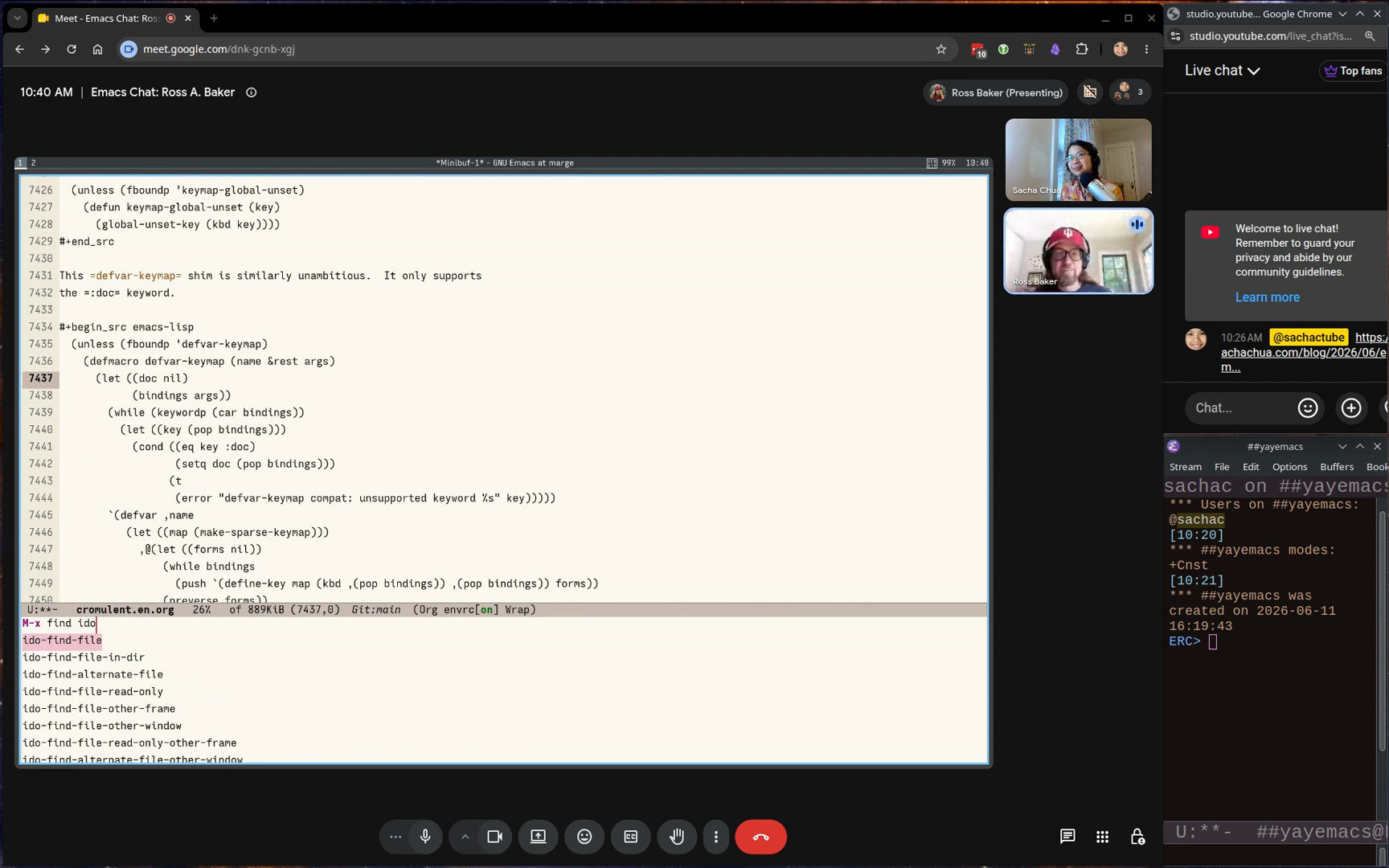
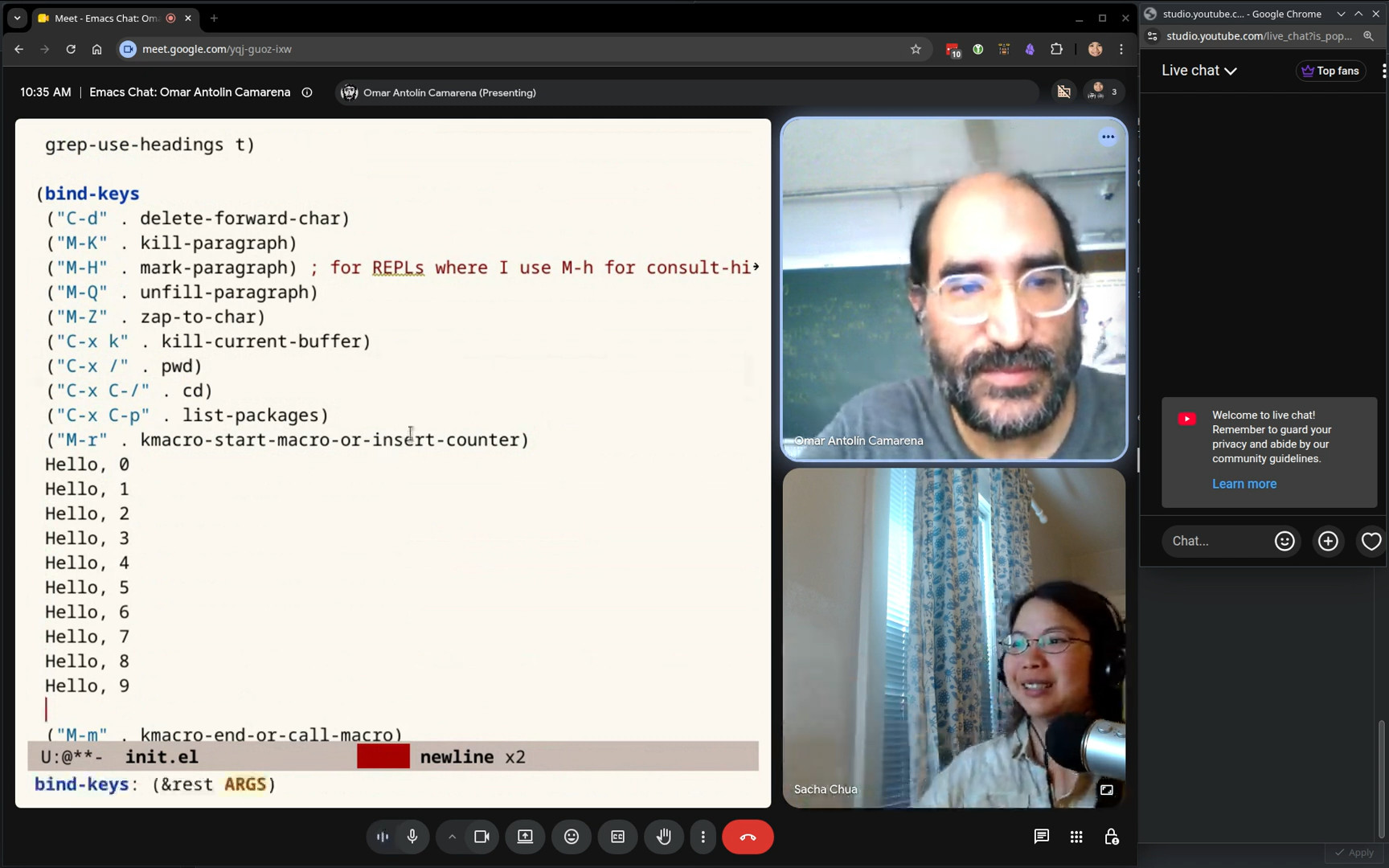
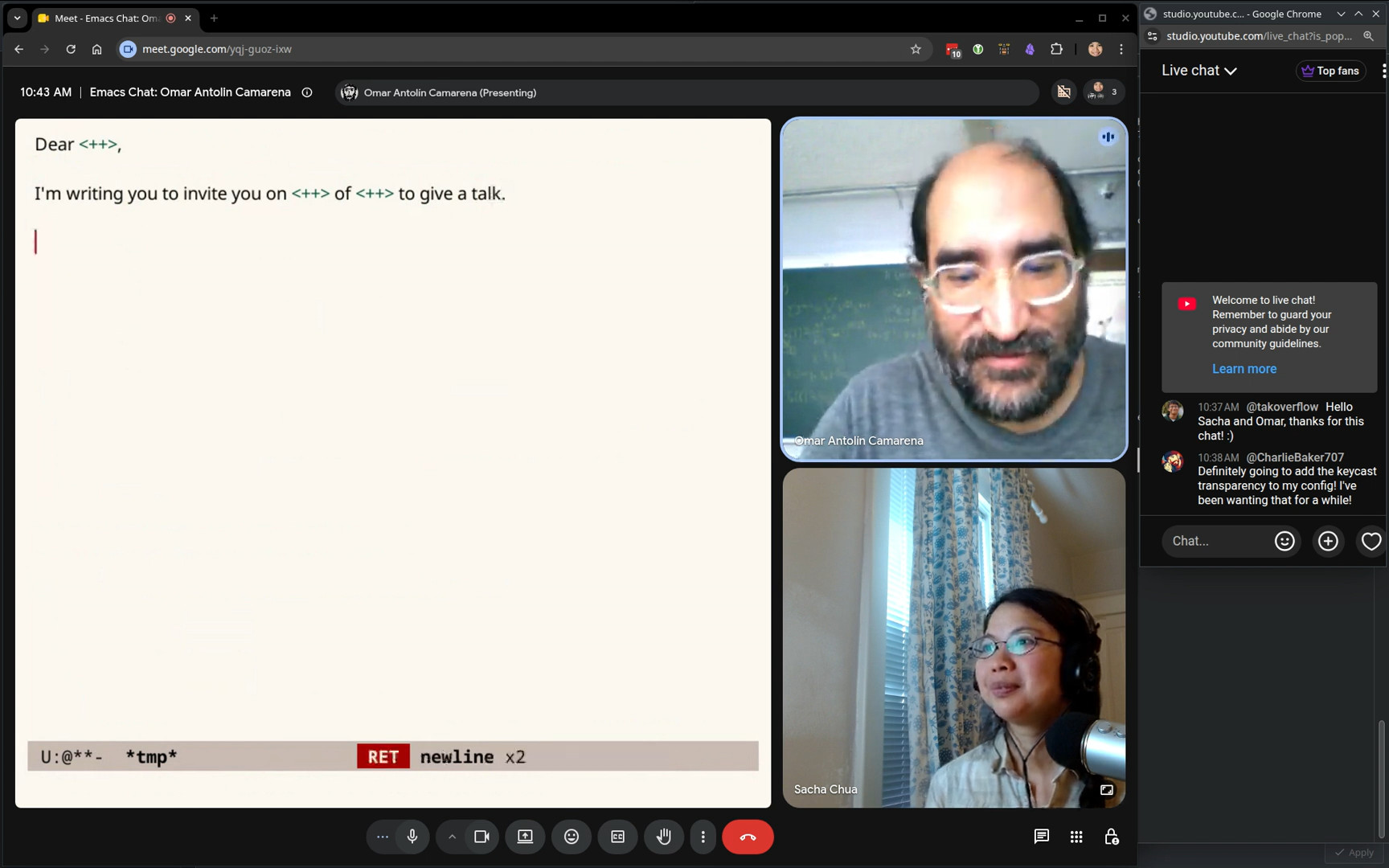
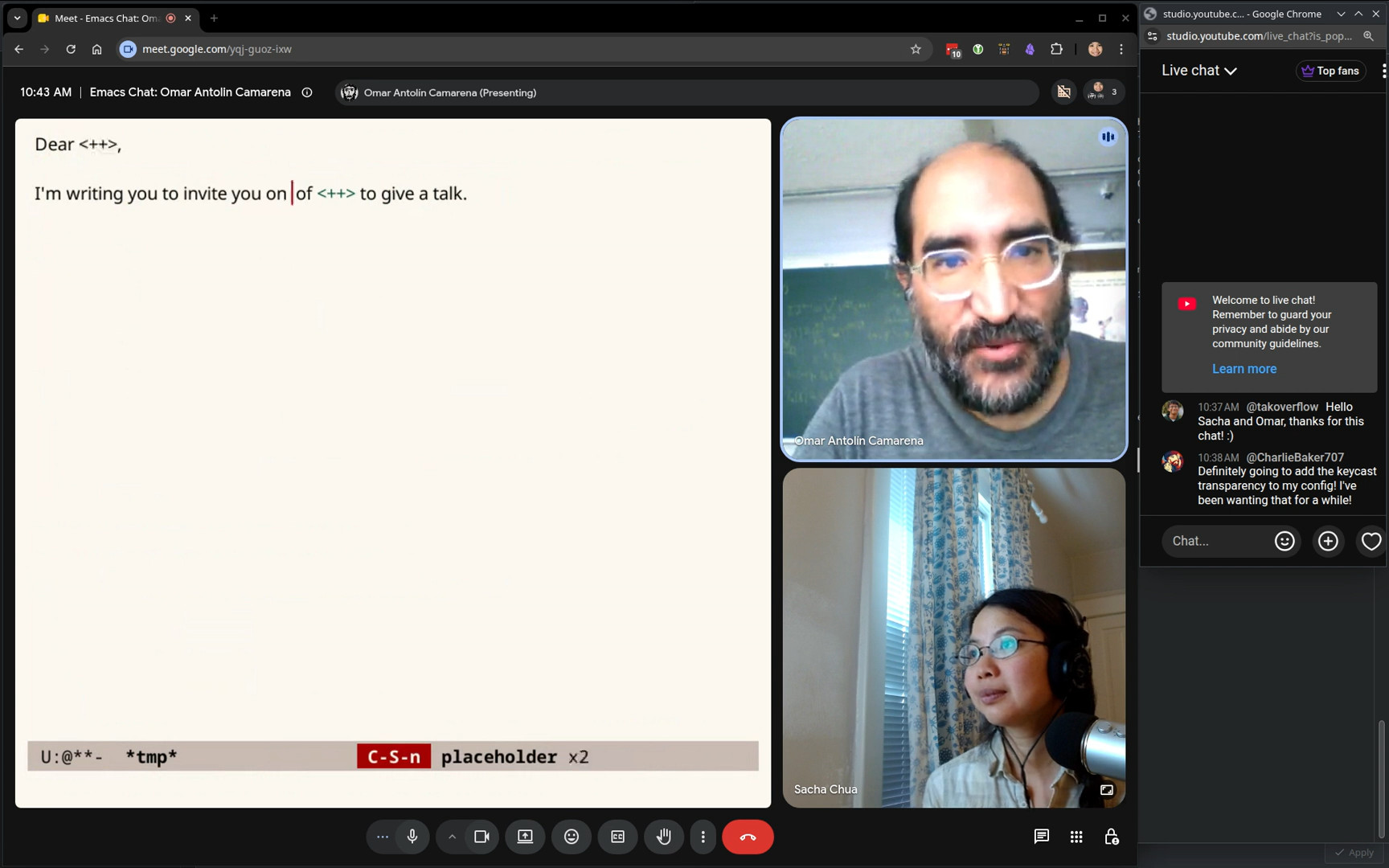
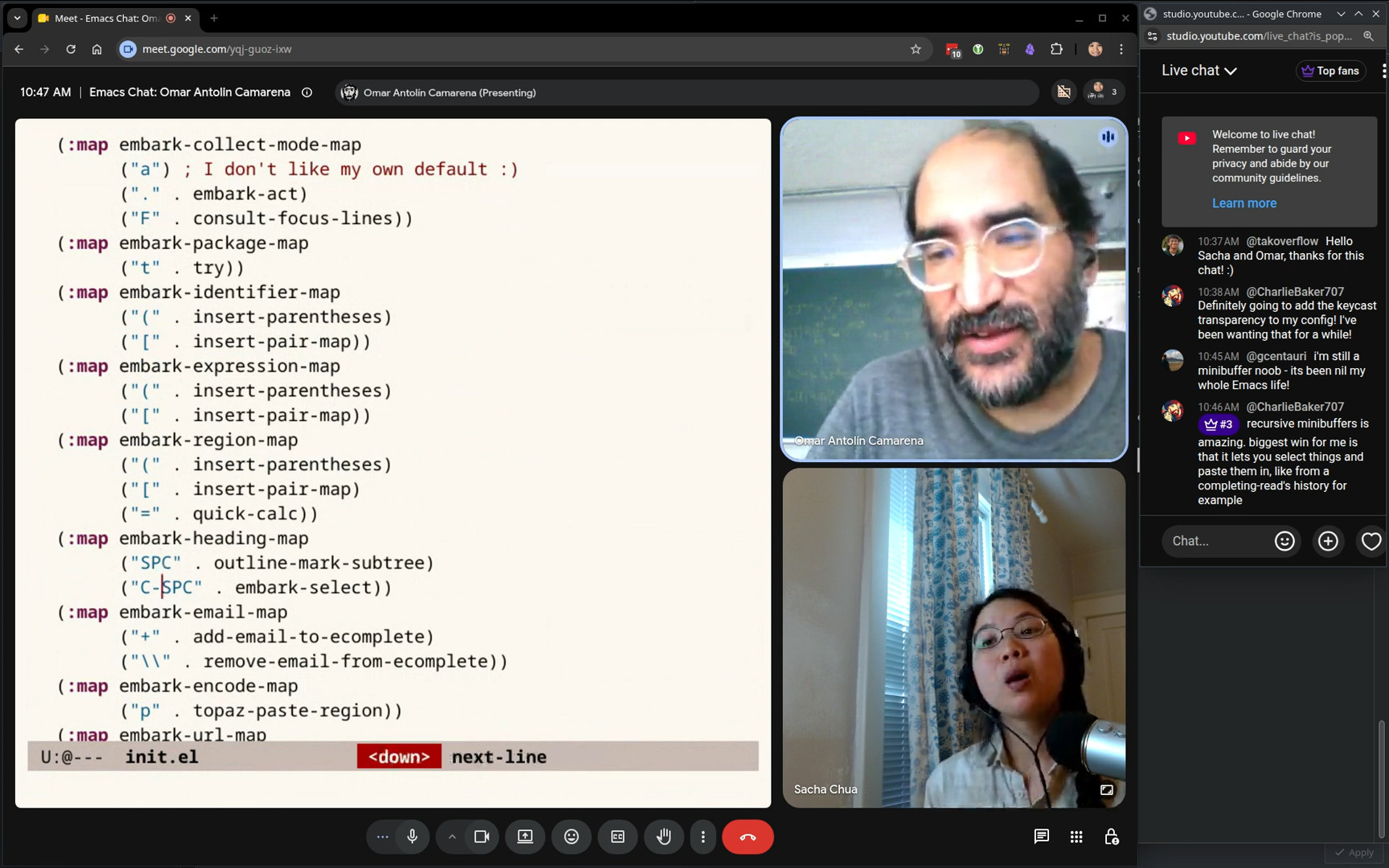
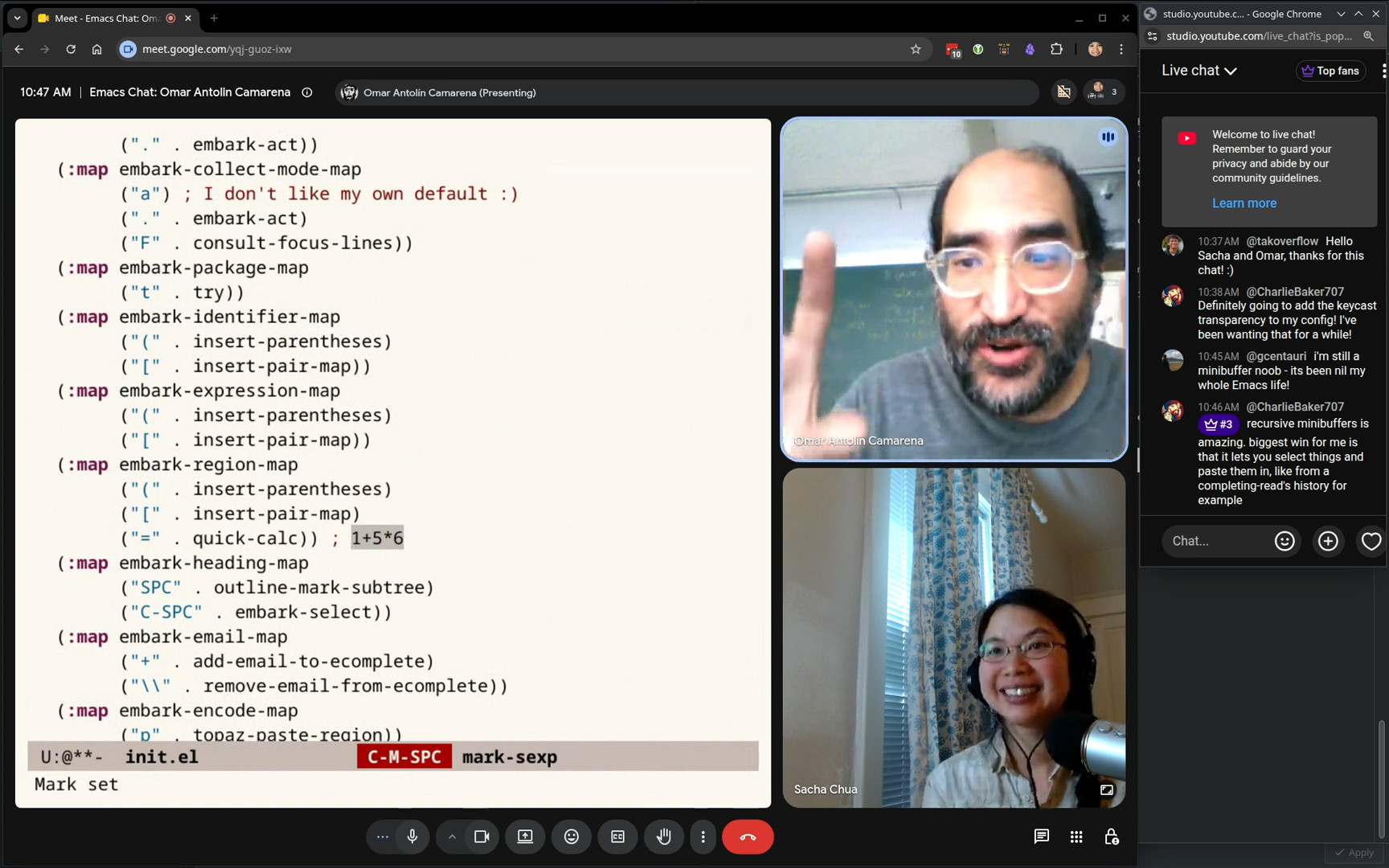
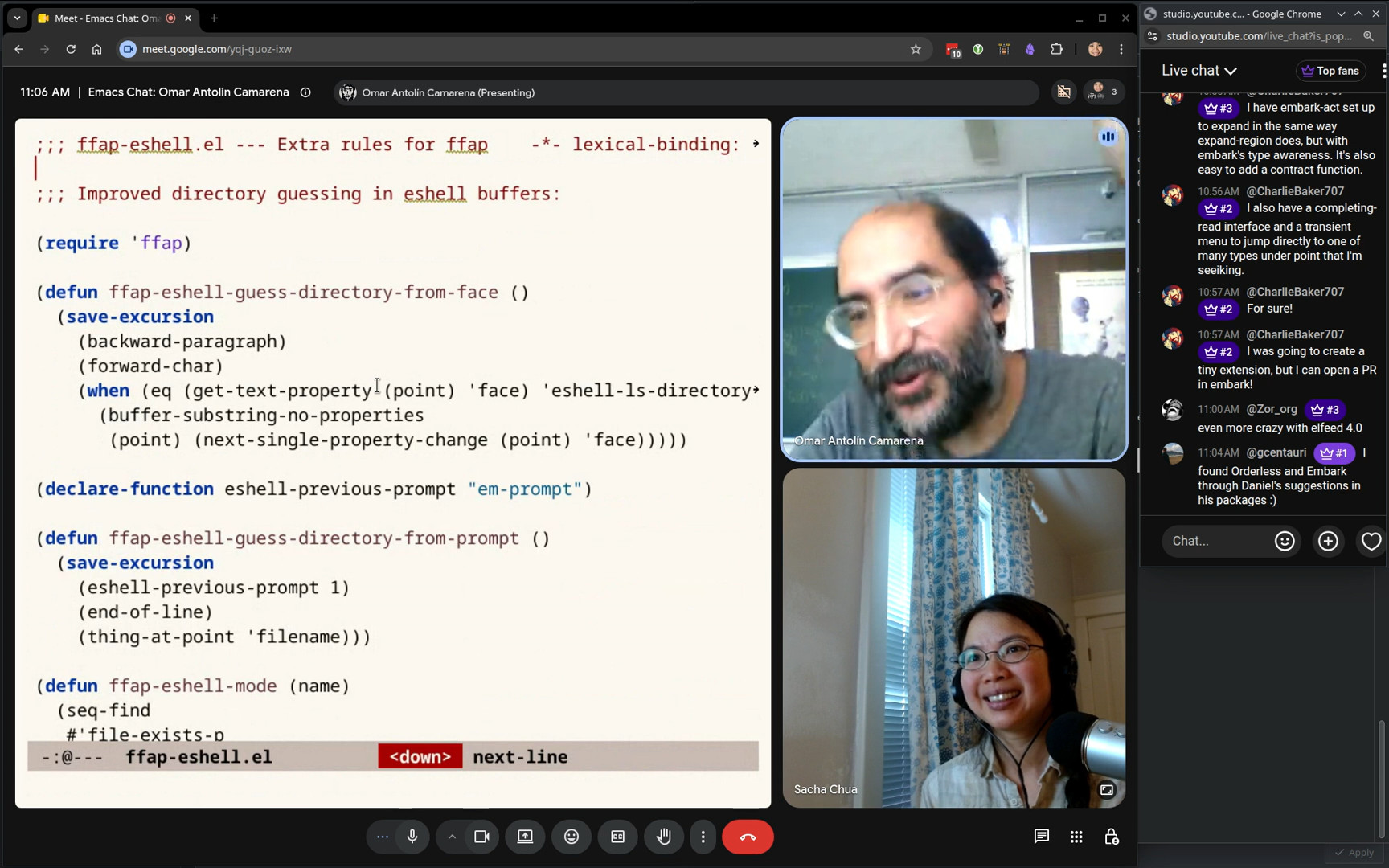
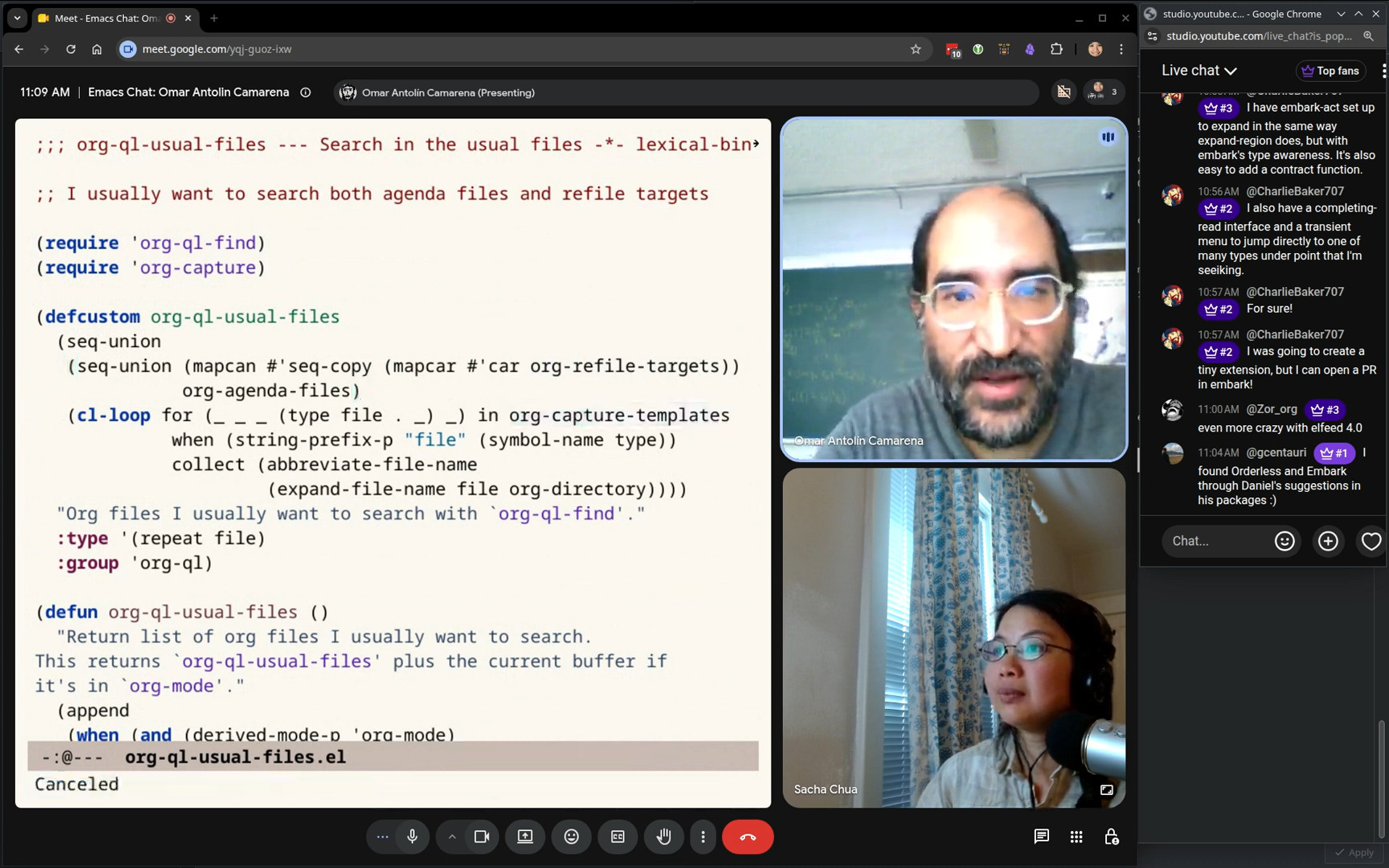
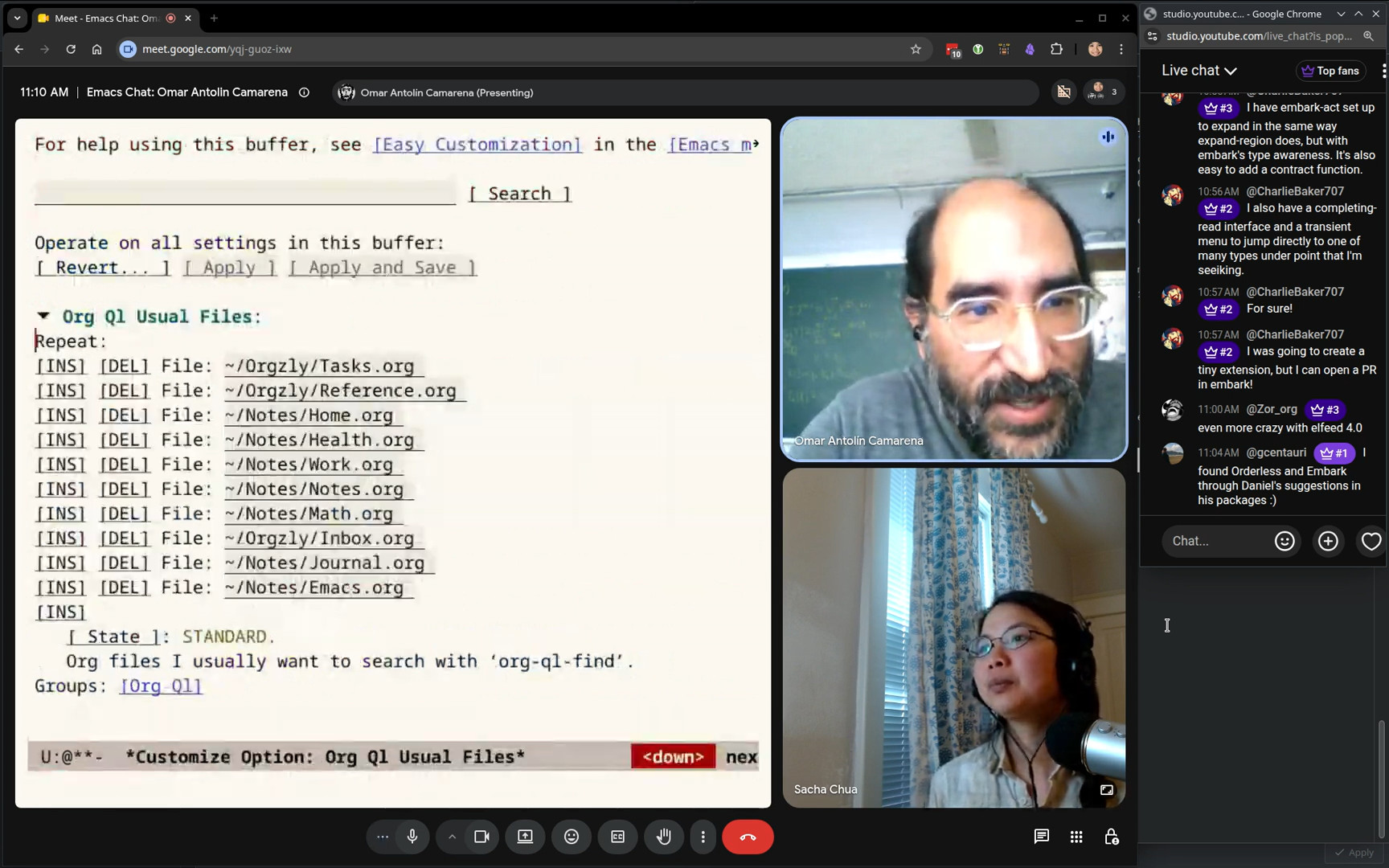
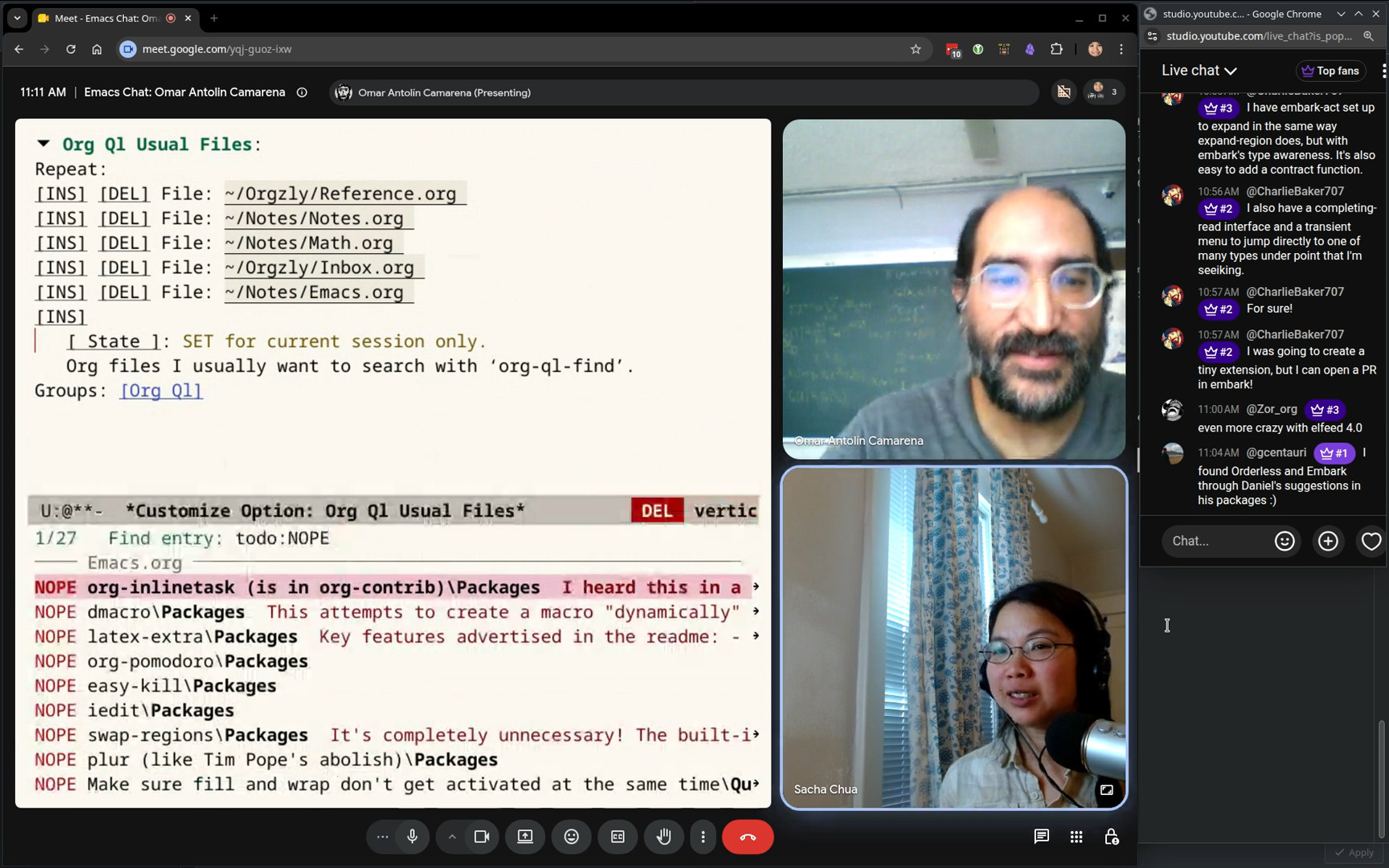
Nous allons parler en direct avec Abdallah Maouche (heiwiper) (heiwiper/emacs.d, Gitlab, Github) d'Emacs, de ses flux de travail, de sa configuration, et d'autres sujets en français. Je suis un peu intimidée, mais si vous posez vos questions dans le chat, je pense que nous pouvons survivre à mon faible niveau de français. =)

J'ai essayé de corriger la transcription, mais je crois qu'il y a encore beaucoup d'erreurs, donc n'hésitez pas à m'envoyer un message.

La transcription un peu corrigée

Details

0:01 Introduction

Sacha: Ok, vous êtes en direct.

Prot: On a le nouveau lien ou c'est le même ?

Sacha: C'est le même lien que Google Meet mais je vais copier le nouveau lien. C'est YouTube.com, sachactube... C'est difficile. Oui.

Prot: Oui.

Sacha: Je ne peux pas poster le chat. Donc, je vais poster sur les conférences. Comment dire? Ah! Ajoutez un commentaire. Et je vais aussi ouvrir. Oui. Donc, le chat est ici. Je pense.

Prot: Ah, take two. J'ai trouvé. Oui, oui.

Abdallah: Oui, j'ai trouvé moi aussi.

Sacha: Ça marche? Merci beaucoup pour votre patience. L'introduction ! Bonjour à toutes et à tous et bienvenue dans le troisième épisode d'Emacs Chat en français et le vingt-neuvième épisode de la série. Notre invité aujourd'hui est Abdallah Maouche, qui s'est fait aussi appeler par son pseudo heiwiper. Il vit en Algérie et le français n'est pas sa langue maternelle, mais il s'y est assez courageusement avec nous. Si on se retrouve totalement bloqué, comme moi, justement, pas de souci, nous pouvons passer au franglais ou à l'anglais. Ce n'est pas grave. Bonjour Abdallah et encore merci d'être là.

Abdallah: Merci, merci beaucoup. Merci pour l'invitation. Ça me fait un grand plaisir de parler à vous deux, car je vous suis sur votre blog et sur la chaîne YouTube. Donc, j'ai très hâte de converser avec vous.

Sacha: Et merci aussi à Prot de se rejoindre à nous pour cette expérience. Nous faisons de notre mieux ensemble. Merci beaucoup.

Prot: Je t'en prie, je t'en prie. C'est parti. Oui, c'est magnifique, c'est magnifique.

3:13 Apprentissage

Sacha: Abdallah, contrairement aux invités précédents, tu utilises Emacs depuis seulement sept ans. Je plaisante. C'est déjà pas mal, c'est génial. Peux-tu me raconter ton parcours d'apprentissage d'Emacs moderne? Comment est-ce que tu l'as découvert?

Abdallah: Donc, ça a commencé environ 2019-2020. À ce moment, j'ai découvert Linux pour la première fois et j'ai commencé à explorer les applications open source. C'était quelque chose de nouveau pour moi. Donc, à un certain niveau, j'avais besoin d'un texte éditeur parce qu'en université, on avait utilisé des environnements de développement spécialisés pour des langages spécifiques. Par exemple, il y avait Eclipse pour Java et je pense CodeBlock, c'était pour C, C++. Et puis au master, il y avait tellement de langage que c'était difficile de garder le même flux de travail. Donc, je me suis rendu au répertoire des applications de distribution Linux que j'utilisais à l'époque. Et j'ai parcouru la liste et j'ai trouvé plusieurs éditeurs et parmi ces éditeurs, bien sûr Emacs. Je l'avais installé, j'ai installé tous les éditeurs en fait. Mais le problème c'est quand je l'ai testé, ça n'a pas vraiment, ça m'a pas plu. C'était un peu, l'interface graphique était un peu, je ne sais pas comment dire, un peu moche. Oui donc, et aussi il y avait le logo Emacs avec le GNU et le E ça ressemblait à le symbole Epsilon. Donc ça me rappelait un peu des maths et je voyais les keybindings avec les moins et tout. Je me suis dit c'est un éditeur pour les mathématiciens. Donc j'ai installé Atom et j'ai utilisé Atom. Après quelques mois, je pense, j'ai vu une vidéo à propos de Spacemacs. Parce que j'apprenais Game Engine Godot. Donc j'ai vu dans une chaîne Spacemacs et c'était très intéressant. Donc j'ai installé et j'ai appris les keybindings de Vim parce que c'est plus recommandé dans Spacemacs. Et je l'ai utilisé pour une période et puis je pense que j'ai J'ai changé la configuration pour utiliser les keybindings Emacs après parce que l'intégration de Evil, l'intégration des Vim keybindings n'était pas parfaite. Il y avait des trucs qui manquent et c'était un peu frustrant. Donc, j'ai dû switcher à Emacs Keybindings. Et je pense, après un certain temps, j'ai eu mal à configurer Spacemacs. La communauté était un peu trop petite. Oui, quand je rencontre des problèmes et je vais dans le Reddit d'Emacs, je ne sais pas comment appliquer les solutions à Spacemacs. Donc, je me suis dit, je vais devoir changer et utiliser Emacs, ce qu'on appelle Vanilla Emacs. Je pense que j'ai vu les vidéos de David Wilson. Est-ce que vous le connaissez?

Sacha: Oui, bien sûr.

Abdallah: Oui, System Crafters. C'est sa chaîne YouTube. Et j'ai suivi son tutoriel et depuis ce moment, je configure mon Emacs from scratch depuis le début. Et maintenant, j'ai une configuration, celle que je vous ai envoyée. Je l'ai publiée sur mon GitHub. Et je l'utilise quotidiennement pour les trucs personnels et au travail aussi.

Sacha: Les kits de débutants Spacemacs réduisent les peurs pour toi. Et après que tu [t'es] habitué à Emacs, tu repasses vers Emacs.

Abdallah: Oui, exactement. Je pense que le point important à l'époque, c'était l'interface graphique. Spacemacs avait une interface déjà configurée et c'était un peu attractif quand on voit la config Spacemacs. C'est pour ça que j'ai utilisé Atom, parce que c'était un peu aussi... Il avait une interface qui m'a plu.

Prot: Je crois que c'est aussi plus facile de découvrir les fonctionnalités avec quelque chose comme Spacemacs. Oui, je pense... Oui, c'est difficile.

Abdallah: Oui, parce qu'il y a des... La configuration de Spacemacs, c'est comme si... La configuration de Emacs avec beaucoup d'abstractions. C'est comme si on ajoute des couches de programmation, couche de langage, je ne sais pas, Java ou bien quelque chose comme ça. Donc, on va ignorer le fait qu'il y a des serveurs LSP et tout. En fait, il faut juste spécifier quel serveur tu veux utiliser et Spacemacs va configurer tout. Donc, c'est une abstraction de la configuration Emacs. Mais ça reste en Emacs Lisp.

Sacha: Est-ce que c'est difficile de traduire ta configuration de Spacemacs à ta propre configuration?

Abdallah: En fait, je ne connaissais pas assez Emacs Lisp, donc je n'ai pas essayé, mais ce n'était pas évident parce que Spacemacs, je pense que c'est C'est très différent de la configuration Emacs. Je pense qu'il y a beaucoup d'abstractions. Ce n'est pas évident de transférer la configuration et la traduire.

Prot: Parce que si Spacemacs utilise [les macros Emacs Lisp], tu dois connaître les macros. Autrement, tu ne peux pas transférer le même code.

Abdallah: Oui, évidemment, vous avez raison. Oui, les macros, c'est un peu sensible.

Sacha: J'aime bien ta configuration. Ta façon d'utiliser des variables pour simplifier ta configuration d'org-capture est une bonne idée. Peux-tu rendre cette section de ta configuration pour nous la montrer?

Abdallah: Oui, bien sûr. Je vais juste partager mon écran.

Sacha: J'avais piqué l'idée. C'est plus simple que mienne.

Prot: Voler à volonté.

Abdallah: Oui, bien sûr. C'est disponible dans GitHub, donc je pense que c'est... Ok, donc là, j'ai essayé de créer une configuration spécifique pour cette démo, juste pour montrer les différents trucs d'Org Mode et tout. Donc, on va aller vers la configuration des Org Capture, c'est ça ?

Sacha: Oui, org-capture-templates. Oui, oui. Oui, oui, oui, j'adore. J'adore l'utilisation de variables pour simplifier la configuration.

Abdallah: Oui, ce qui me plaît dans cette configuration, c'est que la partie où je définis le template, On dirait que c'est la note parce qu'il y a le titre et puis il y a des sauts de ligne et la concaténation ici, elle fait comme si c'est une note réelle. Et puis, la partie ici, ce n'est pas assez chargée parce que là, je définis juste la variable. Donc, je peux voir toutes mes captures dans une seule page. Je n'ai pas besoin de... Faire un scroll tout au long du fichier pour voir toutes les captures que j'ai définies.

Sacha: Ta variable heiwiper/org-jira-task est définie dans un autre fichier, je pense?

Abdallah: Non, j'ai transféré toutes les parties intéressantes dans un seul fichier juste pour la démonstration. Donc, vous pouvez l'avoir ici. Donc, cette template, elle me permet de créer une tâche et aussi associer le lien Jira pour cette tâche parce qu'on utilise Jira au travail. Donc, je vais vous montrer un exemple. Par exemple, ici, je vais... Bon, j'ai exécuté l'org-capture. Vous voyez ici, il y a plusieurs captures, ce qu'on a défini ici. Et là, il y a Jira Task. Donc, je vais cliquer le J. Et bon, vous pouvez ignorer ceci. On va voir le prompt. Donc ici, ce que je fais, c'est que je prends la tâche Jira que j'ai sur email ou bien sur le navigateur. Je copie le lien. Par exemple, on va faire un exemple. https://jira.com/... Et là, d'habitude, les tâches Jira, c'est quelque chose comme ça. On va dire BG comme si c'était un bug ou... et une référence. On va dire 1, 2, 3, 4. Et puis, je vais cliquer entrer. On suppose que celui-ci est le lien de la tâche. Et là, je vais copier le titre de la tâche. Là, je vais juste écrire quelque chose. Et puis là, j'ai quelques tags. Ça va me servir plus tard pour organiser les tâches. Donc j'ai Bugfix, Feature, Refactor, Enhancement. Je vais sélectionner Bugfix. Et là, vous pouvez voir la tâche finale. Il y a le lien de la tâche. On peut cliquer sur C-c C-o pour accéder directement à la tâche. Il y a aussi la description. Et ce que j'aime dans ce workflow, c'est que je peux écrire Des choses ici à propos de cette tâche. Par exemple, des fois, j'écris des commandes de shell pour exécuter un appel d'API ou quelque chose comme ça. Je vais écrire tout ici. Par exemple, curl. Je ne sais pas. Donc, c'est ça. Et puis, on clique sur C-c C-c pour sauvegarder. Et à ce point, j'ai sauvegardé la tâche. Je vais vous montrer l'agenda que j'ai spécifique pour les tâches. Vous pouvez voir ici Tasks by Type et Tasks by Service. On va dire Tasks by Type. Voici la tâche que j'ai définie. C'est bien catégorisé sous la section Bug fix. Et vous pouvez aussi l'avoir ici parce que là j'aime déplacer les tâches vers des fichiers spécifiques donc parfois je déplace les tâches ici pour avoir des fichiers un peu organisés.

Sacha: Tu as un fichier très organisé, je pense, parce que tu as aussi des comptes de tâches dans ta mode-line.

Abdallah: Ah oui. Oui, en fait, à propos de ce compteur, c'est quelque chose que je suis en train d'expérimenter avec. Donc, j'utilise une méthode para, je ne sais pas si vous avez entendu parler, pour organiser un peu mes notes et mes tâches. Et j'aime savoir combien de notes j'ai sur le fichier inbox. Parce que la plupart du temps, les tâches, je les déplace vers des autres fichiers parce que j'utilise l'application Orgzly. Donc, les tâches ne restent pas généralement dans ce fichier inbox. C'est plutôt les notes. Bon, je peux vous montrer le fichier ici, c'est juste un exemple. Mais c'est plutôt comme ça. Il y a des notes et des tâches. Voilà. Plus la tâche qu'on a créée maintenant. Et pour être honnête avec vous, j'ai jamais atteint le nombre zéro. D'habitude c'est 10, 20, mais ça n'augmente pas trop, parce que, généralement, c'est juste des notes. Ils sont disponibles au cas où je veux chercher les notes. Je me sens pas la pression de les déplacer. C'est just quand j'ai assez du temps J'ai le compteur devant moi et c'est bon, je vais devoir déplacer quelques notes puisque j'ai un peu de temps.

Sacha: De mon côté, je pense que ma boîte de réception a grandi constamment, sans cesse. Est-ce que tu as déjà ton bullet journal?

Abdallah: Oui, je l'ai utilisé il y a deux ans. J'ai aussi écrit un blog post à ce propos. Pour être honnête, c'était une expérience, mais je pense que ce n'est pas pour moi parce que j'ai arrêté après un an car je pense que j'ai besoin des notifications. Ce que je faisais, en fait, c'est que je pouvais garder la routine de voir mon journal chaque jour. Mais le problème, c'est que parfois, j'ai besoin de me rappeler que je dois faire quelque chose, par exemple, 12h30. Et je ne peux pas garder les tâches sur ma tête. Donc ce que je faisais, c'est chaque matin, je vois les tâches sur le bullet journal et je le déplace. Je les écris dans mon téléphone, in to do list. Mais c'est un peu pourquoi ne pas utiliser le téléphone.

Prot: C'est double de travail.

Abdallah: Oui, double de travail. J'ai essayé de l'intégrer avec Emacs en utilisant Org Journal, mais Le problème, c'est que j'utilise pas beaucoup l'ordinateur, donc c'est plutôt le téléphone. Donc la méthode Bullet Journal, c'était pas pour moi. Donc j'utilise maintenant Org Mode avec Orgzly et ça marche très bien.

Sacha: Est-ce que tu as aussi de l'agenda d'Orgzly Revived ou juste pour saisir les tâches?

Abdallah: J'ai pas bien compris.

Sacha: Orgzly a aussi des agendas. Maintenant, ton agenda sur ton ordinateur est bien organisé. Il a beaucoup de sections. Mais sur ton téléphone, tu utilises aussi Orgzly pour voir ton agenda?

Abdallah: En fait, mon agenda personnel est celui par défaut du Org Mode parce que ma vie personnelle est assez simple. Donc j'utilise l'agenda par défaut. L'agenda que je vous ai montré, c'est pour le travail seulement. Et pour le travail, je ne garde pas les notes dans Oxley, c'est juste dans l'ordinateur de travail. Donc dans mon cas, je pense que Orgzly, il fait le travail. Donc j'utilise le même agenda, c'est pour ça.

Prot: Et c'est plus facile comme ça, d'avoir l'agenda seulement à l'ordinateur. L'agenda plus organisé.

Abdallah: Oui, l'agenda de travail, c'est plus efficace.

Sacha: L'écran est plus grand.

Abdallah: Oui, et aussi pour les tâches en relation avec le travail, je n'ai pas besoin de mon téléphone pour les accéder. Quand je suis au travail, je vais voir sur mon PC, sinon ce n'est pas la peine.

Sacha: Utiliser Emacs pour d'autres intérêts comme l'apprentissage d'une langue étrangère ou...

Abdallah: En fait, j'ai passé par la phase de ce qu'on appelle Rabbit Hole, Emacs. Donc, je peux vous dire que j'utilisais Emacs pour plein de choses. J'ai même utilisé EXWM, le Window Manager. Oui. J'ai aussi utilisé l'autre, je ne me rappelle pas comment il s'appelait. C'était un Window Manager en Common Lisp, pas en Emacs Lisp. Je ne me rappelle pas de son nom, mais il est assez connu dans la communauté Lisp. Donc oui, j'utilisais plein d'autres trucs, mais pas pour l'apprentissage de langue. Mais avec le temps, j'essaie d'être plus pragmatique. Donc j'utilise les outils adaptés quand je trouve qu'il y a des difficultés ou bien il y a des problèmes. Par exemple, je vais vous donner un exemple réel. Je voulais utiliser Emacs pour envoyer des requêtes quand je fais du programmation pour tester des API et tout. Parce que c'est très efficace pour mon workflow. Je vais vous dire un exemple plus tard. Mais parfois, je rencontre des problèmes où il y a certains types de requêtes où ils ne sont pas supportés par le package qu'offre Emacs. Donc je me trouve avoir switché à un logiciel qui est adapté pour ce truc. Et donc dans ce cas, j'utilise plutôt les logiciels adaptés. Et pour l'exemple que je voulais mentionner, c'est que j'utilisais des macros pour envoyer des requêtes à travers Org Mode. Et puis je récupère des données de cette requête et pour exécuter une autre requête, juste pour simuler un workflow d'un utilisateur réel. C'était très utile parce que ça m'évite de cliquer plusieurs boutons dans plusieurs logiciels et j'exécute juste le macro Emacs et il fait tout et je vais juste voir le résultat.

Prot: C'est mieux comme ça.

Abdallah: Oui, c'est bien mieux. Plus efficace. Oui, bien sûr.

Sacha: Et moins d'erreurs. Je déteste le clic qui est nécessaire pour le flux de travail dans d'autres applications.

01: Oui.

Sacha: Ton flux de travail. J'aime les petites conditions que tu utilises dans ta configuration, comme helm-chart-template-p dans magic-mode-alist ou org-refile-target-verify-functions pour filtrer les tâches et ton-before-save Hook qui reformat le tampon selon le mode majeur. Dans ta configuration, quelles sont tes modifications préférées?

Abdallah: En fait, j'ai du mal à répondre à cette question parce que c'est tout le fichier qui est configuré et ça fonctionne un peu interconnecté. Donc, je ne peux pas vraiment choisir une partie préférée. Mais je vais dire les modifications qui ont relation avec Org Mode, c'est ce que j'aime trop parce que ça me facilite un peu le flux de travail avec Org Mode.

25:10 Compter les items dans l'inbox

Abdallah: Par exemple, celui-ci où je compte les items que j'ai dans l'inbox.

Sacha: Parce que nos auditeurs peuvent rater les petites icônes, les petites affiches dans ta mode-line avec les boîtes.

Abdallah: Ah oui, je ne sais pas s'il y a une méthode pour l'afficher un peu plus grand, mais c'est juste là, à côté du Org Agenda. Je vais changer ici pour montrer que ça compte ces lignes.

Sacha: C'est une bonne idée. Si tu accumules beaucoup de tâches, les chiffres dans ta mode line te harcèlent.

Abdallah: Oui, bien sûr. C'est toujours là pour me rappeler en cas où j'oublie de... En fait, mon Emacs actuel, il contient, je pense, environ 160. Mais attention, c'est juste parce que je viens de migrer mes notes depuis un autre logiciel. Après avoir migré vers Org Mode, j'ai utilisé AnyType pour les notes. Donc je viens juste de l'émigrer la semaine passée et j'ai pas eu assez de temps pour les déplacer. Donc là je sais que je dois les déplacer parce que sans eux c'est trop.

Sacha: Le problème de tout le monde.

Abdallah: Oui bien sûr.

Sacha: J'aime aussi ta fonction pour récupérer des données, app-core-get-device-ids-by-username. Il y a aussi une autre fonction app-core-delete-items-by-store-id qui semble utile pour ton travail. Tu utilises Emacs pour automatiser des fonctions et tu utilises le shell script.

27:36 Emacs Lisp et d'autres langages

Sacha: Dans quelle situation est-ce que tu préfères écrire ce genre de fonction dans Emacs Lisp plutôt que Shell ou un autre langage?

Abdallah: En fait, j'aime bien le langage Lisp en général. J'aime bien écrire en Lisp malgré que je n'ai pas assez de code base écrit en Lisp. J'ai un peu contribué à, enfin, 1 ou 2 Repos. Mais pour ces fonctions-là, je les générais avec l'intelligence artificielle parce que ça me facilite des tâches un peu répétitives, trop répétitives. Et pour optimiser un peu le temps et aussi pour pouvoir les appeler à travers Emacs. C'est très utile parce que juste en cliquant un bouton, je peux savoir l'information que je vais utiliser. Et je pense que c'est mieux comparé à un shell script où je dois savoir où est le shell script et aller l'exécuter et un peu ouvrir un terminal. Donc là, j'utilise Emacs pour programmer. Je peux appeler cette commande pour extraire une information. Il y a aussi le fait qu'il y a des prompts. Dans Emacs, donc je sais exactement ce que je dois fournir. Et ça me facilite trop le travail, surtout les tâches répétitives, parce que si ça ne répète pas, je ne vais pas écrire une fonction. Et puisque je suis intéressé juste aux résultats, donc je les génère en utilisant l'intelligence artificielle, puisque ça me donne un bon résultat. Je ne m'intéresse pas à ce que ça soit optimisé ou non.

29:32 L'intelligence artificiale

Sacha: Je me demande que tu utilises quelques interfaces pour l'IA dans Emacs comme aidemacs. Ah oui, oui. Qu'est-ce que tu penses?

Abdallah: En fait, je ne sais pas si tu as remarqué dans ma config, il y a pas mal de packages d'IA. J'ai dû utiliser la plupart pour les comparer. Parce qu'en fait, la partie plus difficile pour moi, c'est d'observer les changements qui sont faits par l'IA. Donc, j'ai utilisé tous les packages d'Emacs pour les comparer. Je pense que le meilleur package que j'ai utilisé était eca. Je ne sais pas si vous êtes au courant. Mais actuellement, j'utilise OpenCode dans Emacs. Donc, j'ouvre un terminal dans Emacs et j'utilise OpenCode. Ça me permet de mieux observer les changements et tout. Et parfois j'utilise gptel pour des petites questions sur Emacs sans avoir à ouvrir le terminal. Donc les packages que vous voyez dans ma config, c'est juste pour tester les différentes intégrations.

30:56 Les terminals

Prot: Et quel est le terminal de ton choix ?

Abdallah: Actuellement, j'ai migré vers Ghostel. Ça fait un mois, je pense. Mon problème, c'était Vterm, c'était très bien. Il a résolu tous mes problèmes. Mais il restait un seul problème, c'est les applications TUI. Ça ne marche pas bien sur Vterm. Donc, j'ai dû migrer vers Ghostel. Et là, ça marche très bien. Je peux vous montrer, par exemple, je vais ouvrir un exemple. Vim, par exemple. Bon, je ne sais pas si j'ai... Oui, mais je sais bien comment quitter, mais je ne vais pas ouvrir Vim. Bon, je ne sais pas si ça marche dans cette configuration, puisque c'est une nouvelle configuration. Peut-être je vais partager ma configuration originale pour juste vous montrer la différence.

Sacha: Je pense que tu as partagé seulement la fenêtre d'Emacs.

Abdallah: Oui, je vais changer vers l'autre fenêtre et je vais mettre sur que je ne partage pas quelque chose de sensible. Merci. D'accord, donc là... Est-ce que vous voyez la nouvelle fenêtre avec un... Oui. Parfait. D'accord, donc v-term... Ça doit compiler, d'accord. Je pense que j'ai lancé une mise à jour. Donc si je vais ouvrir Open Code ici. Je ne sais pas si ça va marcher bien. Ah oui, vous pouvez voir il y a un peu de décalage. Il y a ici le prompt. Là, c'est un peu bizarre. Oui, je vais ouvrir une autre fenêtre Ghostel juste pour vous donner une idée. Donc cette fenêtre est Ghostel, je vais ouvrir la même application. Donc là, vous remarquez déjà les couleurs, ils sont mieux que la session Vterm. Et oui, je pense que c'est clair que l'intégration est un peu mieux dans Ghostel. C'est très intéressant. Oui, parce que j'utilise pas mal de terminal TUI dans le travail, donc j'ai toujours une terminal ouvert, mais depuis que j'ai installé Ghostel, ce n'est plus le cas parce que je n'ai plus besoin d'une terminal pour ouvrir ces applications.

Sacha: Emacs assimile une autre fonction.

Abdallah: Oui.

34:14 Les jeux et les amusements

Sacha: Ça m'amuse quand je vois les jeux dans ta configuration et aussi la présence de Nyan Cat dans ta mode line. Quel est ton jeu préféré dans Emacs?

Abdallah: En fait, mon jeu préféré c'est Tetris. Le jeu du Emacs, oui. Celui qui est built-in. Mais j'ai découvert un truc, je ne sais pas si vous êtes au courant, mais le package Emacs de Fedora, il ne contient pas le jeu Tetris.

Prot: Oh non ! Seulement Tetris ? Les autres jeux ?

Abdallah: Oui, seulement Tetris. Parce qu'apparemment, il y a des trucs de copyright, je pense. Parce que j'ai cherché et j'ai trouvé que Ils l'ont enlevé parce qu'il y avait des trucs de droits. Mais les autres jeux que j'ai dans ma configuration, c'était juste pour les tester. Parfois, je lance Tetris, mais c'est rare.

Sacha: Le bricolage d'Emacs est un jeu aussi.

Abdallah: Oui, bien sûr. Et pour le Nyan Cat, je pense que ça fait un changement. Par exemple, quand tu es en train de travailler sur quelque chose, tu prends assez d'efforts et tout, et tu vois le Nyan Cat courir dans le mode line, ça te fait un peu du plaisir. Et je me rappelle que je dois relaxer. Oui.

36:07 La communauté

Sacha: Tu as des collègues qui utilisent Emacs aussi ? Ou tous les collègues pensent que tu es fou ?

Abdallah: Oui, je pense que c'est le deuxième cas. La communauté Emacs dans l'Algérie, ce n'est pas grande. J'ai seulement rencontré une seule personne dans ma vie qui utilise Emacs. Je n'ai même pas son contact, donc je l'ai juste rencontré dans une formation, je pense. Parce que je l'ai vu utiliser Magit. Je pense qu'il y a deux collègues qui utilisent Neovim. Je ne sais pas s'ils sont en train de nous regarder parce que j'ai partagé le lien avec eux. Donc s'ils sont en train de nous regarder, je leur passe le bonjour. Et je pense que les autres utilisent VS Code. Donc seulement ces deux utilisent Neovim et les autres VS Code. C'est tout.

Prot: Je crois que c'est le même partout.

Abdallah: Ah bon? Je pensais que c'est un peu différent en Europe ou bien en Amérique. Parce qu'il y a, quand je lis le feed de Sacha, je vois toujours des meets. Des événements organisés, oui. Et à chaque fois que je vois ces événements, je me dis peut-être il y aura un événement en Afrique ou bien en Afrique du Nord, mais il n'y a jamais un événement dans ces endroits. Je pense que c'est juste en Europe ou bien en Asie ou en Amérique.

Sacha: Les événements sont ouverts à tous, donc... Je pense que je vais à l'Emacs Berlin en ligne de temps en temps. Tu veux aussi le rejoindre?

Abdallah: Bon, rejoindre un événement dans l'Europe, c'est un peu compliqué. Donc, je peux seulement rejoindre virtuellement?

Sacha: Oui, bien sûr.

Abdallah: Mais je parlais des événements présentiels. Il n'y a pas d'événement présentiel dans ces régions. C'est juste en Europe.

Sacha: Je ne peux pas aller à l'événement présentiel.

Abdallah: Ah d'accord.

Sacha: Donc je me focalise aussi sur les événements virtuels.

Abdallah: Ah d'accord. Donc c'est le cas pour tous. Je pense que Prot aussi.

Prot: Je ne [connais] personne ici. Même que Vim.

Abdallah: Bon, mais je pense que... Est-ce que tu as des contacts avec des gens qui ont un peu le... Un peu de connaissances techniques dans la région où tu vis, parce que j'ai vu que c'est un peu éloigné de la ville et tout.

Prot: Oui, non, non. Ici, les gens ne sont pas techniques. Avec les ordinateurs. Ils sont plus techniques avec les autres choses. Par exemple, l'agriculture.

Abdallah: Ah oui, oui, bien sûr. Oui, donc... Ton cas est pire que moi, parce que moi je rencontre des gens, mais ils n'utilisent pas Emacs.

Sacha: Heureusement, la communauté Emacs est très bien en ligne, donc je ne me sens pas isolée.

Abdallah: Oui, oui, évidemment. Je pense que si la communauté en Reddit, je trouve que c'est rare qu'il y a une communauté qui est assez, comment dire? Donc tous les gens sont bien, ils parlent d'une bonne façon, ils te donnent des conseils. Il y a rarement ces commentaires toxiques qu'on trouve généralement sur Reddit. Donc c'est ce que j'aime dans la communauté Emacs. Et tout le monde, ils sont bien.

Prot: Est-ce que tous les gens veulent t'aider? Parce que tous les gens comprennent que Emacs est très difficile.

Abdallah: Oui, c'est le cas, oui. Je peux imaginer. Parce que j'ai partagé un post il y a quelques jours sur Magit et il y a plein de gens qui me donnaient des astuces parce que j'ai demandé s'il y avait des astuces supplémentaires. Ils m'ont donné des astuces. Il y avait même des paragraphes très longs. C'était très sympa, oui.

41:44 Accent

Sacha: En lisant ta configuration, j'ai aussi des questions sur le paquet accent pour saisir. Utilises-tu, au lieu de méthode de saisie ou input method sur Emacs ou sur ton système, qu'est-ce qui te plaît dedans?

Abdallah: En fait, je n'utilise pas le français souvent. Donc, et mon clavier est anglais. Donc, quand je veux écrire quelque chose en français, je vais juste écrire en anglais et puis ajouter des accents. Par exemple, je vais dire, je ne sais pas, j'étais dans un live stream et je vais aller ici, je vais faire Accent Menu. Je vais juste changer, sans devoir changer le clavier parce que je ne me rappelle pas l'emplacement des lettres accentuées dans le clavier. Donc je veux juste le faire dans Emacs et je le copie dans un autre navigateur ou bien quelque chose comme ça. J'ai seulement le clavier anglais et le clavier arabe parce que c'est totalement une différente méthode d'écrit. Est-ce que vous utilisez ce package puisque vous apprenez le français?

Prot: Moi non, moi j'utilise l'input method.

Abdallah: Ah d'accord. C'est quelque chose intégré dans Emacs j'imagine, parce que je pense que j'ai entendu parler. Oui, c'est exactement comme ça.

Sacha: Il y a peut-être une vidéo récente sur les méthodes d'input, non?

Abdallah: Je pense que c'est une fonctionnalité intégrée dans Emacs. C'est vrai? Parce que je me rappelle que j'ai une fois, je l'ai activé par accident.

Sacha: C-\.

Abdallah: Oui et je pouvais écrire en arabe dans Emacs. Et je me demandais pourquoi parce que le clavier était en anglais. C'était un peu... Mais c'est une fonctionnalité très intéressante. Je vais voir plus tard.

Sacha: Je pense que tu as répondu à toutes mes questions que j'ai préparées sur ta configuration, donc la conversation est libre. J'ai une question.

44:45 Tes prochaines étapes

Sacha: Quelles sont tes prochaines étapes pour apprendre Emacs? Qu'est-ce qui t'intrigue?

Abdallah: Actuellement, je veux apprendre, un peu me familiariser avec les macros parce que je les ai utilisés précédemment, comme je vous ai dit dans l'exemple. Mais je ne suis pas assez familier et je veux l'intégrer plus dans mon flux de travail pour un peu automatiser des trucs. Et je veux aussi... Je veux aussi apprendre Emacs Lisp. En fait, je connais le langage Lisp, donc c'est un peu facile, mais je trouve qu'il y a des fonctions très spécifiques d'Emacs qu'il faut apprendre pour maîtriser Emacs Lisp. Oui, c'est très intéressant, surtout pour pouvoir contribuer dans la communauté Emacs. J'ai voulu contribuer il y a quelques mois sur un package Emacs, mais j'ai trouvé qu'il fallait faire un peu [de] paperasse, paperwork parce que c'est en relation avec GNU. Et oui, donc c'était un peu difficile. Il fallait demander à mon employeur de signer quelques trucs et tout. Et il pense que je vais travailler ou quelque chose comme ça. Oui, donc c'était un peu difficile, mais je veux bien apprendre Emacs Lisp pour pouvoir contribuer et aussi pour faciliter des flux de travail personnels.

Sacha: Si tu veux aller contribuer à NonGNU ELPA, je pense que la paperasse n'est pas nécessaire.

Abdallah: Je pense que le package que j'allais contribuer à était sous la licence Emacs. Il s'appelle dape. C'est un debugger pour eglot. Il s'intègre avec eglot. Je pense que c'est une exigence dans le package lui-même.

Prot: C'est pour tous les paquets dans le répertoire GNU ELPA.

Abdallah: C'est le cas. Mais je pensais que c'était juste pour les packages qui sont intégrés dans Emacs. Parce que ce package, il était disponible sur GitHub, mais le maintainer, il exige que le code soit sous licence de GNU.

47:39 Org Mode et des tableaux

Abdallah: Aussi, j'aimerais bien manipuler Org Mode De plusieurs façons. Par exemple, récemment, j'ai un peu testé les tableaux. J'ai utilisé les tableaux pour essayer de gérer mes dépenses personnelles. Oui, c'était très intéressant. Parce que des fois, il y a des fonctionnalités dans Org Mode, même dans Emacs, où on ne sait pas vraiment ce qu'on va avoir comme fonctionnalités. Si on ne va pas vers le manuel, donc si tu ne lis pas le manuel, tu ne sais pas que cette fonctionnalité existe. Par exemple, les tableaux, si on ne va pas dans le manuel et on voit que les tableaux, il permet de faire des calculs et automatiser des formules, ça ne serait pas évident de savoir cette information parce que le format Markdown, il n'offre pas cette fonctionnalité. Je peux, je pense, vous montrer un exemple. Je pense que je l'ai quelque part sur cette démonstration. Là, je vais démontrer comment je cherche une note. Donc, je vais chercher « budget ». J'espère que je vais le trouver. D'accord, donc « monthly budget ». Là, j'ai changé les valeurs pour la vidéo. Mais vous pouvez voir par exemple là, j'ai des catégories de dépenses. J'ai par exemple le salaire ici et le salaire du mois. Par exemple, en cas où dans un certain mois, j'ai plus ou moins de ce chiffre. Et là, j'ai le nombre que je peux associer à ces catégories. Et ça diminue à chaque fois que je... J'associe un numéro ici. Par exemple, là, si je vais changer celle-ci en 4 et je vais faire un calcul, ça change toutes les valeurs ici pour savoir combien il nous reste pour la catégorie Savings. Si je vais augmenter, ça va aussi changer, je pense. Oui, vous remarquez que ça va changer ici. Donc, je peux associer parce qu'en fait, j'utilise la méthode Budget... Non.

Sacha: You Need A Budget.

Abdallah: Enveloppe. Enveloppe, budget. Oui, oui, oui.

Sacha: Moi aussi, moi aussi.

Abdallah: Ah, d'accord.

Sacha: Je connais le livre.

Abdallah: J'utilise cette méthode et chaque mois, je vois ce tableau et je commence à diminuer pour chaque catégorie et je mets l'argent dans chaque enveloppe pour m'organiser un peu. Et cela me permet de...

50:40 Ledger, Hledger, Gnucash

Sacha: Dans Emacs, j'utilise Ledger pour faire ça. J'utilise aussi le système d'enveloppe virtuelle pour gérer mes dépenses, mes économies. J'adore le système d'enveloppe virtuelle. Tu connais Ledger?

Abdallah: Ledger, oui. Ledger, le mode sur Emacs.

Sacha: Et aussi un outil, un outil de lien de commande.

Abdallah: Oui, oui, bien sûr. Je pense que c'était écrit par John Wiegley.

01: Oui, oui.

Abdallah: Je l'ai utilisé à un certain moment, j'ai oublié de mentionner. Donc, oui, je l'ai utilisé pendant, je pense, quelques années. C'était très intéressant. Mais mon problème, c'était la visualisation. Il y avait une intégration avec gnuplot, si je me rappelle bien. Mais c'était un peu compliqué à configurer et j'avais besoin de quelque chose de simple. Donc j'ai arrêté d'utiliser Ledger et j'utilise maintenant Gnucash.

Sacha: Je [connais] aussi hledger qui a beaucoup de visualisations sur l'interface web. Donc si tu veux des visualisations...

Abdallah: Il s'appelle comment?

Sacha: Hledger.

Abdallah: hledger, ok. Je vais noter.

Prot: Avec le h.

Sacha: Le format des données est assez pareil, mais il y a une interface web pour explorer des données.

Abdallah: Ah d'accord, je vois. C'est intéressant, je vais voir plus tard. Est-ce que vous avez utilisé Gnucash ?

Sacha: [J'ai utilisé Gnucash] il y a beaucoup d'années pour gérer les finances de mon entreprise, mais je préfère ledger parce que c'est dans Emacs.

02: Oui, oui.

Sacha: Donc, j'ai fait justement un fichier Org avec tous mes reports. Et une fois que j'ai fait les reports, je les laisse. Je les laisse pour juste reexecuter.

Abdallah: Est-ce que vous avez documenté votre méthode de gérer cela ?

Sacha: Oui, j'ai une blog post de mon système d'enveloppe virtuelle avec Ledger. Je vais t'envoyer le lien.

Abdallah: Oui, ce serait intéressant de voir.

Sacha: Tu peux utiliser ta transaction virtuelle et tu peux définir les règles pour ajouter ou [soustraire] des comptes [correspondants] pour chaque transaction.

Abdallah: En fait, je faisais exactement ça. C'est de créer des comptes virtuels et puis l'utiliser pour faire des budgets comme enveloppe budgeting. Oui, j'ai fait exactement ça. Je pense que je l'ai trouvé quelque part dans Reddit.

Sacha: Donc si j'importe les données de ma banque, presque toutes les transactions sont catégorisées automatiquement.

Abdallah: Ah d'accord, c'est très bien. J'ai toujours voulu avoir cette intégration mais les banques ici n'offrent pas des fonctionnalités similaires.

Sacha: J'ai téléchargé chaque [CSV] manuellement.

Abdallah: Ah, le fichier CSV?

Sacha: Oui, le fichier CSV.

Abdallah: Ah d'accord, donc vous allez manipuler le fichier CSV pour le convertir. D'accord, je vois, je vois.

Prot: Et c'est difficile de le convertir?

Sacha: Non, non, j'ai créé une fonction pour utiliser la bibliothèque pcsv pour [extraire] les données [du] fichier CSV et après ça traduire vers le format Ledger.

Abdallah: C'est très intéressant. En fait, ça aurait été très utile dans mon cas parce que je le fais manuellement actuellement. Bon, je n'ai pas tellement de transactions sur mon compte puisque je gère mon compte personnel. Mais quand même, ça prend, je dirais, deux heures par mois. Juste pour synchroniser un peu. Les deux comptes. Le compte de Gnucash et celui de banque.

Sacha: Apparemment, une bonne excuse pour automatiser avec Emacs.

Abdallah: Oui, peut-être. Mais je ne sais pas comment... Est-ce qu'il y a une façon d'importer les données dans Gnucash? Je pense qu'il y a une manière, mais je ne l'ai pas encore explorée. Et aussi, je me demande si... Comment vous... Vous déplacez les dépenses dans les catégories. Comment vous le programmez?

Sacha: Par le nom du payee.

Abdallah: Ah d'accord.

Sacha: Donc si j'achète les aliments au supermarché, le nom du payee est No Frills. J'assigne les catégories par le nom.

Abdallah: Oui, parce que c'est la partie un peu que je trouve un peu difficile à automatiser dans mon cas parce que je dois le faire manuellement et il n'y a pas de nom de payee. Oui, parce que le CSV que je peux exporter dans la banque, il ne contient qu'un numéro que je ne sais pas le numéro de compte, je pense. Oui, les banques ici ne sont pas assez développées. C'est pour ça. Tant que tu peux extraire ton argent et que tu peux faire des transactions en ligne, tu es super.

Sacha: Je pense que je dois réveiller ma fille pour notre grande aventure au parc d'attractions. Donc, un grand merci à tous les deux pour notre conversation et [ta] patience avec nos erreurs techniques. À la prochaine.

Abdallah: Ça m'a fait un grand plaisir de converser avec vous. J'espère que c'est demain pour vous et on se voit dans la prochaine.

Prot: À la prochaine à vous aussi et à bientôt. Merci. À bientôt. Au revoir.

View Org source for this post

Emacs Chat 28: Fabrice Niessen (en français)

| emacs-chat, emacs-chat-podcast, emacs, french

Nous avons parlé en direct avec Fabrice Niessen (Formation Emacs Boost) d'Emacs, de ses flux de travail, de sa configuration, et d'autres sujets en français.

J'ai essayé de corriger la transcription, mais je crois qu'il y a encore beaucoup d'erreurs, donc n'hésitez pas à m'envoyer un message.

  • 0:00 Introduction
  • 1:46 Le parcours
  • 4:15 Emacs sur Windows : Cygwin et WSL
  • 8:26 Les automatisations
  • 12:15 Emacs Boost
  • 15:45 Démarrage
  • 21:15 Emacsclient
  • 28:49 org-html-themes
  • 35:02 Review
  • 37:25 PDF
  • 40:03 Key-chord
  • 45:41 Copier sans sélectionner
  • 48:29 fill-paragraph
  • 50:02 Les macros
  • 51:02 Volatile highlight
  • 52:47 Les tableaux Org
  • 55:43 Les formations et les cours particuliers

La transcription un peu corrigée

Details

0:00 Introduction

Sacha: Ça marche!

Prot: Maintenant, nous sommes en direct.

Sacha: Succès! Bonjour à toutes et à tous et bienvenue dans le deuxième épisode d'Emacs Chat en français. C'est le 28e épisode de la série. J'espère que j'ai lancé la diffusion correctement cette fois. Aujourd'hui, notre invité est Fabrice Niessen, un consultant informatique qui habite en Belgique et qui a beaucoup de dépôts dédiés à Emacs et à Org Mode, tels que le kit de configuration Leuven et le thème de publication d'Org Mode org-html-themes. Il propose aussi des formations à Emacs en présentiel à Paris, à Rotterdam et dans d'autres villes. Merci d'être là, Fabrice.

Fabrice: Merci pour l'invitation. C'est très sympa de votre part.

Sacha: Merci aussi à Prot de m'aider pour la conversation. En fait, je pense que mon niveau de français est un peu trop faible pour ce genre de conversation, même avec le sous-titrage automatique de mon navigateur. Donc, je vais étudier le sous-titre après la conversation pour mieux en tirer parti. Nous faisons de notre mieux ensemble.

Prot: Merci. Je t'en prie, je t'en prie. Non, de fait, très bien, très bien.

Sacha: C'est parti. Fabrice, tu utilises Emacs depuis très longtemps. 1999, c'est plus logique en Belgique.

Fabrice: Absolument. La Suisse est encore mieux avec le huitante.

Sacha: Oui.

1:46 Le parcours

Sacha: Comment t'as-tu découvert Emacs?

Fabrice: En fait, j'ai découvert Emacs en 95, lors de mon stage de fin d'études. J'ai été dans une entreprise pendant six mois et là, ils utilisaient Linux. Enfin, Unix plutôt, un serveur Unix. Et donc, j'ai dû apprendre à développer sous Emacs. Alors, j'ai appris les keybindings, j'avais la refcard imprimée avec un stabilo pour souligner tous les trucs que j'apprenais au fur et à mesure. Ça m'a beaucoup aidé d'ailleurs, d'en apprendre comme ça, C-x C-s, et puis tous les suivants. Et après les six mois, c'était donc en 95, c'est l'époque de la sortie de Windows 3.11, je pense. J'avais un ordinateur avec Windows 3.11. Après, j'ai repris les habitudes point and click, donc des interfaces graphiques. Jusqu'en 99, à peu près 99, où un de mes collègues, Dominique, utilise Emacs. Et en fait, à l'époque, on avait déjà du versionning au boulot et c'était PCL CVS, c'était CVS le versionneur, donc un ancêtre de Subversion et un ancêtre de Git. Et il y avait un mode PCL CVS d'utiliser dans Emacs. Et quand j'ai vu ça une fois, c'est en fait un peu ça qui m'a fait sauter le pas de me dire il faut que je retourne parce que retourne regarder Emacs. Parce que c'était beaucoup plus simple pour lui, il avait modifié ses fichiers dans Emacs, il avait son petit truc où il sélectionnait les quelques fichiers qu'il voulait committer, il les sélectionnait, il faisait je ne sais plus quel key binding, et puis il mettait son message de commit, C-c C-c, et voilà, c'était fait. Et donc quand j'ai vu ça, alors que moi, il fallait que je passe dans le shell, il fallait que je fasse sans doute des CVS add ou des choses comme ça, des quelques fichiers, c'était beaucoup plus long. Beaucoup plus compliqué. Donc, j'ai recommencé à me réintéresser à Emacs. J'ai utilisé son .emacs et puis j'ai retiré un petit peu de trucs et j'en ai rajouté énormément. Et c'est comme ça que ça a commencé. Et voilà, c'est fantastique. Évidemment, une fois qu'on rentre dans Emacs, c’est-à-dire le C-s, rien que ça, la puissance du C-s, l’incrémental search, c’est dingue. Donc, c'est comme ça que j'ai commencé et puis je n'ai pas pu m'arrêter.

4:15 Emacs sur Windows : Cygwin et WSL

Sacha: Tu utilises Emacs sur Windows.

Fabrice: Exactement. Donc, effectivement, à l'époque, j'ai fait plusieurs tentatives. J'ai utilisé Cygwin, donc j'ai utilisé Emacs ou Cygwin. Je vais aussi utiliser le Emacs natif. Ce qui était compliqué, parce que j'écrivais quand même aussi beaucoup de shell scripts, etc. Donc là, c'était dans mon Cygwin. Avec les Emacs natifs, il y avait les montages, le /mnt, etc. Donc c'était surtout le Emacs Cygwin que j'utilisais. Et depuis maintenant 3-4 ans, 4-5 ans, Windows a eu la géniale idée de mettre le WSL, donc Windows Subsystem Linux, et donc dans mon Windows, j'ai un vrai Linux, encore mieux, qui est plus puissant que Cygwin encore. Et tout est prévu, tout est interconnecté. Donc je peux passer, je peux être dans le monde Linux et voir mes fichiers qui sont sur le c: et vice versa, ce qui était plus compliqué avant. Donc voilà, c'est fantastique et donc j'utilise maintenant WSL. Je n'ai plus que ça et ça marche extrêmement bien. Et c'est mon environnement de travail.

Prot: A-t-il des difficultés d'utiliser Emacs sur Cygwin ? Ou c'est comme WSL ?

Fabrice: C'était un émulateur. Il y avait à peu près tout ce que je voulais quand même. Mais il n'y avait pas tous les outils. Peut-être des outils style... Non, et encore, je dirais des bêtises. Top, je pensais à top, etc. Mais je pense que non, ça, c'était aussi implémenté. Mais bon, il y avait un certain souci. Il y avait un certain nombre de commandes implémentées. Ici, c'est un vrai Linux. Et alors avec sudo apt install, tandis que sous Cygwin, il fallait installer des packages séparément. Donc on a une petite interface, on sélectionne les packages. Ici, je recopie ce que je peux trouver sur le web. Si je veux installer R, j'utilise le langage R, sudo apt install R et des choses comme ça. Donc c'est beaucoup plus facile. C'est vraiment typiquement tout ce que les gens font qui n'ont que Linux. C'est exactement les mêmes commandes. Je trouve ça beaucoup mieux, c'est beaucoup plus intégré.

Sacha: Je pense que c'est aussi plus vite qu'utiliser Emacs sur Windows directement parce que Magit, par exemple, Magit est trop lent, je pense, si tu utilises Magit sur Windows directement.

Fabrice: Ça c'est un truc, c'était déjà pareil avant avec Cygwin aussi. Au début, j'avais installé mon WSL Linux, donc il est monté, et j'avais mis Emacs, je pense... Attends, comment ça allait ? Non, je mettais mes repos à l'extérieur, dans le C:. Et en fait, là, il y a quand même un passage entre les deux mondes qui est extrêmement lent. Rien que pour lancer Emacs, mon Emacs se lance en une à deux secondes. Là, dans ce cas-là, ça se lançait en une ou deux minutes. Donc, il y a une différence énorme. Donc, en fait, il faut vraiment tout mettre, vivre uniquement dans le monde WSL, dans le monde Linux. Donc, mes repos sont dans Linux. Mon Emacs, il est dans mon Linux. Mais en fait, les fenêtres sont partagées. C'est ça aussi qui est bien. Je peux avoir une fenêtre, ma fenêtre Emacs, elle est à côté d'une fenêtre Outlook, par exemple. Et les presse-papiers, etc. sont complètement interconnectés aussi. Donc, c'est vraiment comme si c'était une application Windows. Sauf que réellement, elle est dans le sous-système Linux. Mais il faut vraiment mettre tout dans le sous-système Linux pour que les performances soient potables. Sinon, il y a quand même des lenteurs pour les fichiers qui sont lus d'un domaine à l'autre, d'un espace à l'autre. Les shared files, quoi. Tout ce qui passe par le point de montage est quand même beaucoup plus long.

8:26 Les automatisations

Sacha: Maintenant, tu as un environnement plus pratique pour tes automatisations. Parle-moi de tes automatisations préférées pour les tâches répétitives.

Fabrice: Volontiers. En fait, j'ai préparé un fichier Org, évidemment, pour préparer cet entretien. Et donc, vous voyez mon écran ou je dois partager ? Oui, vous le voyez, c'est ça ? Toujours ?

Prot: Oui, oui, oui, oui, je peux voir ton écran.

Fabrice: Donc, voilà. Voilà, ici, j'ai mon Emacs en grand. Et vous voyez dans le titre ici ? Le titre, je le... Oui, toutes les 20 secondes, il y a un petit truc comme ça. Toutes les 20 minutes, il faut poser les yeux pendant 20 secondes. Toutes les 20 minutes, j'ai un programme qui m'interrompt pendant 20 secondes. Ça va encore arriver deux fois tout à l'heure. Et donc ici, dans le titre, vous voyez GNU Linux Emacs. Donc, on voit vraiment que c'est l'Emacs du GNU Linux. Et avec ici, j'ai la date dans laquelle il avait été compilé. Et puis j'ai le PID aussi. Parfois, dans le temps, j'avais plusieurs Emacs, donc j'ai le PID qui est aussi indiqué. Comme ça, quand je devais faire un kill, ça arrivait parfois de devoir faire des kills, je savais au moins lequel il fallait que je kill, parce que j'avais l'information directement dans le titre. Donc ici, j'ai une petite présentation Org. Avec un agenda. On a parlé de mon parcours, de comment j'ai fait la connaissance d'Emacs. Tu posais des questions sur différents repositories que j'ai rendus publics sur GitHub. Il y a le fameux thème de couleur Leuven. Leuven, pour information, c'est la ville où j'habite.

Prot: Une belle ville.

Fabrice: Très belle ville, absolument. Et voilà, j'ai un peu copié Till Tantau, je pense, le créateur de Beamer, qui avait donné des noms pour ses thèmes, Madrid, etc., Hanover, là où il était passé faire des séminaires. Donc c'est comme ça que j'ai pris Leuven au début. D'ailleurs, ici, vous voyez ce thème Leuven Theme qui est appliqué avec des titres plus gros pour les sections de premier niveau et puis des couleurs un peu différentes pour les to-do keywords, pour les titres, pour les sections, pour les tags, etc. Il y a des morceaux qui sont dans Leuven theme, il y a des morceaux qui sont dans ma configuration Emacs. Le thème de couleurs s'appelle Leuven Theme et la configuration Emacs. Pour l'instant, le repository sur GitHub s'appelle Emacs Leuven. J'ai mis ici un lien. D'ailleurs, pour information, cette note que je partage, c'est aussi sur GitHub. Vous pouvez très bien la chercher sur https://github.com. Et alors ici, donc, Emacs Chat Sacha Chua. Donc, vous pourrez le trouver là. Donc ici, il n'y a qu'un fichier, il y a juste le README.

Prot: Oui, bonne idée de...

12:15 Emacs Boost

Prot: Et c'est quoi Emacs Boost ?

Fabrice: Donc en fait Emacs Boost, je fais des formations à Emacs depuis 2024 et j'ai appelé ça Emacs Boost, l'idée étant de booster l'utilisation d'Emacs, d'être plus efficace, d'être plus rapide, d'avoir des automatisations qui soient incluses dedans. Mon projet s'appelle Emacs Leuven depuis longtemps, mais pour être cohérent entre la formation que j'ai appelée Emacs Boost et mes configurations qui s'appellent pour l'instant Emacs Leuven, je suis en train de renommer tout doucement des fonctions, des variables, etc. vers Emacs Boost. L'idée, ce sera que tout mon fichier de configuration, que je peux vous montrer, Emacs Leuven, Je fais du literate programming. Donc ça c'est mon fichier de configuration d'Emacs. C'est le fichier à partir duquel est anglé ma configuration Emacs. Donc ici si je vais montrer de l'autre côté le fichier liste. Donc, ça, c'est mon fichier de configuration avec toutes mes configs à moi. Il fait, je pense, 7500 lignes. Je pensais qu'on était à 10 000 déjà. C'est un petit peu de nettoyage. Bon, alors évidemment, c'est facile parce que j'ai quasiment toujours, devant cette queue, j'ai toujours un commentaire. Donc, si on regarde ici, si je remonte un petit peu, voilà, tous mes sets de pubs. Je vais agrandir un peu. J'ai systématiquement une ligne de commentaire au-dessus. Voilà, define. Donc, j'ai une ligne blanche, une ligne de commentaire et puis une ligne de commande. Donc, en fait, si on retirait tous les blancs ou tous les commentaires, je serais à 2500 lignes. C'est déjà pas mal. Voilà, mais donc ça, c'est le fichier que j'ai commencé en 99. Et donc qui est aussi public avec toutes les configurations que j'ai et tous les packages que j'utilise. J'utilise un certain nombre de packages. Donc si je regarde, par exemple, un dont je vais vous parler tout à l'heure, je vais retourner au début du fichier. Je vais retomber sur ma liste, voilà. Donc ça c'est les packages que je charge ou en tout cas que je customise. Donc voilà, ça c'est toute la liste. Je crois qu'il y en a à peu près 70. Oui, un petit peu moins peut-être. Deux packages que j'utilise. Alors certains, je les ai commentés parce que je n'utilise plus tellement. Et sinon, ça c'est les packages que j'utilise couramment et pour lesquels il y a des configurations. Et donc d'ailleurs, le but d'Emacs Leven, c'était de dire c'est un fichier de configuration qui est pour moi, il y a mes configurations, la façon dont je veux travailler, mes automatisations, mes settings par défaut, ou des fonctions supplémentaires, des commandes supplémentaires.

15:45 Démarrage

Fabrice: Mais l'idée, c'est que n'importe qui pourrait faire require Emacs Leven, donc évidemment cloner le repo, faire require de ce fichier-là, et ça ne devrait pas perturber son système. Ça devrait rajouter toutes les configs que j'ai faites, mais sans perturber, sans imposer, par exemple, je ne sais pas, fancy narrow. Donc, en fait, au démarrage, ça regarde, est-ce que ça va demander, ça va regarder les packages qui sont installés dans, si je prends l'exemple de Sacha, si Sacha faisait ça, ça regarderait les packages qu'elle a installés, qui sont appelables, qui sont loadables, qu'elle a installés dans son système. Et ça dirait, tiens, voilà, il manque tel et tel package, voulez-vous les installer ? Donc, ça va proposer d'installer tous ces packages-là. Mais on peut dire non. Et dans tous les cas, toutes mes configurations, je vérifie chaque fois si je modifie web-mode. Par exemple, je vérifie, est-ce que web-mode est installé ? Si oui, alors voilà les configs. S'il n'est pas installé, il n'y a aucune config qui se passe. Donc, j'ai toujours un... Si je vais regarder web-mode, par exemple, pour cet exemple-ci. with-eval-after-load, voilà. Donc ici j’ai toujours with-eval-after-load de web-mode. Et donc ma configuration de web-mode ne sera active que si web-mode a été trouvé et est utilisé. Donc je ne vais pas, en théorie, je ne vais pas rajouter des raccourcis clavier, etc. pour des modes que vous n'auriez pas. Et en théorie, le fichier, il n'y a pas de truc qui soit vraiment privé. Donc il n'y a pas mon nom, mon prénom, mon username, par exemple, il n'est pas dans ce fichier là. Mon adresse email n'est pas dans ce fichier-là. Donc j'ai un petit fichier init-local.el qui est vraiment spécifique à moi. Tout ce qui est là, en théorie, c'est relativement générique et universel. Très bien. Donc maintenant, si je repasse sur la... C'est ce que je considère être les meilleurs packages, ceux que j'ai testés. J'ai lu des centaines, si pas des milliers, sur une vingtaine d'années, si pas des milliers de fichiers de config. J'ai vu beaucoup de choses chez plein de gens et c'est comme ça que j'ai trouvé beaucoup de packages au fur et à mesure. Et quand c'était des choses qui me plaisaient, j'ai rajouté des configurations de ces packages. C'est pour ça que c'est aussi gros, mais ça fait beaucoup de choses. Et malgré tout, ça se charge quasiment instantanément. Donc aussi, les packages un peu plus longs, je fais des idle require. Donc j'attends qu'il y ait 5 secondes d'inactivité dans la session Emacs pour aller charger certains packages. Mon adresse email n'est pas dans ce fichier-là. Donc j'ai un petit fichier init-local.el qui est vraiment spécifique à moi. Tout ce qui est là, en théorie, c'est relativement générique et universel.

Prot: Très bien.

Fabrice: Donc maintenant, si je repasse sur...

Sacha: Même si ta configuration inclut beaucoup de package, parce que tu délais le démarrage du package, c'est vite, c'est rapide.

Fabrice: Exactement. Je dis que c'est une à deux secondes maximum. Et en fait, l'idée, et on va en parler encore tout à l'heure, on verra, j'ai beaucoup de choses que j'aimerais bien dire, on va voir le temps qu'on a. Mais l'idée, c'est qu'en plus, une fois qu'il est démarré, il passe en mode serveur. Et donc, je peux lancer, ouvrir un fichier directement dans Emacs sans lancer une nouvelle instance d'Emacs. Donc je n'ai qu'une seule instance d'Emacs et c'est celle-là qui est utilisée tout le temps. Donc après, chaque fois que j'appelle Emacs pour écrire un message de commit ou des choses comme ça, c'est instantané. Il n'y a vraiment même plus de temps d'attente du tout. Il n'y a même pas les une à deux secondes de démarrage. Et par exemple, un petit truc que je voulais montrer éventuellement, deux petites automatisations que je trouve extrêmement utiles, qui font le pont. En fait, j'ai trois applications que j'utilise tout le temps chez Emacs. J'ai le Shell, ici, le terminal. Donc j'utilise pas, j'ai pas l'habitude, et ça c'est plutôt d'ailleurs à cause, entre guillemets, à cause de l'époque Cygwin, où le shell dans Cygwin, un shell dans Cygwin, dans l'Emacs Cygwin, ça marchait pas bien, il y avait des problèmes de C-m qui apparaissaient, etc. Donc j'ai pas pris l'habitude d'utiliser le shell dans Emacs. Donc j'ai toujours, voilà, mon petit shell sur le côté, j'ai Emacs et j'ai le browser. En gros c'est mes trois, et puis alors... Pour le boulot, évidemment, Outlook. Mais sinon, c'est les trois applications que j'utilise vraiment le plus. C'est Emacs, le Shell et le Browser. Et j'ai envie d'avoir des ponts entre ces deux mondes. Donc ici, mon Shell, mon terminal et Emacs. Du style, je veux donc voir si je vais ouvrir un fichier.

21:15 Emacsclient

Fabrice: Par exemple, je vais ouvrir le fichier Emacs... Leuven, tout doux. Donc ici, j’ai un petit alias e qui en fait va faire emacsclient. Quand je fais ça, si tout se passe bien, voilà. Donc ici, il m'a ouvert ce fichier tout doux dans Emacs. Donc ça, c'est pour ouvrir un fichier. Je peux aussi ouvrir Le répertoire dans lequel je suis, ça ouvre le répertoire et je passe en direct. Par exemple, si j'étais dans ce repository Emacs Leuven, imaginons que je veux faire un guide status. J'ai aussi des alias évidemment pour... Si je veux faire un Git status, je vois qu'il y a ces fichiers-là. Je pourrais éventuellement vouloir garder les modifications. Je vais les faire avec Emacs. Je pourrais faire simplement up point pour me retrouver directement ici, dans le bon répertoire. Et comme ça, là, je vais faire, chez moi, je vais faire C-<f9>, qui va me lancer vc-dir sans me poser la question de savoir où je veux lancer vc-dir. Donc, mon C-<f9> ne prompte pas, il lance vc-dir sur le répertoire ou le fichier dans lequel je suis. Et donc, c'est avec ça que je commencerai. Ici, je regarderai les différences avec un égal. Je vais voir si c'est bon ou pas, puis je vais committer. Donc ça, c'est pour passer du shell vers Emacs. J’ai le petit e. Beaucoup de gens connaissent emacsclient, donc ce n'est pas très nouveau. J'ai juste abrévié en e. Deux choses qui sont plus marrantes ou plus utiles. Il y en a une qui est marrante et une qui est utile. Celle qui est marrante, c'est cate, qui est une petite fonction dans le terminal, un petit shell script, et qui fait un cate.

Sacha: Cat plus Emacs.

Fabrice: cat de ce qu'il y a dans Emacs. Donc, si je fais cate, il va en fait m'afficher le contenu du buffer working-dir. C'est génial. Si j'ai ce todo-là, par exemple, je peux faire ici si je fais cate, ou si j'en avais plusieurs, on peut imaginer que j'ai plusieurs fenêtres. Donc, si je vais ici, voilà. Pour l'instant, la fenêtre active, c'est celle-là. Donc, si je fais cate, ça va me remontrer ça. Si je mets mon curseur là et que je refais cate, ça va m'afficher l'autre fichier. Alors ça c'est plus... Et alors c'est emacsclient aussi. Alors ça c'est plus marrant, entre guillemets, parce que ça n'a pas beaucoup d'intérêt, sauf éventuellement, parfois. Imaginons que je ne sache pas faire un grep. Il y a des opérations que je connaîtrais mieux dans le terminal. Par exemple, compter le nombre de lignes. J'ai un petit... Je suis sous et j’ai un global w qui va me faire le compte. Donc ici, je vais savoir directement, voilà, j'ai 1397 lignes dans ce fichier-là. Ce qui revient à faire, juste pour expliquer, ça revient à faire pipe wc -l. Donc voilà, je pourrais faire ici aussi un grep, éventuellement, grep, je ne sais pas, test, je ne sais pas si j'ai... Voilà. Donc il y a toutes les lignes qui sont dans ce buffer là avec le mot test. Donc ça c'est plus marrant entre guillemets, c'est pas tout le temps utile. Par contre un qui est extrêmement utile, c'est imaginons que je sois, je vais ici me redéplacer dans mon route, dans mon home directory. Je suis dans le home directory et en fait ici dans Emacs, j'ai ouvert ce fichier là. Et j'aimerais bien faire le status, par exemple, le guide status, dans ce repo-là. Mais donc, il faut que j'aille dans le repo. Donc ici, si je fais C-x C-k, avec direct plus, je sais passer à la vue directe et je vois que le chemin d'accès, donc le chemin, c'est ~/.dotfiles/emacs-leuven. Donc, je pourrais faire ici cd slash... En fait, ça, ce qui est juste au-dessus. Mais si je veux l'automatiser, en fait, je peux faire cde. Donc cde, comme cate, c’était cat de ce qu’il y a dans Emacs, cde, c’est cd de ce qu’il y a dans Emacs. Donc cde va me conduire là où je suis dans Emacs. Donc dans le même répertoire, voilà.

Sacha: Je vais voler toutes les idées.

Fabrice: C'est le but, parce que j'ai trouvé quelque part cette idée, et je l'ai peut-être un peu modifiée, mais c'est génial. Donc ici, maintenant, si je vais sur n'importe quel fichier, je ne sais pas si je prends de nouveau notre exemple ici, Readme. Est-ce que vous voyez assez grand ? Est-ce que je peux augmenter la taille aussi ? De la fonte. Donc ici, je suis dans le fichier que j'ai préparé pour cette présentation. C'est un autre repository. Imaginons que dans mon shell, je veuille retourner dans ce repository, cde. Et je suis dans le repository Emacs, Sacha Chua. Je peux faire mon guide status. Je suis directement bien placé. Je n'ai pas besoin de devoir taper des chemins d'accès.

Sacha: Tu as aussi un script pour récupérer ou retrouver le nombre de fichiers qui est courant en Emacs dans la command line?

Fabrice: Je ne l'ai pas, mais ce serait facile à faire puisqu'en fait, il y a ici ce que je... Imaginons que je veuille le faire. Je vais prendre quelques touches en plus. Je vais faire C-x C-j. Et puis... Je ne sais pas si vous savez, w, le petit w, ça me copie. Donc, le contrôler, il me place dans direct sur le fichier en question. Et w, dans le presse-papier, le nom du fichier. Je pourrais faire cat. C'est facile d'implementer. Ce serait facile, parce qu'ici, je l'ai récupéré. cat, ceci. Donc j'ai directement le fichier comme ça. Donc ce serait extrêmement facile. Plus dur, ce sera de lui trouver un nom. À cette commande.

Sacha: Génial, génial.

28:49 org-html-themes

Fabrice: Non, vas-y, j'allais éventuellement, maintenant on était dans, j'allais éventuellement parler d'export HTML, etc.

Sacha: Oui, oui, oui.

Fabrice: Donc vous voyez ici, on est dans le buffer Emacs, alors c'est déjà agréable à lire parce qu'il y a un certain nombre de couleurs, etc. J'aimerais bien d'ailleurs ici que les notes soient colorisées avec une certaine couleur, mais bon, ce sera pour une prochaine fois. Mais il y a évidemment un moyen de lire qui est quand même beaucoup plus agréable, c'est de lire ce même document. qui est assez long, ce serait de le lire en HTML ou en PDF. Et donc, en rajoutant un setup file, donc ici simplement une ligne comme ça. Donc, il faut avoir cloné le repository à org-html-themes. Et alors, après, il faut taper le chemin d'accès vers le HTML thème readtheorg.setup. readtheorg est un des deux thèmes HTML que j'ai écrit. Et donc, simplement en mettant une ligne comme ça, quand on va faire C-c C-e h h, ça va générer. Voilà, c'est déjà fait. On voit ici dans l'écho area, ça va générer la version HTML. Et donc, oui, pour aller l'ouvrir, il y aurait moyen d'aller encore plus vite, etc. Ce que je fais encore toujours pour l'instant, je fais C-x C-j, je passe dans Dired. Et dans Dired, j'ai un petit raccourci qui est extrêmement pratique, que j'ai nommé pour l’instant o pour Open. Et en fait, ça ouvre le fichier sur lequel je suis en utilisant l'application standard Windows. Donc, c'est ça aussi l'intérêt ici. Donc, ça montre bien qu'avec WSL, je suis intégré avec mon Windows. Donc, en faisant O sur ce fichier-là, Ça va m'ouvrir Edge. Si je fais O sur le fichier PDF, ça va m'ouvrir Sumatra PDF. Parce que j'ai configuré dans Windows que mon lecteur, c'est sous Sumatra PDF. Et donc ici, je vais faire O. Et ça doit m'ouvrir ici. Alors voilà, ça m'ouvre un fichier. Vous voyez ? Et donc ça m'ouvre le fichier avec... Le fichier Org, mais avec une présentation beaucoup plus sympathique, beaucoup plus jolie, beaucoup plus agréable à lire.

Sacha: Je l'adore.

Fabrice: Elle est géniale, elle est magnifique. Et en fait, il y en a une deuxième, et je vais vous montrer des petits trucs de la deuxième, parce que je n'ai pas encore tout mis dans celle-ci. J'aurais bien porté des choses que j'avais créées dans l'autre, mais que je n'ai pas encore portées, donc j'aurais bien les partager dans tous les thèmes. Si je retourne ici dans mon fichier Org et que je mets Big Blow à la place, c'est le nom de l'autre thème. Je vais refaire un export. Cette fois-ci, je n'ai plus qu'à faire F5 ici pour faire un refresh. On a une autre vue où là, chaque section devient un tab. On a tous des tabs. Donc ça peut être aussi intéressant en fonction de la taille du fichier. Ça peut être aussi intéressant de voir une vue plus monolithique où on a tout en une seule page ou une vue avec des tables ici où on voit section par section ou chapitre par chapitre. Mais alors cette vue-ci, elle a des trucs un peu spéciaux. Donc j'ai notamment la possibilité de faire un collapse. On va aller à un endroit où j'ai ici... Quelques astuces, voilà. Donc j'ai collapse all ou extend all. Donc je peux collapser toutes mes sections. En fait, j'ai voulu faire comme dans Org. Et j'ai mes petites flèches ici. Donc je peux, en cliquant sur n'importe quel item, je peux l'expander ou le collapser. Donc si j'expand ou je collapse.

Sacha: Pardon, je vais apporter des tissus à ma fille.

Prot: C'est effectif comme ça, oui. Et tu as d'autres thèmes aussi ?

Fabrice: Non, pas encore publics. J'en ai en deux, mais ils ne sont pas encore publics. Et donc voilà, ça peut être intéressant quand on a beaucoup de tâches, etc., pour pouvoir de nouveau, un peu comme dans le fichier Org, de collapser tout sauf un certain truc. Et alors, j'avais mis exprès ici, donc là j'ai deux tâches, j'ai fait deux tâches, en todo et en startit, avec des petites tags. Et en fait, j'ai même... Ici, un petit dashboard sur le côté. Il y a un petit truc dashboard qui s'est mis quand on l'ouvre. On voit le nombre de tâches en todo, le nombre de tâches en started. Donc, dynamiquement, ça va questionner, ça va afficher tous les statuts qui existent. Si j'en ai que deux dans tout mon fichier, c'était pour un petit exemple. Là, pareil, j'ai tous les tags et on peut même highlighter carrément tous les trucs qui sont en todo. C'est des flags, en fait. On peut les highlighter. Je peux highlighter et ça prend la couleur du todo. Comme ça, si je veux scanner tous les trucs qui seraient en todo, je peux les mettre en todo et je peux scanner, quand j'ai un long fichier, je peux scanner tout ce qu'il y a dedans. Et ça marche aussi, si je me souviens bien, avec les petits tags. Je peux highlighter toutes les tâches qui ont le tag personnel ou toutes les tâches qui ont le tag work d'un coup. Ça me permet de scanner, de regarder ce qui est important. C'est un peu un fonctionnement à la Org, mais dans le browser.

35:02 Review

Prot: Qu’est-ce que ça veut dire r ? r, or click here to review. Exactement.

Fabrice: C'est ce que je voulais te montrer. J'ai un petit truc en plus pour faire un vrai review. Si je clique sur r, ça va faire comme un narrowing. Tout le reste de l'écran va devenir foncer. Sauf la tâche, une tâche à la fois. Et donc ça va aller chaque fois sur la next tâche. Donc ici, quand je vais cliquer sur R, il va passer à la tâche suivante, qui est active, c'est-à-dire ici la tâche qui sera en start-it. Et donc ça collapse tout le reste. Et si je refais un r, ici c’est bloqué, donc je peux faire q pour quitter. Donc r, il va à la première tâche, et donc je vois cette première tâche ouverte, et puis il va à la deuxième. Donc on pourrait passer, scanner une par une toutes les tâches. Et ça va chaque fois mettre en évidence uniquement cette tâche-là. Et donc, je peux faire grand R, donc c’est pour faire le reverse, donc aller en arrière. Donc r, ça va vers le suivant, la tâche suivante. Si j'en ai que deux, on pourrait imaginer que j'en ai 100 dans un fichier. Et donc, je peux faire mon review comme ça et relire le truc et puis éventuellement changer. Ce qui serait génial, c'est de pouvoir changer le statut ici, etc. aussi. Et que ce soit répercuté vers le fichier Org, mais ce n'est pas le cas. C'est un petit ensemble de Org ici. J'ai aussi là un petit mini-talk, comme la mini-talk dans les chapitres LaTeX. Et donc vous voyez que simplement en mettant une ligne ici, BigBlow ou ReadTheDocs, On a accès à l'une ou l'autre. Je génère l'autre version. F5, voilà. Ici, il y a un petit truc de recherche en plus que je n'ai pas dans l'autre. J'ai des petites différences dans les deux thèmes. Et donc, ça, c'est l'export vers HTML. L'idée, c'est d'avoir... J'ai mis une référence ici, vers le repo. Et l'idée, c'est d'avoir 0 CSS à écrire. Une navigation confortable, une lisibilité plus grande, un rendu professionnel.

37:25 PDF

Fabrice: On peut carrément imprimer ça. Voilà, une personnalisation qui est assez simple. J'ai fait aussi un petit repository pour l'export vers la tech. Donc ici, si j'exporte, je l'ai déjà fait, mais je peux directement l'ouvrir. Oh, donc je vais faire de nouveau... Oh, et ça va ouvrir l'application dans Windows qui est liée pour les PDF. Chez moi, c'est sous Sumatra PDF. Voilà. Et donc, ça m'ouvre ici mon fichier. Cette fois-ci, comme un PDF, avec une table des contenus, une table des matières. Et voilà, j'ai essayé de nouveau de faire les notes, les types, etc. Donc, de les faire un rendu qui soit assez joli. Tout à l'heure, on était ici dans Emacs Leuven Boost. Et donc ça, c'est aussi public. C'est une classe qui s'appelle mcreport. Je l'ai appelé mcreport pour l'instant. Donc, il faut juste charger la première fois. Il faut charger, donc la première fois que je lance Emacs, je devrais le faire automatiquement, mais pour l'instant je ne l'ai pas encore fait. Je dois le faire une fois à chaque session. Je vais évaluer ce buffer-ci dans lequel j'ai les définitions de mes différents... de mcarticles, de mcreports, de mcbooks, etc. Donc je dois juste évaluer une fois C'est un package. C'est des accords sur une guitare où on peut gratter plusieurs cordes sur une guitare. Ici, l'idée, c'est qu'on peut appeler une commande avec deux touches simultanées. Donc, par exemple, eval-buffer. Donc ici, quand je dois évaluer ceci, je ferais, si je faisais comme avant, je ferais M-x, eval-buffer, Enter.

40:03 Key-chord

Fabrice: Mais en fait, avec key-chord, je peux simplement faire vb en même temps. Donc, si je fais vb, il y a genre 100 ou 200 millisecondes. Donc ça doit être fait quasiment simultanément. Et le b peut être avant le v ou le v avant le b. Et donc quand je fais les deux en même temps, vb, ça fait eval-buffer. Si vous voulez, alors ici on voit rien, c'est pas très visuel. Si vous voulez voir un truc, hh par exemple, quand je tape hh rapidement, ça fait la sélection d'abord du mot. Si je retape rapidement, ça grandit chaque fois la région. Donc ça fait un expand region. Et grand H, ça fait l’inverse, je retourne vers du plus petit au plus petit. xk par exemple, si je tape xk, ça va faire kill-buffer. Donc c'est chaque fois juste, si vous voulez voir dans ma configuration, où ça se trouve, Emacs Levenel, XK par exemple, voilà. Donc c’est là que j’ai mis other window, ww, xj, ça fait le C-x C-k, donc le direct jump. Et le eval-buffer dont j’ai parlé, où est-ce qu'il est ? On va mettre un peu… Donc eval-buffer, voilà, vb, ça fait eval-buffer. Donc pratique ça pour écrire en français. Quand j'écris plus petit, plus petit, deux fois rapidement, donc il faut que ce soit chaque fois rapidement, ça va faire un insert de caractères guillemets français. Donc ici, je vais faire si je le fais lentement, il ne se passe rien. Si je le fais vite, il insère les guillemets. D'accord. Tant que j'y suis, vous avez vu aussi, si je fais plus petit, plus petit ici, et puis je fais un save, vous voyez que j'ai à ce moment-là ici une ligne bleue dans le gutter, dans le fringe. Donc j'utilise git-gutter, si je me souviens bien, de Dmitry, j'ai oublié son nom de famille. C'est diff-hl, de Dmitry Gutov.

Sacha: Moi aussi.

Fabrice: Ouais, ça doit être ça. Et donc ça me met en fonction, si j'efface ici des lignes, ça va mettre du rouge. Et si je fais une insertion, et si je fais des insertions, ça va mettre du vert. Donc je vois directement dans mon buffer, systématiquement, où est-ce que j'ai des choses qui ne sont pas encore commitées. Et alors pour, ça c'est la première customisation que j'ai indiquée, si je retourne dans mon... Je peux en même temps parler de F5 et F6. J'ai quelques trucs assez sympathiques. F5, ça va me faire... Si j'ai un seul window, quand je fais F5, ça me crée un deuxième window. Ça fait l’équivalent de C-x 2 ou de C-x 3. En fonction de la place que j'ai. Donc si j'ai assez de place pour avoir 80 caractères présentés, il va passer à un mode vertical, côte à côte. Sinon, si j'ai moins d'espace, il va passer sur un mode dessus-dessous. Et si je suis à l'inverse, dans une situation avec plusieurs buffers, avec plusieurs windows, donc ici j'en avais encore une troisième, quand je fais F5, en fait, c'est l'équivalent de faire C-x 1, donc ça va faire Ça va garder uniquement la fenêtre qui était active. Et donc souvent, quand je dois passer d'un buffer à l'autre, quand je veux ouvrir autre chose, je vais faire F5, ça me crée un deuxième buffer. Et puis je vais mettre le contenu ici d'autres choses. Je vais retourner sur ma présentation. Et je voulais parler, par exemple, du C-w et du M-w sans sélectionner de région. Ça, pour moi, c'est un des trucs les plus... Les plus importants, que j'utilise tout le temps, tout le temps, tout le temps. Donc, imaginons que je veuille... Si je veux copier cette région-là, je dois commencer à sélectionner une région, et puis je vais pouvoir faire un copie. Si je veux, en fait, si je me rends compte... Imaginons que je veuille faire une ligne qui ressemble à celle-là, celle-ci, avec le kk. Imaginons que je veuille aussi faire qq, que qq ait la même... Appel la même commande. Donc je pourrais dupliquer la ligne. J'ai aussi une petite commande pour dupliquer les lignes. Et sinon, en fait, il faut que je copie cette ligne-là. Dans un Emacs standard, pour copier la ligne, je dois aller au début de la ligne, faire la sélection, aller à la fin de la ligne et puis faire M-w. Et à ce moment-là, je peux la copier. En fait, c'est trop long pour moi. Donc j'étais là au milieu et donc je veux copier la ligne. Simplement, je vais prendre un autre exemple, je vais prendre celle-là. Je fais M-w. Et M-w, donc j’ai un advice au-dessus de M-w. M-w, s’il n’y a pas de région, il considère que la région, c'est la ligne courante. Donc ici, si j’insère, je fais C-y, voilà. J'ai la ligne que j'avais mise dans le presse-papier.

45:41 Copier sans sélectionner

Fabrice: Et ça, ça sauve en temps fou de pouvoir... C'est quand je veux copier une ligne ou à l'inverse couper une ligne parfois. C'est le même principe. Donc le C-w, donc le cut, si on parle en Windows. Donc si je veux faire un cut de cette ligne-là, de nouveau, si je n'ai pas cette customisation-là, je vais devoir, au début de la ligne, sélectionner la région et puis je peux faire C-w. Mais avec la petite customisation, avec l'advice que j'ai, sur n'importe quelle ligne, je suis au milieu, C-w, ça fait le cut. Et donc ça m'arrive très souvent, si je veux supprimer, par exemple, ces trois lignes-là, alors je pourrais me remettre au début, puis sélectionner ma région, faire C-w. Ça ne me dérange pas que ça aille dans le presse-papier. Ou encore plus rapidement, je suis là-dessus et ces trois lignes qui ne m'intéressent plus, je fais C-w C-w C-w. Et les trois lignes ont disparu. C'est plus facile. C'est beaucoup plus rapide, c'est beaucoup plus facile. Le fait de pouvoir faire un copier ou un couper sans sélection. De nouveau, je reviens ici, je fais un M-w, et puis je vais là, C-y. Heureusement que j'ai Git, parce que là, je suis en train de casser mon fichier. Ce n'est pas grave parce que je vais faire un revert après. Mais bon, voilà, ça, c'est un truc extrêmement utile pour moi, ce C-w, M-w. Donc, j’ai mis un lien. Ceux qui veulent aller chercher les notes de cette présentation, j'ai mis un lien directement vers L'endroit, ça se trouve dans mon fichier de config Emacs qui est sur GitHub. Ça va ouvrir directement la section deletion and killing. Vous pourrez avoir le code. Ici, voilà le code qu'il faut copier si vous le voulez. Ça, c'est pour le cut. C'est un slick cut, ce que ça s'appelle. Et puis ici, pareil pour le copier. Donc le M-w, il faut copier ça. Et donc ça regarde, en fait, est-ce qu'il y a une région ou pas. Et s'il n'y a pas de région active, ça sélectionne la ligne courante.

Sacha: J'adore ce genre de fonction, do what I mean.

Fabrice: Oui, j'en ai plusieurs autres, mais exactement.

48:29 fill-paragraph

Fabrice: Par exemple, un autre do what I mean, je l'ai pour le M-q. Imaginons ici que je vais rajouter... Tiens, j'ai des trucs dans le presse-papiers, je peux les mettre là. J'avais upcase, la region. Donc maintenant, si je veux remettre en forme le paragraphe, je vais faire metacue. Et en fait, imaginons par exemple que je veuille... En fait, ça, c'était un paragraphe qui pourrait être beaucoup plus long. Je vais faire loremipsum. J'ai un yasnippet qui va me faire un message un peu plus long. Et imaginons que je veuille remettre ça en une seule ligne, parce que je dois copier ça, par exemple, dans Outlook. Et dans Outlook, ce sera moche si j'ai des retours dans la ligne physique à chaque fois. Ou si je veux le copier dans WhatsApp, un message. Donc, ce que je vais faire, en fait, je vais faire M-q. Il va faire l'inverse, il va toggler. Donc, mon M-q à moi, il tog… Donc, la première fois, il fait un M-q normal et la deuxième fois, il passe à la version sur une seule ligne. Quand je refais M-q, je repasse en version multiligne. Une seule ligne, plusieurs lignes, une seule ligne, plusieurs lignes.

Sacha: Donc, ça fait un toggle.

Fabrice: Donc, ça regarde la dernière commande. Si la dernière commande est déjà le M-q, alors je refais le M-q, mais dans l’autre sens.

50:02 Les macros

Fabrice: J'ai la même chose pour les macros. Maintenant, il y a F3 et F4 qui, depuis une dizaine d'années, ont été bindés pour les macros. J’utilisais Shift F8 pour définir une macro et F8 pour l'exécuter. Donc Shift F8. Imaginons que je veuille supprimer les deux premiers caractères de la ligne. Ça n'a aucun sens, mais c'est pour l'exemple. Je vais faire Shift F8. Voilà. Non, je me suis trompé. Shift F8. Et donc on voit Define Keyboard Macro. Je vais supprimer les deux premiers caractères. Je passe à une suivante. Et je refais Shift F8. Et parce que j'étais en mode définition de macro, il sait qu'il doit arrêter la macro. Et puis pour l'exécution, ce sera juste F8 tout seul.

51:02 Volatile highlight

Fabrice: Un truc aussi extrêmement utile, je trouve, visuellement, c'est si je vais faire un undo, maintenant, les deux premières lignes de chaque phrase vont se remettre, de chaque ligne vont se remettre. Mais en fait, j'utilise Volatile Highlight qui va me montrer ce qui vient de changer. Quand je ne fais pas de mouvement dans le buffer, je vois qu'il vient de rajouter gr. Et si je refais undo, undo, undo, undo. Je vois chaque fois la modification qu'il a faite dans le buffer. Donc quand on fait des yanks, des copies, etc., des insertions ou des replays, on va voir, volatile-highlight va montrer juste comment j'ai déplacé mon caractère. Et ça, c'est très utile pour voir un peu visuellement qu'est-ce qui s'est passé. C'était la même chose avec mon metacue. Si je fais un undo, si je refais le metacue ici et que je fais un undo, voilà. On voit les insertions d'un retour en ligne à chaque fin de ligne. Il ne reste que quelques minutes. Je n'aurais pas le temps de montrer tout ce que j'ai imaginé. Je ne sais pas si vous avez des questions. Sinon, j'ai encore un truc que je voudrais montrer qui est assez utile. Et puis le reste vous pourrez lire.

Prot: Oui, je crois que c'est OK. Pardon ? Oui, je crois que c'est OK pour toi de démontrer. Parce que si on a des questions, on peut voir le Elisp que tu as écrit.

Fabrice: Tout à fait.

Prot: Tout est public.

52:47 Les tableaux Org

Fabrice: Un truc qui m'intéresse dans les fichiers Org, j'utilise beaucoup les tableaux. Par exemple, mes factures que je fais chaque mois. Je l'ai fait avec Org. J'ai un fichier qui ressemble à ça. Ici, j'ai mis dans le fichier de note de cette présentation, j'ai mis un petit exemple avec des personnes, des prix. Ici, on a un total de 2250 euros. Et ça, c'est un prix hors TVA. Ici, j'ai une autre table qui va appliquer la TVA. Elle reprend. Ici, j'ai un remote. Donc je vais chercher dans la carte participant, je vais chercher ce montant là. Et donc il vient se copier là tout seul. Et sur ce montant là, j'applique une TVA à 21%. Donc j'ai le montant, toutes charges comprises, donc avec la TVA. Et donc le truc que je trouve embêtant, par défaut, enfin qui m'embête moi, c'est que potentiellement, je vais dire en fait non, et si c'était pas 500, c'était 1500. Et je vais sauver mon buffer. Et en fait, c'est totalement incohérent maintenant, puisque la somme n'est plus correcte. Et en plus, un tableau qui se trouve ici juste derrière, mais qui pourrait se trouver totalement ailleurs dans le document, n'est plus du tout à jour non plus. Et si je fais un export, je vais publier un document qui sera totalement avec des fautes, en fait. Et donc, j'ai surchargé le Save Buffer dans le mode Org. Et dans le mode Org, quand ça fait Save Buffer, ça fait aussi le recalcul de toutes les tables dynamiques, le recalcul de tous les blocs dynamiques, pardon, le recalcul de toutes les tables et aussi le réalignement des tags. Par exemple, ici, je vais mettre un tag. Tout ça, vous verrez en même temps. Mon tag. Les tags, par défaut, sont alignés à 80 caractères. À la fin, ici, il y a une petite ligne grise. Je ne sais pas si vous la voyez bien. Elle est assez fine. Maintenant, quand je vais faire simplement save, chez moi, c'est F2, ça va calculer les montants. On va voir que ce montant-là va être changé, ce montant-là, celui-là et celui-là. Je vais faire save ici. Et mon tag a été réaligné aussi. 80 caractères, sauf qu'ici j'ai une présentation avec les deux chiffres, c'est pour ça qu'il y a un petit décalage. Donc de nouveau, si je mets 11500, C-x C-s, je suis sûr que mon document est correct. Je n'ai pas d'information incorrecte de table avec des erreurs, simplement parce que j'aurais oublié. Vous m'entendez encore ?

Prot: Sacha, je ne peux pas t'écouter.

Sacha: Je suis muette.

55:43 Les formations et les cours particuliers

Sacha: Ma fille s'est réveillée, donc je veux consacrer du temps pour la publicité de ta formation avant qu'elle devenue grincheuse. Si c'est acceptable, dites-nous sur les formations en présentiel.

Fabrice: Je fais effectivement des formations sur Emacs parce que je suis tellement passionné par cet outil et que je le trouve magnifique, je le trouve extrêmement puissant. que j'ai envie d'aider des gens à pouvoir s'en servir de la même manière que moi. Donc l'idée, c'est de montrer tout ce que j'utilise, un peu comme je le fais maintenant, mais ici, c'est avec quelques petits éléments à gauche, à droite. Et donc, j'aimerais bien en faire tout le temps, mais bon, j'ai fait pour l'instant déjà trois formations, deux à Paris, une à Rotterdam, et je compte en refaire une soit en Q4 d'[??], J'avais quelques notes, voilà. Soit en Q4 2026 ou alors probablement plutôt le Q1 2027, en refaire une autre à Paris, où l'idée, c'est en fait d'apprendre aux gens à utiliser Emacs et de montrer, comme je le fais un petit peu ici, montrer les packages que j'utilise et qu'est-ce qu'ils apportent, donc qu'est-ce qu'ils font de plus, qu'est-ce qu'ils permettent d'apporter plus, comme donc le keychords, le volatile-highlight. Les petites fonctions que j'ai écrites sur le recalcul des tables, par exemple sur Org, le M-w, C-w qui sélectionne la ligne d’office s'il n'y a pas de région, tout ça en fait, le but c'est de le montrer, de l'expliquer et que les gens puissent ou bien utiliser mon Emacs Leven tel quel et puis connaître tout ce qu'il y a dedans ou bien aller piquer des choses intéressantes qui sont dans ce fichier-là.

Sacha: Est-ce que tu es aussi disponible pour les cours particuliers comme le coaching de Prot ? Tu offres aussi les cours particuliers ?

Fabrice: Absolument, absolument. Je suis passionné par Emacs et donc effectivement, des cours particuliers, je suis aussi tout à fait disponible à le faire. C'est le même enthousiasme pour transmettre ce qui m'a été transmi par d'autre, parce que j'ai appris qu'on [??] donc effectivement, j'ai absolument la même envie de que ce soit un cours particulier, mon cours collectif, je la même envie, je suis la même disponibilité pour le faire, oui.

Sacha: En français et en anglais.

Fabrice: En français, en anglais, en néerlandais et en espagnol.

Sacha: C'est très cool. Tu as un autre rendez-vous. J'ai une fille. Merci beaucoup à Fabrice et à Prot.

Prot: Merci, merci Sacha et Fabrice.

Fabrice: Merci à vous. Merci beaucoup pour cette invitation. J'espère que ça donnera quelques idées. Je suis disponible pour... Pour toute question supplémentaire ou pour toute info supplémentaire, voilà, un grand plaisir.

Sacha: À la prochaine, je pense que nous devons à une autre conversation.

Fabrice: Avec grand plaisir. À la prochaine. Merci beaucoup.

Prot: Au revoir, au revoir, à bientôt.

Fabrice: Merci, au revoir.

View Org source for this post

27 août: Emacs Chat: Fabrice Niessen (en français, partie 2)

| emacs-chat, emacs-chat-podcast, emacs, french

Nous allons à nouveau parler en direct avec Fabrice Niessen d'Emacs, de ses flux de travail, de sa configuration et d'autres sujets en français. Voici ses notes.

dans le fuseau horaire America/Toronto, soit 0730H EDT / 0630H CDT / 0530H MDT / 0430H PDT / 1130H UTC / 1330H CEST / 1430H EEST / 1700H IST / 1930H +08 / 2030H JST.

Voici notre conversation précédente :

View Org source for this post

Emacs Chat 27: Richard Bonichon (en français)

| emacs-chat, emacs-chat-podcast, emacs, french

Prot et moi avons parlé en direct avec Richard Bonichon (emacs.d, GitHub) d'Emacs, d'OCaml, de ses flux de travail, de sa configuration et d'autres sujets en français.

J'ai raté le début de la diffusion en direct. Je suis vraiment désolée ! Heureusement, j'ai enregistré toute la conversation localement. Voici la vidéo complète :

J'ai essayé de corriger la transcription (voici le fichier VTT), mais je crois qu'il y a encore beaucoup d'erreurs, donc n'hésitez pas à m'envoyer un message.

Merci beaucoup à Richard, à Prot, et à tous les auditeurs ! À la semaine prochaine pour le 13 août : Emacs Chat avec Fabrice Niessen !

Si vous voulez parler d'Emacs avec Prot et moi en français, n'hésitez pas à me contacter!

Chat

  • sachactube:​​ J'ai totalement oublié de commencer la diffusion en direct ! Je vais publier l'enregstrement.
  • alainlamourec6332:​ ​ca rigole
  • syshYarak:​ ​bonjour j'ai une petite question pour vous j'ai deja travaillé pour emacs , avec la version préconfigurés spacemacs , orgmod etc ….. je préfère édité avec vim juste pour ne pas utiliser la souris,
  • syshYarak:​ ​ma question c'est la suivante, je pense que c'est une rabbit hole au lieu de focaliser sur les choses les plus importantes, au lieu de créer des projets etc on se concentre sur les dotfiles etc …..
  • phyzixlab:​ ​Sacre bleu
  • protesilaos:​ ​Salut les gens!
  • alainlamourec6332:​ ​Salut Prot
  • JonKishore11:​​ Vous ne connaissez pas l'anglais ?
  • sachactube​​C'est: en français aujourd'hui, pour le pratiquer ! =) 8:28 AM@syshYarak​

​mr si tu veux sauver un ancien utilisateur d'emacs on me proposant un M2 ou une thèse , car je suis ingénieur au Maroc , prot je ne t'ai pas reconnu t'avais de Long cheveux,

  • protesilaos:​ ​Oui, maintenant mes cheveux sont courts. C'est une catastrophe, haha!
  • syshYarak:​ ​j'avais l'habitude de suivre tes cours de politique européenne prot. from emacs to politics
  • syshYarak:​ ​lisp programmation fonctionnel ?
  • ahyass​​oui: c'est du fonctionnel 8:42 AM@ahyass​

​dans mon école d'ingé tout le monde utilise vim/neovim, emacs est considérer comme sauvage un peu

  • ahyass:​ ​j'ai plus d'amis qui utilisent helix que emacs, même zed est plus populaire j'ai l'impression
  • syshYarak:​ Gestionnaire de fenêtres genre i3wn ou …?
  • ahyass:​ ​niri est d'après mon expérience le meilleur window manager
  • protesilaos:​ ​moi j'utilise herbstluftwm
  • syshYarak:​ ​i3wm on Windows et zellij come Terminal session manager au lieu de tmux , et glazewm dans ma windows machine
  • syshYarak:​ ​j'essaie de laisser les choses simples, car l'optimisation prématuré et la source des pbs.
  • syshYarak:​ ​next step learning french with emacs , en intégrant des algorithmes de répétition espacé
  • protesilaos:​ ​en ce sujet là, il y a un paquet nouveau qui s'appelle "srs.el"
  • protesilaos:​ ​je croix que "package" est "paquet", mais je ne suis pas sur
  • syshYarak:​ ​oui c'est ça prot , de toute façon je t'ai compris t'inquiète
  • syshYarak:​ ​j'ai une petite remarque est ce que vous êtes averti qu'on peut utiliser emacs vim etc avec termux dans votre poche avec le SMARTPHONE et synchroniser votre travail avec synchthing???
  • syshYarak:​ ​non , la confite en elle même tu peux la synchroniser et compilé sur termux ,
  • syshYarak:​ ​non mais plus tôt une intégration d'ai au niveau du kernel pour ce qui est tout tâche, en ce qui concerne ce que vous voulez spécifiquement pour vous , un entraînement SUBJECTIVE de chaque individu
  • syshYarak:​ ​sera envisageable pour réduire les erreurs pour chaque personne pour reprendre au prof
View Org source for this post

Emacs Chat 26: Ross A. Baker

Posted: - Modified: | emacs, emacs-chat-podcast, emacs-chat

: Added transcript.

I chatted with Ross Baker about Emacs (including running Emacs 28), his Emacs config, and life.

View in the Internet Archive, watch or comment on YouTube, read the transcript online, download the transcript, or e-mail me.

Related links:

Find more Emacs Chats or join the fun: https://sachachua.com/emacs-chat

Chapters

  • 0:00 Opening
  • 0:46 What Ross does
  • 2:06 How Ross got into Emacs, used other editors, and then came back to Emacs
  • 4:58 Config focusing on built-ins
  • 10:12 simple-orderless
  • 14:29 Size indicator
  • 16:40 Graceful degradation
  • 17:48 emacs-lock-mode
  • 19:52 exiting Emacs: yes-or-no-p
  • 20:46 yes-or-no-p
  • 21:45 Processes
  • 22:18 Moving keymaps
  • 24:23 Writing in Org Mode and Markdown
  • 27:49 Ethersync?
  • 29:16 Managing Github with Forge
  • 35:49 Committing with work addresses vs personal
  • 37:13 Emacs tinkering as stress relief
  • 41:06 Under-appreciated Emacs built-ins
  • 42:20 gptel
  • 46:04 Getting older
  • 46:46 Lindy's Law and tool longevity
  • 49:51 Nix is good at managing package versions and customizing them; Matthew Bauer (Bauer IDE)
  • 53:25 Custom fonts
  • 54:30 Starter kits versus configs
  • 55:34 Nix vs Guix; Mac
  • 56:26 Non-work interests: Org for documenting; ox-hugo and multiple languages

Transcript

Expand this to read the transcript

0:00 Opening

[opening stuff] Emacs Chat 26 is Ross A. Baker. You can find him at rossabaker.com. Today, we've got a lot of interesting things to dig into, including his two-part Emacs configuration, plus of course, all the things that he does. The goal with Emacs Chat is to show some of the things that aren't obvious from the configuration, like how the different pieces actually work together or what the workflow feels like. But before we dive into that, Ross, can you tell us a little bit about your background? What's the context here? What do you like to do?

Ross: Oh, sure.

0:46 What Ross does

Ross: So for work, I'm a backend engineer. I'm somewhat well known in the Scala community. I've done that for a long time on an open-source basis. I've taken an interest in Rust here recently. Those are the two primary languages I work in. I work for a financial company. We maintain the apps for small- and regional-sized banks in the United States. Fairly fun work there. It's kept me quite busy here lately. For other things I like to do for fun, like to go for a jog, like to push away from the computer now and then. So I go jogging every day, try to run about nine miles every day. My two big de-stressors are the running and the fiddling with my Emacs configuration, kind of opposite sides of the coin. But I need them both to stay happy, I think. That makes sense. Also a soccer coach. My kid is in high school and coached his recreational team. They have a lot of fun with that as well.

Sacha: Yeah. One of your blog posts mentions that you've been publishing your youth soccer webpage in ox-hugo.

Ross: That's right.

Sacha: Emacs can be used for everything.

Ross: It can, yeah. That's right.

Sacha: We're also very curious about how people get into Emacs and what makes them stick with Emacs.

2:06 How Ross got into Emacs, used other editors, and then came back to Emacs

Sacha: In your story for the Emacs Carnival in Take 2, you shared how you got into Emacs. Well, you were introduced to Emacs in 1997, but you actually left. You used other editors for a while because of work, and then you came back to Emacs. Was it primarily for Haskell and Clojure, or were there other reasons that got you interested in it?

Ross: Yeah, when I was at the Haskell shop, it was something that a lot... When you get out into the workplace, there's very few Emacs users, relatively speaking, in most workplaces. But when you're in a Haskell shop, that's what almost everybody uses. So being surrounded by that, that was a good reason to get back into it. I'd been dabbling in it a little bit before that, even. I had a really good time with it originally. I got into it like so many people did back then. I got into it in college, showed up, and that's what the professor was using. The first language that we learned there was Scheme, which is a Lisp dialect, so it's a natural fit there. Back then Emacs and Vim were the two dominant editors at that point, so it was pretty much one or the other. If you were learning a Lisp dialect in school, the professor was going to guide you toward Emacs. I got that initial shove and fell in love with it there. Then I got out into the workplace, and in the workplace back then, it was very rigid. You would have to use the commercial editor that was integrated with all the IBM software, so I had to use these specific things and I couldn't use Emacs anymore. I did dabble in Vim a little bit as well and I liked the efficiency of editing that came from both Emacs and Vim. Vim was easier to emulate than these other editors that I had to use. That had me on a Vim path for a little while. But then scripting it just wasn't as satisfying as Emacs. It was always really calling to me. I felt like I was in exile while I was outside of Emacs. Then, when I had a chance to start picking my own editor and customizing things again and getting up to speed with other people who were using Emacs, it was just natural to come home, and here I am again.

Sacha: Nice. Many people haven't had the experience of working with other Emacs users in the same company. So what is it like? Were you swapping lots of config around, pair programming, that sort of thing?

Ross: Yeah, pair programming, sharing config. I am fortunate at my current workplace, even though it's a much smaller percentage than it's been in some other workplaces. It's also a large company, and we have an active Emacs channel there within the company Slack. A lot of people are interested in it there, so I've got my little inside community in addition to the outside Emacs community as well. Fortunately, I still get that even to this day, so that's pretty fun.

Sacha: You're the second person has described the wonders of having a company internet channel on Slack, just about Emacs. Yes. Very awesome.

4:58 Config focusing on built-ins

Sacha: I'm wondering, with your current company, is that the reason why you have so many "gotta run with just the built-ins", "gotta run even if you've got Emacs 28"... Is that the reason for those kinds of considerations in your base config?

Ross: That was kind of a premature optimization that worked out very well for me. I used to run a very extensive config. I'd look at all the classic configs that would go out there and install all the packages from MELPA. I'd try them all out. I'd just accumulate these things. I went through some Emacs bankruptcies. Then people in the community started talking about, okay, Emacs 29, it added use-package out of the box. It added... I can't remember when project.el came along, but it added these things that started... You used to have to get them from outside, or you used to have these other libraries, and Emacs got a lot better out of the box. I started to say, okay, I'm going to do one more bankruptcy. I'm going to see what I can do with built-ins. I started experimenting down those lines, even though I was always using that extended config. I was challenging myself. How much can I get from a built-in config and then just have a little bit of extra for those gaps? Because there are gaps. I do love Emacs built-ins, but I am more comfortable with the regular one. But I challenge myself that way. This month, I got put on a project where I have to work in a sandbox environment. So it's not regular operating procedure, but I have to do all my work in the sandbox environment. There's no network egress. I have to say, okay, if I want packages in here, I have to talk to the admins of that system and say, I want these packages. I lobbied for Emacs on it. They thought, well, that's kind of weird, but it's just one more line of apt-get in the Docker container, so they're fine with it. It was an old version of Debian Bookworm. I was running Emacs 28. I'm like, okay, well, I've got this built-in configuration. This is its moment to shine. I tried to run it on there. I was able to copy the file up there. I tried running it on there, and I run into things I’ve been using setopt. I’ve been using one of the XDG packages for setting your X desktop group directories, so to have a standard place to put your config files versus your cache files versus your state files. In Emacs 28, they had most of those variables, but one of those variables didn't exist yet. So I felt a few paper cuts that way. Up near the top of my config, I've got a compatibility layer. The compatibility layer, there's a nice compat package out there. I can't remember. I think Omar, who you interviewed recently, I believe he's one of the people behind it. And tarsius, I think he's involved in that too. I could be misquoting on that. Maybe I'm misattributing that. But anyway, there's this wonderful compat package out there. If you're a package author and you want to have your Emacs package running on older versions, it's great for that. But the whole point of this is I don't have any external packages. So where I need this compatibility layer the most, I can't use this lovely compat package out of the box. So I had to reinvent a few shims. I think I could bring that up. Am I sharing my screen?

Sacha: Yes, you're sharing your screen. That was one of the things that immediately struck me about your config. You're so hardcore about not using external packages that even your adapting to older versions, you're re-implementing things yourself in order to be able to stick with your constraints. I think that's hilarious, by the way. You started it off with it as a personal challenge because, of course, people are allowed to set arbitrary challenges for themselves, and then it turned out to be surprisingly useful for you in this limited environment.

Ross: Yeah, that's one that really saved my bacon.

Sacha: Yeah, this is great. So even things like setopt… Then you have keymap-set. You’ve got some replacements for these modern niceties to make it still work in Emacs 28.

Ross: Yeah, I leaned into the new keybindings. There’s keymap-set, keymap-global-set, keymap-global-unset. Those are roughly the same as what you had in older Emacs versions but you don't need to pass the keyboard macro around all the things, so it's a little bit more concise. There were a few more advantages to it and I'd already been on Emacs 29 or Emacs 30 everywhere else. I'd already leaned into those, and then I got into this environment. But as you can see, they're fairly easy. This is not a 100% full fidelity. There's a few nuances that get missed in doing this, but for the most part, it works pretty well. I'm not aiming for perfect here. I'm aiming for "this works well enough at Emacs 28 for the life of this project, which should last about a month." And otherwise, I've got the nice full glory Emacs for my daily driver. It's straddling that divide fairly well.

Sacha: I just looked up when Emacs 28 was released. This is 2022, so four years ago.

Ross: Yes.

Sacha: A lot of Emacs has changed since then. But of course, Emacs being Emacs, there's a lot of effort put into making sure the old stuff keeps working, which is handy for these cases. That's great.

10:12 simple-orderless

image from video 00:11:23.700Sacha: So you have a lot of these shims, and one of the things that you've ended up re-implementing along these ways is a version of orderless that works without having to take the entire orderless package in there. Can you tell us a little bit more about what you like about your setup?

Ross: I wasn't happy with any of the built-in completion styles. Well, some of them are okay, but the overall... I had used orderless in my more extensive config. Orderless, for people who don't know, is a way of completing things. Let's see if I can show it off. So I can do... If I do "file" and "find"... Well, I thought it would work.

Sacha: Do you need a space?

Ross: Yeah, I don't know why the space wasn't completing. So I can do "file". "find file". I could do the space. I could do it in any order as well. Or I saw there was an "ido" in there. If I do it in reverse order, that's the idea of orderless is if I'm using the space, I got thrown off there. It was auto-completing a hyphen on me I didn't expect. Anyway, if I remember some tokens and things, let’s say I’m looking for ido-find-file, but I type "find" first and then I do... What orderless does is it takes the input and it splits it by space and it will find them in any order. It's a nicer completion style than I think any of the ones that come out of the box are. I got used to it. But if I'm in this lean config, orderless is something... It is not a built-in. That's something that I was leaving behind. That was one that was really starting to itch. Then I found this blog post by James Dyer where he'd implemented a very slimmed-down version of orderless. It wasn't the full features that you get, but it was something that was good enough that captured the basic principles of it. I took that. I found a few bugs in it, and I found a few more things. It was a very, very simple version of orderless, and I wanted a couple more bells and whistles. The completions weren't quite right to my tastes. I took that blog post. I ended up with a middle ground. It's not as good as the full orderless, and it's a little bit more extensive than the blog post that I found. But I'm able to run that, and I don't really miss the full features of orderless that much. There are all sorts of cool things that it does where you can say, okay, these are regexp tokens. These are literal tokens. These are NOT filters. You could do all sorts of combinatorial logic with it with various syntax. You can customize the syntax for it. It's all great, but I wasn't using those extended features of that package that much. I am happy with this lighter-weight version. That way I'm able to use it even when I'm off here in the security sandbox. I'm able to do it there too. It exposes the underlying tension of this setup. I would recommend 100% use orderless. It's better maintained. The maintainer is a lovely person. It's more full-featured. You can customize it. I ran into a little bit of a hiccup here and it's my own config. This is something, it's going to be more professionally maintained if you're using orderless. So if you're not adapting to my built-ins only method, I would 100% recommend using orderless instead. But because I have this constraint, I'm building this up. What I built up is kind of nice. It's one of the more interesting parts of my package, or of my config. I could spin it off as its own package, but if I spun it off as its own package, it's just a strictly worse version of orderless at that point, so what's the point? That's one of the tensions that you have in these built-ins, is anytime that you build something that is really interesting, you want to spin it off and share it, but at that point, you've defeated the purpose of being built-ins only.

Sacha: I think the idea then of looking at the packages that you really like and if you find that you're only using a subset of their functionality, being able to strip it down or take advantage of somebody else's work and stripping it down to the subset that you use makes it a lot easier for you to put it all together in your batteries included, built-in only configuration.

Ross: Right.

Sacha: It's not super long. It can be understood if you go through the function. So that's great. Are there other things like that that you find yourself wanting to extract from other packages?

14:29 Size indicator

Ross: I did this really weird little thing called size indicator mode. I'd already spun that off. I don't know if it was worthwhile or not. One thing is all of your list commands, they run things in binary bytes. When we say a kilobyte, what does a kilobyte mean? Does that mean 1,000 bytes or 1,024 bytes? Most of the commands that you run, they're going to be in these binary units. What you get out of the box in Emacs is the decimal unit. Their definition is 1000 instead of 1024. I thought, well, that's kind of weird. I built this size-indicator-mode where it goes and it translates things so it's unified across the way the coreutils work. It's the 1024 base instead of the 1000 base. Trivial little package, but it was a lot of fun I threw it out there. It's up on my Codeberg if anybody wants to pull that in.

Sacha: Yeah, so it just reduces the friction of having to think, okay, is this in this unit or is that unit? It'll always be in the units that you like to use when you're talking about files.

Ross: Exactly, yeah. It keeps things consistent that way. That's a package that I spun off. Is that something that... It's a very lightweight configuration. It probably could have stayed here in my built-ins. I doubt anybody else has that itch, but I shared it out there and a lot of people thought, ooh, neat. I think a few people did install it. I'm glad I spun that one off, I suppose. There's always that fuzzy line. Where does it grow into something that you think other people are going to be interested in, versus what are the ones that you should just keep in-house and they can always copy it out of your config if they're interested? It's a hard line to walk in this style. I haven't exactly found the balance yet, I don't think.

Sacha: A lot of your config isn't so much new functionality as it is just filing off the corners or making something a little bit nicer to use. For example, when I was going through your config, both the base config as well as the extended one where you have more packages and things set up, I was like, oh yeah, okay. You fiddle with your visual-bell, but you also, in your extended config, set it to mode-line-bell instead. That sounds interesting.

Ross: Right.

16:40 Graceful degradation

Ross: I go for graceful degradation. When I was doing web pages as far back as the 90s, when I was first into Emacs, everything was about graceful degradation as you had these new browser features. You're trying to use these new shiny things. I'm old enough. I've been doing web pages since before there were cascading style sheets. But anyway, as we were starting to do CSS and as we were starting to do JavaScript, it was all about progressive enhancement: do the shiny things for the browsers that can support it, but also have this nice baseline of functionality for those that can't. I've tried to do that with this base level config. I've got the visual-bell that's built into Emacs and it flashes the screen. It puts up this annoying triangle sign. I don't like that that much. This one, if I can make the bell ring... Oh, this would make the bell ring. Why is it not?

Sacha: I guess C-g doesn’t just automatically make it... Oh, C-g works for me, so I don’t know.

Ross: It usually works for me, too. I don't know why it's not triggering a bell here.

Sacha: That's OK.

Ross: Curse of the demo.

Sacha: Yeah, yeah. Anyone interested can go look it up.

17:48 emacs-lock-mode

image from video 00:19:01.733Sacha: Then you have a couple of other things around, for example, making it easier to not kill a buffer. I hadn't known about emacs-lock-mode either.

Ross: Oh yes, Emacs lock. Yeah, so there’s this emacs-lock-mode and it is not the same. It's easy to confuse this with the lock files. You know those files that you get the hash signs, like you get ".#name-of-the-file#". That's something from when Emacs was used more on multi-user environments. Whenever you had a modified file, it would create these lock files, and it would prevent two users who were editing the same file on their own Emacs from stepping over each other. How often in modern times are we working on a multi-user system? If it is a multi-user system, are they both using Emacs on the same file? That's something that was very important in the late 90s and is not very important now. This is not those file locks. This is a buffer locking, and with the scratch buffer... I've got this turned on. Evaluate it. Make sure it worked. Let's go to our scratch buffer. Here's my scratch buffer. I don't want to accidentally kill it. If I try to kill it, it's going to say "Buffer *scratch​* is locked and cannot be killed." I'll use this for notes all over the place. I've accidentally killed things too many times. The scratch buffer is not typically backed by a file, and I've lost too many things. This way, I know this scratch buffer is always going to be a persistent place. There are other approaches to it. I think there’s a persistent-scratch package that's out there. But again, that gets me out of the built-in zone. That might be a progressive enhancement, something that takes your scratch buffer and backs it with a file. That would probably be a good thing to do. So that's one of the packages I'll be looking at adding in the other config. But emacs-lock is built in. It's one of those things that's so obscure you can't even find it in the Emacs manual. It's just out there. I don't remember where I picked it up. I think just scanning somebody else's config I picked it up somewhere, but I couldn't find it in the manual at all.

19:52 exiting Emacs: yes-or-no-p

Sacha: I was going to ask you where you found it. You occasionally read other people's configurations for interesting ideas. And then you have a bunch of niceties. Actually, before I go into that, @Ray-On-Emacs has a question. "How do you exit Emacs then? Or do you never exit Emacs?"

Ross: I almost never exit it.

Sacha: I think the emacs-lock-mode for the Scratch doesn't kick in if you're closing Emacs as a whole?

Ross: Correct.

Sacha: If you're closing Emacs as a whole, it will happily still discard your Scratch buffer, but as Ross says, you could also not exit Emacs.

Ross: Yeah, I've got the flippant line in here: ¨Exit Emacs? Surely there's been a terrible misunderstanding,¨ But I do configure the way that I do it. I want to make sure that the confirmation of it, it's the yes or no.

20:46 yes-or-no-p

Ross: I don't want to accidentally hit that key binding, so I will use the full fledged yes-or-no-p`. That's one area that I diverge from a lot of people's common things. One of the very early things a lot of people set in their config is they’ll rebind this yes-or-no-p to the y-or-n-p so that way, they only have to type the one character. Emacs is fairly thoughtful about which ones that it makes you do "yes" or "no" versus the "y" or "n". The things that are quick and inconsequential, those are the ones where it gives you the prompt that it's just a "y" or "n" answer. The ones that are going to be more destructive and you really want to stop and slow down and think about, that's what the yes-or-no-p is for. People stomp all over that in their configs, and I think that's one area where I'm a little bit out of the mainstream. I like the defaults on Emacs there. It is thoughtful about which ones it prompts you for that on. But if I remember right, confirm-kill-emacs was one that was just a "y" or "n". That's one of the more dramatic ones that's out there. So I did customize that to make sure, yes, I really mean that.

21:45 Processes

Ross: Then there's some annoyances where if you've got a bunch of inferior processes running after I've already confirmed that I want to kill Emacs, well I just said I want to kill Emacs, so I didn't want to be prompted about the processes. I do quit Emacs enough I've customized how it shuts down. I don't do it that often.

Sacha: I imagine if you really want to stop yourself from closing Emacs, you might just change the key binding and make you M-x it instead in order to exit it, so you really absolutely don't run into that.

22:18 Moving keymaps

Sacha: In fact, your config has some of these lambdas where you are telling yourself, okay, this keyboard shortcut has changed. You have this thing in Magit, I think, where you're like, I moved the key map and now it's somewhere else. I thought that was interesting too.

Ross: I'm trying to remember what that one was called.

Sacha: There you go.

Ross: Yeah, the crab-juice--moved-to. I'll bind my old key map as I'm trying to move things around. I used to use Spacemacs for a while. I used Doom Emacs for a while. I've looked at a lot of the other configs and I've said, okay, this architecture makes a little bit more sense. I want to rebind my prefixes that way, but still, for the ones that are deeply ingrained, it's sort of like a deprecation warning, except for key bindings. It looks like I used to run on C-c g. So if I try to do that, it's going to say, nope, moved to C-c v c. And now I can do that. C-c v c, and there’s my Magit command.

Sacha: Yeah, I like that you actually ended up mapping the whole keyboard shortcut instead of just the C-c g one because, of course, your muscle memory is getting you to put in the whole C-c g and then something. This one lets you have the full keyboard shortcut before it tells you the message.

Ross: This is using user error. So I thought when I hit that one, I thought I would flash my mode line, but the mode line is not flashing. I know it flashes on my other machine. It flashes on my work machine. It doesn't flash on this one.

Sacha: The challenge is getting a config to work in many different environments. You've got your work machine, you've got this personal machine, and then you've got the sandbox one that's got a really old version of Emacs on it. Okay, so a couple of other things that you've mentioned.

24:23 Writing in Org Mode and Markdown

Sacha: You do a lot of writing in Org Mode as well, right? You've mentioned using the literal programming part of it a lot. You do a lot of work with Markdown. Do you have any interesting workflow tips for people who are finding themselves writing with either Org Mode or Markdown in a work environment?

Ross: That's always a tension as well. I would rather be in Org Mode. Org Mode has more bells and whistles. You can program more things in it. It's a programmable Markdown in a sense. I'm much more comfortable in Org Mode in general. Now, I don't use Org as a personal organizer as much. I would like to. I've dabbled in it a little bit. I've seen some of your previous interviews and people doing mind-blowing things with that. I'm jealous of what they're doing. I would love to get to that level. I'm still a relative newcomer to Org versus how old I am at Emacs. I'm a relative newcomer to Org. So I haven't embraced that yet, but I do use it as my general, if I'm writing a document by myself, it will 100% be in Org. This document that we're in, it's my entire website. My Emacs config is in here. My Nix configuration for how my systems work is in here. I like to do barbecue. Some of my barbecue recipes are in here. Just general blog posts about things that have nothing to do with technology are in here. It's all one big Org file. That style is emphasized. I'm using ox-hugo to take this document and export it to the website. They encourage having one big large file for that. I followed suit on that. That's why I have just this one giant document. In the work context, if I'm starting a small document, I'll start it in Org Mode. But then when I started in Org Mode, if other people want to edit it, we got a small Emacs community, so depending who I'm sharing it with, that might be fine. There's a couple people I can pair with on that. If I'm working with them, everything is great. But that's not something... There are Org implementations that work in other editors, but it isn't as good anywhere else as it is in Emacs. That's what everybody's going to typically use. And if they're not using Emacs, they're not going to be that warm to Org. I hate to say the dreaded two-letter acronym, but with AI, you're seeing a lot more Markdown. People are starting to program in Markdown. Markdown is bigger than it's ever been before. It's just unavoidable at this point. So what I'll do is I'll start a document in Org and then I can export the Org document to Markdown if I'm going to put it into GitHub or sometimes I'll just use Google. It really depends on how the collaboration model is. If I'm going to be collaborating with a lot of people up front and iterating real quickly, I'll do that in a Google Doc and I'll export that to Markdown. If I'm writing it myself as a first draft, I'll start it in Org and export that to Markdown. Markdown ends up being the target in the workplace for anything that's permanent though. I don't love it. I wish Org had won. All my personal projects, they'll have a README.org on them rather than README.md, but it is what it is and you've got to play nice with your co-workers too.

Sacha: Yeah, I find myself having a hard time remembering to switch the link syntax. I have a "do what I mean", just insert the link. I don't care what syntax it's in, just make it work.

Ross: Nice.

Sacha: You mentioned sometimes in your Zoom calls when you need to exchange notes with people faster, then you have to use Google Docs for that one because that's what they're familiar with. But there might be some easy ways for you to ship that back and forth between Org and Google Docs.

27:49 Ethersync?

Ross: One thing I'm really looking forward to is there's this project. I can't remember what it's called. Ethersync. Yes, thank you. I've seen some various attempts at that and I had a little bit of success with them, but none of them have lasted. I'm really rooting for that team. I feel like Emacs got rejuvenated. It used to be, okay, it was hard to use Emacs because if you're in a niche language and you're using a niche editor, you had to find a community that used both of those to have decent support. Then LSP came along. You have your language servers. So now I can write in these niche languages that not everybody's writing Emacs, but I still have a good experience thanks to Eglot and thanks to the language server provided by those communities. Emacs became viable again for doing a lot of development. And I'm hoping that Ethersync kind of becomes like the LSP of collaborative editing, where it's not something where it's only Emacs users sharing with each other, but it works across editors and people can collaborate in real time that way. That would replace that Google Docs use case I have. The only reason I use Google Docs is we can see each other typing and edit things on the fly together. So I'm very excited about that Ethersync project. I hope that takes off.

Sacha: Yeah, I think that will probably be more feasible than hoping people will switch to Emacs and then use CRDT. There are other interesting collaboration things in your config.

29:16 Managing Github with Forge

image from video 00:30:35.700Sacha: You've mentioned Forge. You have some things in here for cloning to different directories depending on the repository, committing with different addresses, confirming before merging pull requests. Can you tell us a little bit about these quality of life improvements for you?

Ross: Let me see if I can come up with an example here, first of all. So this is Forge for people who have not seen it. Let's do...

Sacha: So when you don't need something like real-time collaboration, for the people who are watching, Forge lets you manage your Git repositories with the pull requests and other changes and things like that, right? I don't use it yet, so... Yes.

Ross: Yeah, so it's essentially a GitHub client. So I was looking... I'm here in my Forge test directory. I'm trying not to share any of my work repositories. I use this primarily at work. I just set it up on this machine last night. Still probably a couple of rough edges. I can list the topics. And if I list the topics, I can see I've got pull request 20 open. I can hit enter on it and I can see, okay, it's open. It's in state pending. This is where it's going. These are the commits. I can look at the commit and see, okay, what is this person doing? Oh, they're trying to add another line to this file. And if I say, okay, that looks good. I can do, what is it? I can look at this and I can say... This works better if it is in a full screen editor. Let's do... I thought I was tracking this repo already. I had this working last night. Curse of the demo again. Anyway, I'm able to approve pull requests from this. I'm able to... Reject pull requests. I'm able to comment on pull requests. I can look at the diffs. So all of my integration with GitHub is done through this. I'm in an environment right now, I'm a staff engineer. I participate on a lot of teams. I get over a thousand GitHub notifications a day. The GitHub notifications that are built into the browser are just not sufficient. That's something I was able to pull it in with Forge. I'm able to tag things. I'm able to mass mark the things. I get a lot of infrastructure things that they're important, but they're not important to me. I get notified on them all the time through the various automations. I'll get them. I'll get a hundred of those at a time and I can just mark a region of those and knock out a hundred and say, okay, that's off my plate. Moving it into Emacs, as awkward as this demo is, it works great on my work machine. I'm able to keep up with things so much better than I was before. Let's see. I should be able to, if I want to look a little bit deeper and see things in the GitHub, at least this works.

image from video 00:32:21.833Ross: I can open it and see this directly. Then if I want to merge it from here, I can. Or I should be able to merge. Now I can do a regular merge or a squash merge or a rebase just the same as I have this button here. That's all built in here. Let's go ahead and merge this pull request.

Sacha: All right. That little detail about you dealing with like a thousand notifications a day? It makes the guardrails that you added to Forge in your config even more interesting because you can stop yourself from accidentally automatically merging in things that need more review or whatever, which of course is difficult to demonstrate at the moment because work stuff, private. But if other people are listening and thinking, they're dealing with a similar volume, you can modify Emacs to stop you from making mistakes like that. You can add just enough friction for the cases where you need to pay more attention. And @PuercoPop, there's a gh-notify package specifically for high-volume GitHub notifications. I'm not sure... Have you come across that one yet?

Ross: I'm curious what that looks. The term "notify" concerns me, like if it's helping me manage notifications in bulk, I'm interested. If it's going to pop up something every time I get a new notification, I'm very much disinterested. I don't know whether to be excited or horrified, but I'll take a look.

Sacha: I think because @PuercoPop is recommending it specifically in the context of high-volume notifications, it might provide you that inboxing where you can filter. I haven't looked into it myself, but I'm getting the sense that this is a problem that many people who use Emacs face and who solve it a very Emacs-y way.

Ross: Yes. Forge has all these nice things built into it already, but I wanted to customize the workflow a little bit. It's right here in the comments, the things that it does. It makes sure that it's mergeable, there's no merge conflicts, makes sure that all the status checks ran, makes sure that all the approval is done. One thing that the Forge does not do is it does not show you comments on your pull request. There's a code-review package that's out there. It's been through a lot of forks. I'm still integrating that into my workflow. I've got a fork of a fork of a fork that I have. This is life in Emacs, for better or for worse. I've got a fork of a fork of a fork of a fork so I can see those comments. I haven't fully integrated it with Forge yet. That's a work in progress. But anyway, I didn't want to be merging these things and ignoring if somebody's taking the time to give me feedback. I don't want to merge things because sometimes people will approve things, but they'll say, hey, just a little nit to pick. You got a typo here. Don't want to slow down progress, but you might want to take a look at this. If I'm just sitting here entirely inside of this, I'll never see that. So this also checks for unresolved threads. I've got some embedded GraphQL inside of here that makes it all work and we grab that data from the GraphQL and then I'm able to just do this inside a list and prompt on these things and if it finds there's anything that isn't right it gives me these safety checks along the way and yeah it's really nice.

35:49 Committing with work addresses vs personal

Ross: One other issue that I had was we had this requirement at work where we needed to start committing with our work email addresses rather than our personal addresses. I use my same GitHub account for work and personal. I needed to get that moved over. To do that with GitHub, you need to do those merges via the API. I've got things configured. All of my work repositories are partitioned off into their own subdirectory of my projects directory. I've got a git config that sets my email address to that. So if I'm doing things locally, it works. But if I'm doing these API merges that are necessary for certain repositories with certain safety checks, I needed to be able to thread that along. I've got a bug fix in here for that, where I'm threading along that email address that reads my git config and passes that along to the API endpoint. Otherwise, it was committed as the wrong identity. There's a few things here that I'd like to contribute upstream to Forge. Some of it is very bespoke to me, and some of it I think would be useful to everybody. I need to tease that apart still.

Sacha: I like your technique of separating things into different subdirectories and so that all of your work stuff goes in the work directory or all of your personal stuff goes into projects or whatever. Then you can change your settings based on the location of the project. Even cloning a project will automatically pick the right directory to put it in. I saw that in your config. That's pretty clever.

37:13 Emacs tinkering as stress relief

Sacha: I'm curious because a lot of people find it challenging to balance the workflow improvement I get to tinker with Emacs versus actually getting work done, the time balance between those two. It's a little hard to figure out sometimes. What is this like for you when you're sitting down, you're doing some work, and you realize "There's probably something that I can write to make this smoother?"

Ross: I've been doing Emacs off and on for about 30 years now, and when I get that balance right, I'll let you know. I don't have it right yet. I know I spend more time tweaking things than I probably should. It's a stress reliever for me. I get tired of doing the other things. I still love computers. I've loved computers since I was six years old. Got my first computer then. My aunt got me a book on programming when I was six. I started going through that book, and I was off to the races on that. I relax by doing computers. Some of the open source chaos is a lot to deal with, and using the same languages that I use at work that feels too much like work, so being able to withdraw and just tweak things... "Okay, this irritated me." It's a combination... From a pure productivity perspective, I overdo it for sure, but I guess the stress relief if I would burn out otherwise... Maybe I'm getting it right after all. It's hard to say.

Sacha: Besides, you might also be able to say to yourself, well, I do have some Emacs co-workers. I'm sure they can benefit from this too.

Ross: I do.

Sacha: You're helping them out too. Okay, I want to dig into some of the things that you have around improving Emacs' capabilities as a self-documenting editor. You have some configuration snippets that make getting help easier. I hadn't come across them before, so I wanted to make sure other people knew about them too. Like your thing about making apropos look at all the things and sort by scores. It can sort by scores? What kind of scores are we talking about? How does this work?

Ross: One thing that I have done, a little bit off-topic for the question that you've asked, but I have linked everything very aggressively to the info manual where I found things. Sorry, I got caught in a recursive edit here. So let's open this. What was that doing? I'm also struggling because I've been very busy at work lately. I'm used to the Mac key bindings again. I'm back here on my Linux machine. I haven't adapted to the Ctrl versus the Cmd. So yeah, all apropos commands will sort their lists or results in alphabetical order. If sort by scores is non-null, they try to guess the relevance of each result. My comment looks like it's a little bit obsolete here because it looks like for the documentation, I do like the sorting by scores, but for regular apropos, I did not. I think I tweaked something and didn't update the documentation.

Sacha: That's okay. I was just curious about it. Then you also have some things like, if it's an autoloaded symbol, then go ahead and load the library so that you can get help for it. If there's a shortdoc example, include that as well in the documentation of a function. So if people are reading configs for ideas, I thought I would call attention to this part because it sounds really handy.

Ross: Yeah, I found these. I've just been going through... Part of my relaxation...

41:06 Under-appreciated Emacs built-ins

Ross: This is such a dorky thing to say, but part of the relaxation is I'll go through the Emacs manual looking for things. The overall structure of this document follows the Emacs manual fairly closely, and that's not by coincidence. I've just been going through chapter by chapter. Okay, well, I started with Emacs 19 or whatever. Emacs 31 is around the corner. I better at least catch up to all the goodies that are in 30. I'll read the manual, and I'm finding a lot of these things there. That's why I have so many links back to the manual inside of my code, just because I'm going through that. That's where you can find a lot of these hidden gems. I'm hosting the Emacs Carnival this month, and it's the underappreciated Emacs built-ins. I said, if you want to find any of them, go in the manual. They're there by the bushel.

Sacha: It feels almost like a book club. We're going through the manual together and finding all these gems that I wouldn't have come across otherwise, because Emacs source code is too big and all that. I've been really appreciating the Emacs Carnival submissions thus far. Of course, there are lots of other things that are not in Emacs that you've also been exploring and checking out.

42:20 gptel

Sacha: Am I allowed to ask about the gptel stuff?

Ross: Of course.

Sacha: I was curious about how the quick lookup stuff has been working out for you. What kinds of things do you like to use that for?

Ross: That's one that it was pretty exciting and I haven't really fully worked it into my workflow yet. I tried it. I liked it. I haven't internalized it. I was trying that one night. what what is capable of is you can just highlight something and do. It's almost like a quick Google search, except it'll bounce it off the model of your choice. It will pop up things a little bit faster that way. For the most part, I'm just using stock gptel, where I've just got the chatbot window. I'll copy a region and I'll put it into gptel. I'll run it off the model, say hey, I got a question about this, help me with this compile error, help me with that, and so forth. I don't... Talking about AI is always difficult because it's such a controversial thing and to use it at all, you offend a lot of people. I'll say, I don't really buy into the agentic workflow. I'm happy just using things as a chatbot and little snippets here and there where I'm still firmly driving. So the people who are fully bought into it, they don't think I'm using it right. Then there are a lot of ethical concerns that I share. I don't have the gptel on this. I use it for work. I don't use it personally. That's just the way I've been able to compartmentalize all my concerns with it. But just being a technologist, being a principal staff engineer, I do need to get up to speed with these tools. So I have had to get used to them and keep up with what they're capable of and what they're not. At least for my... Setting aside all the concerns around environment and whatnot, all the other concerns that we have with it , I find that GPTel is that sweet spot where I've just got this pair programmer where I can run things off, bounce a few questions off it, get things, but it's not getting write access to my file system. I have a security background. Worked at a security company for several years. Just the access that people are giving to these agents, I find absolutely terrifying. There's a lot of work that goes into using that properly, I think. I get most of the benefit. I feel like I'm de-skilling myself a little bit less than I do when I try the agentic workflows elsewhere. So I love gptel. Now gptel, it does have this interesting agent mode. I haven't tried it yet. Again, I have some security concerns around that. I need to figure out how to make sure that whatever I give it write access to... It's not getting too much write access to anything. But that is a project that's on my radar as well, to try to do things that really do benefit from this unattended work. I'll dabble in that as well. There's a whole gptel ecosystem. Karthik does an amazing job with that.

Sacha: I like that you have a very considerate approach to it. I also like the humor with which you describe this and other things in your config. You aren't buying into the hype. You're like, this is your least unfavorite way of doing things.

Ross: Yes, exactly. There's some commentary out on one of the nuclear test sites about "No deed of honor is performed here." I've quoted some of that in this part of the config too, just kind of my protest of doing this. I've got to do this and there are certain ways... If I have to do this, these are the ways that work for me. I'm getting some benefits out of this, but also I don't entirely feel great about this either. That's kind of how I've compartmentalized that.

Sacha: Yeah, that makes sense.

46:04 Getting older

Sacha: One of the other things that you joke about a couple of times in your config is getting older. So with things like your repeat-exit-timeout and your mode-line-bell-flash-time, you’re like, okay, might change it to track my senescence. I appreciate your sense of humor. Are you finding that there are things that you like to tweak about Emacs in anticipation of change as you get older?

Ross: Well, my font size is definitely bigger than it used to be. I guess that's something that has changed over the years. I used to be able to operate on a tiny font, no longer on that.

46:46 Lindy's Law and tool longevity

Ross: I guess Emacs and aging just feels like I made a really good... I wish I'd stuck with it for the full 30 years. I'd be fumbling around a little bit less in this demo. I'm not as smooth as somebody who'd been on it for the full 30 years, so I regret that time. I've just seen so many editors come and go. And when I talk to junior developers, I do a lot of mentoring. Like, I'm not necessarily going to say that you should go down this road, but if you do go down this road, it is something. that is probably going to be richly rewarding for you for a long time. There's this thing... I think it's called Lindy's Law. I'm sure I've quoted it here somewhere. The expected lifetime of something is proportional to how long it's already existed. And with Emacs... Emacs has been around... I'm very old. I'm 47. But Emacs is a little bit older than I am, depending on how you start counting. Emacs has been around for a long time. It doesn't have the market share that it used to, but it's something that still has a viable community. You do the Emacs News every week. You know probably better than anybody else how viable the community is right now. It's still an exciting place to be. I don't see that changing anytime soon, whereas I've seen so much hype over... Everybody wanted to get on Atom, and now Atom is a basically dead editor. Sublime had this rise and fall. So many other editors. Now I see people... VS Code was dominant for a while, and now I see a lot of people abandoning VS Code. It's still the dominant editor, but you can start to see people moving away from that. Emacs is always going to be here. So just as I've aged, I appreciate that Emacs, that same thing that I was using back when I was 18, a freshman in college, it's still working for me at 47. And by the time I hang up my keyboard, pretty sure I'm still going to be using it. It's done a remarkable job aging gracefully. Would I want to use the Emacs 19 today? Absolutely not. Am I fully comfortable using Emacs 28 in the sandbox environment? Yeah, there's certain things that I miss. But yeah, Emacs 30 is great. Emacs 31 is around the corner. It's kept up with the times. We just talked about AI. Emacs and AI, for all my concerns about AI, Emacs and AI are a great fit for each other because so much of the AI stuff that we're doing is text-based. Emacs is the best text processing platform that there's ever been. They fit each other so well.

Sacha: Yeah, yeah. And I find it very amusing that with you at 47 years old and I'm 43, assuming math is right, There are people in the Emacs community who would consider us still young whippersnappers.

Ross: That's right, yes. Different demographics around here, that's for sure.

Sacha: As well as, of course, the other end where you have high school students and fresh grads still enjoying it, still exploring it. And so it's great that we can customize this with larger font sizes or different key bindings or other ways to catch us from making careless mistakes to adapt to us and the things that we're working on. So all this is very interesting.

49:51 Nix is good at managing package versions and customizing them; Matthew Bauer (Bauer IDE)

image from video 00:53:01.300Sacha: Oh, actually, on a different tangent, one of the things I was curious about is a lot of your configuration is set up to work well with Nix. Since a lot of people in Emacs are curious about reproducible configurations and systems, could you tell us more about Nix and your experience with it in Emacs?

Ross: Yes, so I'm using that as some people use straight.el to pin their packages. Some people, they don't bother pinning their packages at all. I'm using Nix for people who are unfamiliar. Nix is... Boy, the elevator pitch for Nix. It's a package manager, but it's more than an Emacs package manager. It can manage all of your packages for you. So I'm building Emacs with Nix. I'm declaring all of my packages that way. Then that's specifying... I have a very repeatable build of Emacs and it has this version of these packages. One thing that Nix is very good at is it's very good at customizing certain things. So if you want to run a patched version of a particular package, you're able to specify, okay, I want this package, I want to use this package definition, but I want to overlay these files on top of it. Nix excels at that. I'm running a lot of customized versions of various packages, things that I've tried to submit upstream, and the Emacs package might be abandoned, or they might be a slow maintainer. I need to use it today, and they'll get around to it, and they'll merge it in a month. So on a temporary basis, I'll want to run a patched version. Nix makes that workflow very smooth for me where I'm able to run patched versions of certain packages, like I'm running a patched version of Forge like I showed off. Some of the things I want to contribute upstream, I've got those pulled out. I just need to sit down and actually submit them upstream. But I've got those ready to go and I'm able to run those out of the box. It's able to run... It's not just managing Emacs. That's the real magic of it. If I need certain binaries to support my Emacs config, I can declare those, and that all comes together and if I pull down Emacs packages, those are all going to be there together. There's a really fantastic example of this. Matthew Bauer has something out there. It's Bauer, I-D-E. B-A-U-E-R is his last name. He has one of the very inspiring configurations to me where he builds everything in Nix and he bundles all of his binaries that he needs in Nix and then he configures his Emacs variables to point, not at the git that happens to be on the file system, but to the git that he installs via Nix. So he knows that the entire thing is self-contained. That's something I've taken a lot of inspiration from. If I'm on a machine that has Nix, I'm able to run this. If I want to run my standalone config, I can run this command and I can run this command on any machine that I have Nix installed on. It will run very fast here. Should run very fast here. and this popped up and this is my base config and I could have run this on any machine or the my packages are named. It's an old Simpsons joke when Homer is stuck in New York. So that's the khlav kalash and crab juice. I think I've got a link to the YouTube video somewhere in my config. And there's the fully built in one. That's something I can get on a new machine. I install Nix. All of my dot files are there. If I want to just run Emacs or if somebody else wants to run my Emacs, anybody can take that config and run it.

53:25 Custom fonts

Ross: Now if you do that, a word of warning. One thing that I've done is this font that you see is a custom font. I took the Iosevka font and I customized a lot of the glyphs on it. When I do that, I build that in Nix as well. You can use Nix to build your fonts. That's part of my derivation. My Emacs config depends on my fonts. If you try to run these, you're going to have to compile the fonts. I compile a lot of variants of these fonts. I compile a lot of alphabets. Linguistics is one of my hobbies. I love to work in these other alphabets and things like that. I'm very opinionated on these things. Even in languages that I don't speak, I like the text to look a certain way. Just one of the other ways I blow off steam. But anyway, I've got this custom font that I use everywhere. It's the font on my website. It's the font that you see in my editor and my terminal. If you pull this package, you'll get my font and you'll have to compile that and you're going to heat the room with your CPU for about 30 minutes if you do so. So beware on that. Otherwise, if you want to run my config, it's all out there if you have Nix. I don't know how practical that is, but it makes me feel good.

54:30 Starter kits versus configs

Sacha: Now I'm curious, have you heard from people using your base config or your extended one?

Ross: I've heard of people copying out of it. I haven't heard of people depending on it directly. I would generally discourage people. That's kind of the difference between a starter kit and a config. You did an excellent series here on starter kits recently. I don't see this necessarily as a starter kit. This is very opinionated to the way I do things. I hope people look at it. I hope people draw inspiration from it, copy from it. Absolutely. But I'm going to change things on a whim. If you're using this as a base layer, you're going to find my opinions thrust upon you. You're probably not going to like half of them.

Sacha: Well, your config is very nicely documented and rather enjoyable to read. So I can imagine people will get a lot by reading it for the things they can copy and paste to their config. I also particularly like how even your code snippets, you've customized it to include the license. So it's like every little bit of that is easy for people to copy from confidently.

55:34 Nix vs Guix; Mac

Sacha: Trevok has a question. Hopefully without starting a philosophical war, why Nix over Guix?

Ross: I would love to run Guix, but I have a Mac for work and Guix doesn't have a good Mac story. I'm sharing a lot, not just my Emacs configuration, but a lot of other configurations, because Nix is more broadly scoped. I'm able to share a bunch of things between those two operating systems. So the server that I run, the rossabaker.com, that runs on NixOS. This laptop that I'm on runs on NixOS, and then I have the Darwin machine. There are certain things that are compatible between Linux. There are certain things that are compatible between the workstations. And then Darwin has its own weird area. I'm able to manage all of that with Nix. I couldn't do that with Guix. If Guix gets a good Darwin story, I will switch tomorrow, because I would love to be configuring with Scheme.

Sacha: Totally different tangent yet again.

56:26 Non-work interests: Org for documenting; ox-hugo and multiple languages

Sacha: Do you use Emacs for your other interests? You've mentioned things like you use it to publish your youth soccer homepage. What about for your aquarium or linguistics or other things you're interested in? Tell us about the non-work uses of Emacs in your life.

Ross: That would mostly be just documenting things in Org Mode. Like I mentioned, it's a big Org doc, and if you read this doc, you'll see that it's a very sprawling thing. For the linguistics, one thing with ox-hugo is that integrates nicely. I know you've been learning French. I think that's cool how you're doing that. Spanish and German are my two hobbies. I've actually got a trilingual site. The English is way more populated than Spanish and the German. Those are afterthoughts. I learned Spanish in college and I learned German in high school. I just try to keep current with that, but I'm not particularly fluent in either. There was a wonderful IndieWeb Carnival that came up. It was called Multilingualism on the Web and that's when I sat down and I'm like, okay, I want to do this. I'm going to write this article and I'm not just going to write it in one language. I'm going to write it in all three languages that I speak. Hugo has these facilities for taking the same article and publishing them on all three sites and linking them across each other. And ox-hugo, that passes through. ox-hugo uses Hugo as a compilation target. ox-hugo, I was able to set the metadata on there. If you've noticed my file name in this editor... I name everything after Simpsons puns: cromulent.en.org. And then I also have... I do have them separated by language. Here's my Spanish document and then, very predictably, here's my German document. By doing this in Org Mode with ox-hugo, I'm able to link together the posts that are translated into multiple languages. And then those all appear, if you go out to the Hugo site, like the rossabaker.com, you can go there and anything that's available in multiple languages, that'll show up. You can click through the Spanish or German translation of those.

Sacha: I didn't notice any shortcuts in your config for quickly switching to another, like the Org mode source in a different language for the same post. Would you happen to have any conveniences like that, or do you just manually switch to the other file and then find it?

Ross: I just manually switch to that, but the data is all there. The file names have to line up, so that's definitely a helper I could write. If I can find time to get back into this, that would be an excellent. I love your idea.

Sacha: Yeah, because I figured, if you're going to write something, you might want to switch between languages very quickly. If you make an edit, okay, "I'm going to add this thought to it. I want to switch to the other ones."

Ross: Yeah, typically I'll just take care of that with a split window and I'll have the two up there that way. That way, I'm comparing them side by side. That's probably why I haven't had that yet, but it would still be nice to see, okay, "I do want to make a quick edit in there." It would at least scroll me to that point in the other window quicker.

Sacha: If you add more language-related stuff to your extended config, I'm very interested in what people use to look up dictionaries, look up example sentences, and things like that. @blaiseutube says, "Recovering linguist here. English, Spanish, and French for work. Japanese, Portuguese, Sanskrit, and Swedish for fun." So I'm guessing there are a lot of linguists or people who do language learning as a hobby who use Emacs. It's great because you can switch to all the different input methods very easily too. It's all text. Oh, this is fantastic.

Ross: For all the diacritics that we don't have on the US layout keyboard, the C-x 8 key binding. Autocomplete if you need an obscure Unicode character, and it'll autocomplete on all those. So, okay, I want nice little built-in there.

Sacha: Yeah, on Linux, I've just been using setxkbmap to switch my layout temporarily, but I also like just being able to set the input method in Emacs in case I just want to write something quickly, then I can just C-\, I think. Okay, I've got about one minute before the kid does lunch break. Thank you so much for doing this. Was there anything that you wanted to pass on as a key tip that you'd like people to know from your experience with using Emacs? What's something we haven't mentioned that you'd like to share?

Ross: I guess I didn't mention the things that I think are exciting outside. We talked about the built-in configs, so the things that I missed the most, I would say... Well, I guess look at my crab juice config. Those are the packages that I found that I absolutely cannot live without. Magit, a few language modes. You can get by on the built-in thing a lot better than you think, but there are a few things that are out there that are the really special ones, and I think that's the distilled essence of that. Just take a look at that package. Those are the ones that, yeah, I tried really hard on the built-ins and I failed. These are the ones I really need. I'd encourage people to take a look at that as well.

Sacha: All right. For folks who are watching, you can find all of that stuff at rossabaker.com. Thank you so much. You've got links to your GitHub and Berg. Thanks to everyone on the stream for hanging out and for sharing your questions and comments. I almost forgot to mention [@ispringle] had a tip about putting emacs-lock-mode on a keyboard shortcut so you can toggle it if you wanted to. Nice idea. Again, thank you everyone. We're going to end the stream here. I will work on the transcripts and all that stuff. Thanks again Ross for doing this, and I'll see everyone around probably in September or October because I have to be on summer vacation.

Chat

  • Ray-On-Emacs: ​​How do you exit Emacs, then? Or do you never exit Emacs?
  • pratikmishra4073: ​i stealing that lock mode hack. i too have killed scratch buffer accidentally before.
  • ispringle: ​`(global-set-key (kbd "C-c l") #'emacs-lock-mode)` is handy for one off locks too
  • PuercoPop: ​​There is a gh-notify package specifically for high volume GitHub notifications
  • blaiseutube: ​​I keep procrastinating my return to emacs 😔
  • gr1maldi: ​​Yo, and stuff. Sorry I'm late.
  • Ray-On-Emacs: ​​Getting older! Oh boy! more tell me, please
  • dubstepandlovee: ​​fantastic chat so far! as a local agent user, gptel-agent looks like an interesting project
  • Trevoke: ​​Hopefully without starting a philosophical war, why nix over guix?
  • dubstepandlovee: ​why nix over lix
  • dubstepandlovee: ​(joke)
  • Trevoke: ​​shakes fist in F/OSS Thanks for the answer
  • blaiseutube: ​​recovering linguist here. English Spanish and French for work. Japanese Portuguese, Sanskrit and Swedish for fun.
  • blaiseutube: ​​c-x h ? I love it
  • sachactube: ​​Maybe C-x 8 RET
  • blaiseutube: ​oh! thank you
  • Ray-On-Emacs: Thank you!
View Org source for this post

Emacs Chat 25: Ben Zanin (@gnomon@mastodon.social)

Posted: - Modified: | emacs, emacs-chat, emacs-chat-podcast

: Updated the transcript

I chatted with Ben Zanin about music, Org Mode, Emacs in terminals and on an Android, keyboards, elfeed, and more.

View in the Internet Archive, watch or comment on YouTube, read the transcript online, download the transcript, or e-mail me.

Chapters

  • 0:00 How Ben got started with Emacs
  • 2:19 Ben got into Emacs because of twittering-mode
  • 4:30 Emacs as a media playback platform with Versuri and Mpdel
  • 9:13 Emacs on Android with Termux
  • 13:44 Keyboards and other devices
  • 16:44 Benefits of a split keyboard
  • 18:22 Meeting workflow
  • 21:11 Narrowing
  • 22:58 There's even an internal Slack channel about Emacs at Ben's company
  • 24:50 Ben keeps Org capture templates as individual files and adapts them to different meeting flows
  • 28:45 Personal-scale software and the journey
  • 34:07 vc-git-grep for finding notes again
  • 36:55 Add keywords to make things easier to find again
  • 37:47 Keybindings and terminals; wezterm
  • 42:38 Timers: tea-timer, tmr
  • 43:57 Different stages of package use
  • 44:47 Elfeed
  • 48:36 Spoilers
  • 49:53 Comparing different news sources
  • 53:13 Bookmark naming conventions
  • 53:24 Naming conventions simplify building new workflows
  • 53:50 elfeed-curate for annotations
  • 55:46 mytoots archives Mastodon toots
  • 57:06 Mentoring offer
  • 58:02 A local instance of public-inbox can let you use Gnus to read mailing lists quickly

Transcript

Expand this to read the transcript

0:00 How Ben got started with Emacs

Sacha: I forgot to ask you how your last name is pronounced.

Ben: Oh, Zanin.

Sacha: This is Emacs chat number 25 and here I am with Ben Zanin. You have a math background and now you're in IT. Where did you encounter Emacs in the journey?

Ben: So the reason I have a math background is that I wanted to get into programming language design and at the time so that led me over to lambda calculus and that kind of thing and at the time it was at the time I was getting into university in like 2005-2006 It was impossible to get into the computer programs, but I could get into math. I figured that would move me in the direction that I wanted to go in, so I did. Got to third year, and then every professor who taught any of the courses I cared about all left the faculty at the same time.

Sacha: Oh no!

Ben: Yeah. Anyhow, that's a different story. But yeah, I got into Emacs because in the process of learning about Lambda Calculus, the Lisp weenies found me. And yeah, I spent a bunch of time learning about that. And it wasn't until like 10 years after I got into Common Lisp and Scheme that I actually got into Emacs at all.

Sacha: That's interesting. Usually people, like, if they're doing Lispy things, they get into Emacs right away because Lisp. But okay, so 10 years after. You're already well-used to parentheses at that point.

Ben: Yes. But I guess it wasn't until about ten years ago, like around 2015 or so, that I started really getting into Emacs. I would still consider myself to be a beginner on that front.

Sacha: Oh yeah? So what got you to get into it more?

Ben: I found that I was looking for more structured data management processes. Basically, I was looking for personal information management. And I kept bouncing off Emacs because I wanted to get into those tasks, but Emacs was such a rich learning process that I kept getting sidetracked, so I kept bouncing off of it.

2:19 Ben got into Emacs because of twittering-mode

Ben: But I have to admit that one of the things that originally actually got me into Emacs was twittering mode. Oh yeah? Because I was looking for a tool that would let me, we'll probably get into this later in the chat, but I was looking for a tool that would let me keep a larger window of context about the conversations that I've been in. The Twitter apps and the Twitter website implemented a really narrow window. I wanted to be able to search back a couple of weeks for stuff that I had seen or talked about previously. Twittering-mode gave me the ability to keep days or weeks of context in a single buffer that I could then immediately search. So I didn't actually get into Emacs as a text editor, I got into it as an application platform, and then gradually learned the rest of it. This is actually fantastic. So I kind of stuck around after that.

Sacha: That is the first time I've heard of someone coming to Emacs because of Twitter.

Ben: No, it's deeply embarrassing.

Sacha: No, it's wonderful. I love that there's just so many reasons why people come and the fact that you could find something that would let you take those notes and see that context and reply to it, and even, as I see in your config, work around slow keyboard response issues.

Ben: And also the fact that that's still in the config despite Twitter itself... I think I abandoned it in 2017, but it takes me a little while to rip things out of my config.

Sacha: Yeah, I see you're a lot more active in Mastodon these days. I see your Monsterdon posts scrolled by my feed every so often. Yeah, so we dove right into that because a lot of the stuff in your config is interesting and your workflows too. My idea for these Emacs chats is to show people the kind of stuff that isn't immediately obvious to newbies when they're looking at someone's config. Because a lot of the stuff is new workflows and how the keyboard shortcuts work together and how this stuff fits into your life. That's not immediately obvious from the code. I've taken a look at your config, but before we jump into the gazillion things I wanted to ask you about, are there things that you particularly love about your Emacs workflow?

4:30 Emacs as a media playback platform with Versuri and Mpdel

image from video 00:07:24.567Ben: I'm probably going to get a little bit of deserved flak for this, but I use Emacs a lot as a media playback platform. I spend a lot of time using Emacs to listen to music through MPV. And I've got some integration with Versuri, which lets me... I think you've seen those customizations where what I've done is I've kind of duct-taped the two together. Versuri is an Emacs package for being able to quickly search through lyrics for songs. What I've done is I've bound Versuri to the point where I've pulled up a page of lyrics, I now have a hotkey that bounces me over to a search of my MPD library for where that song is, and vice versa. I've got MPD rigged up so that when I've got a song currently playing, I can bounce into Verisuri to display the lyrics for that particular song. Something you probably have not seen in my config yet because I haven't finished it yet... What I'm working on is actually integrating Org Mode with MPD, because I'd really like to be able to streamline my process where occasionally when I'm listening to something, I'll take notes either about the lyrics or about the song. I'd like to be able to link from Org Mode directly to either that song, that album, or that particular timecode. I don't have that yet, but I'm working on it. I think I'll probably lean on it quite a bit once I have it.

Sacha: Yeah, yeah. I saw your tweet from May, I think, where you're talking about coming up with this way of taking notes. think if you come up with maybe a custom Org Mode link type that can store the annotation and then let you go to it, I think that would be really interesting. Especially if you figure out, okay, like, are you taking notes in the album? Are you taking notes on the song? Are you taking notes on this moment in the song? That could all be very cool.

Ben: Actually, do you mind if I share my screen?

Sacha: Please.

Ben: So one of the things I wanted to kind of note was... Let me... Oh yeah, this is actually going to be further embarrassing. I'm a terminal Emacs user.

Sacha: I saw. Can you increase the font size, though?

Ben: Absolutely, yeah.

Sacha: Resizing your terminal so it's smaller makes everything look bigger...

Ben: Is that better?

Sacha: More. Some of us are older. Thank you.

Ben: One of the things that's kind of unusual about my MPD configuration is I've got a satellite config. Sorry, the line wrap is a little bit off here. What this means is that I have... the household file server maintains the MPD library, but I've got multiple playback nodes around the house. What that lets me do is...

Sacha: You can play stuff on this...

Ben: So what this means is that I'm controlling the... well, in this case, that's a little MeLE Quieter3C that I've got in the living room that's kind of like the the home media server, the home playback machine. Fundamentally, I'm an ops guy, I'm a sys admin, and I've got, unfortunately, a fleet of machines around the house. What this lets me do is easily control each one of them. Instead of each one maintaining its own library of music files, the file server itself indexes them, which means that library updates are almost instantaneous, instead of having to read over the network to pull metadata out of each individual file. So having a satellite setup lets me... The real benefit is that MPD tracks albums, directories, and files as URLs. That means that I have a single global namespace of URLs for all of the media that's currently in the library, which means that I can annotate from any machine, but have it mean one thing. It makes it convenient for navigation, but it also makes it convenient for keeping notes, which I'm currently doing manually and working on those Org link types to be able to make it a little bit more smooth than it currently is.

Sacha: So you've got your central store of music files. You've got URLs for them so you can talk about them. That's just one identifier per song. You've got multiple speakers that you can use your completing interface to say, okay, I want to play this over there. You have Emacs controlling all of that.

9:13 Emacs on Android with Termux

Sacha: Now, is that Emacs on your laptop and you just take it around and you say, okay, I'm going to sit in the living room for a little bit or whatever and play there. Or do you... Ah, there you go. That's what I was going to ask. All right. So Emacs on your phone. The Android port or Termux?

Ben: I have both installed. I think you actually saw this a few months ago when I was running performance comparisons between the Termux version of Emacs and the native port, and found that the native port generally ran anything CPU-intensive roughly twice as fast. But I still use the Termux version because it's... I'm not sure if you played around with the Android terminal virtualization layer at all, but it's not great. I really appreciate the integration that Termux gives me with Android features. For example, being able to query the sensors, such as GPS or temperature sensors, and I can actually pull those in from the Emacs side. And that's something I kind of want to get into.

Sacha: What do you think of using the temperature sensors for? What can Emacs do with that?

Ben: It's not so much the fact that I use the temperature sensors as that when I pull the sensors, that's the most remarkable value that I get out of it. But one of the interesting things is the barometric pressure sensor, which gives me height, which matters because when I'm out and about and if I stop to record an entry in my journal, for example, I'll just pull the sensors and dump them into the header in the entry that I'm writing. The barometric sensor, I'll get the GPS, so that'll tell me what the actual height is at that location on the earth. The barometric sensor also gives me a little bit of insight into the weather. So it's not so much the temperature sensor is what my temperature is, but just like if it's a hot day or not.

Sacha: I am very curious about that setup. So if you happen to share your, I don't know, Org capture for Termux that includes all these things... You don't have to show me the actual stuff, but you know, at some point I think other people will be curious about what kind of benefits they can get from running Emacs on their phones.

Ben: So, I mean, I guess I'll... One of the benefits that I get is the ability to keep shopping. So I'm a little bit of a militant cyclist. One of the things that I often do is leave

image from video 00:12:04.333Ben: notes about things that I need to take care of in particular areas of the city. The nice thing is that I can just drop them directly in commits right as I'm going. So I often have a long list of updates that are from Emacs on my phone, just because it's convenient. All right. There we go for Monsterdon, in fact.

Sacha: Nice, nice. Then that's Syncthing or whatever else to just get it copied back to your laptop or just on your phone?

Ben: Straight Magit mode.

Sacha: Oh, yeah?

Ben: That's one of the things that I found was a little bit clunkier when I was running virtualized Emacs under the Android emulator and also the native Android port of Emacs. They are a little bit more troublesome to get Magit to work. Because I rely on that for syncing back and forth from my phone, that's one of the reasons why I stuck with Termux.

Sacha: Very cool, very cool. I like Termux's little bar of extra keyboard keys that you can have, so you can have a regular keyboard and then you can just have your Controls and your Alts and whatever on that little extra bar. Termux is quite interesting.

Ben: I think I'm probably pushing it harder than it is meant to be pushed.

Sacha: That's the fun of it. I don't exactly know how everything will shake out, but probably with Google trying to lock down the developer ecosystem in a few months, right? They're saying, oh, you know, it's got to be ADB in order to get these unsigned apps on. We'll have to see how it all shakes out. But I'm hoping Termux can survive because I like that one too.

Ben: Yeah, me too.

Sacha: Okay, so you've got interesting music, an interesting music setup with lyrics and playback and all that stuff. You've got your phone, which also runs Emacs and from which you can, you've also set it up so you can control your music from your phone?

Ben: Yes.

Sacha: Okay.

13:44 Keyboards and other devices

Sacha: When I was reading through your toots, I noticed you like to play around with other keyboards and other devices like the 8BitDo. Do you have any of that talking to Emacs too?

Ben: [Keychron B11 Pro is] the keyboard I'm currently using. I got this so I could keep it in my purse and just like walk around with it, but it turns out it's super comfortable and I'm accidentally using it as a daily driver.

Sacha: All right. Name-drop the keyboard for all the people who like the device recommendations.

Ben: It's a Keychron B11 Pro. It runs ZMK. ZMK, I suppose. And if you've seen me interacting with Pete Johanson on Mastodon, he's the lead developer of that firmware package. It's a little bit like QMK, except that fundamentally QMK is a polling architecture, and it works really well for very restricted microcontrollers. ZMK is interrupt-based, which means it is tremendously more efficient in terms of power draw. So if you want a Bluetooth keyboard, you should probably run ZMK on it. Anyhow, yeah, it's fantastic. And I do have a bit of a keyboard problem where I tend to...

Sacha: Many Emacs people have keyboard problems.

Ben: Right? I feel like I'm in good company right now.

Sacha: Yeah, yeah, yeah. So, devices, yep, gotcha. And this has become your main keyboard even for regular computing?

Ben: In the last couple of weeks, yeah. It's super comfortable. Because it's so flat, I can get away without having to use palm rests to actually keep in a decent posture, because of the curvature of it.. Like, it's an Alice layout. The key travel isn't too bad. It's actually quite comfortable. I found that I needed a little bit of acclimatization to get used to split keyboards. This one has roughly the spread of a split, but it seems to be easier for my muscle memory. So yeah, I didn't intend to leave it on my desk, but it stuck and has kind of stayed there for now.

Sacha: Does it have any special ergonomics for all the modifiers that we like to do? Or do you just use Caps as Control or whatever else?

Ben: Actually, I don't use Caps as Control and I actually really need to get into remapping that. ZMK has a very rich remapping story, as I expect you to imagine, from a custom firmware. The macros are intense, and you can get really deep in customization. I have done none of that on this keyboard yet, because it's only, I think, a couple of months old at this point.

Sacha: You've been settling in. As you said, this has been your main keyboard for a little while. Charlie Baker says, "yeah, I love the split keyboard. Recently bought one myself. I was getting so much neck pain, you know, shoulder and neck pain from so many hours keeping hands close together." But the split lets his shoulders relax. So probably you're getting the same, like, ha, my arms.

16:44 Benefits of a split keyboard

Ben: The two things that I first noticed when I moved to a split keyboard was one, my wrists started feeling a lot nicer and two, I was immediately able to bench press like 20 pounds more the next week. It was amazing how much of a difference it made and it showed up in the data.

Sacha: Wow. There was a weightlifting talk at EmacsConf last year, I think. So there's a surprising overlap between the people who are checking their weightlifting stats and the people who are into Emacs. Naturally, with Org Mode. There you go.

Ben: Let's not look at those numbers too closely. I'm not too proud of a bunch of them. But yes, I find that Org capture templates let me keep on top of that and not really think about it, which is great because you don't want to think about it. You want to gather the data and think about it separately so that you can stay emotionally divested from what the numbers mean.

Sacha: I know. I'm totally happy to dig into the Org capture, especially if you do any graphing. People always love graphing their progress, right? But if you're like, I don't really want to show my numbers at the moment, that is also understandable and okay.

Ben: I don't, I'm afraid. Sorry.

Sacha: That's okay.

Ben: It took me a couple years to get used to being on camera at all. I don't really like my appearance very much. I'm working on that, as you can see. I've had to work on that to be able to work remotely. It's a work in progress. I'm getting through it.

Sacha: You know us. We're very much focused on text. In fact, you even use Emacs in the terminal. That's very text-y.

18:22 Meeting workflow

Sacha: One of the interesting things actually that I wanted to ask you about since you mentioned meetings is you probably also have the role of designated note-taker. You mentioned in one of your toots that you take notes and people are like, what are you doing that in? How are you taking your notes? And it's Emacs.

Ben: Yes, so actually that's one of the things I should lead off with as an apology. I probably won't be able to share many of my capture templates because I don't use them in my personal life very much. They're mostly on my work machine. I've got capture templates for impromptu meetings where it's just like an exploratory, we have a problem we need to solve, we're kind of talking through a discussion, a separate capture template for meetings with agendas to make sure that we stay on them and that we log decisions, and a separate set of templates for... So I have a team of direct reports and they each have different cares and different topics that we're working to develop in their professional careers. I find that it's really useful to be able to keep some continuity between our conversations. It also makes it very easy to export that entire dataset, share it with them to make sure that they can consult it at the same time. If I got anything wrong, I can fold their corrections in. But all of those templates, unfortunately, are on my work machine.

Sacha: We'll just sketch out the general idea in abstract details and then people who want to implement it for themselves can fill in the blanks. For example, when you're having a meeting with your direct reports, are the tasks related to them in an Org agenda? Are you using dynamic blocks? Is it tracked somewhere else or is it in Org?

Ben: It's straight in Org mode. So most of the touch points that we have are more about professional development and their cares and concerns, rather than specific deliverables. Usually deliverables we manage at a team level. But if there are specific things that individuals are working on, they will be in to-dos under their subheadings in a way that show up on the agenda if we have assigned deadlines for them. But generally, if there's a deadline on a task, it's because I'm doing something and they need to track it, or they're doing something and I need to track it. If I'm the only guy using Emacs, then Org Mode won't work for that, so there aren't a lot of those. But if it's just something that I need to check up on to make sure that something that... Like they've got planned leave for example, or they have a cousin's wedding that they need to go off to, or something that I just need to keep in my brain that's not necessarily deliverable, then it would be appropriate to keep that in a place where it'll only show up on my agenda. So that's the kind of decision making that I apply there.

21:11 Narrowing

Sacha: And you mentioned you have a subheading, I guess a subheading per person or sort of... Or do you use tags to keep track of something that might touch several people?

Ben: Usually a section per person, and that's more of a convenience than anything else. That lets me narrow to just that subheading and share my screen during the meetings. Then I don't have to worry about accidentally leaking anybody else's information into the screen share or anything like that. Obviously we let off with conversations about them being all right with that. But the ability to very clearly and simply delineate "This domain of my notes pertains to this person" and being able to be confident and share that confidence that there will be no leakage means that we can explore topics and talk about them in a way that might otherwise be a little bit more restrictive. So being able to do that simply, and being able to establish a very clear delineation around whose information belongs where and where it should be shared turns out to be pretty valuable.

Sacha: Yeah, and that's a technique I think that especially people who are new to Emacs and who aren't used to narrowing and widening might not know how to use effectively. I think narrow is even one of the commands that's disabled by default. You've got to say, yeah, you know, I'm not scared. I know what to do.

Ben: Yeah, it's kind of bizarre to me that it is, but yeah.

Sacha: I can imagine people accidentally triggering it and they're like, oh no, the rest of my file is missing. But if you know how to narrow to a region, and Org even has those commands to easily narrow to a subtree... I think it's even part of the default speed command so you can trigger it right from a heading. But it's great for that kind of restriction.

22:58 There's even an internal Slack channel about Emacs at Ben's company

Sacha: Okay, so the reason why I was asking about that is because some people are working with people who are not using Emacs, so it's very interesting to see what the kinds of... It's very rare for people to work with other people who actually use... Are there any other Emacs people in your company, for example?

Ben: There's an entire Emacs Slack topic about that, yeah. It's kind of great.

Sacha: What is that like to have co-workers who do Emacs? Because this is a rare experience.

Ben: It's super cool. It's also neat to see the very, very different ways that people use it. But yeah, oftentimes people will talk about problems that they have with particular internal tools, and somebody's like, oh yeah, go check out this repo on GitLab that I published last week where I got sick of it and decided to solve that problem categorically. It's actually super cool. And some of the folks at... Generally, I tried not to mention my current employer at any point. Obviously, it's not secret. It's in the init file. But yeah, I don't tend to get into that deeply. But some of the other people who work at my company, they maintain venerable Emacs packages. So it's awesome to be able to go and talk with some of the folks who I've been working on the code that I've been using for a decade and we are now coworkers. It's lovely.

Sacha: Oh, that's so nice. I'm glad you have that kind of little community in there.

Ben: Yeah. Bunch of nerds.

Sacha: So I suspect some people will be looking up your company after this. I think it's also mentioned in LinkedIn and sort of like, okay, let's see if there's any job openings.

Ben: If it's mentioned on LinkedIn, that is somebody else. I haven't logged into LinkedIn in 15 years and I never will.

24:50 Ben keeps Org capture templates as individual files and adapts them to different meeting flows

Sacha: We do have a question from Shae. Shae is asking, how do you make a capture template to stay on agenda and record decisions? You got any tips for that? I'm guessing this is more of a human thing rather than an Org thing, but maybe you have some ideas on how you keep something on track.

Ben: So I'll actually push back on the "It's a human thing rather than an Org thing". I strongly believe that one of the real values of Org Mode is that it's a very plastic system. Fundamentally, I think that it is a human system because it allows you to express exactly those kinds of trade-offs in a really, really fluid way. I love the personal information management that Palm Pilots provided, for example, but it was pretty restrictive. One of the things that I love about Org Mode is that if you find that a particular person has a particular conversation style, it's really easy to modify your Org Mode capture templates to be able to capture that particular flow that you have with that person. Or with a particular group of a recurring meeting, for example, that tends to flow in a particular way. Super easy to update the templates that I use to capture those particular meetings to make it easier to match the general conversation flow with the notes that I will be taking about it.

Sacha: Wow, that sounds pretty sophisticated.

Ben: Well, I mean, that's the thing. It's not sophisticated. It tracks the human process very easily. So it's really lightweight. So you don't have to have a lot of sophistication to make it very, very useful. You just have to have a feedback loop that you can tune every time with one or two minutes of effort. And that's one of the reasons why I depend on Magit mode so much is that it lets me track those things. But yeah, to answer Shae's question about how do I track those particular things. So if it's a meeting where one of my direct reports has a particular set of topics that we tend to investigate, like somebody who's concentrated on career growth. So we're talking about the areas in which we want to see development. I'll absolutely update the capture templates for that particular person to say, all right, here's what we talked about last time. Here are the things that were done between our last two conversations about how we move in that direction. Were they successful or not? Did it require a lot of effort? So was it something that more effort should be put into to be able to drive down the work over time, to be able to produce those results? But yeah, that goes into the templates and that goes into the cadence of conversations that we talked about in Capture.

Sacha: So that's really interesting. You modify the capture templates with the notes that you want to have easily available the next time you chat with them.

Ben: Exactly, yeah.

Sacha: The capture templates are still defined as a setq somewhere in your thing, or are you going into the customized interface?

Ben: So I actually keep the capture mode templates as raw files that are referred to, and that makes it easier to version them in a way that like, I mean, sure, like my Emacs init file, if you look at the Git history of it, it has a whole bunch of different...

Sacha: I had not considered having capture templates as files files. It worked out really well.

Ben: So you can see that... It's a little bit hard to see with the font this small, but you can see that I've got a lot of changes to, for example, my init file, but keeping them in individual capture mode template files makes it a little bit easier to just look at the history of that particular file and see why particular changes were made.

Sacha: I'm going to try that. I think that's a great idea because it allows you to be a lot more granular about the notes.

28:45 Personal-scale software and the journey

image from video 00:28:28.300Sacha: I saw in that very brief flash of your change log message that you like to write fairly detailed commit messages that talk about why a change was made instead of just "a new function, new command," very terse updates that I sometimes just try to get away with. Tell us more about that, because I think you've had a couple of toots about reading source code and reading commits.

Ben: Yeah. So I guess one of the things that I most appreciate about software in general, and specifically personal software, like personal-scale software that's been written by an amount of people that you could fit into a room to have a conversation about it... One of the things that I most appreciate about that is that almost all software written that way is fundamentally a diary about the way that a person learned how to solve a set of problems that they might not have known about when they decided to at the beginning. It's this fascinating process of tracking somebody's voyage through the problem landscape as they discover other people who have touched on topics that are tangential to the problem being solved by that software package. It's such a personal and fascinating experience to see somebody go from "I know just enough about a problem to be able to decide that I want to build a machine that works on it" to "I have this deeper understanding of how the problem actually exists in the broader set of things that people care about, oriented along the axis of what machinery can do to help solve parts of that problem." The commit logs for a program are like a map through that territory. It's wonderful to read. It gives you a lot of insight into the person doing the navigation. When you see 16 commits on December 24th of 2023, like, that person probably had a little bit of time to work on it. Then, when you see a bunch of commits that are 5 p.m. Monday to Friday, like, okay, this is probably done in a particular way. It's this deeply personal process of seeing how problems are learned about. I just really appreciate that.

Sacha: I think what you're saying about personal-scale software and getting a sense of people's journey as they learn to understand a problem and as they start to prototype a solution... Because you never quite come across the right solution the first time around. You're figuring things out, You're borrowing things from other people. I think that will resonate a lot with lots of people in the Emacs community, because Emacs use is so personal, as you mentioned when you were looking at the Slack channel. I was wondering, in your personal practice, as you figure things out, what kinds of things help you? Is it mostly a matter of actually sitting down and taking the time to write the literate programming stuff around the code blocks or the commit messages, or are there other tools or techniques that help you do that? Are there tools or techniques that help me write down your journey along the way as you think about the code? What's your practice? For example, when you come across something that you want to figure out, how do you go about doing it?

Ben: So it depends on how I'm approaching the project. One of the neat things about software is that it's a document and a device at the same time. You can care about it because of the thing that it does, or you can care about it because of the information that it captures. If I'm digging into a program because it does a thing that I want to learn, then I'll pay attention to the device aspect of it. That usually means that I'll start with its own documentation. If it has a man page, I'll read that. If it has user docs, I'll read those. Usually, I'll start keeping notes in an Org Mode file, because it's easy to hyperlink back to it and add my own annotations in parallel to the actual authoritative source. If I'm reading software primarily as a document, then I'll start by reading the source code and the commit logs, usually the most recent ones, and then I'll jump back to the beginning of the project and read upwards at the beginning, and then fill in the blanks iteratively, if it's a project that's small enough or has little enough history that I can do that. Again, I'll usually start an Org Mode file specific to that particular exploration that will let me organize my notes as I go. I really do rely on the external brain that I can keep in an Org Mode file. I tend to have a pretty decent long-term memory, but being able to bridge the gap between short-term memory and long-term memory is super, super useful. Leaving myself hints that let me dredge things back out of long-term and reload it into the hot cache of short-term really, really helps out, because that lets me maintain that flow state or get back into that flow state. When you've got like the whole program, all the context that you've absorbed up until now and the ideas of the areas that you want to investigate, being able to hot-reload all of that and then pick up where I left off is super useful. But the meat brain can't do it. I need the machine brain too.

34:07 vc-git-grep for finding notes again

Sacha: Tell me about this dredging up process. Are you a lots of little files person? A couple of large files? A project file, there's an Org file in each project that you look up? How do you find things, especially if you don't remember the exact words?

Ben: So it's usually like an Org Mode per category, and they get consolidated. Let me shrink this down a little bit. So usually it's an Org Mode category per file. If there's something super specific, then usually it'll live out in its own place until I get around to...

Sacha: I love that you have an Org File specifically for Mug Cake.

Ben: But that's the thing. It'll live off in its own thing until it gets integrated into the list where the long-term stuff lives. I promise this is pertinent to your actual question.

Sacha: No, no, this is very pertinent.

Ben: Usually, lots of little files while I'm still working on something, and then as that something becomes part of my larger life and has links to other things,

Ben: then it'll kind of get centralized into one of the Org Mode files that has a broader topic purpose basically.

Sacha: If it's very long-term and you can't remember the exact words to find something, how do you generally find find your notes?

Ben: That way.

Sacha: You start grepping various keywords and try to find it.

Ben: Yeah. So one of the things that I don't yet have turned on, and actually you inspired me to look into this, was so... Actually, do we have enough time? Yeah, okay. I'm just looking at the clock. One of the things that I wanted to get into was long-term searching and searchability. Yeah. So I use SQLite's indexing for a lot of things, and I really appreciate its porter stemming because it lets you search for stemmed words, which are kind of approximate matches, which is useful, but less useful than vector databases. You actually put a little bit of work into indexing topics based on vector similarity.

Sacha: Which I haven't gotten back to, so I'm glad to see you managed to experiment with it, see what you come up with.

Ben: I don't have anything to show yet, except that it's an interesting topic. Because I'm word-oriented, I will often remember individual keywords, or I'll have enough patience that I can sift through a list of potential keywords as I'm grepping for stuff.

36:55 Add keywords to make things easier to find again

Ben: If I find that my first three or four attempts at searching for a keyword don't find the topic that I'm looking for, once I do eventually dig up the topic, I will add those keywords that I was searching for just so I can find it next time, expecting that future me will probably behave more or less like current me. But yeah, being able to use a vector database to search for headings that include related topics instead of related words... I'd really like to get there. I'm not there yet, and I think that's going to be interesting and useful. I also think it's going to be challenging to represent Org Mode's hierarchical structure to restrict the training of particular vector sets to be able to cast an increasingly wide net for where I want the searches to run. I don't know how that's going to be solved yet, but I'm going to be looking into it.

37:47 Keybindings and terminals; wezterm

Sacha: @PuercoPop has a question regarding terminal Emacs. "Do you need to change any of the keybindings to avoid clashes with the terminal?" Some keybindings don't work on terminals, or some terminals already have these keybindings set.

Ben: So I have good news and bad news there. The good news is that... One of the terminals that I'm using right now on most of my systems is Wezterm. It's really good. I started off with [meant to say Kitty], and I kind of bounced off that project because of some of the behavior of the lead developers. I won't get too deep into it, but what I found is that Wezterm... It gives me very little friction that way. It doesn't have a lot of its own keybindings, and that's a relief. It means that I really don't have to... I don't think I've had to put any time into customizing Wezterm to get out of the way of Emacs or Screen. I should mention, I am running Emacs within Screen, so that introduces another layer. C-a a, for example, is beginning-of-line for me, even though C-a itself is the default Emacs keybinding. But yeah, I think that I ended up choosing terminal software specifically on that merit, so that it doesn't get in the way. That's actually one of the things that Termux is... The default Google keyboard keeps stealing key bindings. It'll update, and all of a sudden, I can't use a particular Alt key combination anymore, because now it invokes a Google keyboard shortcut for pulling things out of the Android clipboard, for example, which is really kind of annoying. But yeah, in terms of terminals on full-fledged machines, I generally don't have that particular problem. Except for... What was the name of it? It was... It was a zap-to on-the-screen package that alphapapa wrote, I believe, that I... Actually, let me just look it up. Yeah, Avy.

Sacha: Oh yeah?

Ben: So I wanted to start picking this up in 2021, and yeah, control colon doesn't work in terminals. So the mode itself is fantastic, and when I'm using it in a GUI Emacs, it's very useful, and I rarely use it now specifically because of that particular terminal problem. That is self-inflicted. That is not a problem with the package. That is a me problem. But yeah, I think this is the notable one that I bounced off of.

Sacha: Yeah, just trying to find the right, you know, a key binding that will pass. Because you can't get used to key binding in one system and then not have it available in other systems. It's just going to mess with your brain. So yeah, Ray points out, yeah, Google steals Control Shift K, which he uses to kill tabs to the right. So it's like, oh.

Ben: Infuriating.

Sacha: Yeah, yeah. And of course, none of the standard keyboards have a super key on the thing, so you can't just tack on another modifier that'll get through.

Ben: That's actually one of the reasons that I picked up this particular keyboard is Brian Carlson. Another Torontonian. He works on Git LFS and some other stuff. He was specifically looking for a keyboard that had a super key that he could remap. So four keys to the right of space, which this one has. And because it's ZMK, it's remappable. I think this might be suitable for his purpose, except that he wants a QMK keyboard, specifically because the development tools for QMK are packaged in W, and that's a plus for him. Anyhow, yes, I agree. Like, not having a super and a hyper key on a keyboard

Sacha: feels like like one of your fingers that are cramped up we need more modifiers well I mean you know pipe organ Tell us about that.

Ben: What is this? Oh yeah, foot pedals. Yeah, and I actually do have these wired into a little Atmel microcontroller running QMK. I honestly tried the foot pedal thing for a little while. It was hilarious. I did not find it useful.

Sacha: I don't have the hand-eye-foot coordination to do that thing at the same time.

Ben: Maybe if I had learned piano as a kid, it would have been good. But yeah, I don't seem to be able to do it. But I gave it the old college try and it was fun.

42:38 Timers: tea-timer, tmr

Sacha: Okay, I had a couple of things I wanted to ask about in your config. You have two types of timers. You have tea-timer and you have Prot's TMR. Do you use them for different purposes? What's going on here?

Ben: So I'm trying them out. I tried TTimer first because it was the first one that I found, and it was useful. I was actually using it in meetings because I would, when I was trying to keep us on topic, I would use that to remind us that, oh, we've got four other topics we need to get through. We're trying to give this one five minutes. We're running up on four. And it was just because it was super low overhead. It was easy to pick up. It was easy to have it displayed on my screen. And it didn't feel like I was... Running a chess timer on everyone. It's very subtle in the mode line. It was useful. But what I found was that when I was... Running multiple timers simultaneously. TMR, just the fact that you can list all the timers and manage them in a separate buffer. It's richer and I appreciated some of its documentation more. I haven't fully switched over to it yet. I'm still in exploratory mode. In fact, this is probably like... So I actually have a bunch more packages installed than I'm currently using. So I'm going to shrink this down a little bit just so that it doesn't line wrap.

43:57 Different stages of package use

Ben: But yeah, so I've got, I think about 140 packages locally cloned. I've got, as you can see in my init, about half of that actually installed. There are various phases. I've got a clone, but I don't have it in my init. Or I have it in my init, but there's another package that offers similar functionality. Or I'm all-in on this particular choice and I'm removing the other ones. It's a gradual kind of progression.

Sacha: Yeah, we're all auditioning packages to see if they fit in our workflow and all that stuff. I was curious also about your elfeed things. You have a few things related to elfeed. Actually, do you want to talk about the thing you just highlighted first?

Ben: No, we'll get back to it in a sec. I'm keeping an eye on the clock.

Sacha: But yeah, elfeed.

44:47 Elfeed

Sacha: Yeah, you've got a couple of interesting things in your elfeed setup, including picking a search from a bookmark or other shortcuts like that.

Ben: So I have discovered in my conversations with the new maintainers for elfeed that my elfeed habits are very deviant. So let me actually start off by going through... You can see that like the top of my elfeed list is kind of in one format and down at the bottom, the ones that are closer to present day are organized in a different way.

Sacha: You've got tags now.

Ben: So my feed list is, I mean, it started in Google Reader. It's kind of been forward ported since then. It's long.

Sacha: I love the comments.

Ben: But one of the consequences of having a long feed list is that I have an enormous elfeed database. And I use it for completely different purposes. So for example, I'm going to show off that little default search. I keep an eye on projects that have releases that aren't packaged by Debian, for example. So I've got this little ATS Mini. basically a small AM FM radio that happens to run on ESP32 and the firmware for this community developed and it's kind of interesting but like that's not packaged by Debian so I pay attention to or I subscribe to the release feed for that particular project. I do keep in keep an eye on the Linux kernel especially these days because The gallop of security vulnerabilities coming out of mythos analyses right now means that I have to pay more attention than usual to fresh updates. So generally I run Debian stable, but I do run kernels from backports and I want to know when those are available. MeshTastic. I was paying more attention to this a couple of weeks ago. I'm not going to reach that right now. But yeah, the local MeshTastic community in Toronto is plagued by a couple of griefers that make it a lot less fun. So I'm paying a bit less attention to that right now. But yeah, so like one of the bookmarks that I have is software currency. Another one is, for example, the YouTube channels that I subscribe to. Thank goodness for Elf YouTube. It is so nice to be able to get the transcripts for things directly in there.

Sacha: There's even a sponsor block integration so you can skip all the promotions and stuff.

Ben: Yeah, I mean, so again, my use of YouTube is also deviant in that I pretty much strictly subscribe to RSS feeds and they're downloaded onto the file server. So when a new recording comes out, it gets dropped there. I'll watch it. And then I've got a little widget that scans through my Kodi database for watched files. Once YouTube files show up in the watch list, they're automatically purged. And it means I just never see an ad. It's not just satisfying. I don't think that I would be able to pay attention if I was being constantly interrupted because of the way that my brain works. But yeah, so being able to quickly search for YouTube is one thing.

48:36 Spoilers

image from video 00:48:40.433Ben: I do have articles that I've marked as spoilers for media that I haven't watched or read yet. Maybe I go to an extreme degree, but I'll try to avoid previews for new movies, for example. I do want to actually go back to them later on. Marking articles as having spoilers that I want to revisit later on is an easy way of not having to worry about it anymore. For a while, back in the days when I was paying more attention to... Enter the Dragon was the sequel to... What was that TV show? George R.R. Martin... Seven seasons and it went badly off the rails in season six.

Sacha: Game of Thrones.

Ben: Thank you. So when I was watching that for a while, several of the sites that I was reading would have individual episode updates. I really appreciated having a list of Elfeed keywords that I could automatically apply those tags to. I wouldn't even see the headlines because it was problematic enough. I've become less...

Sacha: Nice.

Ben: I've been putting less effort into maintaining that now, but the infrastructure is still there, and I can lean on it if I need to.

49:53 Comparing different news sources

Ben: One of the things that I don't have set up right now is a quick search for the municipal topics that I cover. I tend to subscribe to a lot of news because I found that, for example, it's interesting to see how the Toronto Star covers stuff differently from other local newspapers. It's useful to be able to quickly pull up the five or six publications that cover news in the same way and then look through the annotations for them or add the annotations myself. I can see that this particular story was covered by this journalist in this publication in this way, and then it lets me cross-reference so that I can pay attention to topics that are under-covered or publications that habitually leave out particular aspects of news stories. It lets me pay more attention to the trends of publications as well as to the stories that they're covering. The consequence of that is that my Elfeed database is 4.5 gigs. It's common for me... I don't know if that actually shows. It's common for me to have like 65,000 articles in like the six month horizon for the default Elfeed searches. That means that searches and redraws are expensive, even on a relatively performant machine. You've probably seen some of the workarounds that I've got. This little bookmark selector is one of those workarounds. Elfeed's interactive search: super, super useful. But if you're trying to do it like this... Actually, it's not so bad.

Sacha: I love this. When you see someone using Elfeed for 65,000 items, you get a sense of what it can be used for when you're really stressing it.

Ben: And the organization of the bookmarks that I have means that I do have one river of news of all of the things that I want to pay attention to. But it's seven or eight pretty divergent topics with not a lot of overlap. It's neat to be able to think of Elfeed as the thing where news information comes in. The individual bookmarks are the topics that are grouped together that I actually care about and want to read about in concert with each other. If I specifically narrow it down to just Emacs stuff, one of the things that I can easily do is add a bookmark for that search. If I name it... Now that I've got that bookmark saved...

Sacha: And then it's like, bookmark annotation.

Ben: Right. It ends up in my dot file as a git commit.

53:13 Bookmark naming conventions

Ben: Now that that bookmark exists, simply because of the naming (elfeed-search-...), now it shows up in completion.

Sacha: Precisely this sort of stuff. I am under-utilizing bookmarks, I think.

53:24 Naming conventions simplify building new workflows

Sacha: I love this idea of using bookmarks with a naming convention and then writing Emacs Lisp to take advantage of that naming convention to make that easy to jump to, easy to use in other things.

Ben: Yeah, it means I don't really have... When I notice that there's a thing I don't have, it diminishes the activation energy for building a new workflow. It means that I don't have to put a lot of thought into it. I can quickly do it. If it turns out to not be useful, I can quickly get rid of it.

Sacha: Very cool.

53:50 elfeed-curate for annotations

image from video 00:54:52.533Sacha: I had one more thing that I wanted to ask you about elfeed that I want to squeeze in, in the five minutes that I have before the kiddo comes out for lunch break. This elfeed-curate that you're using, this is the first time I've come across it in the config. Are you sharing your notes or your selections with other people, or just for yourself?

Ben: No. It's just for myself. What I'm trying to replicate is, back in Google Reader days, I really appreciated how when you added an annotation to an article that you were reading, by default, that annotation would be viewable by other people in your social graph. That was super interesting. Sometimes you could also add personal-only annotations. Actually, I don't think that's the keyword that it uses. I think it’s just +ann.

Sacha: Also, because you have an Emacs keyword on it, so I don't know whether you have any annotated Emacs ones.

Ben: Yeah. Well, I mean, generally, if I've added an annotation, it will be. So, for example, here. Right? Super useful. Well, super useful for me, anyhow. If I find that there's an annotation that is more... This is inflammatory. It doesn't need to go out on the web.

Sacha: Sorry, did you need me to kill the stream? I have a 10-second window.

Ben: No, it's all good. I'm not worried about sharing this, but it's not something I've posted. What the nice thing is, is that if it is something that I want to share, it's really, really easy to just drop this into Mastodon mode.

Sacha: Very cool.

Ben: That's one of the ways that I use it. Because the annotations are just Org Mode files, you can add links to other things and it becomes just as useful as anything else.

55:46 mytoots archives Mastodon toots

Sacha: You're saying this can flow into Mastodon and from there, once you toot it... I think you're using mytoots that you mentioned in your config for archiving it? Or searching, yeah, okay. Oh, except it's currently not working.

Ben: Yeah, I don't have it loaded right now. So mytoots, it just loads the backup of your export archive. So it loads the... What's the most recent one? So yeah, it was your outbox JSON file, which is the most recent one here. I've got an Org Mode reminder to download it roughly quarterly. My outbox is about 100 megs right now. Compared to 4.5 gigs for elfeed, it's not so big. That's not going to redraw properly. I was just going to show it. My resident Emacs memory size right now is about like five or six gigs. It's a little bit embarrassing. By comparison, 100 megs of JSON in RAM is not so bad, but having an instant search for everything that you posted and being able to bounce back from your local archive to the conversation thread that's live and see anything new that comes in... Again, it lets me exercise that outboard brain kind of idea. So yeah, mytoots is super useful.

Sacha: I like it a lot.

57:06 Mentoring offer

Sacha: The last thing that I want to ask before the kiddo (because I have two minutes) is that you have a mentoring offer pinned in your Mastodon, too. Have people taken you up on it, especially if they've taken you up on Emacs? Is that ongoing or forgotten about or whatever?

Ben: Not forgotten about. Very much real. Still open. I haven't refreshed that offer recently, but it's still pinned for a reason. I think maybe a dozen or so folks have asked for that. 9 or 10 success stories, I think. Nobody's asked for Emacs tutorialship yet. That's fine. Again, I love Emacs. I use it. I don't often recommend it. But if anybody was curious about that, I would be very open to the idea.

Sacha: All right, so if people want to also develop a very interesting elfeed setup, they know who to talk to.

Ben: Please, I would love that conversation.

Sacha: Thank you so much. Yes, go ahead.

58:02 A local instance of public-inbox can let you use Gnus to read mailing lists quickly

Ben: Oh yeah, there's just one last thing I want to mention, and I realize we're right up against time. I use Gnus. I use mu4e for email, but I use Gnus for reading mailing lists. I just wanted to strongly recommend to anybody who is thinking about it... This is amazing. You gotta do this. public-inbox lets you keep a complete local archive of the entire mailing list. Searches are instant. Tracking threads is instant. Check it out. It's fantastic.

Sacha: That's great because Emacs-devel has a gazillion threads. How do you even keep track of all this stuff? But if you've got Gnus and if you've got this set up, then you're no longer dependent on the good graces of Gmane being around as an NNTP to mailing list gateway. @JonKishore11 wants to know if you have a YouTube channel. I'm guessing you don't yet.

Ben: I don't really like my face very much.

Sacha: Ping Ben on Mastodon and ask about this mentoring thing and then share your notes so we can all learn from it. Thank you so much for today. I look forward to chatting with you more through toots. What is the verb, you know, in the fediverse? All right. Thank you so much.

Sacha:

Chat

  • sachactube: ​​only slightly panicking behind the scenes 🙂 Nudged Ben by Mastodon in case we got our wires crossed
  • sachactube: ​​yay, he's here, just getting sound sorted
  • symbiopoyesis: Good morning
  • x_goose_x: ​​hey gnomonnnnnn
  • CharlieBaker707: ​yay! love the split keyboard. recently bought one myself. i was getting shoulder and neck pain from so many hours keeping by hands close together, but the split let's my shoulder's relax.
  • ShaeErisson: ​How do you make a capture template to stay on-agenda and record decisions? Any tips?
  • PuercoPop: ​​Regarding terminal emacs, did they need to adapt any keybindings to avoid clashses with the terminal keybindings?
  • AyanRaza-n1x: ​​is that the creator of emacs?
  • Ray-On-Emacs: ​Yes! Google steals C-S-k, which I use to kill tabs to the right on Vivaldi!
  • CharlieBaker707: ​elfeed is like a distraction alleviation machine. I agree with Ben, I don't think I could consume any of this information outside of Emacs. Ads and even varying formats distract me too much.
  • JonKishore11: ​​do he have YT
  • sachactube: ​​Thanks for hanging out, everyone! =)
  • gnomon027: Thanks so much for running this whole series, @sachactube !!
View Org source for this post

Emacs Chat 24: Omar Antolin Camarena

Posted: - Modified: | emacs, emacs-chat-podcast, emacs-chat

: Updated transcript and added a link to Karthik's notes.

I chatted with Omar Antolín Camarena about Emacs, keyboard macros, temporary buffers, Embark, and other workflow tips.

View in the Internet Archive, read the transcript online, watch or comment on YouTube, download the audio or the transcript, or e-mail me.

Related links:

You can add the iCal for upcoming Emacs Chat episodes to your calendar. https://sachachua.com/topic/emacs-chat/upcoming-emacs-chats.ics

Find more Emacs Chats or join the fun: https://sachachua.com/emacs-chat

Chapters

  • 0:00 Ignore this part
  • 0:18 Opening
  • 0:46 How did you get into Emacs in the first place?
  • 6:01 Repeating edits
  • 7:28 dot-mode: repeating commands
  • 9:24 block-undo: undo things as a chunk
  • 10:29 Starting and stopping keyboard macros
  • 12:15 Keycast and Embark
  • 13:33 apply-macro-to-lines-of-paragraph
  • 16:34 embark-on-last-message
  • 18:06 tmp-buffer with a major mode
  • 19:26 placeholder
  • 20:38 enable-recursive-minibuffers
  • 22:57 Overriding embark-select
  • 23:32 quick-calc
  • 26:30 Multiple cursors
  • 27:40 Block-undo and regular undo
  • 28:53 Cycling through Embark targets
  • 31:39 Imenu for navigation
  • 32:51 Collaboration
  • 38:01 Technology adoption and Emacs packages
  • 40:06 Personal packages and naming conventions
  • 42:26 find-file-at-point and directory names
  • 43:49 The value of using Emacs’s APIs
  • 44:56 org-ql and usual files
  • 47:06 Shortcuts for org-ql search syntax
  • 47:43 Org TODO states: TODO, WAIT, DONE, NOPE
  • 48:26 The inserter macro
  • 50:05 luggage: generative art experiments
  • 53:49 Teaching and Emacs
  • 54:53 The print10 generator
  • 56:23 arXiv
  • 58:29 Toggle keymap
  • 1:00:54 isearch-delete-wrong
  • 1:03:14 isearch - continue from the beginning of the match
  • 1:05:12 Using keymaps to remember sets of commands
  • 1:06:04 Other things from the config

Transcript

Expand this to see the transcript and screenshots

0:00 Ignore this part

Sacha: Cut off at, you know, roughly an hour and seven minutes from now. She's going to come out and have lunch. Okay. All right. Going live. Alright folks, we are here a little bit early.

0:18 Opening

Sacha: This is Emacs Chat 24 with Omar Antolin Camarena, whom we know from Embark and Orderless and a lot of other little packages that I personally use on a daily basis. I'm very much looking forward to this conversation.

Omar: Yeah, so am I. Very excited.

Sacha: Of course, before we dive into all these lovely details, tell us a little bit more about your context. You're a researcher at the Mathematics Institute. I can see why Emacs would be a great fit for that.

0:46 How did you get into Emacs in the first place?

Sacha: How did you get into Emacs in the first place?

Omar: I think it's just by virtue of being old. When I started out looking for a text editor, there were not that many great options. When I was a teenager, 30 years ago, I decided to install Linux because I heard about it. That was the era where you went to a newsstand and you bought a Linux magazine that came with a CD, and I installed Linux from that. I think it was Slackware, maybe. I was already a hobby computer programmer. I've been learning programming languages since I was a child, when my father gave me my first computer. I think that was the main reason I switched to Linux. I noticed that people wrote many more interpreters and compilers for Linux than for Windows. That's why I wanted to use Linux. I needed a text editor that handled all sorts of weird programming languages. I was looking for a general purpose one, not an IDE. I used IDEs, younger ones, like Turbo Pascal. Probably that was the main one. I loved that. It was great. I went through the Linux distro, tried a bunch of editors. I settled on Emacs and Emacs-like editors. I tried Jove, which stands for Jonathan's Own Version of Emacs. And there was also an editor called... Oh, I forget. There was one that had its own extension language called S-Lang. I used that for a while. A little later, I remember using Slava Pestov's jEdit. I really like that, too, although Java is not that fun to write extensions in. I was looking for an editor and I wanted it to be extensible, which is funny because I hardly ever extend it. I just wanted there to be the option. I used Emacs for a long time. But when I got serious at being efficient at text-editing, I actually switched to Vim. I switched back to Emacs many years later because of one very specific problem in Vim. The syntax highlighting for LaTeX files is pretty slow. On a normal computer, you won't notice that it's slow. But I had a little netbook that was like 10 years old when I had it. I took it to class to take notes in math courses. I was writing in LaTeX Live with a bunch of macros to insert things. The syntax highlighting meant that Vim lagged behind my typing. I'm not that fast of a typist, so it was problematic. The Vim manual has an entire section on what to do if text highlighting is slow. You can look for it with Vim :help tex-slow That pops up the right section of the manual. I tried everything that it said there and they all made it slightly faster, but none of them really solved the lag, other than turning off syntax highlighting. I turned off syntax highlighting and took notes for like half a semester, and then I decided to try Emacs on that old netbook. Its syntax highlighting was perfectly snappy. This is just a weird thing in Vim that specifically LaTeX syntax highlighting is slow. I never noticed it being slow in any other... I don't know what Vim calls them, what Emacs would call a major mode. It was only ever slow in LaTeX, but that was enough to get me to try Emacs. But by then in Vim, I had learned that you want very granular motion commands to move by word or by sentence, and you want to be able to be placed at the end of the word or at the beginning of the word. All of these higher-level editing constructs that Vim really pushes you toward. In Emacs, I hadn't done any of that before. I moved around with the arrow keys. But when I came back to Emacs after having been in Vim, then I wanted to get serious about editing efficiently in Emacs. I think I actually like it better than Vim now. But yeah, that's why I switched back to Emacs. It's just this quirk that LaTeX syntax highlighting is slow in Vim.

Sacha: Well, their loss. So you tried a whole bunch of other editors. You got into Vim because you wanted to be more efficient. Getting deeply into Vim was great, but you ran into that bug. So you switched to Emacs because it was more efficient, more performant. All that experience with Vim has made you a better Emacs user because now you're like, okay, you appreciate all the navigation and movement. And you were telling me over email...

Omar: Things I missed from Vim.

Sacha: Yeah, You were telling me over email how the kind of the keyboard macros that you got used to in Vim, you've translated some of that over to Emacs and how you use them. We definitely want to get into that.

Omar: Keyboard macro-like things. In Emacs, for a while, I used multiple-cursors. I liked it a lot.

6:01 Repeating edits

Omar: One thing I really missed from Vim is the dot command that repeats the last edit. But in Vim, edits are composite things. You have a command to change a sentence, for example. That will delete the current sentence, put you into insert mode, let you type a new sentence, and when you press escape, that concludes the edit. The whole edit is the operation of deleting the current sentence and replacing it with the specific thing you typed. That is a thing you can repeat. The repeatable edit commands in Vim are much coarser and more conceptually appropriate units than in Emacs. The repeat command repeats the last Emacs command, but everything runs a command in Emacs. You can repeat inserting the last character. That's not very useful. You want to repeat at least the whole consecutive stretch of characters you inserted. Undo in Emacs does do that. Undo coalesces. If you type a bunch of characters and you undo, it doesn't undo them one by one. It undoes them. It clumps them depending on pauses between your typing. That's fine. I want that sort of coarseness. I don't want to undo every single step at a time. Similarly, when you repeat things, you don't want to repeat every single step. I think Vim has like a pretty good unit of things you can repeat. I was missing that in Emacs.

7:28 dot-mode: repeating commands

Omar: There's a package called dot-mode which I used to use and I like a lot. I'm not exactly sure why I stopped using it. So this gives you a more Vim-like experience for repeating commands in Emacs and what it does is that it watches you as you type and it constantly makes a keyboard macro out of the last consecutive stretch of buffer modifying commands. So, for example, in Vim, if you want to change a word, there is a change word command, and you type c w, and then you change the word, and then that thing gets repeated. In Emacs, to change a word, it's not a single unit, right? You delete the word, and then you type in something new, and each character you type is running insert-char. dot-mode will coalesce all of that into a single keyboard macro that you can repeat, right? If you do some motion command that doesn't modify the buffer, and then you delete a word and type a new word, everything from the deletion to the end of the typing would be what dot mode repeats. The experience is actually very similar to using dot in Vim. In my opinion, a little bit better, because in Vim, I often had this problem. It gets you into this competitive video game mentality. How do I do the edit in a single repeatable command? I want to be able to use dot to do this again. So that you have to think ahead. It's kind of distracting. Of course, if a sensible person would not get caught up in that, it would just... do the edit whichever way they can, but I wanted to maximize the repeatability. dot-mode lets you be a little bit more relaxed. It still catches all of the thing that should have been a single edit. So yeah, I like it a lot.

Sacha: So that's dot-mode.

9:24 block-undo: undo things as a chunk

image from video 01:06:05.633Sacha: You also mentioned block-undo.

Omar: That is a package of mine I can show you. That's the entire package. It just uses this with-undo-amalgamate command. Whatever you run inside with-undo-amalgamate undoes in a single step. I use it for executions of keyboard macros. A keyboard macro, if you run it all over the place, if you apply it to every line in a region, or you just repeat it a hundred times, that is a lot of tiny individual edits. If you undo that, you do not want to undo them one by one. This just makes them all undo in a single step, which is what Vim does, actually. This is one of the things that I said, no, Vim has this right. I need this in Emacs.

Sacha: Okay, that makes sense. So dot-mode is more like implicit keyboard macro boundary definitions. This one is like the undo-ness of it.

10:29 Starting and stopping keyboard macros

image from video 00:11:29.533Sacha: I saw in your config, you also have more convenient shortcuts for starting and stopping keyboard macros. It's like a modifier and the keystroke instead of two or like function keys, which are further away. I'm guessing you use keyboard macros a lot.

Omar: Yeah, I do. When I got rid of dot-mode, it was an experiment to see if I could just remember to record keyboard macros. The thing that the dot-mode or the dot command in Vim solves is that you don't always have the foresight to record a keyboard macro. Sometimes you realize, oh, I need to do the same at some other places, but you didn't record it ahead of time. Then you wind up doing it once, realizing you need to do it a bunch of times, then recording the macro, then doing it again. I wanted to see if I could remember to record macros. I decided that I needed to make it as as frictionless as possible. This is the command that is bound by default to F3. I like it better than the thing that's bound to C-x ( because this kmacro-start-macro-or-insert-counter does both things. It could start a recording, or if you are recording, it will insert the keyboard macro counter.

Sacha: For folks who are like, what? Macros? Counters? Yes, you can have your keyboard macro automatically add one to a number, for example. There you go.

image from video 00:12:10.867Sacha: Hello, hello, hello.

12:15 Keycast and Embark

image from video 00:16:44.033Omar: I also activated keycast. I hope people can follow along. I have some small modifications to make embark transparent to keycast. If I use embark, you see embark-act, but then you also see what command I call.

Sacha: I just stole that from your config. I wasn't entirely sure if I was using it correctly, but it definitely looked like something interesting and useful.

Omar: If you don't use that change, then keycast doesn't see through embark and you don't get which actions you called.

Sacha: Yeah, the opacity of some of these kind of key binding niceties... they hide a lot of stuff from the standard Emacs ways of doing things. That's one of the criticisms of transient and other tools. I'm glad that you're finding these ways to make these packages work well with other packages.

Omar: I think this was by request. Somebody requested it. Maybe it was Prot. It's definitely a good idea. The code for that is on the Embark Wiki as well.

13:33 apply-macro-to-lines-of-paragraph

Sacha: The other thing that I wanted to point out that you make a convenient keyboard shortcut for in terms of keyboard macros is apply-macro-to-lines-of-paragraph, which I personally had not been using until I saw your config. And I was like, that is a thing.

Omar: Yeah. Well, that's a command that I wrote. It’s a wrapper around apply-macro-to-region-lines, but it automatically uses the paragraph. That way you don't need to select it. I find that extremely convenient. What would be a good example of that? You want to wrap something. What should I do as an example of this? For some reason, I needed to convert these things to, say, unwrap the parentheses and turn them into an Org Mode table.

Sacha: Yeah, that makes sense.

Omar: I just apply it to the rest of the paragraph.

Sacha: Magic. That's great, because I would normally just start executing the macro and hope I remember to stop at the end, but then I overshoot, and then I have to undo, j and then it's a mess.

Omar: Or you could select the paragraph and then just use the built-in apply-macro-to-lines-in-region.

Sacha: Yes, yes, that's a possibility.

Omar: It just saves you the step of marking the paragraph. I found that I most often when I used apply macro to lines in region, the region was exactly a paragraph. So I figured like there's no point in...

Sacha: All right, all right.

Omar: It's undone in a single step. Like the application. The thing I recorded as a macro, that is not coalesced. Yes, of course.

Sacha: Because that's the actual recording of it. Charlie Baker in the chat says, "Definitely going to add the keycast transparency to my config. I've been wanting that for a while." These little demos of like, oh, this is what this thing in your config does. It's very helpful for people to be able to see its awesomeness.

Omar: Where is that?

Sacha: One of the other interesting things you mentioned was your placeholder package. I can see how the keyword macros help you with text that's already there. Then you've got these placeholders for informal snippets or quick snippets. Show us that. You use it a lot.

Omar: Yeah, I do. Oh, that tmp-buffer is a command I have for popping up temporary buffers in specific major modes. Maybe I can quickly show that first. Yeah, yeah, yeah. So let's see. Oh, yeah. So let me...

16:34 embark-on-last-message

Omar: There I used another little command I have. embark-on-last-message It just calls Embark on the last thing in the messages buffer. Often I want to act on the thing that is the last word in the echo area, so that's what this does.

Sacha: Okay.

Omar: The last thing in the echo area was this symbol embark-on-last-message so I can act on it directly.

Sacha: Which is brilliant because I keep switching to the messages buffer to try to copy something, and by the time I switch, sometimes there are other messages, so it's great to just be able to do something.

Omar: If there are other messages, then I also switch to the messages buffer, but if I want to act on the very last thing, I have that command for it.

Sacha: Yeah. I'm saying this is faster, so I get the chance of just hitting the shortcut before another timer goes in and messes around with my messages. So yes, shortcuts. Okay, temp buffer. Tell us about that.

Omar: You can configure single... Wait, where am I? Transcribing job. I ran Whisper by accident.

Sacha: Which is another thing I wanted to check. Many things I want to talk to you about…

Omar: The idea of using Whisper, I stole from you using it to dictate. I thought, oh, this looks convenient if the model is good. I tried it and it is very good.

18:06 tmp-buffer with a major mode

image from video 00:18:10.233Sacha: Temp buffer.

Omar: Different major modes. It has a customizable list of bindings for specific major modes.

image from video 00:18:19.533Omar: It also has an option to just prompt you for a major mode. It pops up a temp buffer in whatever major mode you chose. I use it all the time to make new scratch buffers.

Sacha: Yeah, I can see that's useful. I switch to a buffer that's got a name that doesn't exist yet, and then I have to press more keys to get to the major mode.

Omar: But if you're doing certain things, just type random letters to make a new buffer, this is much better. They might as well all be called temp.

Sacha: Do you reuse the buffers, or it's always just the one buffer?

Omar: New buffer, then I kill it.

Sacha: Very temporary. Gotcha.

Omar: By the way, kill-current-buffer doesn’t have a default key binding. I don't understand why not. OK. I bind it to C-c C-k, which normally, I think, is kill-buffer, but why would you want to kill a buffer that's not the one you're looking at? Wait, what was I going to show you?

Sacha: You were going to show me placeholders.

Omar: Right.

19:26 placeholder

image from video 00:19:42.100Omar: I often need to send several similar email messages. I'm going to invite you on some day of some month to give a talk, etc. That's the body of an email. I'll write it once. Here I’m using placeholder-insert to insert this symbol. It appears in green, but it doesn't matter. It's just text. You could type that symbol yourself.

image from video 00:20:05.633Omar: Then the placeholder-next and -previous commands will cycle among those and let you fill each one in. You don't have to fill it in right now. If you repeat the command, it restores the placeholder and moves you to the next location.

Sacha: That's one of the things I liked about the implementation compared to yasnippet, because yasnippet, you’ve got to actually remember to fill in the fields before you move on to something else. If you get out of it, you can't tab to the next field. The placeholders will let you go and come back and look up some information and put that in and so forth.

20:38 enable-recursive-minibuffers

Omar: Yeah, there's lots of things I loved about Vim, but one thing I grew to strongly dislike is modal computer programs. Not just modal editing, modal anything. I don't like being forced to finish what I started. I want to be able to get distracted and go off and do something else. For example, in Emacs, I very much dislike the default value of enable-recursive-minibuffers. The default value is nil. They don't let you use the minibuffer if you're already using the minibuffer. Emacs is supposed to be about freedom. Why is that the default value? So I set it to t, which is more sensible. That way you're not stuck in the minibuffer.

Sacha: Actually, one of the things that I've been trying to figure out is when I'm in a minibuffer, sometimes I want to use Embark to insert something into the minibuffer, but then I end up inserting it into the buffer buffer.

Omar: Yeah, there's no... Embark doesn't have any solution to that problem. It doesn't always do that. It does that if you're in the minibuffer in a completion session. If you're in the minibuffer in a non-completion session, then it acts as a regular buffer. So if you're in eval and here you had... You can use embark-insert in the usual way to duplicate stuff.

Sacha: I have a workaround. I just use kill. I copy the text instead of inserting it and that works out fine.

Omar: Yeah, I do too. The behavior of inserting into the previous buffer is so useful that I don't think I would want to change that. But yeah, it is unfortunate that for that specific instance, you can't use insert.

Sacha: I appreciate that Embark allows us to have all of these key bindings that we can do stuff with. I noticed in your config, in addition to Embark, you also modify a lot of the standard key maps to add other shortcuts to rebind things that make sense to you. Key bindings are something that a lot of people struggle with, trying to figure out more places to put more shortcuts that make sense. What are the key shortcuts that work really well for you?

22:57 Overriding embark-select

image from video 00:23:18.367Omar: One thing I don't like about the default Embark configuration is that SPC is used for embark-select, which marks a target for later use. I hardly ever use embark-select, so I would rather SPCbe for marking the region, which is something I do pretty often, and have embark-select on C-SPC, which is not a command I use very often. I swapped those. I think most of this is just adding new actions that feel specific to me.

23:32 quick-calc

image from video 00:24:05.733Omar: quick-calc is the thing usually found to C-x *calc-dispatch is the command. It’s C-x * q. That’s quick-calc. It's useful as an Embark action. If you have an expression and you... Wait, what am I doing wrong? I forgot what my binding to mark what Vim calls a word in capital letters, which means a consecutive stretch of non-space characters... If you mark this, I can act on it with =, get the result.

Sacha: And specifically this embark-region-map is what you can add in the selected region. Incidentally, I've been playing around with using the Selected package for this because it also gives you the key map.

Omar: Yeah, yeah. I love the Selected package and recommend it often. I don't use it myself just because the only thing it would save me is calling embark-act, because the commands I would put in the selected key map are exactly the commands I have in the embark-region-map. For me, Selected would only save me one keystroke, which is Embark Act, so I don't feel it's worth it, but it's a great idea. For example, I do use the rectangle keymap. Yes. So they're the only difference. It's equally good an idea as Selected is. The only difference is that the rectangle keymap comes with Emacs and Selected is an external package. I decided it's not worth installing an external package when I could just use Embark Act, which I do have to use because otherwise I won't understand people's bug reports. But the rectangle mode there, that one is built in, so I just found a bunch of useful stuff in it.

Sacha: Yeah, and I noticed you have also like you have a narrow-to-point so that you can use your rectangle commands to yank something into it, so I get the sense that you use rectangles a fair bit.

Omar: You've really read my configuration very carefully. This narrow-to-point is subtle. I am very impressed that you figured out the reason for it.

Sacha: I started digging through narrow-extras because I saw your narrow-or-widen-dwim and I said, yes, I need that in my life.

Omar: I don't think... I took it from somebody. Endless Parentheses, probably. The issue with narrow-to-point, the reason you need it, is that if you insert a rectangle somewhere, try to insert it in a blank line, and it'll overlap with what was after it. But if you first narrow to the point and then insert the rectangle and then widen again, it gets its own blank lines. That's the reason I have it.

26:30 Multiple cursors

Sacha: @zor_​org asks, was there a time you wanted multiple cursors? Have you ever been tempted?

Omar: Multiple cursors. I think it gave me a false sense of security which is why I experimented not using it and then the experiment just never stopped. The thing with multiple cursors... Multiple cursors are more interactive than keyboard macros, because if you can see several cursors on the screen, you can visually make sure that what you're doing does apply correctly at each of those locations. But then I started noticing that that made me feel very confident I was doing things the right way in multiple cursors, but there were some cursors offscreen where I wasn't paying attention to what was happening there, and then I got it wrong and was more confused. Just psychologically, a keyboard macro, since I know I don't see the other places where I'm going to run it, I'm more careful when I record the keyboard macro. It's a psychological trick I'm playing on myself. By using keyboard macros instead of multiple cursors, I force myself to pay more attention to what I'm doing.

27:40 Block-undo and regular undo

Sacha: Does the block undo still let you select a region in order to undo just the part that was within it, in case you notice offscreen that it's done something bad in just these entries?

Omar: Yeah, that's completely independent. That built-in Emacs behavior is not affected by undo boundaries.

Sacha: Wait, is it?

Omar: If it overlaps with part of... I don't know. Sorry, sorry. I don't know. So if I have a big change that I amalgamated into a single undo, and then I pick a region that overlaps partially with that but not completely, what would undo and region do? I don't know. I think it... I'm just guessing. I would just think that it sees that the affected region by the big block undo is not completely contained in the region and then it doesn't undo it.

Sacha: Okay, so I'm just going to conclude that you do not make mistakes with your keyboard macros.

Omar: I can easily undo them instead of having to keep running on undo. So it's not that I don't make mistakes, but that I try to fix them right after running the keyboard macro.

Sacha: All right, all right. I had another question.

28:53 Cycling through Embark targets

Sacha: Ou've got a lot of different Embark maps and you've got a lot of different Embark targets. How do you handle going through the different ones that are at the point? At the moment, I've got the label at the top and I just flip through it. I know sometimes I need to hit it twice or sometimes I need to hit embark-act three times for this kind of thing. How do you distinguish between lots of them when you're just going through it?

Omar: I think that's the poorest part of the user experience with Embark Act currently. I don't really like it, but I don't have a good alternative. A lot of people like expand-region and I don’t like it because I feel like I have to hammer it off. I prefer to have a lot of… This is another thing I learned from Vim: have a lot of commands to mark specific things and just memorize all of them. But expand-region says, no, don’t memorize that. Just hammer on expand-region until you get the thing you want. Ffor me, even though it's objectively fast, it just feels very slow. It feels like I have to hit it four times whenever I want to mark something. I get the same feeling from cycling in embark-act. I don't really like it. But if we had come up with a better alternative, and I say we because I discussed this in the GitHub issues with with Daniel Mendler and Prot, and I think @hmelman was also in those discussions, and maybe Clemens Radermacher? I just couldn't come up with a much better alternative, so I put up with it. I don't need to cycle that much. I almost always want to act on the first target. Which is unfair, because I decided what the first target is in the default configuration, so it's sort of tuned so that I hardly ever need to cycle. I apologize if it means other people need to cycle a lot.

Sacha: Nonsense. We can all modify our target list, so we can always tune it to what we want.

Omar: I mean, it's a lot of work, right? I think the default Embark configuration is over half of the source code of Embark. The configuration is... Where does that start? Oh, I wish the autoload cookies were not in the outline.

Sacha: If you do a space, oh, I guess it doesn't do that, right?

Omar: Oh, yeah. For orderless, I use the escapable spaces, so I can do that.

31:39 Imenu for navigation

Sacha: I should also point out that your config uses a lot of imenu also, which was another interesting thing I picked up.

Omar: Yeah, I like imenu, yeah. I should add imenu for this. One thing I did to imenu is I added a section for key maps.

Sacha: I saw that. You have a regular expression so you can see it easily.

Omar: Right. It's not half, but a big chunk of Embark is just the default configuration. It would be a lot of work to configure Embark from scratch. That's why the package comes with an extensive default configuration.

Sacha: Charlie Baker says, “I have embark-act set up to expand in the same way expand-region does, but with Embark’s type awareness, it's easy to add a contract function.” I guess maybe also some highlighting helps with that. Charlie also says, “I also have a completing read interface in the transient menu to jump directly to one of the many types under point that I'm seeking.” Charlie, you're going to share somewhere so I can steal that part of your config, right?

Omar: I mean, that would be something I would consider adding to Embark itself.

32:51 Collaboration

Sacha: You mentioned having all these conversations with Daniel and others through GitHub and other things. I wanted to touch on that because I think in the Emacs community, it's pretty rare to find people who are collaborating on packages and packages that work so well together. The partnership between your packages and Daniel Mendler or Minad's packages with Consult and Vertico and Marginalia is really nice. We don't see a lot of examples of that kind of inter-packaged conversation as much. How did that start?

Omar: I think it was mostly Daniel's initiative. I had started work on Orderless and Embark. I think his first package was Consult, maybe, of this family of packages. I remember Embark was a pretty sad shape when Daniel started raising issues on the Github. He really lit a fire under me to improve Embark. It started with him complaining about things in Embark, and I immediately realized that he was thinking very carefully about the user experience, so I thought he is full of good ideas and I should listen to them. Back then at the start of Embark and Orderless, Prot was also very involved in discussing the design. All of this is on GitHub issues. Some software archaeologists can find all of it. So I think we started working together when we realized we were both writing Marginalia, so we decided to merge those two packages into a single one. I think maybe the name Marginalia was suggested by Prot, I don't remember, but it's a very good name. The collaboration was completely unplanned. We just did it because we had already talked on the Embark issues and Daniel's suggestions improved Embark a great deal in a short amount of time. So then when we both realized we were writing something like Marginalia, we decided to just merge those two packages and write a single one. Since that worked out well, we kept on collaborating. So far, we haven't co-written any other package. One thing like that is that now Daniel is a co-maintainer of Orderless, which is great because Daniel is extremely efficient at fixing bugs. He does it instantly. He figures out what's wrong and has a patch in a few minutes after he looks at the issue. He looks at the issue the day it was posted or the day after. I can't do things that quickly. It's great that he's helping out with orderless. It wasn't planned. It just felt right from the very beginning. I immediately realized he had some great ideas and implemented a lot of them. Then we started doing that the other way around. I started commenting on a bunch of issues in Consult and Vertico. I think I exerted some pressure on Daniel to add features to Vertico, like the grid view and the horizontal view. Or maybe specifically the grid view, because at the time I was... I'm sort of slow to switch basic Emacs infrastructure. I wasn't using Vertico for a long time, even though I was like opining on the Github issues for Vertico, and the reason was that I was stuck with the vastly inferior embark-live. There was this embark-live thing where you could pop up a buffer with the targets in the minibuffer, which just means a completion candidate. So you could use Embark as a kind of completion user interface. It was very slow, but it was very featureful. You could do a vertical list. You could do a grid. In the list, you could activate zebra stripes. Yeah, you can see that's been removed from Embark. But I kept saying to Daniel, I'll switch to Vertico if you add a grid view. He eventually did add the grid view. I kept my word and switched to Vertico, which is much better than the thing in Embark. I was just being stubborn by not switching earlier. But if I had switched earlier, maybe Vertico wouldn't have a grid view.

Sacha: I think it's definitely a good example of a set of packages that has... So all this started in about 2020s or so. So we actually can see how people have gotten into using Vertico and all the other packages compared to, say, looking at more popular packages that have been around for a long time. "Of course everyone's been using Org Mode for a long time." It's there. It's part of the fabric.

38:01 Technology adoption and Emacs packages

Sacha: It's very interesting to see the technology adoption around it. A lot of the things that people struggle with as package authors is getting other people to try out their stuff. With Orderless and Embark probably in the early days, what was that like to put this thing out there in the world and have people start to try it? How did people find it?

Omar: I personally found it very scary. At the beginning, I still thought Embark was a part of my personal Emacs configuration that sort of grew out of control and I decided to publish separately. But then I have all these people telling me how to improve what I still thought of as part of my personal configuration. I think one thing that helped was that people made very good suggestions. So I realized, no, no, it's worth publishing reusable parts of your configuration just for the GitHub issues, just for people finding bugs and suggesting improvements and so on. But yeah, I had to adjust to having some users. At first, it was very few people. But then they got added to Doom. I think they were made the default in Doom. That was a huge influx of users. That was very scary. We were suddenly flooded with new bug reports, like all of the packages in the family. I remember feeling like there's a horde of Doom users running at us.

Sacha: All right. So, starter kit, then everybody gets into it, and then everybody starts talking about it because they're like, yeah, you know, it's great. You can specify things out of order. You don't have to remember what words come in, which order when you're completing things. Those of us who aren't on starter kits are like, yes, we should try that too. That's how it's done.

Omar: Doom helped a lot to raise awareness and adoption.

40:06 Personal packages and naming conventions

Sacha: You've got a lot of other small packages. For something as small as block-undo, which you showed us, it really just fits in one screen. Is that something that you would set up as a different repository or just as a file within your current one?

Omar: No, those are all in my user-lisp directory.

Sacha: I have actually successfully used use package to grab stuff out of your user-lisp directory and use them in my config. Yeah, it works. I just say, all right, my load path is here where I've checked out your source code. It defines these commands. Then I can bind your functions to my shortcuts. Although, because your functions are named the way that I would expect Emacs functions to be named, I've been defaliasing them so that I don't accidentally say, oh yeah, that's totally built in when it isn't.

Omar: Yeah, I'm inconsistent with these little packages in my user-lisp directory. In some of them, I do stick to the convention that the package name is a prefix for all the functions, and for some, I don't. For some, I just try to name them the way exactly what you said. Like, what would these be called if they were built into Emacs? Which means they don't share a consistent prefix often. I should probably make that more consistently use the package name as a prefix so that they're easier to dot.

Sacha: Or I have another suggestion. You could get apply-kmacro-to-paragraph or whatever that is into core Emacs. That would be great for everyone.

Omar: Yeah, maybe that one is useful enough. Some of these I don't use anymore because I think I've substituted them with workflows with Embark. For example, eval-region-advice. It bothered me that none of the evaluate commands are “do what you mean” in the most common sense in Emacs. The most common sense of do what I mean in Emacs is if the region is active, use the region. Otherwise, do the normal thing. All of the evaluate commands should evaluate the region if the region is active. So that's what this does. But I don't use that anymore, because to evaluate a region, I usually use embark-act e. What else is here?

42:26 find-file-at-point and directory names

image from video 00:43:06.133Omar: Oh, some of these things are like tiny things that are almost invisible, like this. In Eshell buffers, By default, find-file-at-point doesn’t realize that if it sees the filename printed in an eshell buffer, it won't look at the prompt to figure out what directory it came from. If you type ls and you're in your current working directory, all of those listed files, the find-file-at-point guesses that they are files in the default directory, and that guess is correct. But if, further above, you had gone into a different directory, called ls there, then those files are no longer in what is now the default directory. So this just adds a little bit of smarts to find-file-at-point. It looks at the prior prompt to see what directory that was run in, and then tries to see if the files it sees there are in that directory. Of course, the only reason I want this is because I sometimes use embark-act on files I see written in the Eshell buffer.

Sacha: I love this. I love how all these little bits of code show that at some point you were annoyed by a tiny, tiny problem and you're like, that's it, I'm just going to write some code and it's never going to be a problem again.

43:49 The value of using Emacs’s APIs

Omar: One thing I like about this is it also shows sticking to Emacs APIs. Embark uses find-file-at-point to guess what things are referred to files. I did this to improve the functionality of Embark in Eshell buffers, but what it really does is improve the functionality of find-file-at-point, which I hardly ever use directly. I almost always use it through Embark.

Sacha: Send it upstream! Okay, so you use Emacs for working with a shell, working with your files, doing math, doing some programming as well. Are there unexpected things that you use Emacs for?

Omar: I don't think so. Mostly I write. It's mostly writing prose. I think I was slightly misled about what a job in academia is like. I mostly write emails. That's the bulk of my job by the time consumed.

44:56 org-ql and usual files

image from video 00:45:18.667Sacha: You have some shortcuts around org-ql for managing your agenda or other things.

Omar: This notion of the usual files. I was often using org-ql to search this set of files: every file mentioned in a refile target, every file mentioned in a capture template, and every file agenda file. Here it is. So I thought that's what I want to search. I want to search every file I mentioned in a refile target, every agenda file, and every file that I mentioned in some template. That's what this does.

Sacha: I don't know if you trust your hiding things enough for us to try that. Since you put so much work into it... Or do you want me to hide the screen first and then you can let me know when it's safe to look?

Omar: No, no, that's fine. I can show you the censorship process. What I thought I would do is I could show you the... Wait, what is this? Why is that not an action? Oh, library. Oh, I have not loaded this. Yes, now it's loaded. Oh, so this should be... Why is this not recognizing org-ql usual files as a variable now that this is loaded?

Sacha: Oh, great. I'm also open to debugging demonstrations live because that is something that a lot of people do.

Omar: Sorry, I think it just hadn't loaded this file. Now I ran a command from here and now I should have a variable. Yes, I have a variable. So we can go to Customize.

image from video 00:46:33.967Omar: The ones that have sensitive information are tasks, home, health, Definitely work. Journal. I don't really mind people seeing my journal, but that's boring. There we go. Yeah. So now I got rid of all of the sensitive files. And so now I can show you. I usually just search through all of these files at once. So I had a list of things I wanted to tell you about.

47:06 Shortcuts for org-ql search syntax

Sacha: I should also point out that your config has some stuff for inserting things into the org-ql search syntax.

Omar: You're extremely prepared for this chat. Yes, C-,has a little key map that will insert stuff like priority. Oh, I don't have, let me remove “Sacha”. Oh, yes, everything that I have with priorities is in one of the files I removed. I only use priorities for work.

Sacha: Okay, gotcha.

Omar: We could use to-dos.

47:43 Org TODO states: TODO, WAIT, DONE, NOPE

image from video 00:47:45.733Sacha: I love that you have a to-do state called NOPE.

Omar: It's for things that are cancelled, but I don't want to delete them yet. Actually, it's mainly there because when I archive them, I want to know that I had that task at some point, but decided not to do it.

Sacha: Well, it's so much less verbose than CANCELLED, so I think I might actually just...

Omar: For a long time, I was using monospace fonts, so I wanted to have everything fit in four letters. So I have... Yeah, all of my, I have TODO, WAIT, DONE, NOPE, and they're all four letters long.

Sacha: Nope. Gotcha. Okay. So that's org-ql and that's your inserting thingy.

48:26 The inserter macro

image from video 00:48:36.667Sacha: The other thing that I wanted to point out that your definition of the inserter was nice because it's a macro. So you have this thing that allows you to just define all these interactive functions. You can add it to the key map because the key map expects interactive functions. If people are watching, yeah, this is something you can do.

Omar: I should tell you that there was actually a serious performance bug previously. What I had before this… This string is a keyboard macro that inserts those letters. It is extremely slow if you do it that way for some reason. I think org-ql searches after the T, after the O, after the D, after the O, after the colon. For some reason, that was extremely slow. So I switched to these lambdas that just call insert. That does it in a single step, and it's instantaneous. But my first instinct was, oh, well, this is a good use of keyboard macros. I'll just assign these to keyboard macros. It's not a good idea in this particular case.

Sacha: I imagine there should be some kind of debouncing on org-ql to make it not do that if you're typing very quickly, but... I don't think there is.

Omar: Let me see if... Maybe also do a longer one so it...

Sacha: That's okay. I take your word for the bug that you ran into.

Omar: I wanted to show you just because it just feels like a really long pause, but it didn't work right now and I don't know why not. That's okay.

Sacha: Curse of the live demo. So that's inserter.

50:05 luggage: generative art experiments

image from video 00:51:32.367Sacha: One thing that I definitely want to make sure we had time for was your little generative art experiment, luggage, because you're having fun with Emacs.

Omar: Yes. Yeah. There are some people doing amazing generative... Oh my gosh. I do not even have it installed. Yeah. Let's... I forgot that we were going to do that. That's okay. But it should be easy. How is :vc used?

Sacha: (:vc (:url …)).

Omar: I have to go to a previous example to figure out.

Sacha: I'm surprised you don't have a consult-line and then just embark-insert.

Omar: I do that. I do that a lot. But I forgot this time.

Sacha: Actually, looking at your config, I learned about consult-multi-occur because apparently there all these multi-buffer equivalents to the commands that I've been using. That is really useful for using stuff from buffers I'm not even looking at.

Omar: Okay, load it.

Sacha: Let's see if it actually can still do the thing. There we go. So you have some Emacs Lisp to generate this SVG. Yeah, and it's just got...

Omar: And which other ones do I have? Luggage. There we go. Tubes. I think this one has some nice other color schemes. Classic? Classic is the one. Oh yeah, stained glasses is the one I wanted.

Sacha: Nice. I wanted to mention it specifically because a lot of times people think, oh, Emacs is a text editor. But because it's also got support for SVG and other types of graphics, you can play around with it. Sometimes it's just doing it for fun like this, but also there might be some other visualizations that you can do with Emacs. That is actually pretty interesting.

Omar: Yeah.

image from video 00:52:26.800Omar: Have you heard of this program?

Sacha: No, I haven't come across it.

Omar: There's an entire book with this title. So it's a single line of BASIC. 10 print. Oh, I'm not, I don't know BASIC, but the idea is like you randomly pick either forward slash or backslash.

Sacha: Oh, yeah, yeah, that makes sense now.

Omar: I'm sure this is not correct BASIC, but, you know, something like that. Yeah, I get the idea. Yeah. And that's what this does. And then you GOTO 10. It's like... It makes these elaborate mazes. It's an extremely simple program.

Sacha: So this is the kind of stuff you do for fun. I mean, you probably do lots of other things for fun, too.

Omar: Yeah. But this... No, that's not the buffer I wanted. Where is... Did I kill it? I killed it. Yeah, one of these I did. What is it? Dominoes. Yeah, this I did for a math talk I gave. It just produces random domino tilings of the board. I gave that talk from an Org file using Prot’s Logos package. I usually use PDF slides, but that time I wanted to use an Org mode buffer because I was going to run code on the computer. Like this, for example, generating random domino tilings.

53:49 Teaching and Emacs

Sacha: So you've given a number of talks. Do you also teach any courses?

Omar: Yeah, I do teach both undergraduate and graduate math courses. Recently, mostly graduate math courses. But yeah, I really like teaching. You always learn something. Even the subjects that you think you know very well, teaching a course always teaches you something new.

Sacha: Have you gotten students into Emacs?

Omar: No, I don't even try. “I use this weird text editor Emacs, it's pretty cool, but it takes a while to learn. I'm not recommending it. I love it. If you do try to use it, you can ask me anything.”

Sacha: Yeah, it's pretty hard. I know some professors are like, okay, this is what we're going to use for the course. But I imagine, depending on your subject matter, you might already have your hands full teaching the subject matter rather than adding it.

Omar: Oh, yeah, yeah, definitely. No, no. The students I try to talk to Emacs about are like the students that are writing their thesis with me. No, never in a course. I never mention it.

54:53 The print10 generator

image from video 00:54:56.900Omar: Oh, there it is. In the docstring, I have the correct program in BASIC. The backslash and the forward slash are consecutive ASCII characters. 206 and 207. You add a random number between 0 and 1 to this one and then round to the nearest integer.

Sacha: All right. You can get surprisingly interesting patterns out of it. That is also very cool. Fun with Emacs. This could definitely be like a zone screensaver if you wanted to.

Omar: Yeah. I just thought it was really nice that Emacs displays SVGs natively. Those are very easy to generate by text.

Sacha: Are there other interesting corners of your config that might not be immediately obvious to people who are just reading the source code? What other workflow things are nice for you?

Omar: Sorry, what were you saying?

Sacha: I can also start just occurring through my config for all the things that I've stolen from your config in the last two days.

Omar: I don't think I have any concrete idea of what to show now. I think we've covered most of the ones I wanted.

56:23 arXiv

image from video 00:57:42.967Omar: As an academic, I deal a lot with preprints on the arXiv, so I have a little library that will show me the PDF or copy the URL. I like personalized software because it does exactly what you needed to do. I noticed that there were a bunch of tags on Mastodon that related to archive papers. Often when I was in a Mastodon buffer, I wanted to do something to the paper mentioned at point. That's one of the acceptable inputs for my arXiv library. So, for example, this is an arXiv link and I can ask it to show me. So that's a bug. This should definitely have visual-line-mode activated. I can just quickly read the abstract without visiting the archive website.

image from video 00:57:51.200Omar: Or I can open the PDF.

Sacha: Very cool. Very convenient.

Omar: Yeah, so. I like that in Emacs you can do all these personal things that you'll need but are not likely to be needed by many people. They're just easy to do. Vim is also very configurable, but the Vim script language is sort of awkward, so I never did anywhere close to the amount of configuration in Vim that I do in Emacs. That's why I would never go back to Vim now. I would miss all the stuff I've written.

58:29 Toggle keymap

image from video 00:59:06.133Sacha: One of the little personal customizations that I liked reading in your config was the fact that you have a key map just for toggling various things like the mode line or the header, you know? Yeah. You want to tell us more about your awesome key map for that?

Omar: You don't need them that often, so it's OK if it's under a long prefix. It's just tedious when you want one of them, to have to type the command name. It also helps me remember which things I commonly toggle. I often have to hit C-h here and see what I have available to toggle. I don't know why toggle is a category for commands, because obviously these are very disparate commands that do very different things. But they're things that you occasionally turn on or off, and it's convenient to have them all together. Choosing the letters here was very difficult. Everybody wanted to have the same letters. L was for visual lines. P for variable pitch mode because I think of them as proportional fonts. It took a lot of tweaking. I'm sure if I looked through the GitHub history, you'd see a lot of tiny changes just changing the binding of one of these.

Sacha: I find it difficult to get the hang of new key bindings, especially for things that I'm not using often enough for the key bindings to stick.

Omar: I often forget that I have a key binding for something.

Sacha: So how do you deal with that? I mean, yes, you stick it in an Embark keymap and you just bring it up to the target.

Omar: Yeah, I do use Embark bindings in keymap a lot to just explore keymaps and remind myself. I don't need to memorize a binding. I just need to remember that I have a binding. If I have a binding, I can find it later. But sometimes I don't remember that I have a binding, so when I'm looking at my configuration, I'll just re-scan what things I have bound from time to time. Mostly I stick with just… I know under what the start of the prefix is, and then I'll just use Embark to remind me of what I have there. Which is nice, because you can also see the docstrings.

1:00:54 isearch-delete-wrong

image from video 01:01:32.267Sacha: I like how you try to use some of the conventions to make it somewhat easier to remember. One of the key bindings that you have that I want to point out, because I think it's a useful technique, is you have an isearch-delete-wrong.

Omar: Right. isearch keeps track of where the last portion of the search string that matched is. You can see it highlighted in the buffer, right? So this means it found up to “del”, and then it didn't find "tok". isearch-delete-wrong will just delete that entire part.

Sacha: So that way, you can just restart from what actually exists. Combining that with the fact that you've got your search whitespace regular expression to be a wildcard means you can...

Omar: Oh yes, this I stole from Prot. He recommends this.

Sacha: Yeah, which means you can use isearch to find things, even if there's other stuff in between them. When you can't find something, you can restart.

Omar: I'm not sure... I'm not sure if this is the best setting. I want to be able to search this way sometimes, and sometimes with whitespaces treated literally, so I should keep statistics on how often I actually have to turn this off. It might be that for me the better default is the other way around. You can turn it off with M-s SPC. Match spaces literally. isearch-toggle-lax-whitespace. I don't know. Maybe for me the default would be to treat whitespace literally, because I find that if I have a space in my search string, I often want to turn on the literal matching. But it's probably still this is the better default. I think I do it less than half of the time I have a space. But it's not that far from half, it feels. I don't have statistics.

Sacha: How do you even collect statistics on this? Aside from making a little note every time you're like, oh, I didn't like this.

Omar: I mean, I would instrument isearch somehow, but I haven't thought about that problem.

1:03:14 isearch - continue from the beginning of the match

image from video 01:03:44.400Omar: One nice thing I do with isearch is another one of those things I got from Vim. isearch, by default, leaves you at the end of the match. I almost always want to be at the beginning of the match, because that's what I got used to in Vim. I think it must be here. I have something exit at start. I tell isearch to exit at the beginning of the match. The way you use this is you install it as a hook, I believe. Is that right?

Sacha: You seem to have options.

Omar: Yes.

Sacha: I see. So S-RET lets you exit at the end, and then by default... Yeah, which is Emacs default.

Omar: But I find that the better default is to exit at the beginning. Yes, and that's the whole point of that. For example, if I want to mark until that parentheses, then I would search for the parentheses, and I don't want to include the parentheses. That's not a good example. But with a word, it's often like, I'm looking for a word, but I want to highlight up to the end of the word. It's just like, if you want to mark a region from point to some search term, with the Emacs default, what you have to search for is the thing that is at the end of the part you want to match. But often I want to say until like the thing that starts here. It's just my brain works that way. So for me, it's much better to exit at the start of the search. Which means I don't understand isearch on other people's Emacs. It just leaves the point in the wrong location all the time. If you're going quickly, you won't realize that it's just a mess. It does mean that I can only use isearch if it's configured this way.

Sacha: Well, that's the thing about Emacs, right? Once you've got it set up, you've got to use your config because everything else just feels off. It just feels weird.

Omar: Yeah, that's right.

Sacha: All right.

1:05:12 Using keymaps to remember sets of commands

Sacha: Going back to the toggle keymap, @gcentauri says, I'm not lazy enough. I just M-x orderless consult, find the thing that I'm toggling, which I do a lot also. I just use M-x for all the things because I can just specify parts of it.

Omar: There's some toggles I don't have in the keymap because I use them very rarely, but yeah. What I like also about the keymap is that it's a place to remind myself of the toggle commands. I often just do this. What was the thing? I haven't used that in a while.

Sacha: Having a shorter list, it means you can just use recognition instead of recall, right?

Omar: It's short enough that I can read through it.

Sacha: I like that a lot. I like the fact that with that Embark C-h screen, you can use completion even to select the commands from that subset.

1:06:04 Other things from the config

Sacha: A couple of other things that I picked up from your config: There’s your dired-open-externally, so it makes it very easy to open something in an external application.

Omar: And it just calls Embark open externally. This function moved back and forth from different places. I think embark-open-externally used to be in consult. Daniel said he felt it didn't fit in with consult. Embark consult would put it in keymaps. He was right. Consult didn't have a very clear personality at the beginning. It was sort of like a grab bag of commands. Eventually, what gelled is that a command should be in Consult if there is a useful way to write previews for it. So, preview is the distinguishing feature of what is a good fit for Consult. Now, I hope Daniel would agree with that. That seems to be the criteria now. That's great. I absolutely love preview. That's one thing I miss a little bit with org-ql. I use org-ql mostly to search through Org files, but the preview is kind of manual in that I use Embark to do it. If I want to preview a command, I just use Embark to do what I mean.

Sacha: Yeah, that's a good idea. I should try that.

Omar: So any command that doesn't have a preview, I mean does, you can just use embark-dwim, it'll complete the command for you.

Sacha: Okay, the kid has arrived, so I have to go off to lunch. But thank you so much for the quick peek into your config. I'll put the transcript together and then people can do that. But in the meantime, people can look at your config for all sorts of wonderful goodness.

Omar: Thanks.

Sacha: Thanks to everyone for hanging out. Looks like the isearch tip was popular, so you might see a lot of people getting that from your config. Anyway, thank you so much for this. I’ll see you around.

Omar: Thanks, Sacha. This was fantastic.

Sacha: Alright, nice.

Chat

  • takoverflow: ​​Hello Sacha and Omar, thanks for this chat! :)
  • CharlieBaker707: ​​Definitely going to add the keycast transparency to my config! I've been wanting that for a while!
  • gcentauri: ​​i'm still a minibuffer noob - its been nil my whole Emacs life!
  • CharlieBaker707: ​recursive minibuffers is amazing. biggest win for me is that it lets you select things and paste them in, like from a completing-read's history for example
  • gcentauri: ​haha apparently i do have recursive minibuffers set to t, along with my Vertico config 🤔
  • Zor_org: ​​was there a time you wanted multiple cursors?
  • Zor_org: ​if so, was there any workaround you thought of with embark or kmacro?
  • gcentauri: ​keyboard macros are a fun mini-game
  • CharlieBaker707: ​I have embark-act set up to expand in the same way expand-region does, but with embark's type awareness. It's also easy to add a contract function.
  • CharlieBaker707: ​I also have a completing-read interface and a transient menu to jump directly to one of many types under point that I'm seeiking.
  • CharlieBaker707: ​For sure!
  • CharlieBaker707: ​I was going to create a tiny extension, but I can open a PR in embark!
  • Zor_org: ​even more crazy with elfeed 4.0
  • gcentauri: ​I found Orderless and Embark through Daniel's suggestions in his packages :)
  • Zor_org: ​if emacs gets canvas patch soon, more things can be done in luggage (lik gifs and image frame as well)
  • gcentauri: ​i am not lazy enough, i just M-x orderless consult find the thing i'm toggling
  • PuercoPop: ​​I didn't knew isearch had a built-in way to fix the isearch quirk. Now I can remove the snippet I use the implement it that I cribbed from the internets
  • gcentauri: ​yeah adding something to a keymap you make does help recall
  • PuercoPop: ​​The isearch quirk is a common complaint from what I understand
  • gcentauri: ​yeah i'm gonna use that iserach bit
View Org source for this post